Mon application préférée
Super application, facile à utiliser. Aide notre petite entreprise à économiser du temps et de l'argent pour créer différents supports marketing de manière professionnelle. Merci.

Créez, modifiez et remixez vos images avec le modèle FLUX.2 sur Pixelcut. Idéal pour l'édition multi-images, le contrôle des couleurs, les prompts multilingues et le rendu du texte.
Le modèle FLUX.2 réunit la génération et la retouche d'images dans un processus simple, pensé pour les créateurs. Partez d'un prompt ou téléversez vos propres photos, puis façonnez votre idée en langage courant. Générez des scènes aux couleurs de votre marque, transformez des photos de produits, restylez des portraits, ajustez les couleurs, ajoutez des objets ou mélangez plusieurs images pour obtenir quelque chose de complètement nouveau. Que vous prépariez du contenu social, que vous cherchiez des pistes ou que vous construisiez les visuels de votre marque, le modèle rend facile la création d'images soignées, modernes et vraiment à vous.

Le modèle FLUX.2 transforme l'édition multi-images en simple conversation, au lieu d'un montage rempli de calques. Téléversez jusqu'à six images, puis décrivez ce que vous voulez garder, déplacer ou fusionner. Prenez le portrait d'une photo, le décor de rue d'une autre et l'éclairage néon d'une troisième, et le modèle les mélange en une seule image cohérente. Ajustez les poses, les angles et la mise en page tout en gardant les détails cohérents, pour vos photos de produits, vos retouches lifestyle et vos essais créatifs rapides.
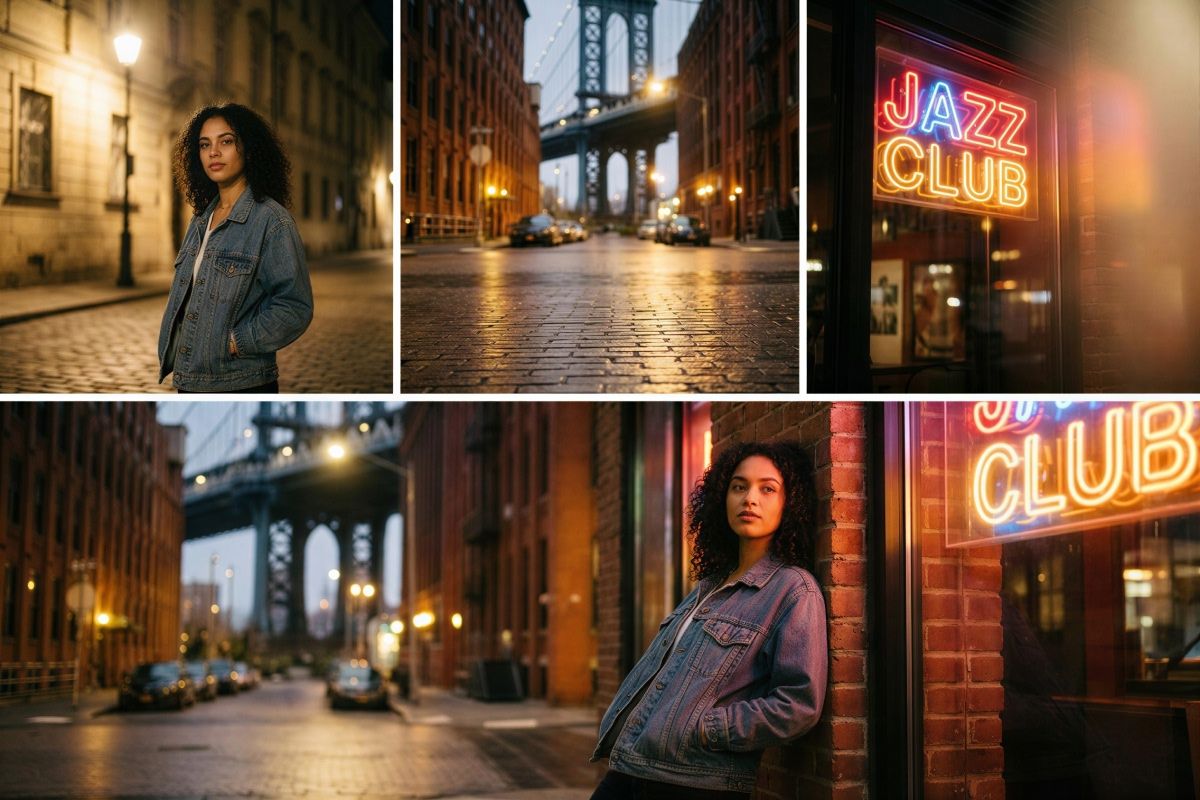
Le modèle FLUX.2 place le contrôle du texte et du style au centre de votre travail. Mettez les mots voulus entre « guillemets », décrivez le style de police, la graisse et l'emplacement dans votre prompt, et vous obtenez une typographie nette et lisible, qui a vraiment sa place sur l'image finale. Enseigne de boutique, grandes lettres de marquise ou infographie, vous maîtrisez chaque détail du texte et de l'esthétique générale. Vous gardez aussi la main sur le style photo ou artistique. Ajoutez des indications comme « 35mm » ou « enseigne néon » pour que chaque visuel corresponde à votre idée.

Le contrôle des couleurs dans le modèle FLUX.2 est précis tout en restant accessible aux non designers. Faites passer un objet du bleu à l'orange simplement en le disant, ou collez un code hex exact quand les couleurs de votre marque comptent. Vous pouvez même téléverser une image de référence et demander au modèle de reprendre cette palette sur de nouvelles prises. Ajustez les arrière-plans, les vêtements, les surfaces des produits et les tons de lumière pour que chaque visuel colle à votre système de design et reste cohérent sur vos posts, vos mockups et vos présentations.
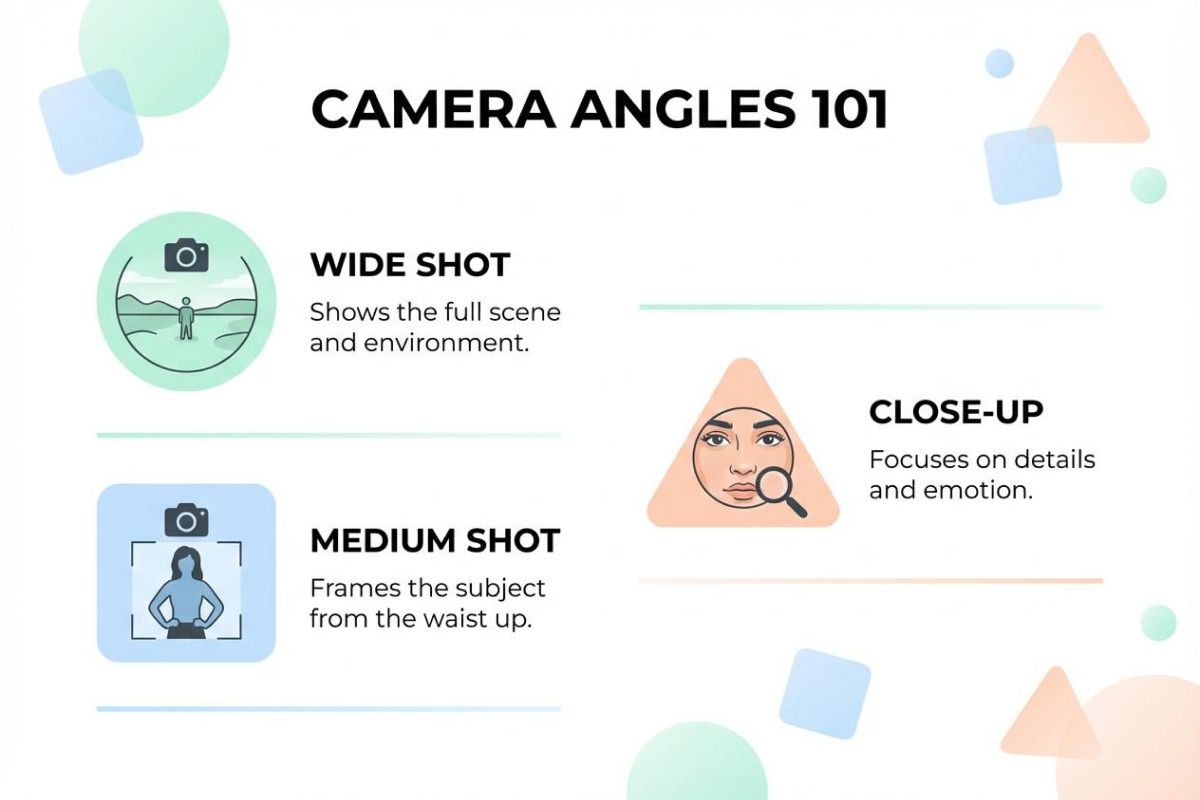
Infographies. Créez des graphiques, des étiquettes, des icônes et des mises en page propres, avec un texte exact placé là où vous le décrivez. Idéal pour les posts sur les réseaux sociaux, les rapports et les présentations.
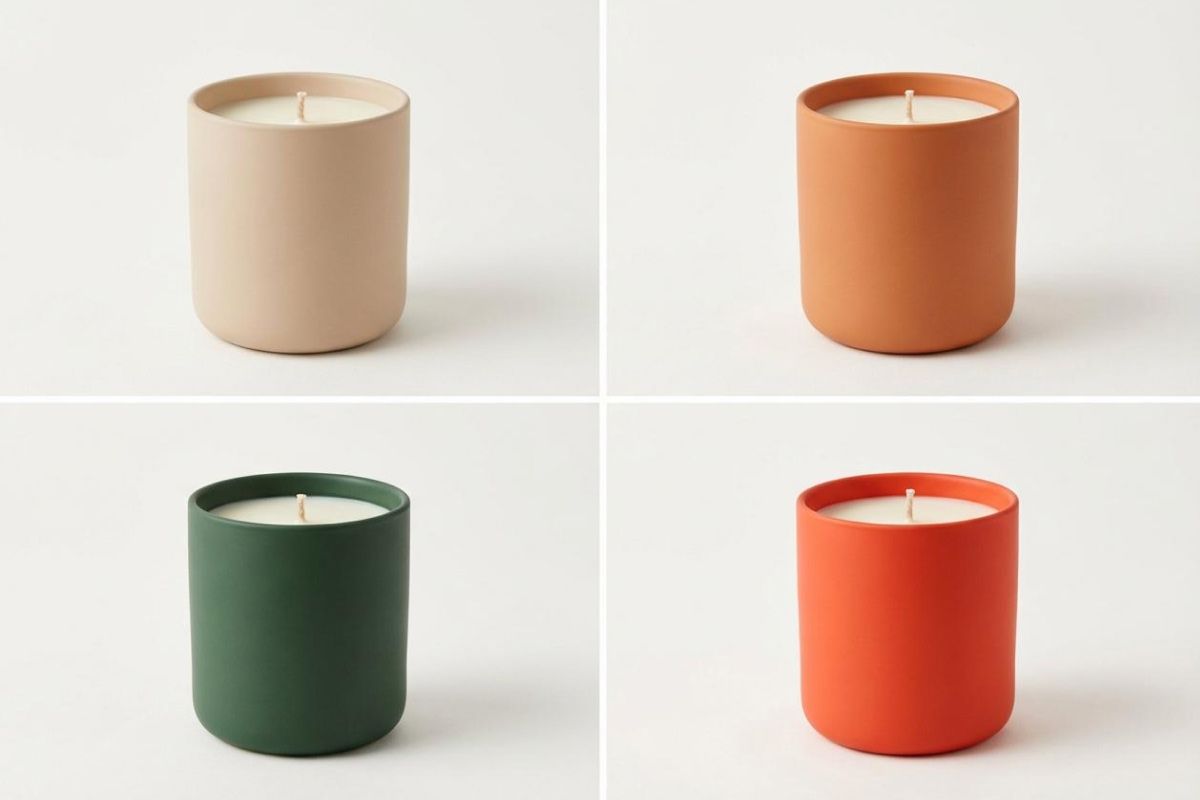
Mockups produit. Générez des visuels d'emballage, des images e-commerce ou des créations prêtes pour la publicité en combinant votre photo de produit avec de nouveaux arrière-plans, de nouvelles lumières et de nouveaux angles.
Mockups d'application. Produisez des écrans d'application, des concepts de tableau de bord et des aperçus d'interface à partir de prompts en langage courant, pour la mise en page, le placement du texte et le style.
Mockups de site web. Construisez des sections d'en-tête, des concepts de page d'accueil et des variantes de mise en page pour prototyper vite ou nourrir un pitch deck.
Concept art. Mélangez images de référence, palettes et objets dans un seul visuel pour tester rapidement des directions créatives.
Téléversez jusqu'à six images de référence, ou partez d'une toile vierge pour générer de nouveaux visuels.
Décrivez la scène, les retouches et le style en langage courant. Mettez le texte entre guillemets et précisez où il doit aller, puis indiquez au modèle quels éléments reprendre dans chaque image.
Créez votre image, regardez le résultat, puis ajustez votre prompt pour affiner les couleurs, la mise en page ou le style. Enregistrez ou continuez la retouche dans Pixelcut.
Commence à créer gratuitement. Mets à niveau pour obtenir plus de crédits et de fonctionnalités.



Approuvé par des créatifs chez











Super application, facile à utiliser. Aide notre petite entreprise à économiser du temps et de l'argent pour créer différents supports marketing de manière professionnelle. Merci.
J'ai besoin d'un bon outil de suppression d'arrière-plan pour mon travail et je les ai tous essayés. Celui-ci est de loin le meilleur. C'est si facile à utiliser et les résultats sont toujours incroyables. Merci Pixelcut !
C'est incroyablement simple et donne des résultats parfaits pour mes sacs et accessoires. On dirait que cela a été fait par un photographe professionnel.