Mon application préférée
Super application, facile à utiliser. Aide notre petite entreprise à économiser du temps et de l'argent pour créer différents supports marketing de manière professionnelle. Merci.

Enlever le fond d'un PNG devient simple pour tout le monde. Notre outil gratuit efface ou change l'arrière-plan d'une image en ligne. Téléversez un PNG, le fond disparaît automatiquement en quelques secondes.
Cliquez sur Enlever le fond pour téléverser un PNG. Sur ordinateur, vous pouvez aussi glisser-déposer votre fichier n'importe où sur l'écran. Choisissez de préférence une image dont le sujet a des contours nets.
Pixelcut enlève automatiquement le fond de votre image. Une fois l'arrière-plan retiré, vous pouvez affiner le détourage ou bien ajouter un nouvel arrière-plan.
Téléchargez votre nouvelle image au format PNG, avec un fond transparent. Continuez à retoucher dans Pixelcut jusqu'à ce que votre travail soit prêt à être partagé en ligne.
Avec l'outil PNG de Pixelcut, propulsé par l'IA, vous retouchez vos images sans effort. Notre outil est conçu pour enlever automatiquement le fond des images PNG, avec un résultat propre et précis à chaque fois, sans perte de qualité. Et surtout, il est entièrement gratuit, avec des résultats professionnels sans frais et sans filigrane. Idéal pour l'e-commerce, le marketing digital et la création de contenu pour les réseaux sociaux, notre outil de détourage vous fait gagner du temps et simplifie votre processus créatif. Simple à prendre en main et gratuit, l'outil PNG de Pixelcut vous ouvre beaucoup de possibilités de design.

Enlevez le fond blanc de vos images PNG sans effort avec l'outil IA de Pixelcut, pensé pour répondre aux besoins des designers. Notre solution ne se limite pas au blanc, elle élimine aussi les fonds noirs, pour que vos visuels s'intègrent proprement dans n'importe quel projet. Idéal pour réutiliser des logos, des compositions et des photos de produits dans de nouveaux designs ou sur de nouveaux arrière-plans. Pixelcut aide les designers et les marketeurs à soigner leur récit visuel et l'expérience proposée sur les plateformes digitales. Et si vous voulez travailler plus vite, vous pouvez effacer les fonds en lot avec la fonction d'édition par lots de notre outil pour enlever l'arrière-plan, en souscrivant à Pixelcut Pro.
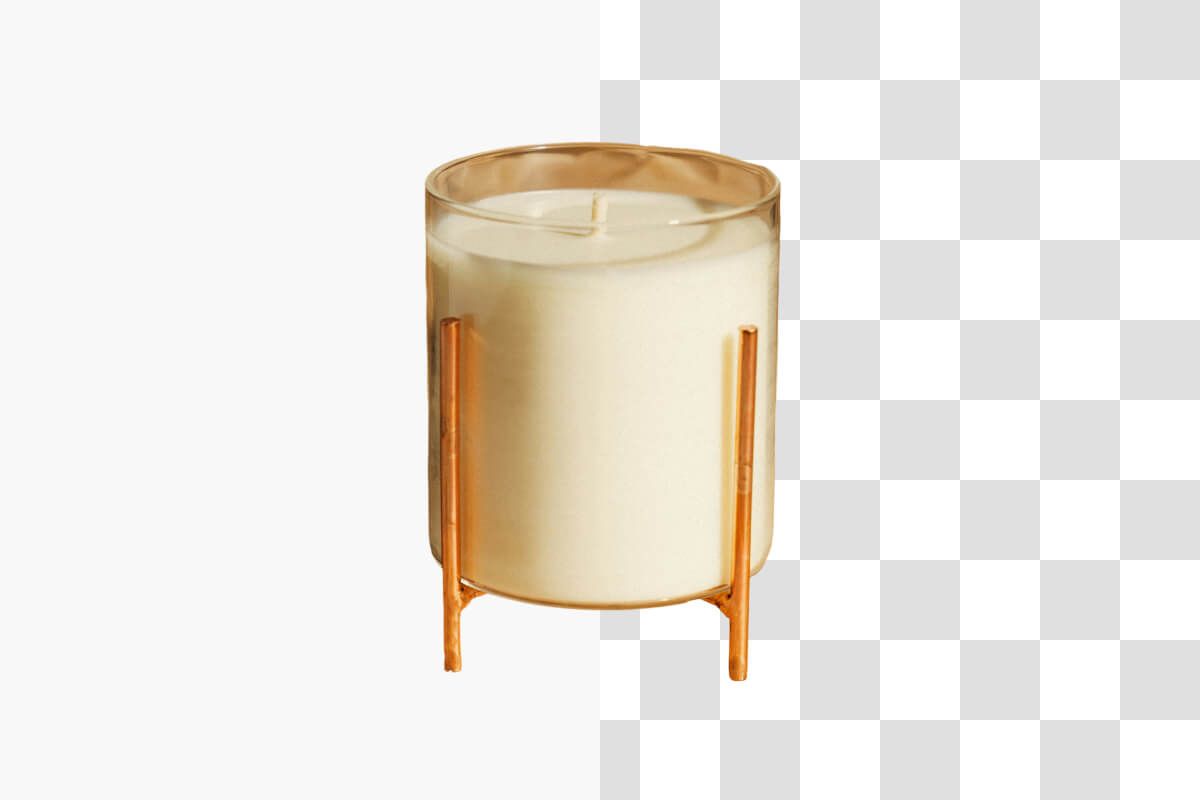
Convertissez une image en PNG sans fond, sans effort, avec l'outil gratuit de Pixelcut qui vous laisse effacer un arrière-plan en ligne tout en conservant des graphiques de haute qualité, sans perte. Notre solution donne une transparence impeccable et permet une superposition propre pour les designs qui demandent beaucoup de détails, ce qui la rend parfaite pour les logos professionnels, les créations numériques et les visuels e-commerce. Sans le moindre artefact, chaque téléchargement garde la netteté et la précision dont votre processus créatif a besoin. Une fois le fond retiré, vous pouvez redimensionner le détourage aux dimensions voulues. Téléchargez des images impeccables au format PNG et faites avancer vos projets avec un outil pensé pour les designers exigeants.
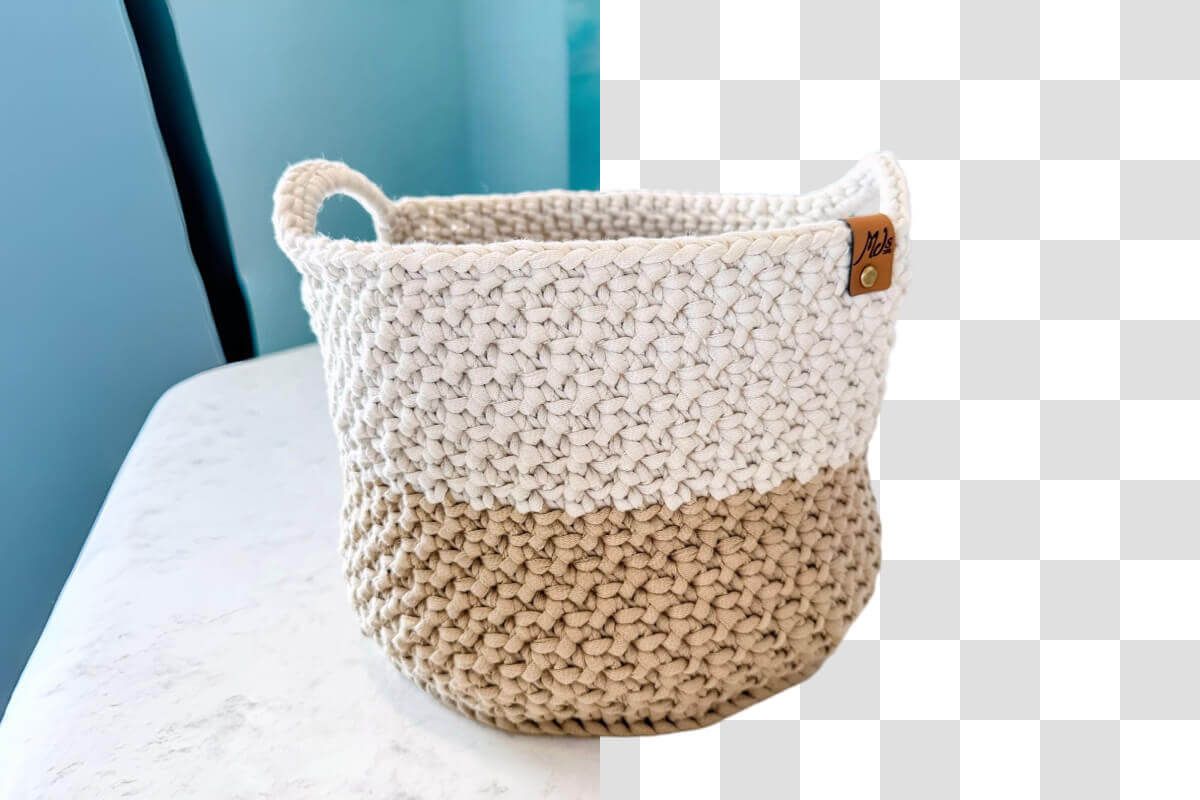
Changez la couleur de fond d'un PNG sans effort avec l'outil rapide de Pixelcut. Une fois le fond du PNG supprimé, notre solution en ligne vous laisse choisir une couleur unie ou poser une image personnalisée par-dessus, pour un rendu plus créatif. Pensée pour une retouche simple, notre plateforme en ligne gratuite permet aux designers de changer le fond d'un PNG en quelques secondes, avec des graphiques en calques vifs et de bonne qualité, parfaits pour l'image de marque, la création numérique et les visuels e-commerce. Personnalisez sans effort et obtenez des résultats professionnels avec notre outil PNG, sans aucun artefact et avec un contrôle créatif complet.
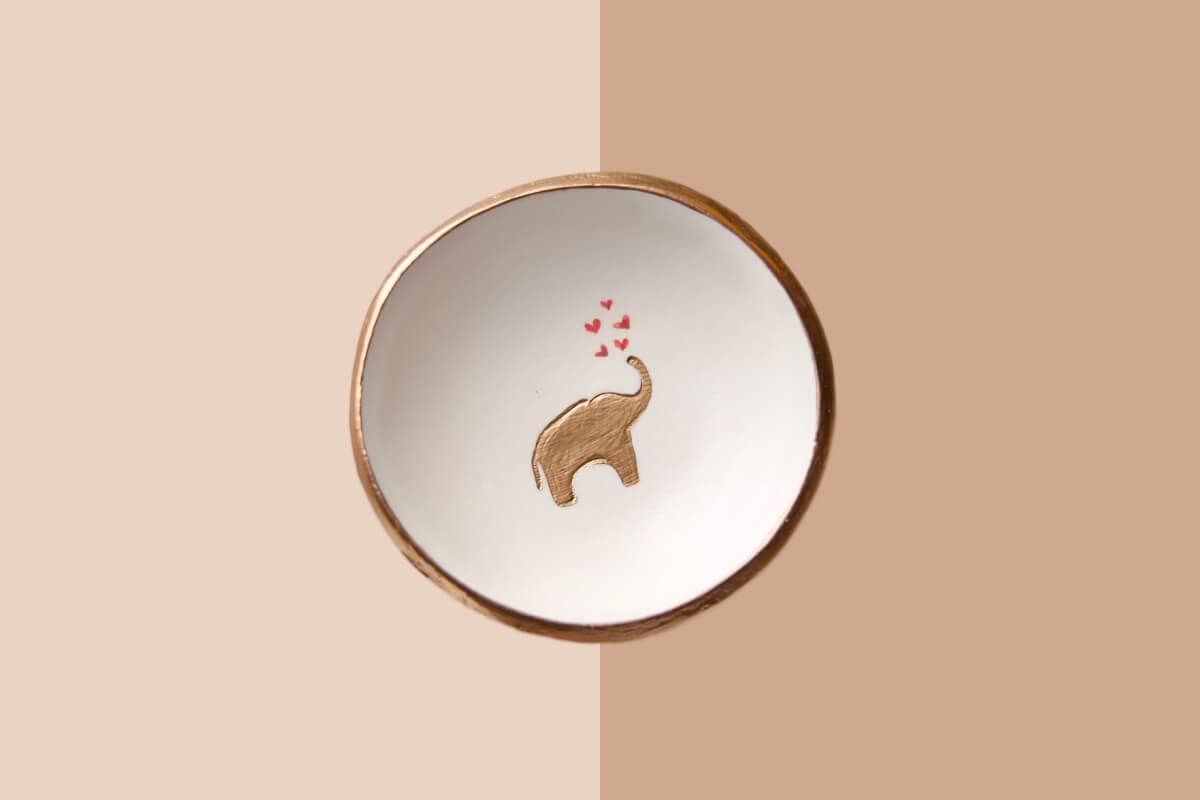











Super application, facile à utiliser. Aide notre petite entreprise à économiser du temps et de l'argent pour créer différents supports marketing de manière professionnelle. Merci.
J'ai besoin d'un bon outil de suppression d'arrière-plan pour mon travail et je les ai tous essayés. Celui-ci est de loin le meilleur. C'est si facile à utiliser et les résultats sont toujours incroyables. Merci Pixelcut !
C'est incroyablement simple et donne des résultats parfaits pour mes sacs et accessoires. On dirait que cela a été fait par un photographe professionnel.