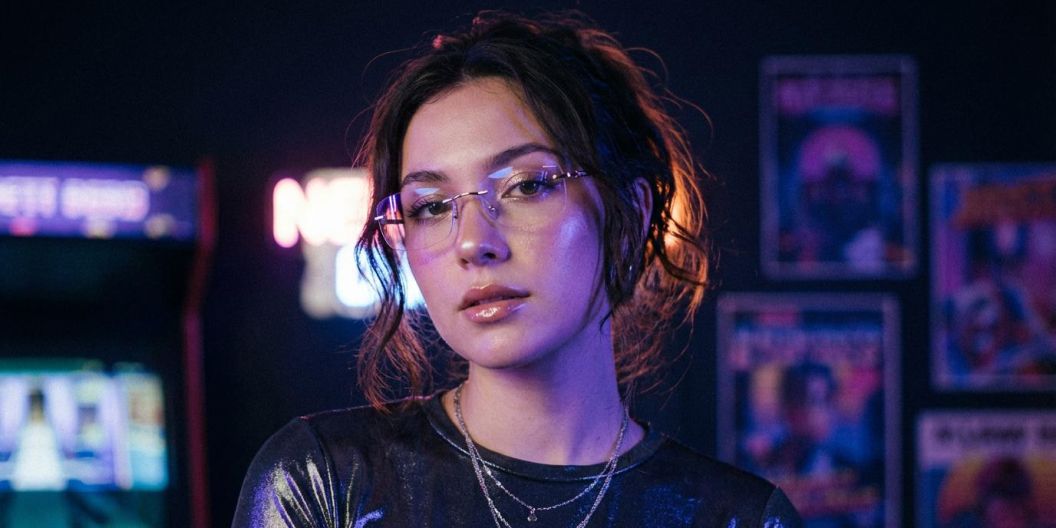
FLUX.2 AI Image Generator
Create, edit, and remix images with FLUX.2 on Pixelcut. Perfect for multi-image editing, color control, multi-language prompts, and text rendering. Try it now!
Gratis untuk dicoba
Tanpa watermark
Endless Creative Control With FLUX.2
FLUX.2 brings powerful image generation and editing into a simple, creator-friendly workflow. Start with a prompt or upload your own photos, then shape your vision with natural language. Generate brand-ready scenes, transform product shots, restyle portraits, adjust colors, add objects, or blend multiple images into something completely new. Whether you’re designing social content, exploring concepts, or building visuals for your brand, FLUX.2 makes it easy to create polished images that feel intentional, modern, and uniquely yours.
Endless Creative Control With FLUX.2
Create Custom Multi-Layered Visuals With Multi-Image Editing
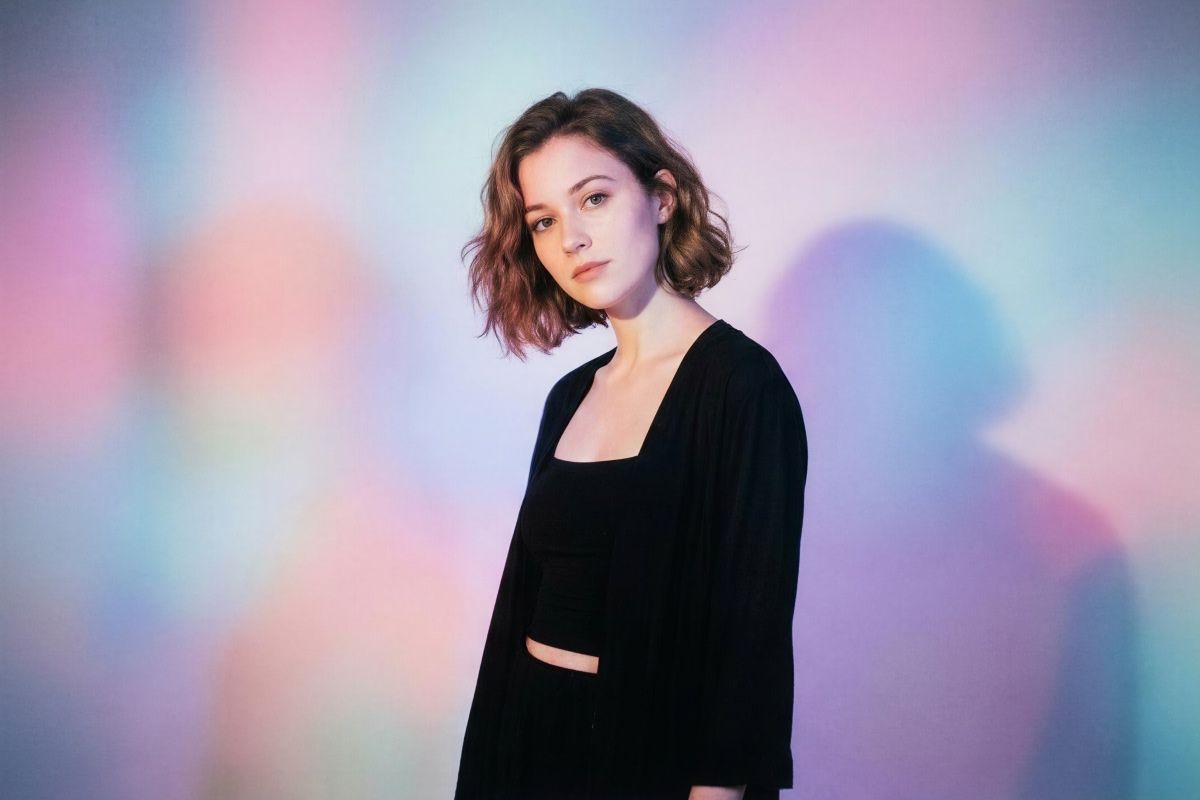
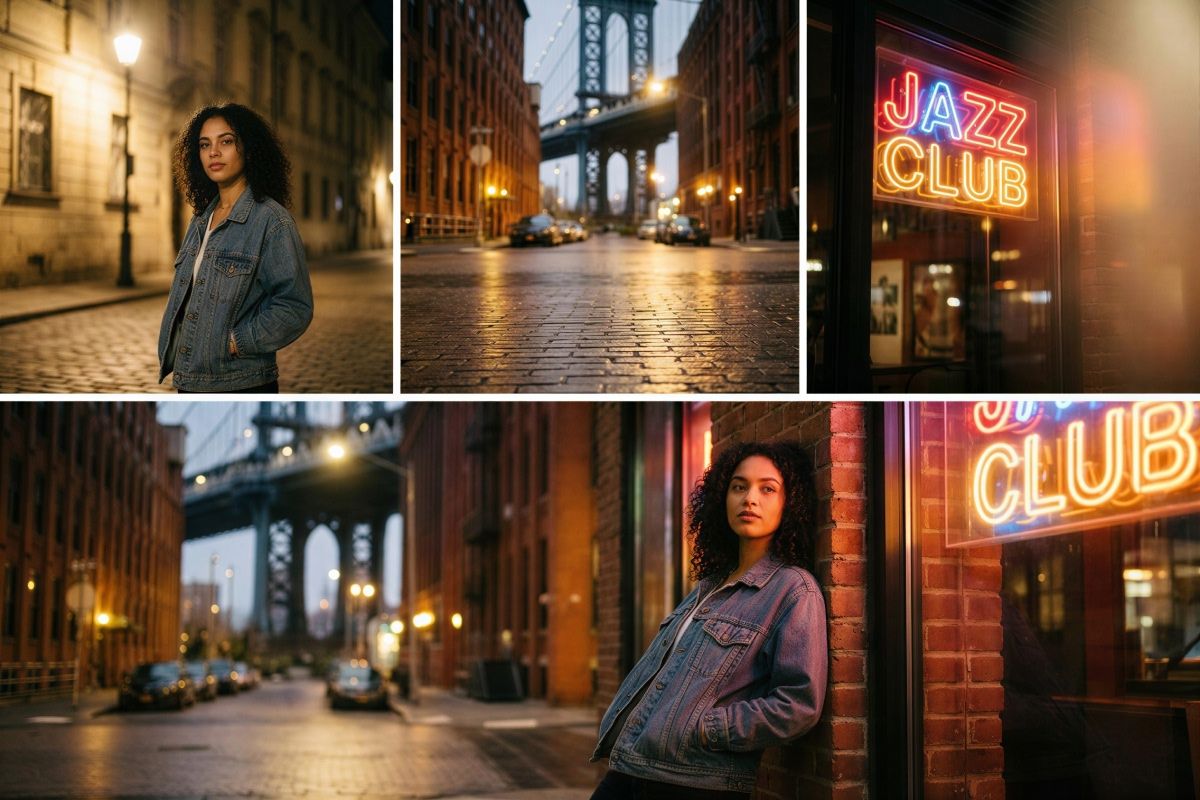
FLUX.2 turns multi-image editing into a simple conversation instead of a timeline full of layers. Upload up to six images, then describe what you want to keep, move, or merge. Take the portrait from one photo, the street setting from another, and the neon lighting from a third, and FLUX.2 blends them into a single, coherent image. Adjust poses, angles, and layout while keeping details consistent for product photos, lifestyle edits, and quick creative experiments.
Create Custom Multi-Layered Visuals With Multi-Image Editing
Text and Style Control in Every Image
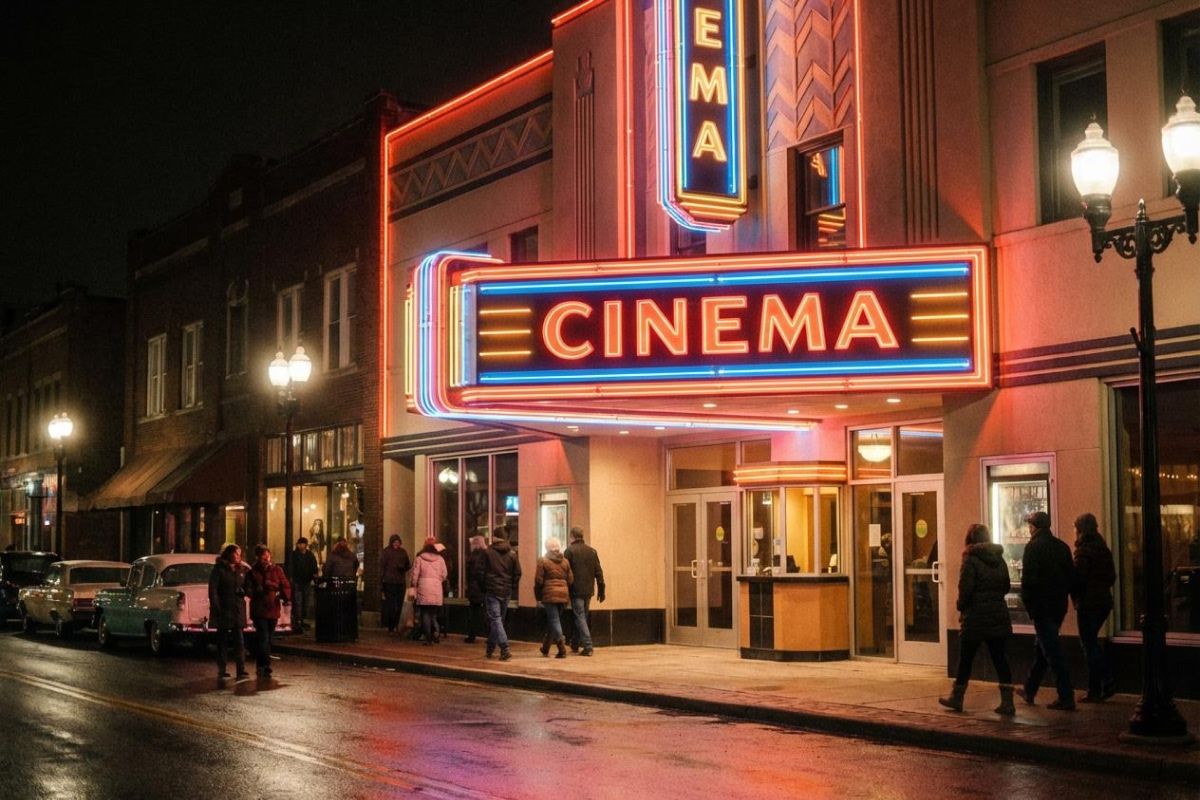
FLUX.2 puts text and style control at the center of your workflow. Put the words you want in “quotes,” describe the font style, weight, and placement in your prompt for crisp, readable typography that looks like it belongs on the final image. Whether you’re creating storefront signage, bold marquee lettering, or infographics, you can shape every detail of the text and overall aesthetic. You also have control over camera or art style. Add stylistic cues such as “35mm” or “neon signage” so every visual matches your vision.
Text and Style Control in Every Image
Color Control Through Reference Images and Hex Matching
Color control in FLUX.2 is precise yet friendly for non-designers. Change a single object from blue to orange just by saying it, or paste in an exact hex code when brand colors matter. You can even upload a reference image and ask the model to match that palette across new shots. Tweak backgrounds, clothing, product surfaces, and lighting tones so every visual aligns with your design system and looks consistent across social posts, mockups, and presentations.
Color Control Through Reference Images and Hex Matching
FLUX.2 Use Cases
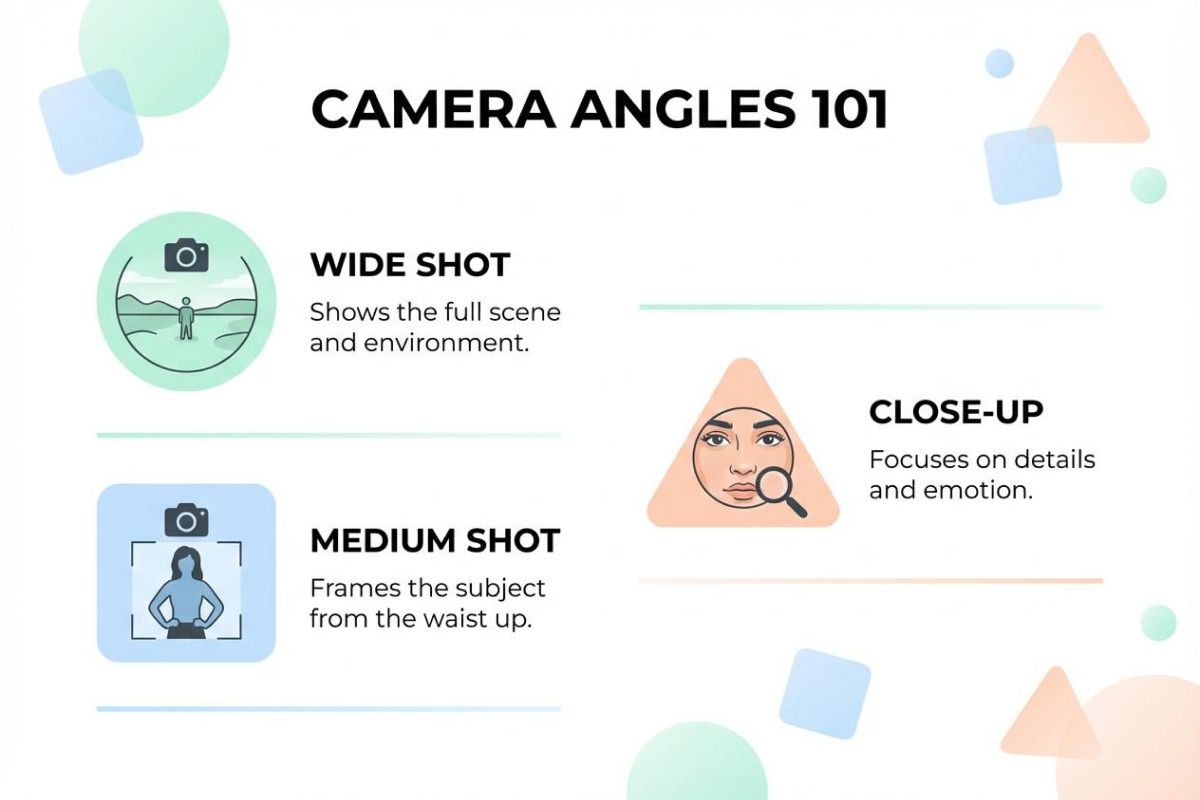
Infographics: Create clean charts, labels, icons, and layouts with accurate text placed exactly where you describe it. Ideal for social posts, reports, and presentations.
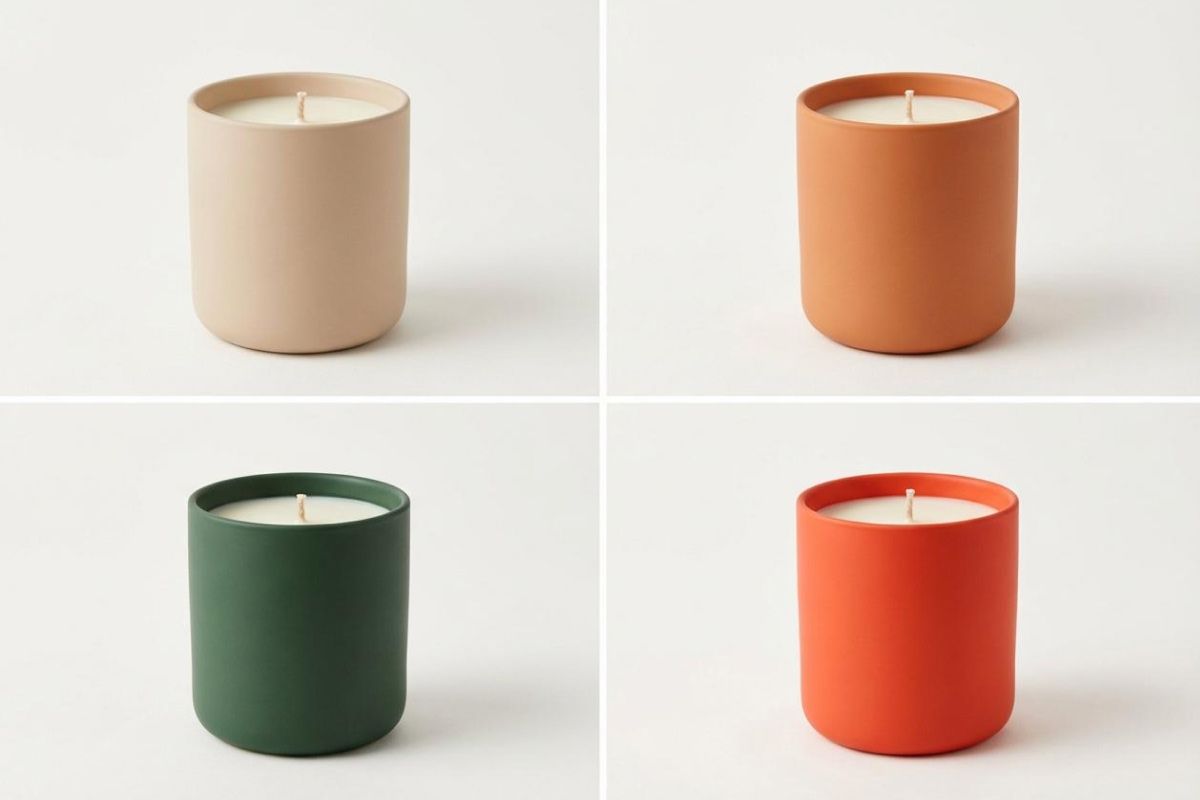
Product mockups: Generate packaging shots, e-commerce images, or ad ready visuals by combining your product photo with new backgrounds, lighting, and angles.
App mockups: Produce app screens, dashboard concepts, and UI previews using natural language prompts for layout, text placement, and style.
Website mockups: Build hero sections, landing page concepts, and layout variations for fast prototyping or pitch decks.
Concept art: Blend reference images, palettes, and objects into a single visual to explore creative directions quickly.
FLUX.2 Use Cases
How to use FLUX.2
- 1
Upload images or start fresh
Upload up to six reference images, or start with a blank canvas to generate new visuals.
- 2
Write a descriptive prompt
Describe the scene, edits, and style in natural language. Put any text in quotes and explain where it should go, and tell the model which elements to use from each image.
- 3
Generate and refine
Create your image, review the output, then adjust your prompt to refine colors, layout, or style. Save or continue editing inside Pixelcut.
Harga yang sederhana dan transparan
Mulai berkreasi secara gratis. Tingkatkan untuk mendapatkan lebih banyak kredit dan fitur.
Hemat 20% dengan paket tahunan
Gratis
$0
per bulan, ditagih tahunanPenghapusan Latar Belakang Terbatas
Peningkatan Terbatas
Ekspor gratis tanpa watermark
Pro
$10$8
per bulan, ditagih tahunan600 Kredit AI Bulanan
Akses semua model AI
Penghapusan Latar Belakang Tanpa Batas
Peningkatan Tanpa Batas
3 Person Team
1,000 Ekspor Batch Bulanan
Lisensi komersial
Paling Populer
Bisnis
$30$24
per bulan, ditagih tahunan3,600 Kredit AI Bulanan
Akses semua model AI
Penghapusan Latar Belakang Tanpa Batas
Peningkatan Tanpa Batas
10 Person Team
2,000 Ekspor Batch Bulanan
Lisensi komersial



Dipercaya oleh lebih dari 200.000 kreator, merek, dan usaha kecil
Dipercaya oleh kreator di











Pertanyaan yang Sering Diajukan
FLUX.2 is Black Forest Labs’ flagship AI image generation and editing model. It creates new images from text prompts, edits your existing photos, and combines multiple uploads into a single coherent graphic. You can adjust scenes, camera angles, subjects, and colors with simple instructions instead of manual design work.
Upload up to six images, then describe in plain language what you want from each one. For example, ask for the product from image one, the background from image two, and the person from image three. FLUX.2 merges those elements into a new image while keeping details consistent.
For the best text results, always put the exact words you want in quotes, and mention them at the very beginning of your prompt. Describe the font style and placement such as top center headline or small caption at the bottom so FLUX.2 can place it correctly.
Yes. FLUX.2 understands prompts in many popular languages, including non Latin scripts, so you do not need to translate your idea into English. You can mix quoted text and instructions in the same prompt.
Images created with FLUX.2 inside Pixelcut can generally be used for personal or commercial projects, including social posts, ads, and client work. Always check Pixelcut’s current terms before using generated content in sensitive or high visibility campaigns.
Pixelcut disukai oleh lebih dari 2 juta orang
Penghapus latar belakang terbaik
Saya memerlukan penghapus latar belakang yang bagus untuk pekerjaan saya dan rasanya saya sudah melalui semuanya. Yang ini adalah yang terbaik sejauh ini. Sangat mudah digunakan dan hasilnya selalu terlihat luar biasa. Terima kasih Pixelcut!
Suka sekali
Ini luar biasa mudahnya dan memberikan hasil yang sempurna untuk tas dan aksesoris saya. Sepertinya itu dilakukan oleh seorang fotografer profesional.