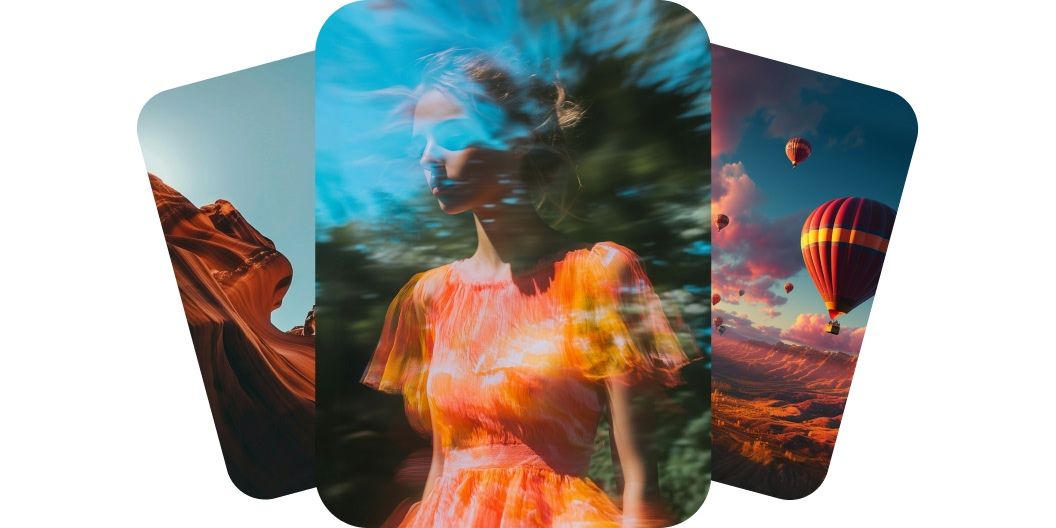
Generate videos with Luma Dream Machine
Generate videos with Luma Dream Machine on Pixelcut. Just type your idea or upload an image and watch it come to life. Try it today.
Gratis untuk dicoba
Tanpa watermark
Create professional videos from text with Luma’s Dream Machine
Luma Dream Machine creates professional-quality videos from text and brings your ideas to life with realistic movement and natural detail. The Luma Dream Machine v1.5 model understands depth, lighting, and motion, which helps create smooth, believable scenes. Whether it is a person walking or a camera moving through a room, the motion feels natural and cinematic. This level of realism makes each video look like it was professionally shot. Start creating today with Luma Dream Machine on Pixelcut today.
Create professional videos from text with Luma’s Dream Machine
Dream Machine turns images into smooth animations
Luma AI Dream Machine turns images into smooth animations while preserving the original composition. Upload a single image, such as a product shot or artwork, and the AI animates it without losing clarity or intent. The transitions are fluid and the motion is clean, helping make your visuals more engaging. You get motion without needing animation skills. Sign in and upload an image to try it!
Dream Machine turns images into smooth animations
Create cinematic camera movement with AI precision
Dream Machine v1.5 generates cinematic camera moves that add energy and emotion to your scenes. You can expect zooms, pans, and dolly shots that follow natural movement based on your prompt. The AI understands space and direction, so the results feel polished and intentional. Your video will look like it was created by a filmmaker with just a few words.
Create cinematic camera movement with AI precision
Generate videos with frame-to-frame consistency
Luma AI’s Dream Machine delivers frame-to-frame consistency that keeps your visuals sharp and stable from beginning to end. Characters and objects stay the same across every frame, which eliminates flickering or glitches. This makes the video more professional and better for storytelling. If you care about visual integrity, this feature will stand out. Create consistent AI videos today.
Generate videos with frame-to-frame consistency
How to create videos with Luma Dream Machine
- 1
Enter your vision or upload image
For text-to-video creation simply type your description in the prompt field. Note that to create a video from an image you’ll first need to sign in to your account.
- 2
Generate video
Once your prompt is ready, click the send button. Dream Machine will transform your words or image into a high-quality video in minutes.
- 3
Refine and reiterate
Preview your video and tweak your prompt until it looks just right. Add or remove details to explore new scenes, styles or creative directions.
- 4
Download and share
Save your finished video to your device. It’s ready to share on social, send to your team or drop into any project you’re working on.
Harga yang sederhana dan transparan
Mulai berkreasi secara gratis. Tingkatkan untuk mendapatkan lebih banyak kredit dan fitur.
Hemat 20% dengan paket tahunan
Gratis
$0
per bulan, ditagih tahunanPenghapusan Latar Belakang Terbatas
Peningkatan Terbatas
Ekspor gratis tanpa watermark
Pro
$10$8
per bulan, ditagih tahunan600 Kredit AI Bulanan
Akses semua model AI
Penghapusan Latar Belakang Tanpa Batas
Peningkatan Tanpa Batas
3 Person Team
1,000 Ekspor Batch Bulanan
Lisensi komersial
Paling Populer
Bisnis
$30$24
per bulan, ditagih tahunan3,600 Kredit AI Bulanan
Akses semua model AI
Penghapusan Latar Belakang Tanpa Batas
Peningkatan Tanpa Batas
10 Person Team
2,000 Ekspor Batch Bulanan
Lisensi komersial



Dipercaya oleh lebih dari 200.000 kreator, merek, dan usaha kecil
Dipercaya oleh kreator di











Pertanyaan yang Sering Diajukan
Luma Dream Machine is a text-to-video AI generator developed by Luma Labs. It converts written prompts or images into short video clips automatically, using artificial intelligence to create visuals from your descriptions.
To use Luma’s Dream Machine via Pixelcut, simply enter your text description above in our web app or sign in to your account to use the image-to-video feature. In just a couple of minutes, you’ll have a ready-to-use video ready to download.
Yes, videos generated on Pixelcut can be used for commercial purposes. They’re perfect for marketing materials, advertisements, or any project where you need unique video content.
No download is required. Luma Dream Machine runs on Pixelcut via our web browser app, so you can generate videos without installing any software on your device.
Pixelcut disukai oleh lebih dari 2 juta orang
Penghapus latar belakang terbaik
Saya memerlukan penghapus latar belakang yang bagus untuk pekerjaan saya dan rasanya saya sudah melalui semuanya. Yang ini adalah yang terbaik sejauh ini. Sangat mudah digunakan dan hasilnya selalu terlihat luar biasa. Terima kasih Pixelcut!
Suka sekali
Ini luar biasa mudahnya dan memberikan hasil yang sempurna untuk tas dan aksesoris saya. Sepertinya itu dilakukan oleh seorang fotografer profesional.