La mia app preferita
Ottima app, facile da usare. Aiuta la nostra piccola impresa a risparmiare tempo e denaro per creare diversi materiali di marketing in modo professionale. Grazie.
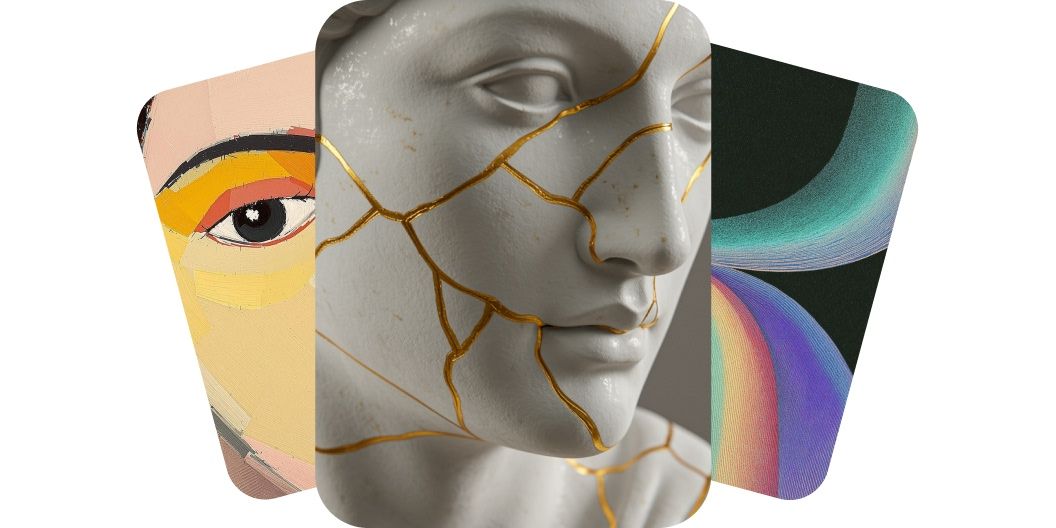
Disegnare con AI vuol dire trasformare il testo in opere di alta qualità. Crea in un attimo immagini originali e pronte per l'uso commerciale scegliendo tra più modelli AI.
Il nostro generatore di arte AI trasforma le parole in immagini belle da vedere. Crea in un attimo opere di alta qualità per qualsiasi progetto con semplici prompt di testo. Che tu sia un artista in cerca di ispirazione o un marketer che ha bisogno di grafiche che colpiscono, il nostro generatore di arte AI gratis fa al caso tuo. Scrivi la tua idea e lascia il lavoro di design all'AI. Risparmia tempo e inizia subito a creare arte dalle tue parole. Provalo ora e guarda le tue parole diventare un'immagine!
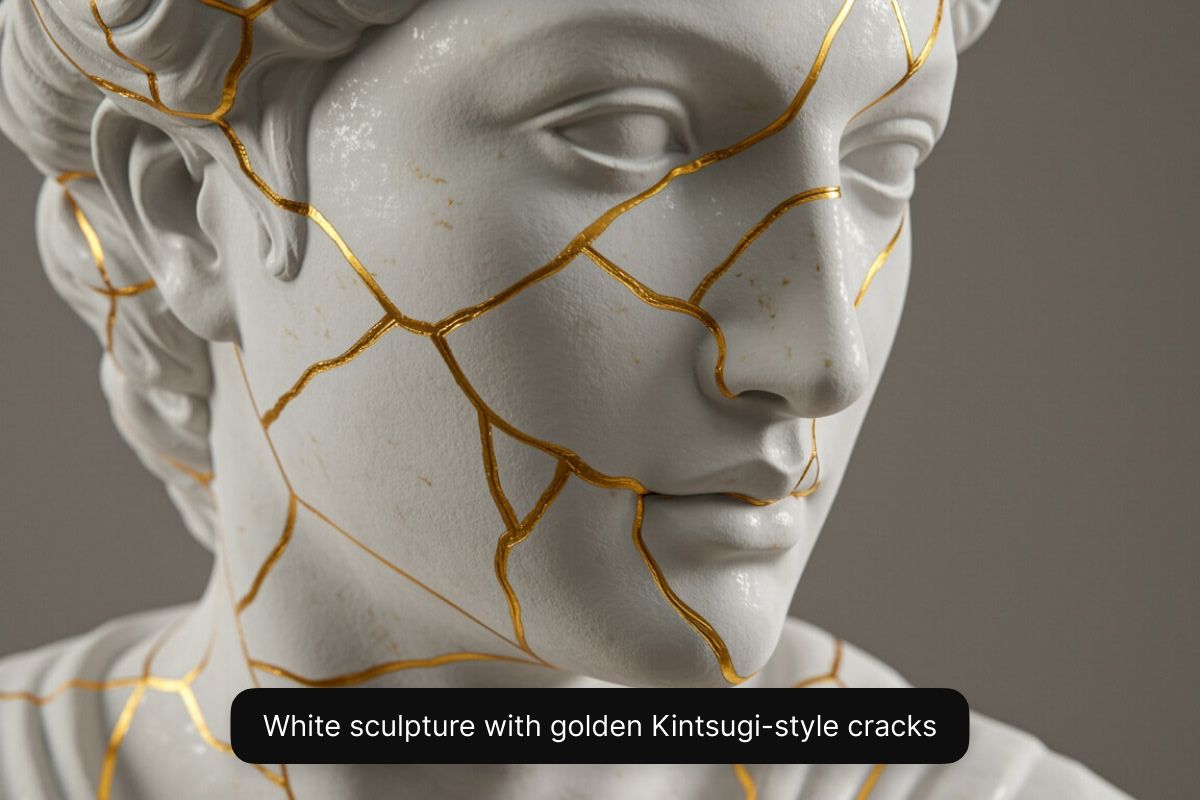
Crea arte AI ad alta risoluzione dal telefono, dal tablet o dal computer. Puoi usare il nostro strumento di generazione dall'app Pixelcut oppure direttamente dal browser, da desktop o da mobile. Crei immagini di qualità in pochi secondi, senza dover installare costosi software di grafica sul computer. Il nostro generatore di arte AI produce opere nitide e ricche di dettagli, che puoi scaricare e usare subito, ovunque ti venga l'ispirazione. Inizia descrivendo la tua idea nel campo del prompt!
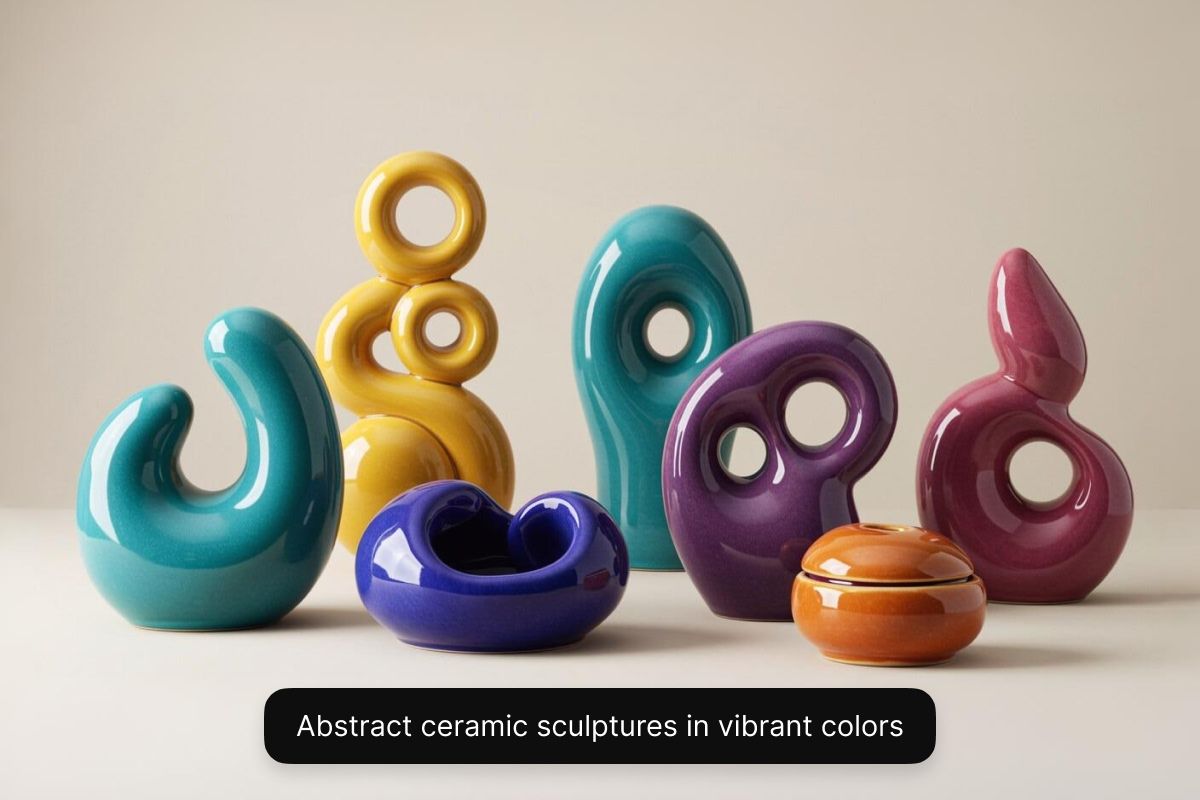
Ogni visione artistica è diversa. Con Pixelcut puoi esplorare stili molto diversi grazie a più modelli AI. Con un piano Pixelcut Pro scegli tra una serie di modelli, tra cui Flux di Black Forest Labs, Imagen 3 di Google, GPT Image di OpenAI, Ideogram e altri ancora. Ogni modello ha un'estetica sua, quindi puoi sperimentare stili diversi in un unico posto. Vuoi un dipinto a olio, un lavoro astratto e surreale o un render 3D realistico per un videogioco? Hai il controllo totale per provare e scegliere lo stile che preferisci. Il risultato è un'opera pensata su di te. Per creare immagini gratis, scegli il modello Flux Dev.
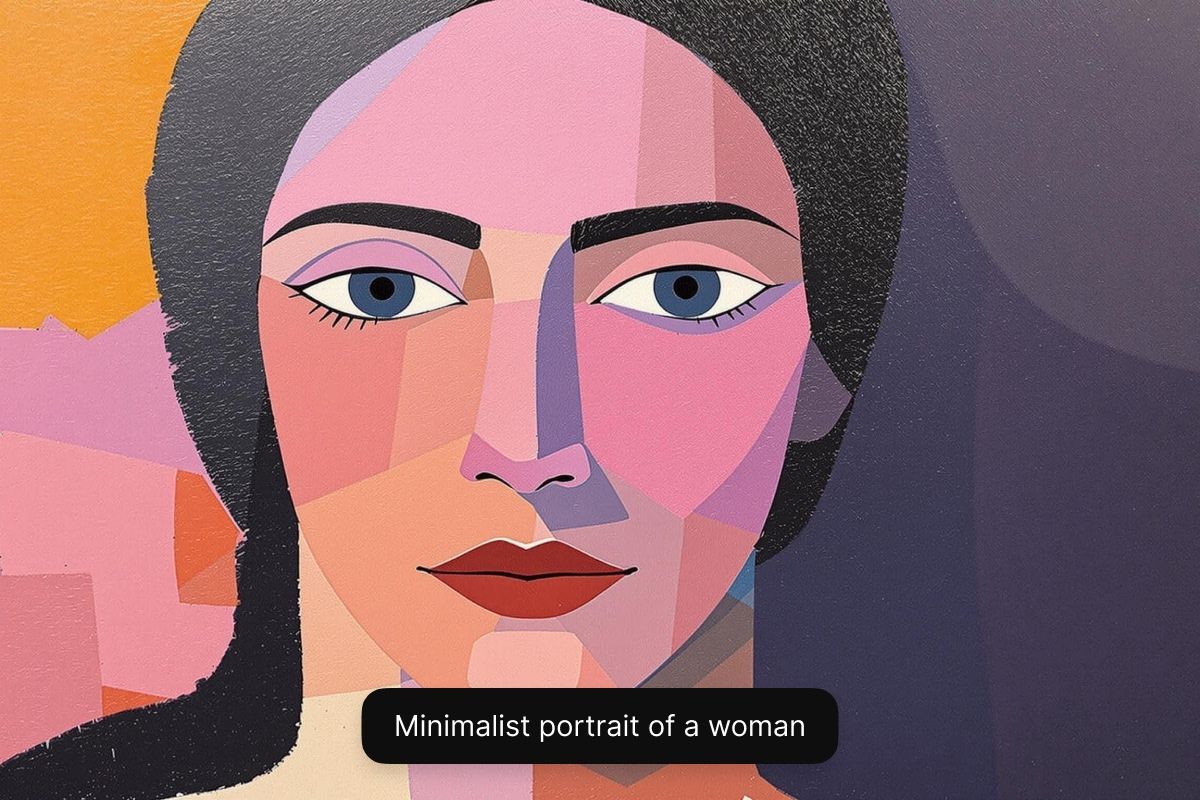
Con il generatore di arte AI di Pixelcut puoi usare a fini commerciali le immagini che hai creato. Ogni lavoro arriva senza filigrana e con licenza royalty free, così puoi usare i tuoi contenuti visivi in qualsiasi contesto professionale, dalle campagne marketing alle illustrazioni per i fumetti. In questo modo le tue immagini non sono solo di qualità, ma anche a posto dal punto di vista legale, e tu lavori sereno mentre fai crescere il tuo brand o il tuo progetto. Inizia a creare con Pixelcut e lavora senza pensieri.
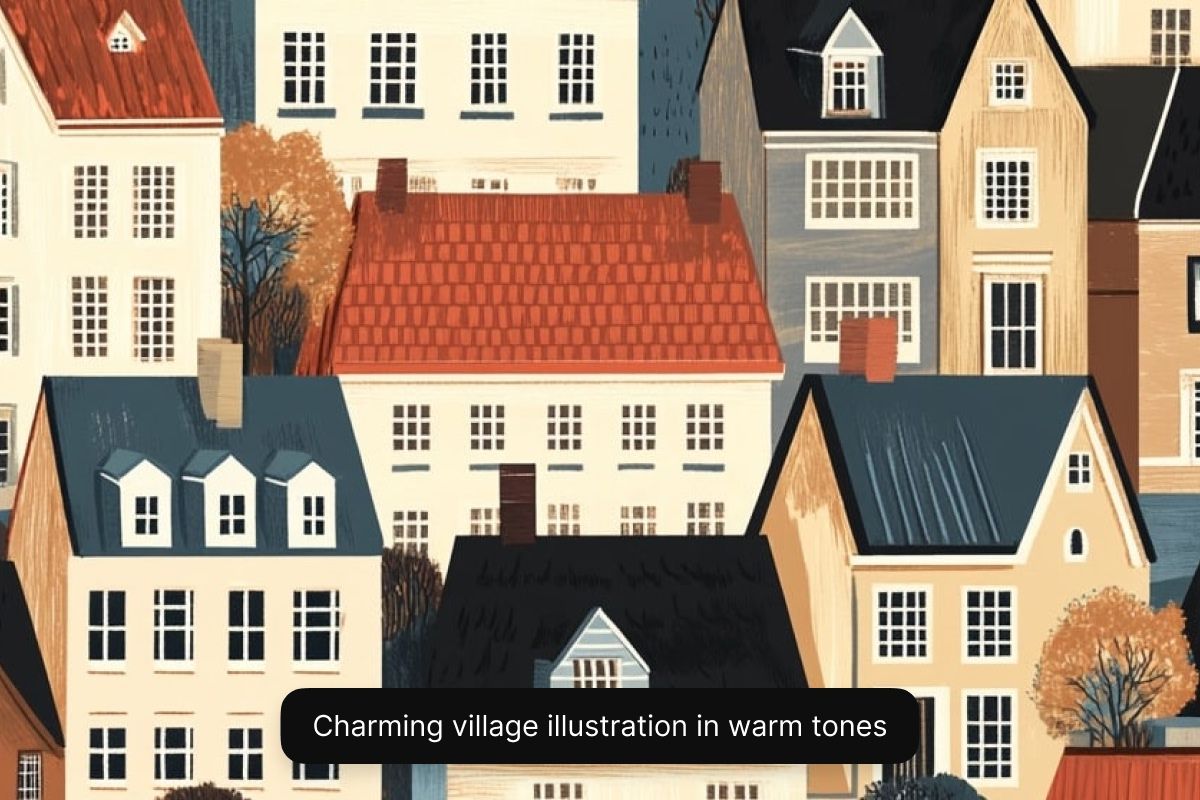
Sviluppatori di videogiochi e illustratori: crea in fretta concept art, personaggi, ambientazioni e copertine. Pixelcut aiuta artisti e sviluppatori a dare vita alle idee in pochi secondi. Perfetto per prototipare mondi di gioco, fumetti o illustrazioni per libri per bambini.
Imprenditori di corsa: crea immagini di apertura personalizzate, calendari o grafiche per prodotti print on demand in pochi minuti. Il generatore di arte AI di Pixelcut aiuta chi fa impresa a trasformare le idee in materiali professionali in pochi minuti.
Creator digitali: crea miniature YouTube che si notano, post per Instagram, copertine per il tuo podcast o sfondi per i video. Pixelcut alimenta il tuo flusso creativo con immagini AI rapide per qualsiasi piattaforma social.
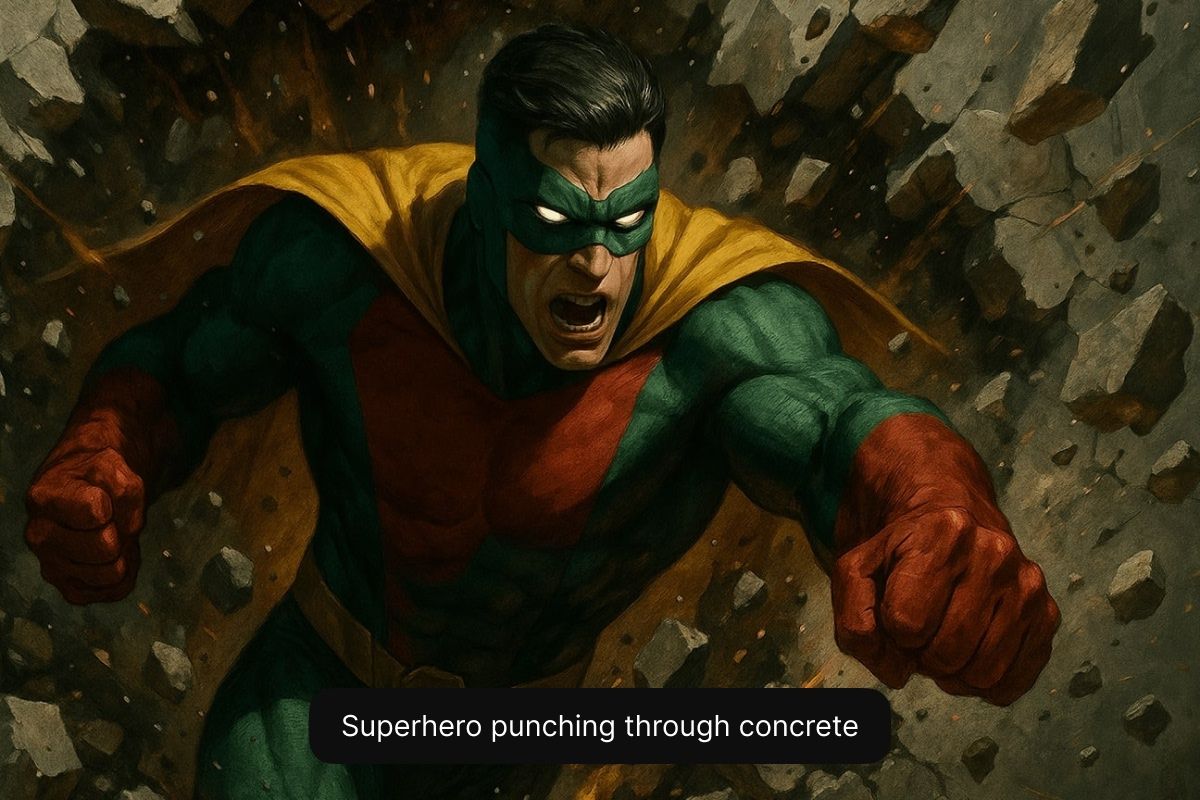
Seguendo questi consigli aiuti l'AI a capire la tua idea e a produrre un'opera vicina a quella che avevi immaginato.
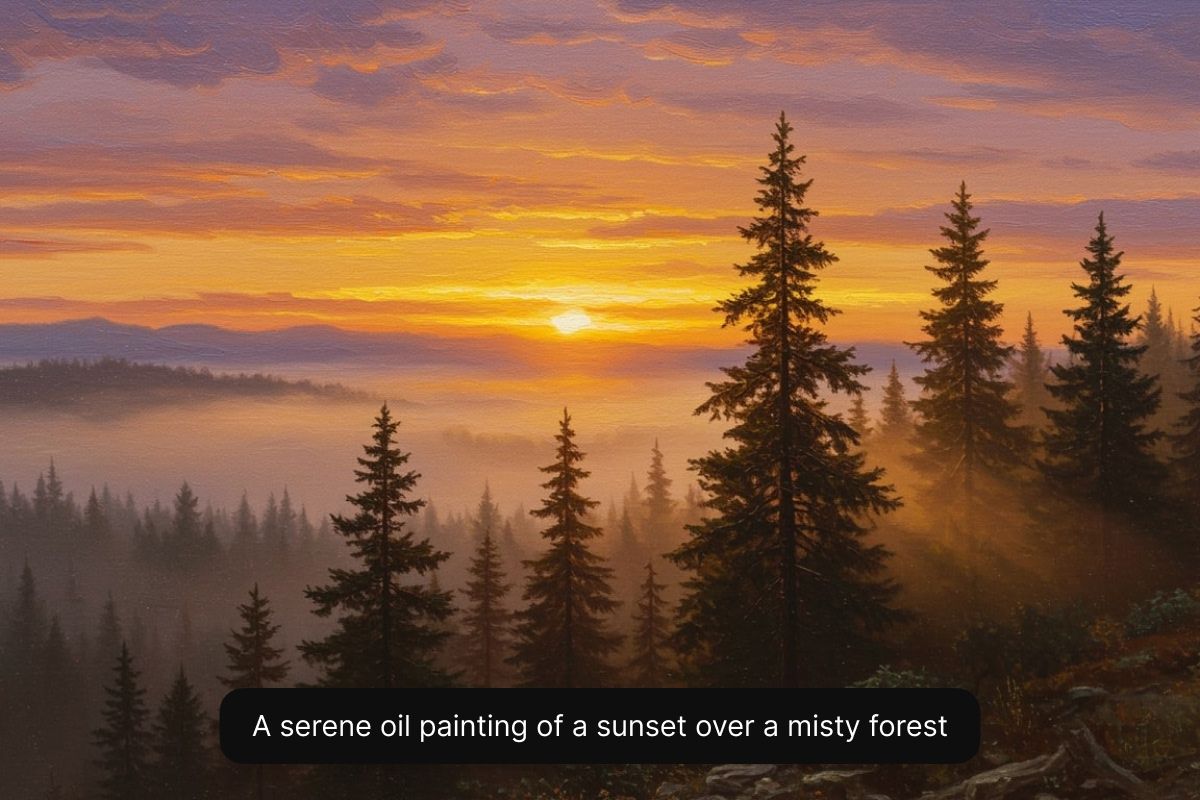
Inizia scrivendo una descrizione dettagliata dell'opera che vuoi creare. Indica soggetto, stile e ogni altro dettaglio. Più sei preciso, migliore sarà il risultato.
Scegli un modello AI dal menu a tendina. Per creare arte AI gratis seleziona Flux Dev. Se hai Pixelcut Pro, prova tutti i modelli che vuoi.
La nostra AI crea subito diverse versioni ad alta risoluzione dell'opera partendo dalla tua descrizione. Scegli un altro modello o riscrivi il prompt se vuoi provare altre strade.
La tua opera è pronta da scaricare! Condividila sui social, usala per le campagne marketing o mettila in uno storyboard. La tua arte AI è pronta per l'uso commerciale!
Inizia a creare gratuitamente. Aggiorna per ottenere più crediti e funzionalità.



Affidato a creativi di











Ottima app, facile da usare. Aiuta la nostra piccola impresa a risparmiare tempo e denaro per creare diversi materiali di marketing in modo professionale. Grazie.
Ho bisogno di un buon dispositivo per la rimozione dello sfondo per il mio lavoro e li ho provati tutti, mi sembra. Questo è di gran lunga il migliore. È così facile da usare e i risultati sono sempre sorprendenti. Grazie Pixelcut!
È incredibilmente facile e dà risultati perfetti per le mie borse e i miei accessori. Sembra che sia stato fatto da un fotografo professionista.