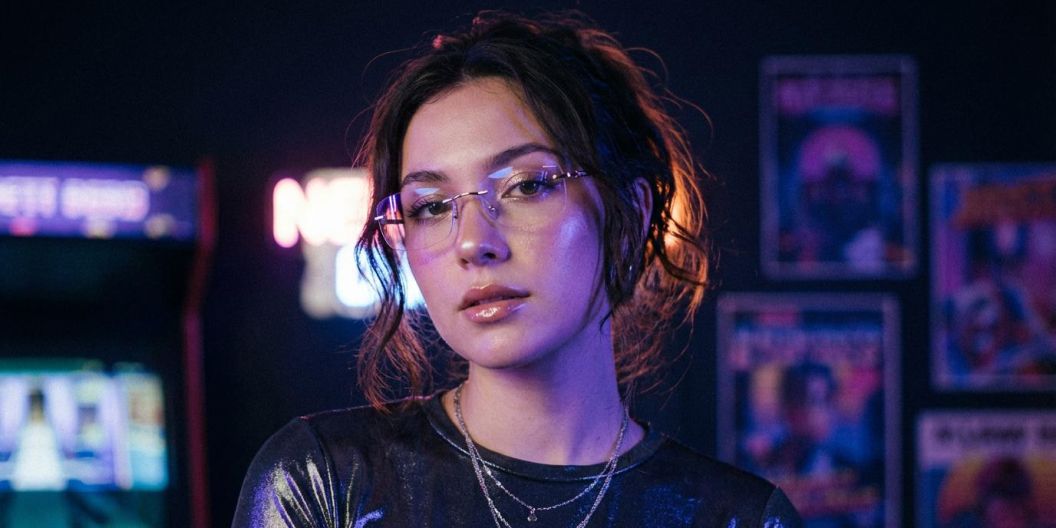
FLUX.2 AI Image Generator
Create, edit, and remix images with FLUX.2 on Pixelcut. Perfect for multi-image editing, color control, multi-language prompts, and text rendering. Try it now!
Gratis da provare
Senza filigrane
Endless Creative Control With FLUX.2
FLUX.2 brings powerful image generation and editing into a simple, creator-friendly workflow. Start with a prompt or upload your own photos, then shape your vision with natural language. Generate brand-ready scenes, transform product shots, restyle portraits, adjust colors, add objects, or blend multiple images into something completely new. Whether you’re designing social content, exploring concepts, or building visuals for your brand, FLUX.2 makes it easy to create polished images that feel intentional, modern, and uniquely yours.
Endless Creative Control With FLUX.2
Create Custom Multi-Layered Visuals With Multi-Image Editing
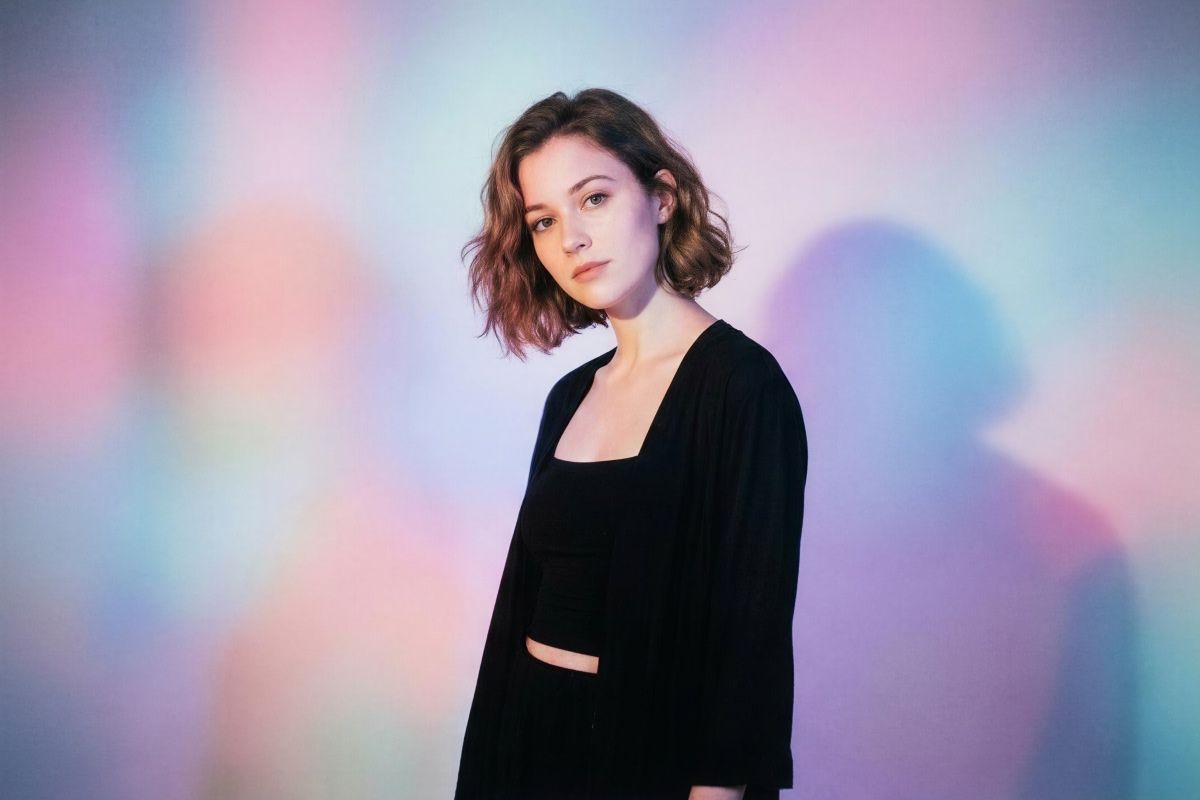
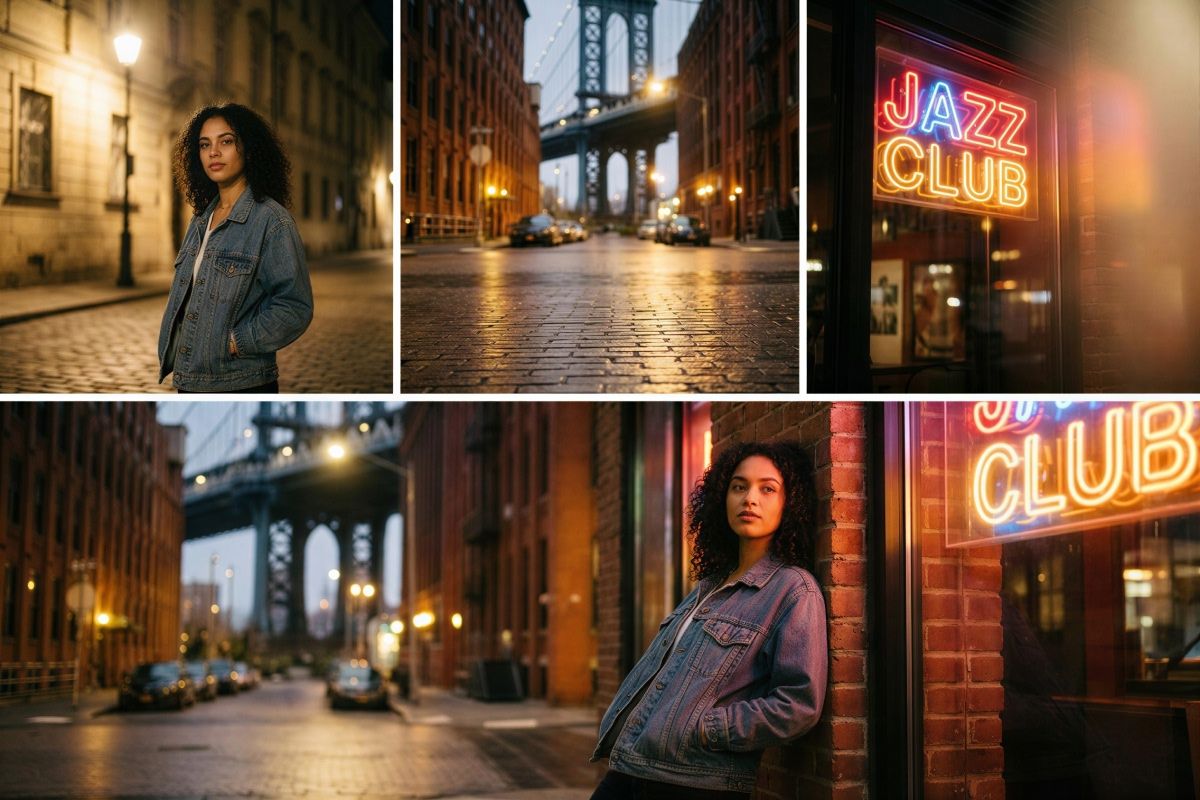
FLUX.2 turns multi-image editing into a simple conversation instead of a timeline full of layers. Upload up to six images, then describe what you want to keep, move, or merge. Take the portrait from one photo, the street setting from another, and the neon lighting from a third, and FLUX.2 blends them into a single, coherent image. Adjust poses, angles, and layout while keeping details consistent for product photos, lifestyle edits, and quick creative experiments.
Create Custom Multi-Layered Visuals With Multi-Image Editing
Text and Style Control in Every Image
FLUX.2 puts text and style control at the center of your workflow. Put the words you want in “quotes,” describe the font style, weight, and placement in your prompt for crisp, readable typography that looks like it belongs on the final image. Whether you’re creating storefront signage, bold marquee lettering, or infographics, you can shape every detail of the text and overall aesthetic. You also have control over camera or art style. Add stylistic cues such as “35mm” or “neon signage” so every visual matches your vision.
Text and Style Control in Every Image

Color Control Through Reference Images and Hex Matching
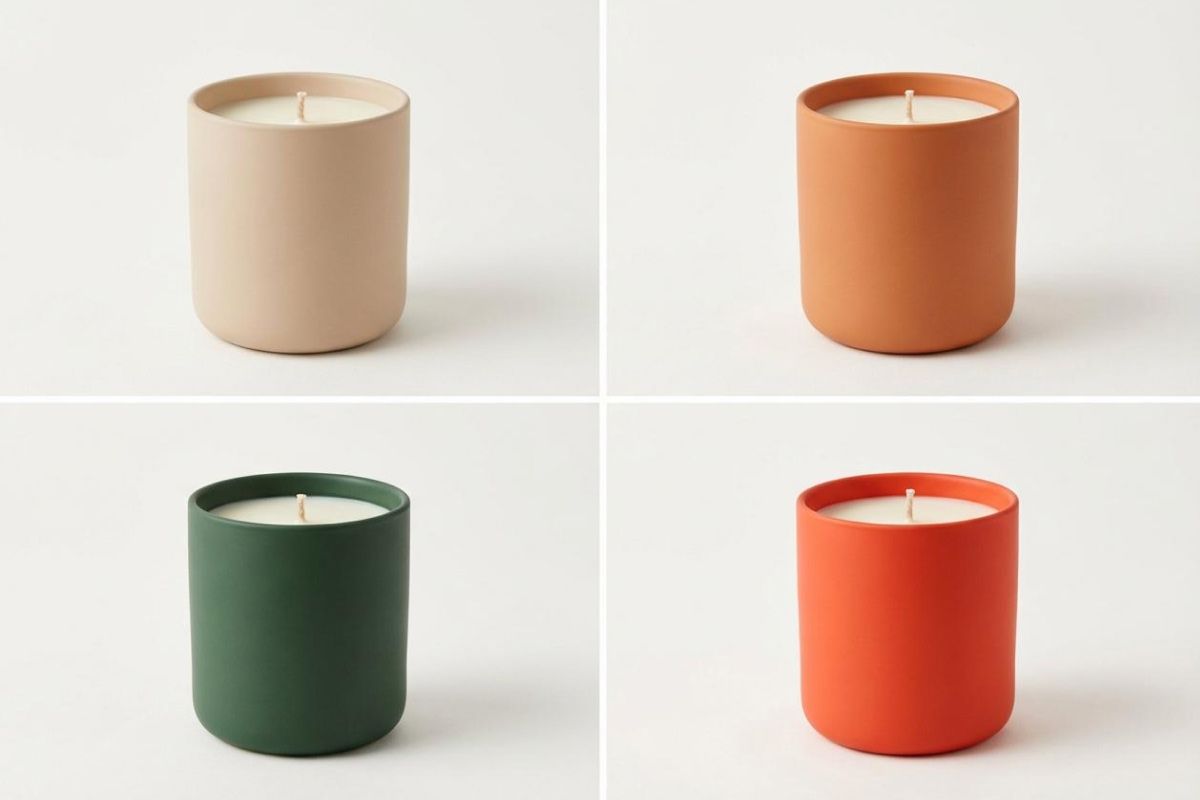
Color control in FLUX.2 is precise yet friendly for non-designers. Change a single object from blue to orange just by saying it, or paste in an exact hex code when brand colors matter. You can even upload a reference image and ask the model to match that palette across new shots. Tweak backgrounds, clothing, product surfaces, and lighting tones so every visual aligns with your design system and looks consistent across social posts, mockups, and presentations.
Color Control Through Reference Images and Hex Matching
FLUX.2 Use Cases
Infographics: Create clean charts, labels, icons, and layouts with accurate text placed exactly where you describe it. Ideal for social posts, reports, and presentations.
Product mockups: Generate packaging shots, e-commerce images, or ad ready visuals by combining your product photo with new backgrounds, lighting, and angles.
App mockups: Produce app screens, dashboard concepts, and UI previews using natural language prompts for layout, text placement, and style.
Website mockups: Build hero sections, landing page concepts, and layout variations for fast prototyping or pitch decks.
Concept art: Blend reference images, palettes, and objects into a single visual to explore creative directions quickly.
FLUX.2 Use Cases
How to use FLUX.2
- 1
Upload images or start fresh
Upload up to six reference images, or start with a blank canvas to generate new visuals.
- 2
Write a descriptive prompt
Describe the scene, edits, and style in natural language. Put any text in quotes and explain where it should go, and tell the model which elements to use from each image.
- 3
Generate and refine
Create your image, review the output, then adjust your prompt to refine colors, layout, or style. Save or continue editing inside Pixelcut.
Prezzi semplici e trasparenti
Inizia a creare gratuitamente. Aggiorna per ottenere più crediti e funzionalità.
Risparmia il 20% con un piano annuale
Gratuito
$0
al mese, fatturato annualmenteRimozione Sfondo Limitata
Upscale Limitato
Esportazione gratuita senza watermark
Pro
$10$8
al mese, fatturato annualmente600 Crediti AI Mensili
Accedi a tutti i modelli AI
Rimozione Sfondo Illimitata
Upscale Illimitato
Team di 3 Persone
1,000 Esportazioni in blocco mensili
Licenza commerciale
Più Popolare
Azienda
$30$24
al mese, fatturato annualmente3,600 Crediti AI Mensili
Accedi a tutti i modelli AI
Rimozione Sfondo Illimitata
Upscale Illimitato
Team di 10 Persone
2,000 Esportazioni in blocco mensili
Licenza commerciale



Affidato a oltre 200.000 creatori, marchi e piccole imprese
Affidato a creativi di











Domande frequenti
FLUX.2 is Black Forest Labs’ flagship AI image generation and editing model. It creates new images from text prompts, edits your existing photos, and combines multiple uploads into a single coherent graphic. You can adjust scenes, camera angles, subjects, and colors with simple instructions instead of manual design work.
Upload up to six images, then describe in plain language what you want from each one. For example, ask for the product from image one, the background from image two, and the person from image three. FLUX.2 merges those elements into a new image while keeping details consistent.
For the best text results, always put the exact words you want in quotes, and mention them at the very beginning of your prompt. Describe the font style and placement such as top center headline or small caption at the bottom so FLUX.2 can place it correctly.
Yes. FLUX.2 understands prompts in many popular languages, including non Latin scripts, so you do not need to translate your idea into English. You can mix quoted text and instructions in the same prompt.
Images created with FLUX.2 inside Pixelcut can generally be used for personal or commercial projects, including social posts, ads, and client work. Always check Pixelcut’s current terms before using generated content in sensitive or high visibility campaigns.
Pixelcut è amato da oltre 2 milioni di persone
Il miglior dispositivo per la rimozione dello sfondo
Ho bisogno di un buon dispositivo per la rimozione dello sfondo per il mio lavoro e li ho provati tutti, mi sembra. Questo è di gran lunga il migliore. È così facile da usare e i risultati sono sempre sorprendenti. Grazie Pixelcut!
Lo adoro
È incredibilmente facile e dà risultati perfetti per le mie borse e i miei accessori. Sembra che sia stato fatto da un fotografo professionista.