Free AI Wallpaper Generator
With Pixelcut’s AI wallpaper generator, you can create custom wallpapers in any style for any device in seconds—no design experience needed. Try it free!
Gratis da provare
Senza filigrane
Bring your imagination to life with our AI wallpaper generator
Our AI wallpaper generator lets you create wallpapers in any style you can imagine, from photorealistic landscapes to retro 8-bit art. Digital artists and casual users alike love the freedom to experiment with endless aesthetics. The AI adapts to your vision, whether you want a minimalist design or a vibrant fantasy scene. Try it free now and unleash your creativity.
Bring your imagination to life with our AI wallpaper generator
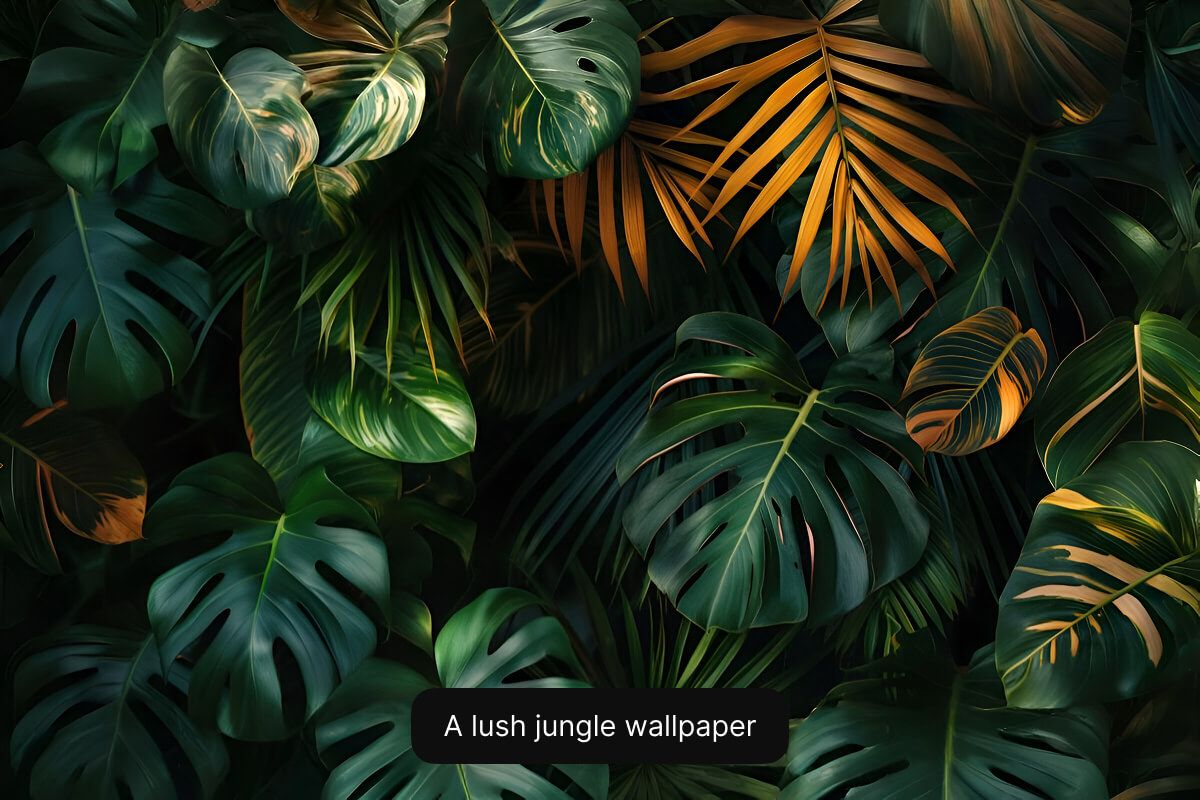
Make your own wallpaper from text in any style
Make your wallpaper from text using nothing but your imagination and our AI. Simply describe your ideal background, and watch as the AI instantly transforms words into a beautiful image. Anyone can create professional-looking wallpapers without any design skills or software. It’s as easy as typing a message and getting a high-resolution visual back. Get started now and see your text come to life.
Make your own wallpaper from text in any style
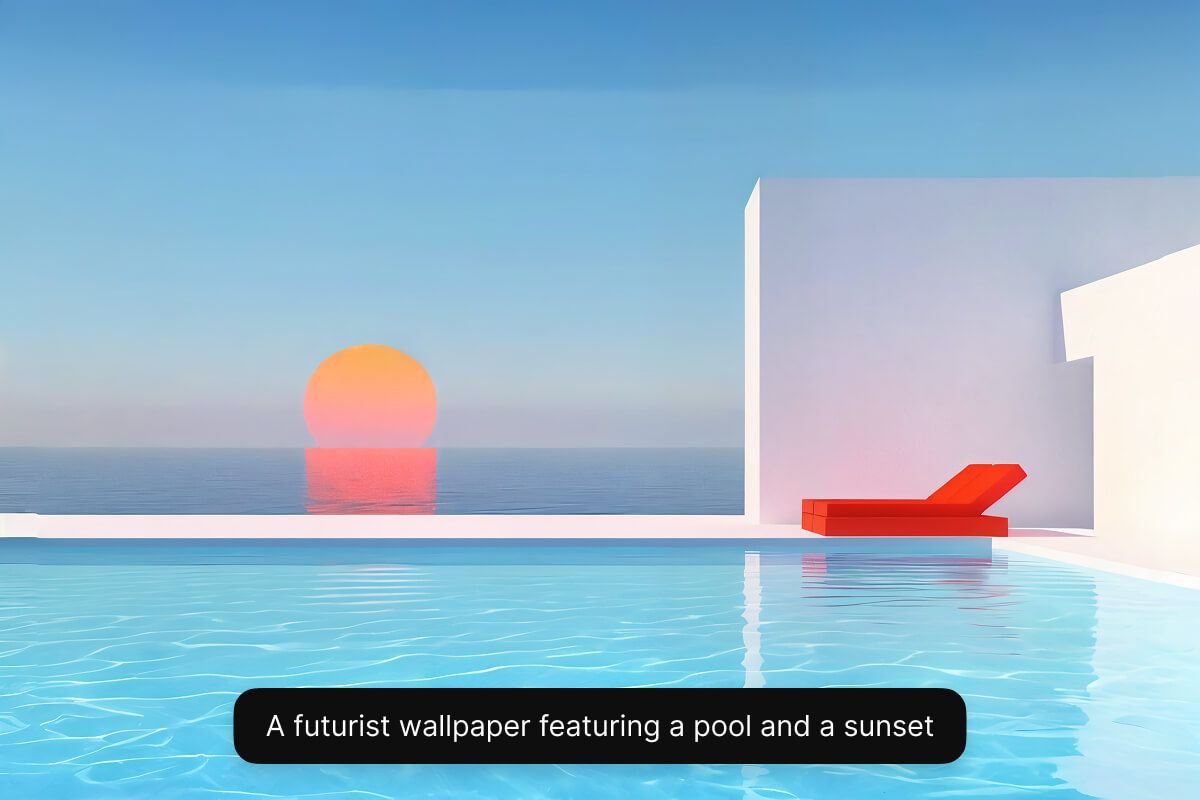
Create wallpapers for any device
Create wallpapers for any device effortlessly with our versatile AI wallpaper generator. Whether you need a background for your phone, tablet, or a 4K desktop monitor, the AI ensures a perfect fit every time. Simply select your preferred aspect ratio from the drop-down menu under your prompt. No more manual resizing or worrying about aspect ratios—just generate and go. Try it free and have your wallpapers ready for every device.
Create wallpapers for any device
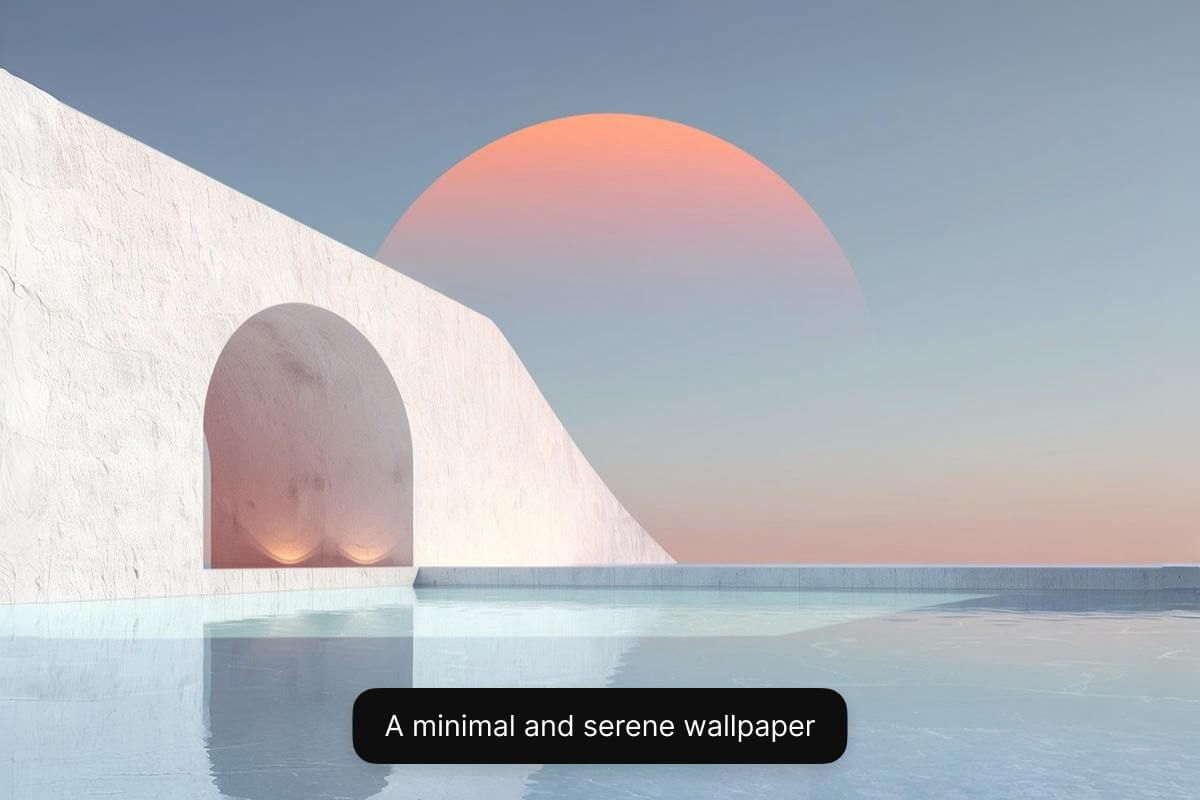
Tips for generating an AI wallpaper
- Be detailed: Use descriptive adjectives to describe your wallpaper including subject, color, and style.
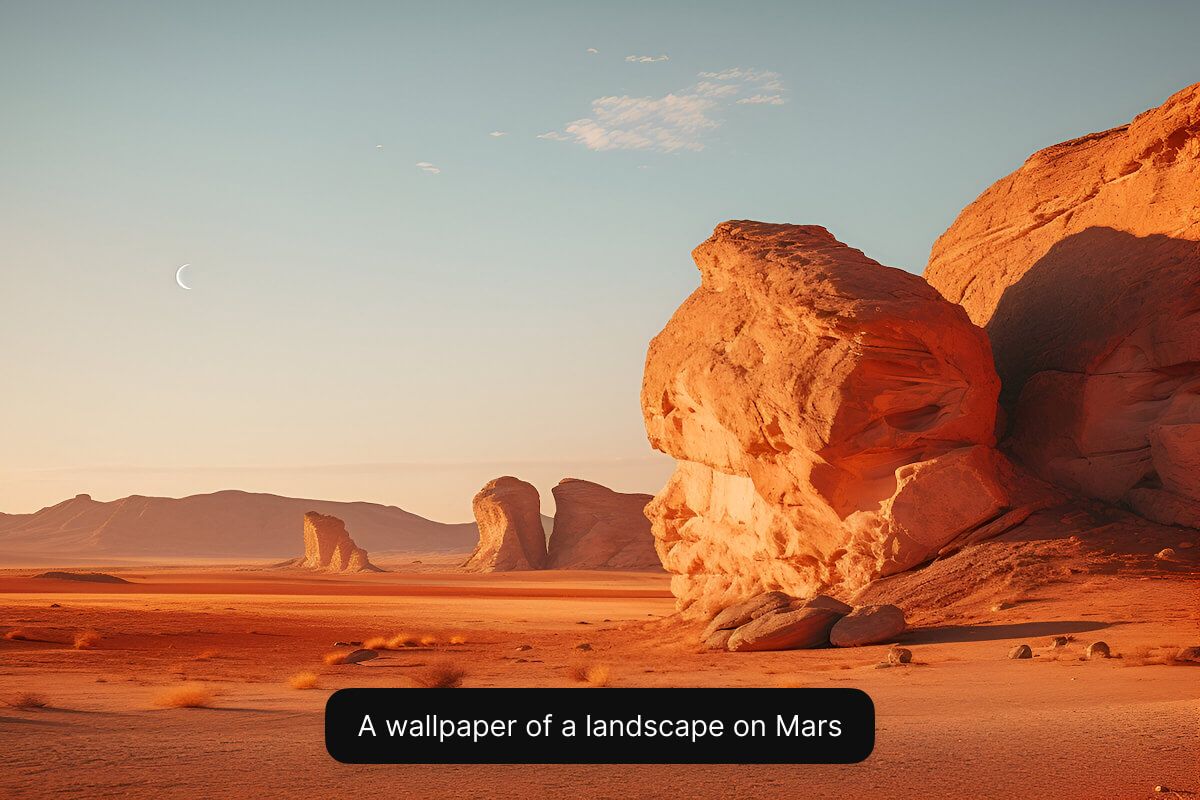
- Define a style: Experiment by defining the style such as minimal, anime, abstract, photorealistic, and more. Specify that it is a wallpaper in the prompt.
- Structure your prompt: Use a simple prompt structure such as “subject + style + details + wallpaper”.
- Refine and iterate: Keep refining your prompt and experimenting until the output is just right!
Tips for generating an AI wallpaper
How to make your own wallpaper
- 1
Describe your wallpaper
Type a short text description of the wallpaper you want to create. Include key details like color, style, mood, and subject matter.
- 2
Choose a model
Select one of our supported models including Flux Dev, Flux Pro, Flux Ultra, and Ideogram. This allows you to experiment and see which model best fits your needs.
- 3
Generate your wallpaper
In seconds, Pixelcut’s AI will create a unique wallpaper based on your description. The AI interprets your prompt and instantly renders your wallpaper for you.
- 4
Download your image
Once you’re happy with the result, download the wallpaper to your device. It’s ready to use in your computer, phone, or tablet!
Prezzi semplici e trasparenti
Inizia a creare gratuitamente. Aggiorna per ottenere più crediti e funzionalità.
Risparmia il 20% con un piano annuale
Gratuito
$0
al mese, fatturato annualmenteRimozione Sfondo Limitata
Upscale Limitato
Esportazione gratuita senza watermark
Pro
$10$8
al mese, fatturato annualmente600 Crediti AI Mensili
Accedi a tutti i modelli AI
Rimozione Sfondo Illimitata
Upscale Illimitato
Team di 3 Persone
1,000 Esportazioni in blocco mensili
Licenza commerciale
Più Popolare
Azienda
$30$24
al mese, fatturato annualmente3,600 Crediti AI Mensili
Accedi a tutti i modelli AI
Rimozione Sfondo Illimitata
Upscale Illimitato
Team di 10 Persone
2,000 Esportazioni in blocco mensili
Licenza commerciale



Affidato a oltre 200.000 creatori, marchi e piccole imprese
Affidato a creativi di











Domande frequenti
An AI wallpaper generator is an online tool that uses artificial intelligence to create custom wallpapers. You provide a text description or choose some styles, and the AI produces a unique background image automatically based on your input.
To create a wallpaper with AI, just enter a text prompt describing the wallpaper you want and select an aspect ratio. The AI model will generate a custom wallpaper from your description that you can then download and use on your device.
Yes, Pixelcut’s AI wallpaper generator is free to use with credits, letting you start designing without paying anything. Some models may take more credits than others.
Yes. Pixelcut lets you select an aspect ratio so you can make wallpapers for your phone, your PC, or any other device. Just choose the output size for the screen you need, and the AI will generate a wallpaper that fits.
No. You don’t need any design skills or technical expertise to use our AI wallpaper generator. Our tool is built to be easy for everyone—simply type in your idea and let the AI handle the art creation.
Pixelcut è amato da oltre 2 milioni di persone
Il miglior dispositivo per la rimozione dello sfondo
Ho bisogno di un buon dispositivo per la rimozione dello sfondo per il mio lavoro e li ho provati tutti, mi sembra. Questo è di gran lunga il migliore. È così facile da usare e i risultati sono sempre sorprendenti. Grazie Pixelcut!
Lo adoro
È incredibilmente facile e dà risultati perfetti per le mie borse e i miei accessori. Sembra che sia stato fatto da un fotografo professionista.