Meu aplicativo favorito
Ótimo aplicativo, fácil de usar. Ajuda nossa pequena empresa a economizar tempo e dinheiro para criar diferentes materiais de marketing profissionalmente. Obrigado.
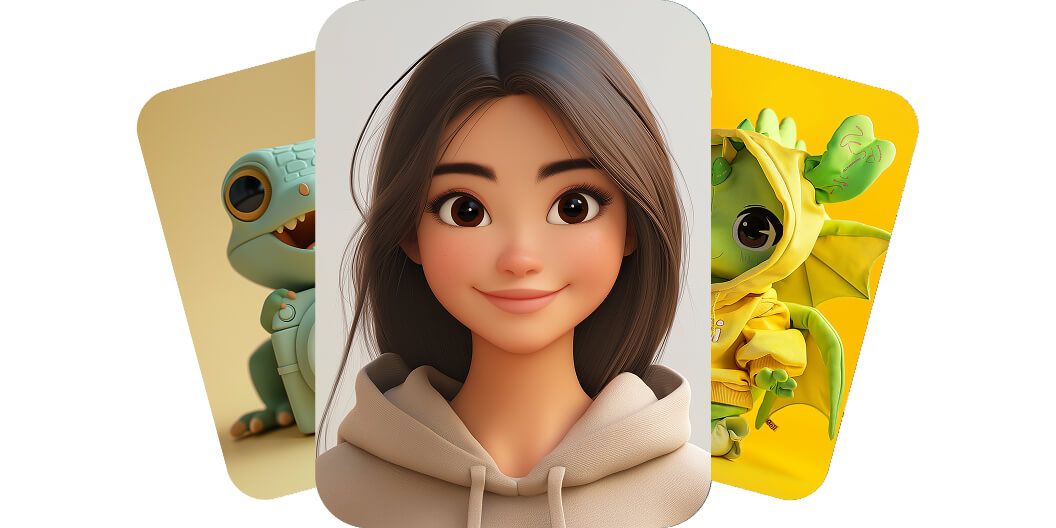
O gerador do Pixelcut transforma qualquer ideia em uma imagem de personagem em segundos, com um prompt de texto simples. Criar personagem com IA é grátis para experimentar!
O gerador de personagens com IA do Pixelcut deixa qualquer pessoa criar um personagem sob medida em segundos, sem saber design. A ferramenta transforma a sua descrição escrita em arte muito rápido, sem precisar de ilustradores caros ou de programas de design que tomam tempo. Até um profissional de marketing sem tempo ou um escritor que nunca desenhou consegue visualizar personagens novos para um projeto só digitando ideias. Dê espaço para a sua criatividade e veja os personagens surgirem do nada. Teste grátis e veja a mágica acontecer!
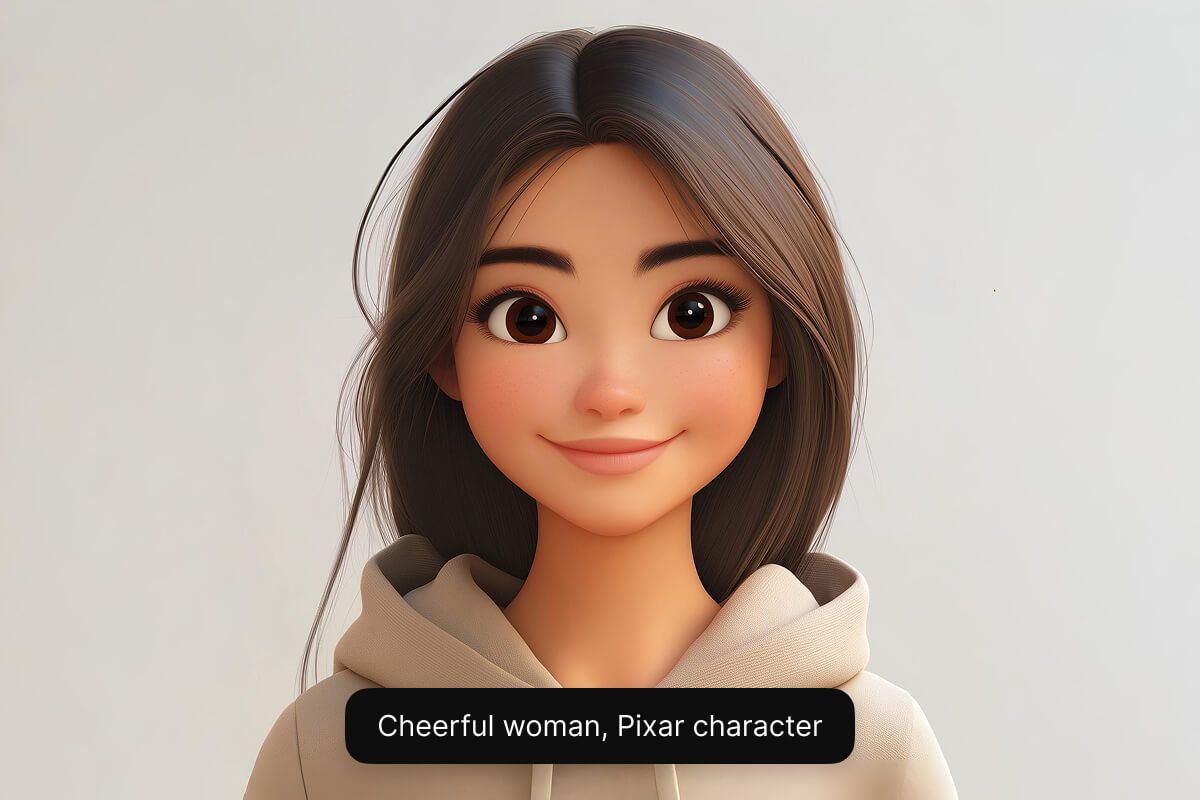
Crie um personagem no estilo que você quiser com os modelos de IA do Pixelcut. De um mascote cartoon fofo a um herói de fantasia realista, a IA dá conta. A ferramenta traz vários modelos de IA (incluindo o Google Imagen 3 e o Flux) para você chegar exatamente ao visual e à qualidade que precisa. Essa flexibilidade permite que ilustradores testem estilos diferentes e ajuda designers de jogos a dar vida a personagens únicos. Teste grátis e crie em vários estilos diferentes.
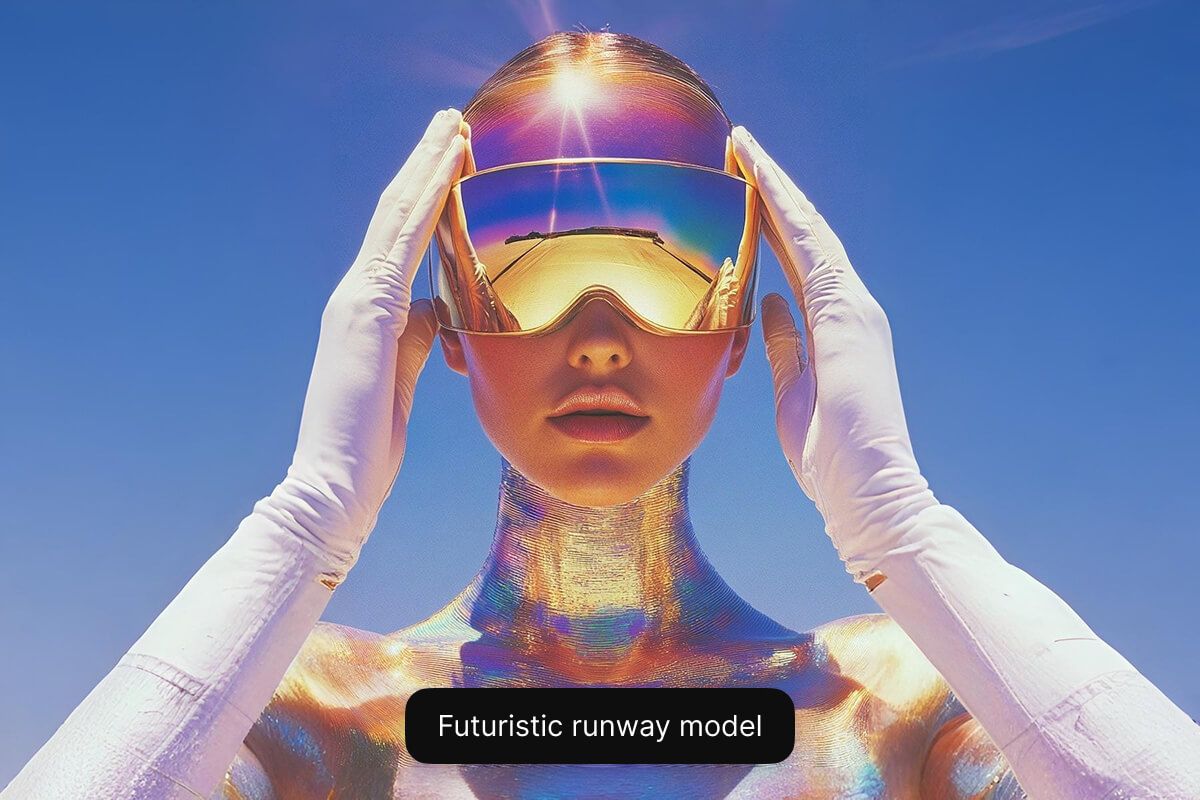
O nosso gerador grátis de personagens em estilo cartoon com IA roda no navegador, então não tem nada para baixar ou instalar. Qualquer pessoa monta personagens em estilo cartoon ou anime em segundos com um prompt de texto simples. Gamers dão vida a personagens de fantasia e pequenos negócios criam um mascote ou avatar, tudo grátis. Comece agora, sem pagar nada, e dê vida ao seu personagem!
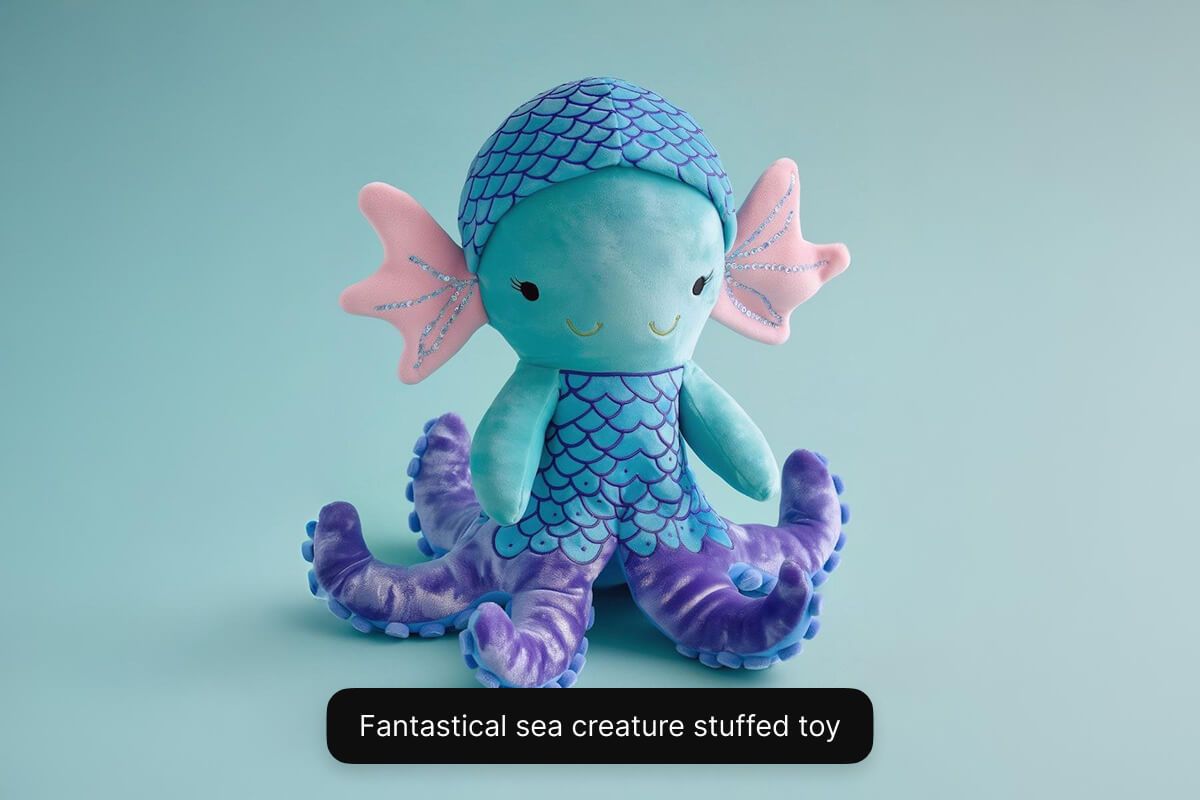
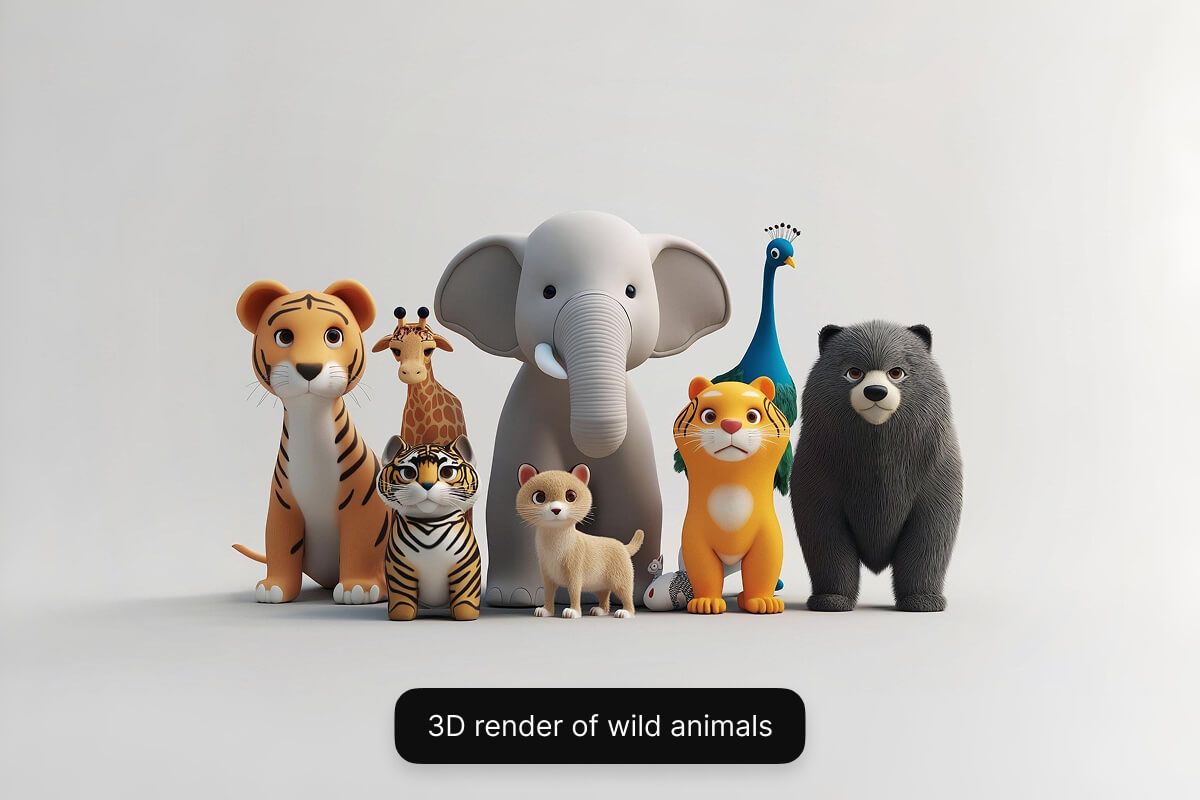
Escreva uma descrição curta do personagem que você quer criar. Inclua detalhes importantes sobre a aparência, a personalidade, as roupas e o cenário.
Selecione um dos modelos disponíveis, incluindo Flux Dev, Flux Pro, Flux Ultra e Ideogram. Assim você testa e vê qual modelo combina melhor com o que precisa.
Em segundos, a IA do Pixelcut cria uma imagem única do personagem com base na sua descrição. A IA interpreta o seu prompt e visualiza o personagem para você na hora.
Quando gostar do resultado, baixe a imagem do personagem no seu dispositivo. Ela já está pronta para usar no seu jogo, na sua história, em uma campanha de marketing ou em qualquer projeto.
Comece a criar gratuitamente. Atualize para obter mais créditos e recursos.














Ótimo aplicativo, fácil de usar. Ajuda nossa pequena empresa a economizar tempo e dinheiro para criar diferentes materiais de marketing profissionalmente. Obrigado.
Preciso de um bom removedor de fundo para meu trabalho e já passei por todos eles. Este é o melhor de longe. É tão fácil de usar e os resultados sempre parecem incríveis. Obrigado Pixelcut!
É incrivelmente fácil e dá resultados perfeitos para minhas bolsas e acessórios. Parece que foi feito por um fotógrafo profissional.