Meu aplicativo favorito
Ótimo aplicativo, fácil de usar. Ajuda nossa pequena empresa a economizar tempo e dinheiro para criar diferentes materiais de marketing profissionalmente. Obrigado.

Crie, edite e remixe imagens com o FLUX.2 no Pixelcut. Ideal para editar várias imagens de uma vez, controlar cores, usar prompts em vários idiomas e gerar texto. Experimente agora!
O FLUX.2 reúne geração e edição de imagens em um fluxo de trabalho simples, pensado para quem cria. Comece com um prompt ou envie as suas próprias fotos e depois molde a sua ideia em linguagem natural. Gere cenas prontas para a sua marca, transforme fotos de produto, mude o estilo de retratos, ajuste cores, adicione objetos ou misture várias imagens em algo totalmente novo. Se você faz conteúdo para redes sociais, testa conceitos ou monta visuais para a sua marca, o FLUX.2 deixa fácil criar imagens bem acabadas, que parecem intencionais, modernas e com a sua cara.

O FLUX.2 transforma a edição de várias imagens em uma conversa simples, no lugar de uma linha do tempo cheia de camadas. Envie até seis imagens e descreva o que você quer manter, mover ou juntar. Pegue o retrato de uma foto, o cenário de rua de outra e a iluminação neon de uma terceira, que o FLUX.2 combina tudo em uma imagem só, coerente. Ajuste poses, ângulos e layout mantendo os detalhes consistentes, seja para fotos de produto, edições de lifestyle ou testes criativos rápidos.
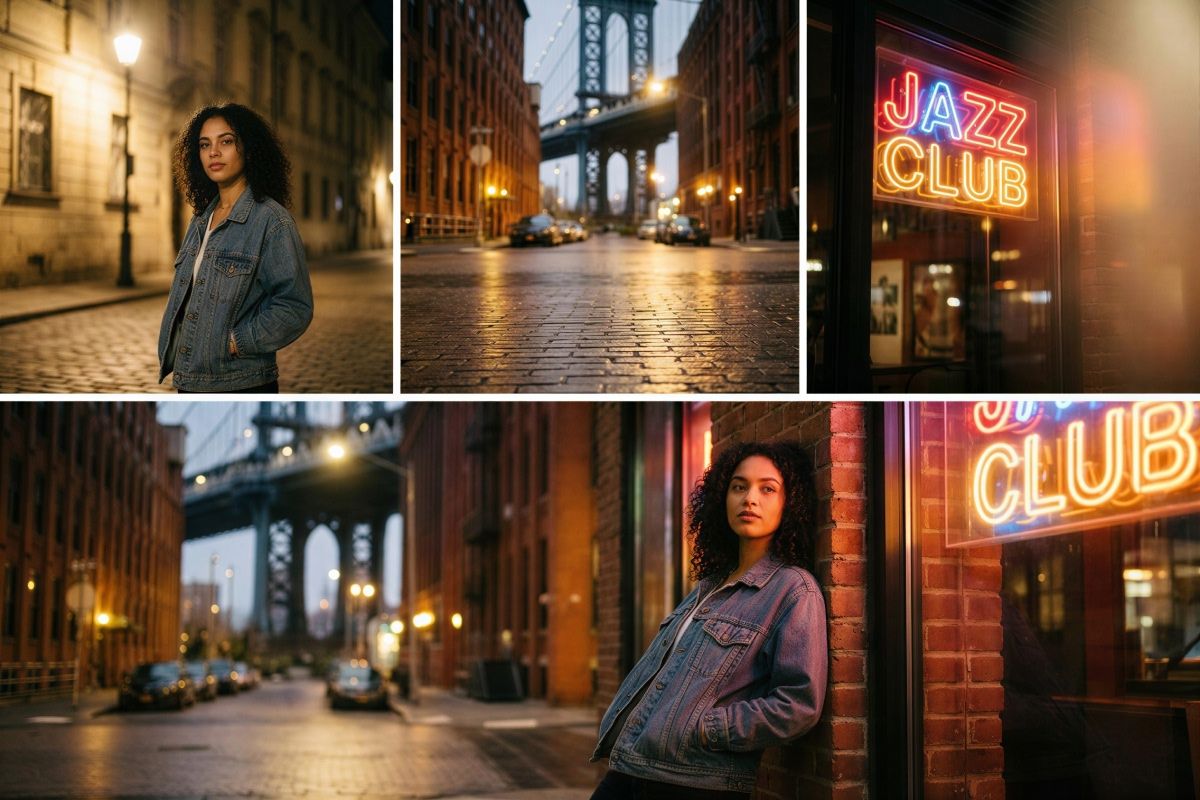
O FLUX.2 coloca o controle de texto e de estilo no centro do seu fluxo de trabalho. Escreva as palavras que você quer entre “aspas”, descreva o estilo, o peso e a posição da fonte no prompt e receba uma tipografia nítida e legível, com cara de que faz parte da imagem final. Seja para uma placa de loja, para letreiros grandes ou para infográficos, você molda cada detalhe do texto e do visual em geral. Também dá para controlar o estilo de câmera ou de arte. Adicione referências de estilo como “35mm” ou “letreiro de neon” para cada imagem sair do jeito que você imaginou.

O controle de cor do FLUX.2 é preciso e continua acessível para quem não é designer. Mude um objeto de azul para laranja só pedindo isso, ou cole um código hex exato quando as cores da marca importam. Dá até para enviar uma imagem de referência e pedir ao modelo que aplique aquela paleta nas fotos novas. Ajuste fundos, roupas, superfícies de produto e tons de luz para cada visual seguir o seu sistema de design e ficar consistente em posts, mockups e apresentações.
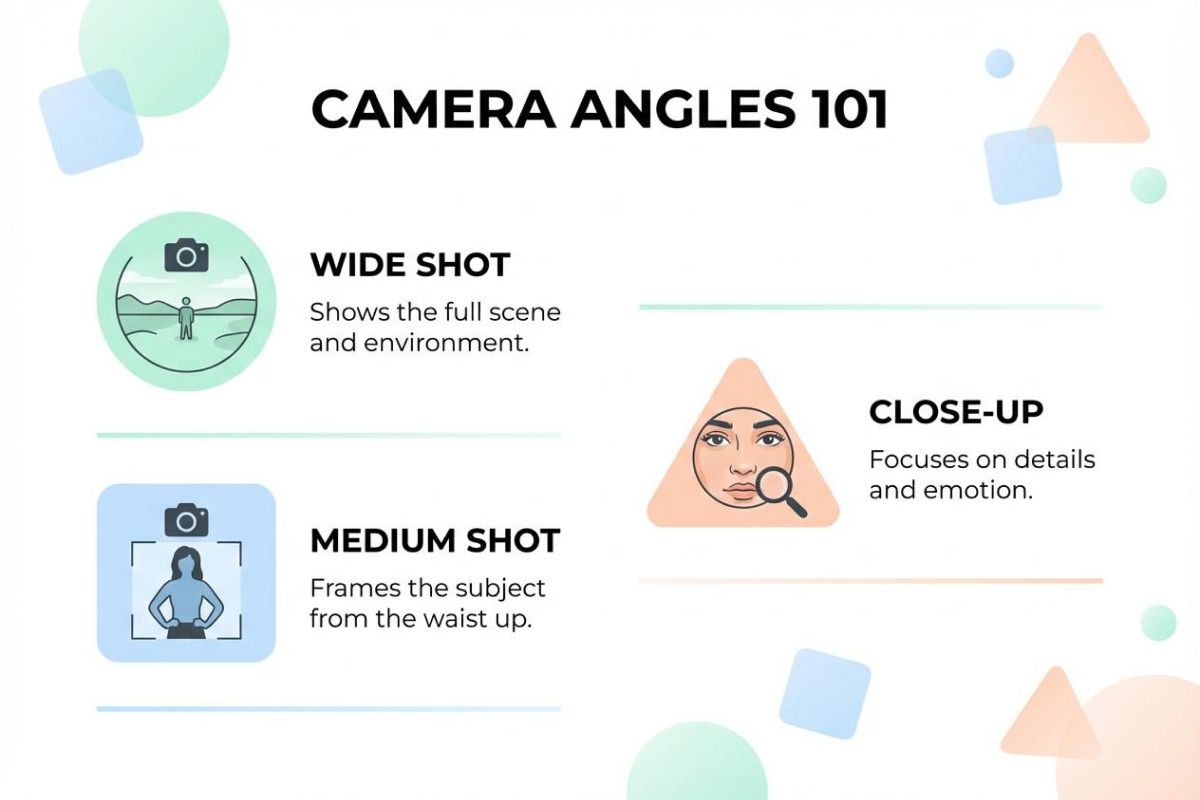
Infográficos: crie gráficos, rótulos, ícones e layouts limpos, com texto correto exatamente onde você descrever. Ideal para posts em redes sociais, relatórios e apresentações.
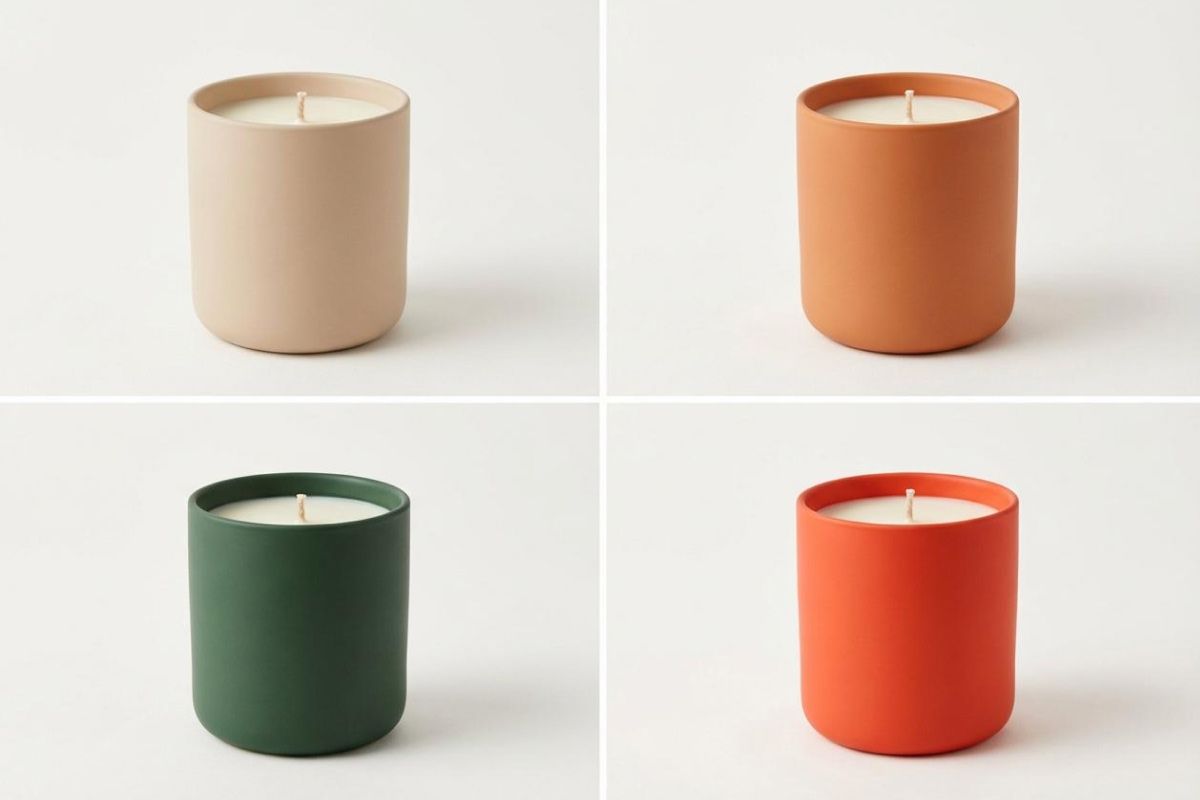
Mockups de produtos: gere fotos de embalagem, imagens para e-commerce ou visuais prontos para anúncio combinando a foto do seu produto com fundos, iluminação e ângulos novos.
Mockups de aplicativos: produza telas de app, conceitos de dashboard e prévias de interface com prompts em linguagem natural para layout, posição do texto e estilo.
Mockups de sites: monte seções de destaque, conceitos de landing page e variações de layout para prototipar rápido ou para uma apresentação de proposta.
Arte conceitual: misture imagens de referência, paletas e objetos em um visual só para testar direções criativas rapidamente.
Envie até seis imagens de referência ou comece com uma tela em branco para gerar visuais novos.
Descreva a cena, as edições e o estilo em linguagem natural. Coloque qualquer texto entre aspas, explique onde ele deve ficar e diga ao modelo quais elementos usar de cada imagem.
Crie a sua imagem, veja o resultado e ajuste o prompt para refinar cores, layout ou estilo. Salve ou continue editando dentro do Pixelcut.
Comece a criar gratuitamente. Atualize para obter mais créditos e recursos.














Ótimo aplicativo, fácil de usar. Ajuda nossa pequena empresa a economizar tempo e dinheiro para criar diferentes materiais de marketing profissionalmente. Obrigado.
Preciso de um bom removedor de fundo para meu trabalho e já passei por todos eles. Este é o melhor de longe. É tão fácil de usar e os resultados sempre parecem incríveis. Obrigado Pixelcut!
É incrivelmente fácil e dá resultados perfeitos para minhas bolsas e acessórios. Parece que foi feito por um fotógrafo profissional.