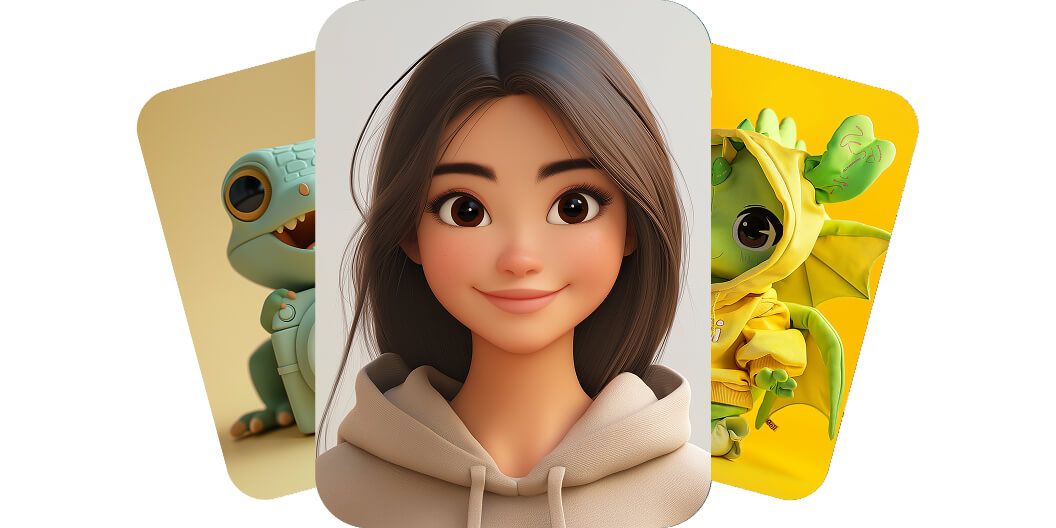
Free AI Character Generator
Pixelcut’s AI character generator turns any idea into a stunning character image in seconds with just a simple text prompt. Try it free!
Kostenlos testen
Keine Wasserzeichen
Bring your imagination to life with our AI character generator
Pixelcut’s AI character generator lets anyone create a custom character in seconds, no design skills needed. This powerful tool transforms your written description into artwork at lightning speed, eliminating the need for costly illustrators or time-consuming design software. Even a busy marketer or a writer with no art background can instantly visualize new characters for a project just by typing ideas. Unleash your creativity and see characters appear out of thin air. Try it free and see the magic for yourself!
Bring your imagination to life with our AI character generator
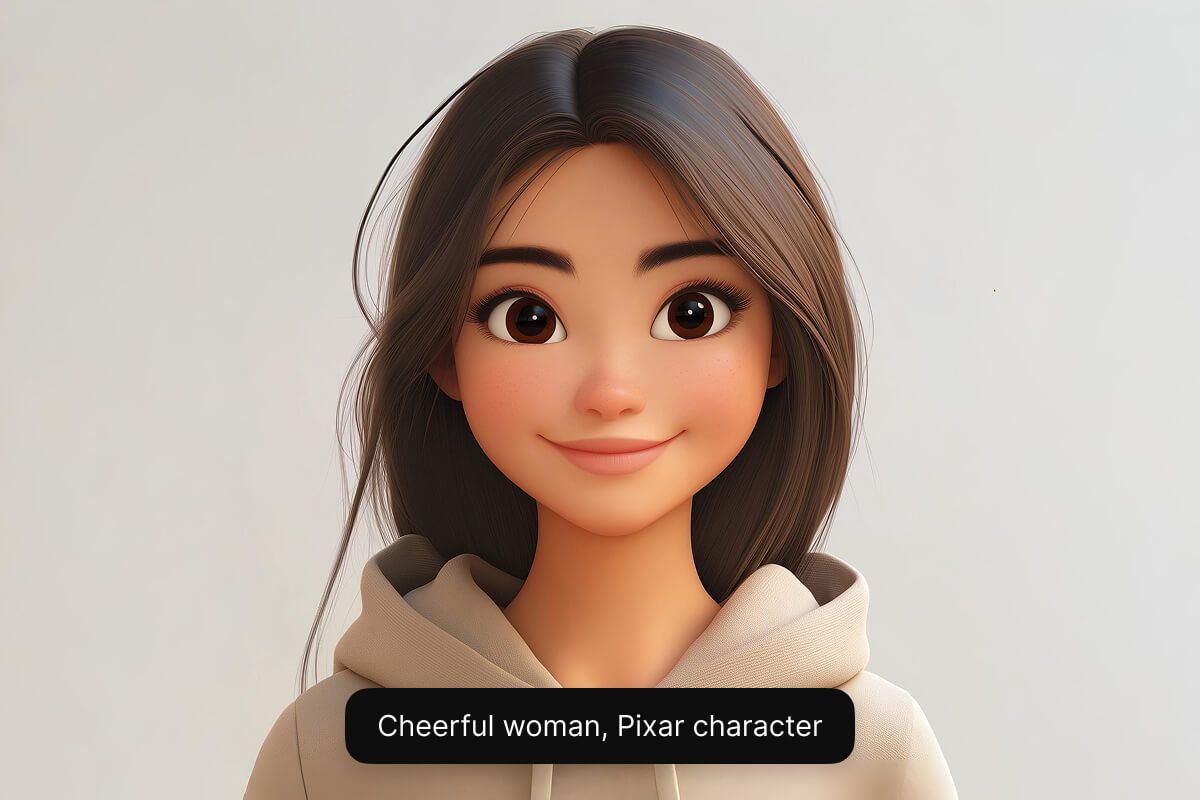
Create a character in any style you want
Create a character in any style you want using Pixelcut’s AI models. From a cute cartoon mascot to a realistic fantasy hero, the AI can generate it. The tool offers multiple AI engines (including Google Imagen 3 and Flux) so you can get the exact look and quality you need. This flexibility empowers illustrators to experiment with different styles and helps game designers bring unique characters to life. Try it free and unleash your creativity across styles.
Create a character in any style you want
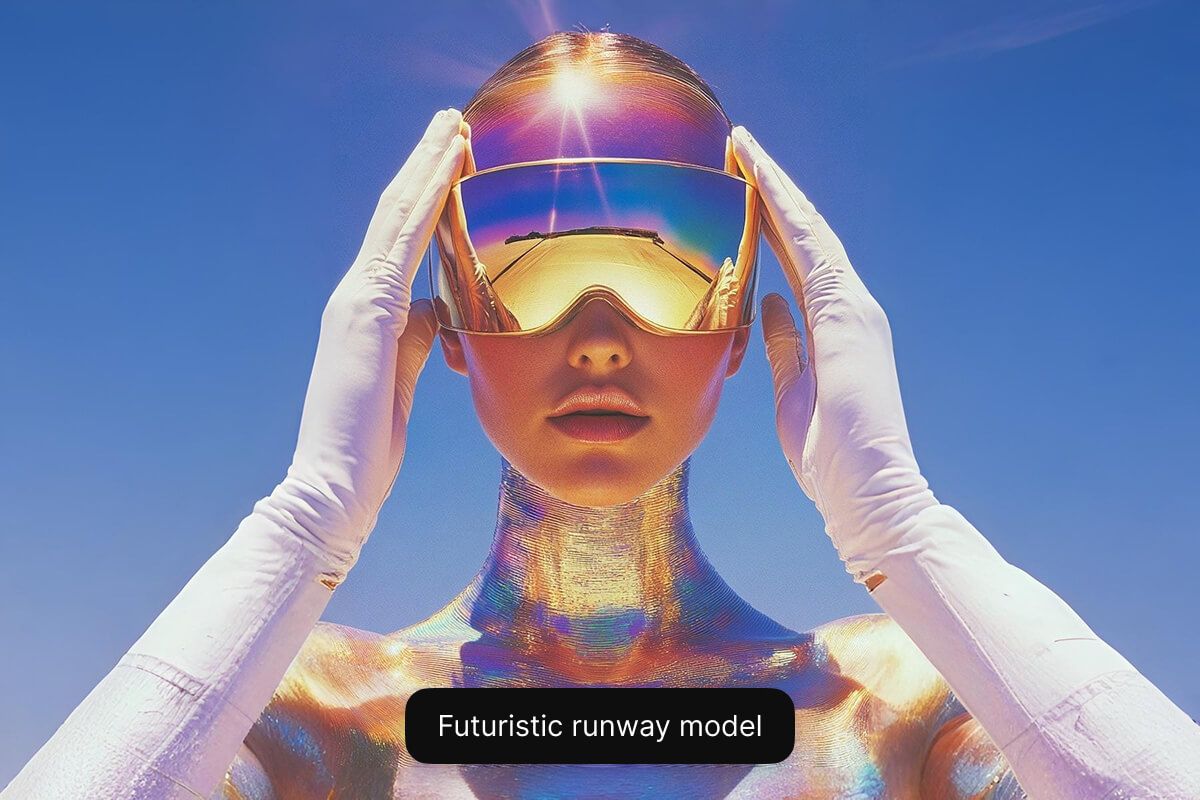
Make your own character from text free online
Our free online custom AI cartoon character generator runs in your web browser, so there’s nothing to download or install. Anyone can craft cartoon or anime-style characters in seconds using a simple text prompt. Gamers can bring fantasy characters to life, and small businesses can create a mascot or avatar – all for free. Get started now for free and bring your character to life!
Make your own character from text free online
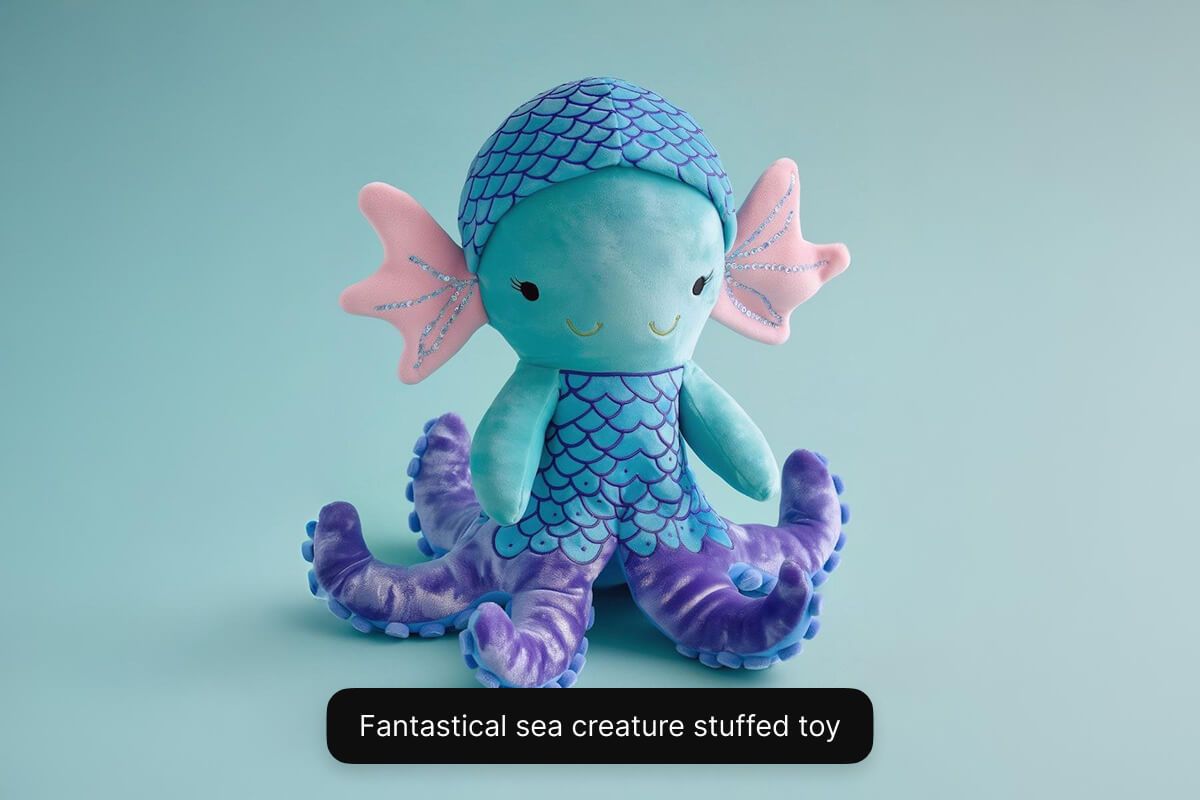
Tips for creating AI-generated characters
- Be detailed: Use descriptive adjectives to describe your character’s appearance, personality, mood, clothes, and props.
- Define a style: Experiment by defining the style such as cartoon, anime, comic book, realistic, and more.
- Structure your prompt: Use a simple prompt structure such as “subject + style + details”.
- Refine and iterate: Keep refining your prompt and experimenting until the output is just right!
Tips for creating AI-generated characters
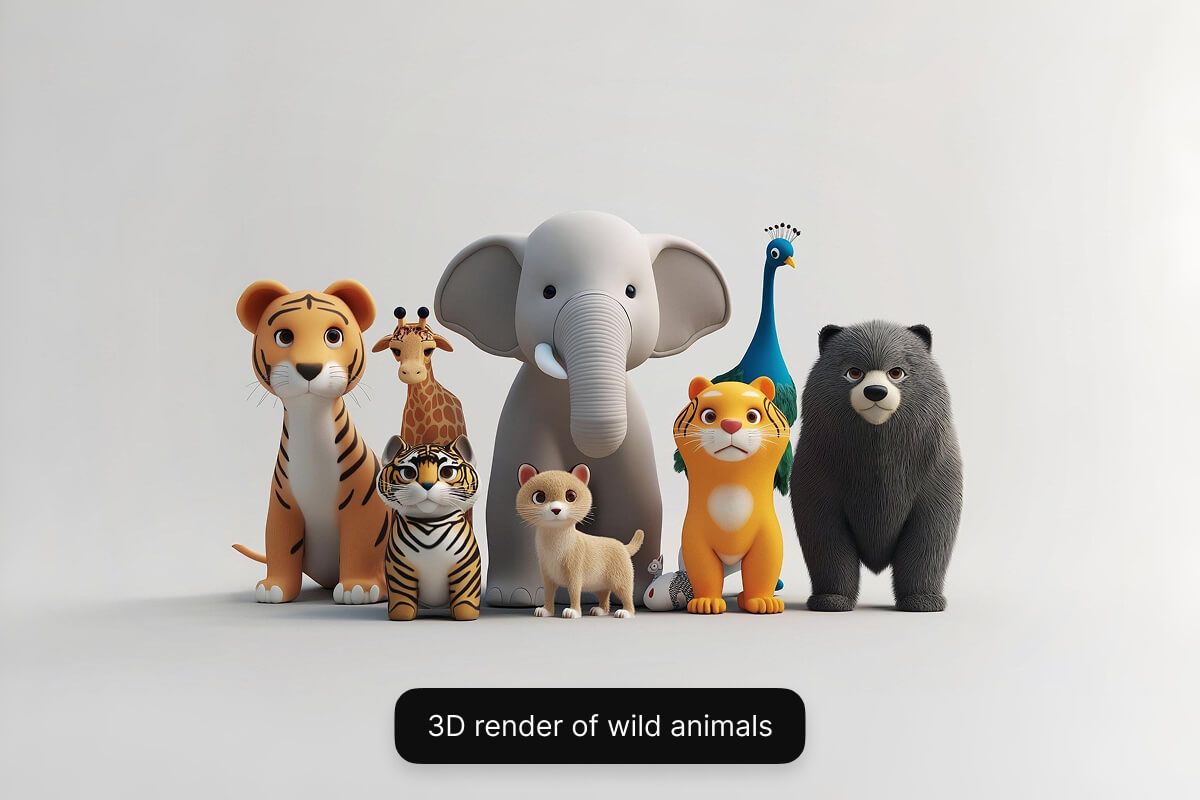
How to create a character using AI
- 1
Describe your character
Type a short text description of the character you want to create. Include key details about their look, personality clothing, and background.
- 2
Choose a model
Select one of our supported models including Flux Dev, Flux Pro, Flux Ultra, and Ideogram. This allows you to experiment and see which model best fits your needs.
- 3
Generate your character
In seconds, Pixelcut’s AI will create a unique character image based on your description. The AI interprets your prompt and instantly visualizes your character for you.
- 4
Download your image
Once you’re happy with the result, download your character image to your device. It’s ready to use in your game, story, marketing campaign, or any project.
Einfache, transparente Preise
Beginnen Sie kostenlos mit der Erstellung. Upgraden Sie für mehr Credits und Funktionen.
Sparen Sie 20 % mit einem Jahresplan
Kostenlos
$0
pro MonatBegrenzte Hintergrundentfernung
Begrenzte Hochskalierung
Kostenloser Export ohne Wasserzeichen
Pro
$10
pro Monat600 KI-Credits pro Monat
Zugriff auf alle KI-Modelle
Unbegrenzte Hintergrundentfernung
Unbegrenzte Hochskalierung
3 Personen Team
1,000 Stapel-Exporte pro Monat
Kommerzielle Lizenz
Am Beliebtesten
Geschäft
$30
pro Monat3,600 KI-Credits pro Monat
Zugriff auf alle KI-Modelle
Unbegrenzte Hintergrundentfernung
Unbegrenzte Hochskalierung
10 Personen Team
2,000 Stapel-Exporte pro Monat
Kommerzielle Lizenz



Vertraut von über 200.000 Kreativen, Marken und kleinen Unternehmen
Vertraut von Kreativen bei











Häufig gestellte Fragen
An AI character generator is a tool that uses artificial intelligence to create character images from text descriptions. In other words, it interprets your written prompt and produces a unique character design automatically (for example, turning a description of a “cyberpunk elf warrior” into a picture).
Yes. Pixelcut’s AI character generator is free to use online. You can create characters at no cost directly from your web browser.
No. You don’t need any design or drawing skills to use Pixelcut’s AI Character Generator. The tool handles all the art creation for you from your text prompt, so it’s very easy for beginners.
Yes. Pixelcut’s AI character generator can create cartoon-style characters as well as realistic ones. Simply include the desired style in your prompt (for example, “cartoon knight”), and the AI will generate the character in that style.
Yes. Characters generated by Pixelcut are unique and royalty-free, so you can confidently use them in commercial projects.
Pixelcut wird von über 2 Millionen Menschen geliebt
Bester Hintergrundentferner
Ich brauche einen guten Hintergrundentferner für meine Arbeit und habe ihn schon so oft ausprobiert, wie es sich anfühlt. Dieses hier ist mit Abstand das Beste. Es ist so einfach zu verwenden und die Ergebnisse sehen immer fantastisch aus. Danke Pixelcut!
Liebe es
Es ist erstaunlich einfach und liefert die perfekten Ergebnisse für meine Taschen und Accessoires. Es sieht so aus, als wäre es von einem professionellen Fotografen gemacht worden.