Meine Lieblings-App
Tolle App, einfach zu bedienen. Hilft unserem kleinen Unternehmen, Zeit und Geld zu sparen, indem es verschiedene Marketingmaterialien professionell erstellt. Danke schön.
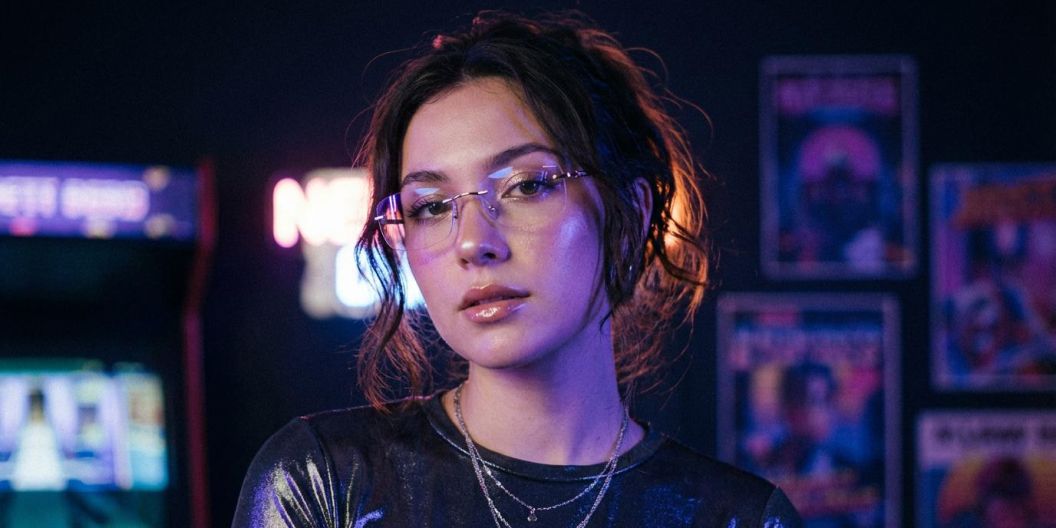
Erstelle, bearbeite und remixe Bilder mit FLUX.2 auf Pixelcut. Ideal für die Arbeit mit mehreren Bildern, für Farbsteuerung, für Prompts in vielen Sprachen und für Text im Bild. Jetzt ausprobieren!
FLUX.2 bringt starke Bildgenerierung und Bildbearbeitung in einen einfachen Ablauf, der für Kreative gemacht ist. Starte mit einem Prompt oder lade eigene Fotos hoch und forme deine Idee dann in natürlicher Sprache. Erzeuge Szenen, die zu deiner Marke passen, verwandle Produktaufnahmen, gib Porträts einen neuen Look, passe Farben an, füge Objekte hinzu oder verschmilz mehrere Bilder zu etwas ganz Neuem. Ob du Inhalte für Social Media gestaltest, Konzepte durchspielst oder Motive für deine Marke baust, damit entstehen saubere Bilder, die durchdacht, modern und unverwechselbar deine sind.

Das Modell macht aus der Arbeit mit mehreren Bildern ein einfaches Gespräch statt einer Zeitleiste voller Ebenen. Lade bis zu sechs Bilder hoch und beschreibe dann, was du behalten, verschieben oder zusammenführen willst. Nimm das Porträt aus einem Foto, die Straßenszene aus einem zweiten und das Neonlicht aus einem dritten, und FLUX.2 fügt alles zu einem einzigen, stimmigen Bild zusammen. Passe Posen, Blickwinkel und Layout an, während die Details gleich bleiben, für Produktfotos, Lifestyle-Bearbeitungen und schnelle kreative Experimente.
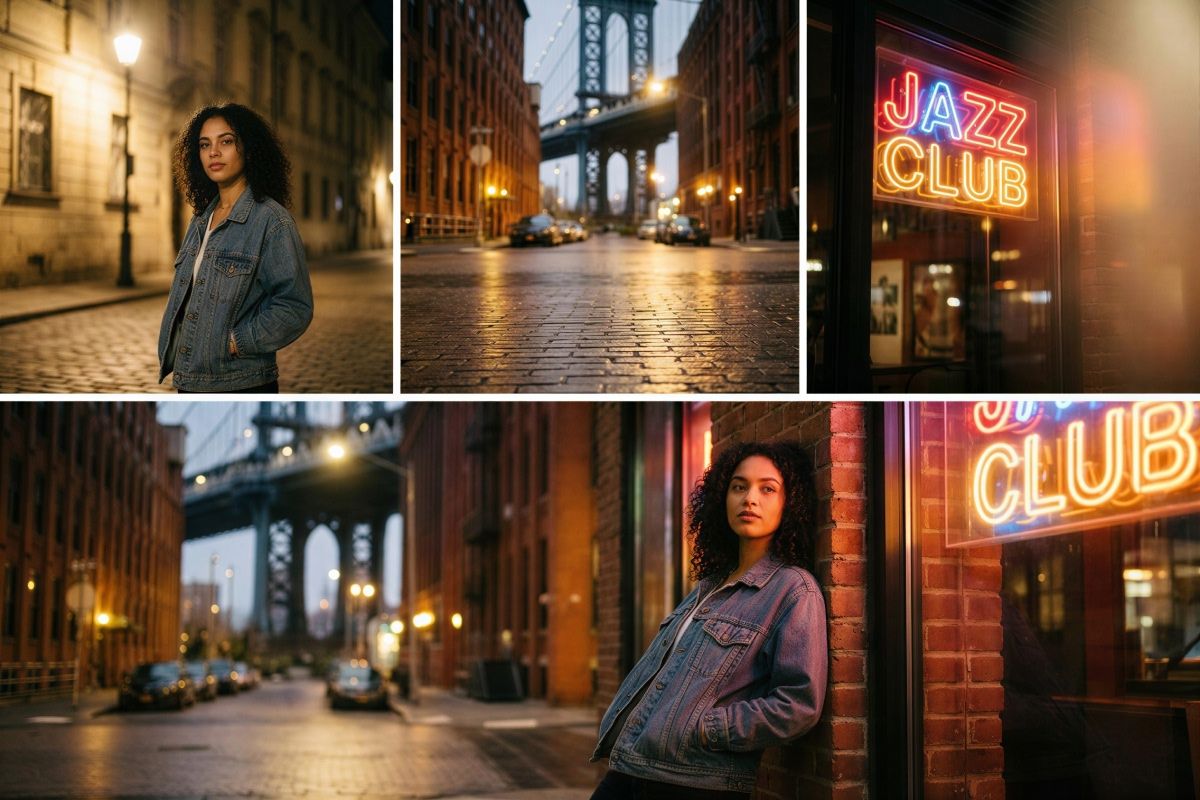
Das Modell rückt die Kontrolle über Text und Stil in die Mitte deines Ablaufs. Setz die gewünschten Wörter in „Anführungszeichen“ und beschreibe Schriftstil, Schriftstärke und Platzierung im Prompt, damit die Typografie klar und lesbar wird und wirklich auf das fertige Bild gehört. Ob Ladenschild, große Leuchtschrift oder Infografik, du bestimmst jedes Detail am Text und an der Gesamtwirkung. Auch der Kamerastil und der Kunststil liegen in deiner Hand. Ergänze stilistische Hinweise wie „35mm“ oder „Neonschrift“, damit jedes Motiv zu deiner Vorstellung passt.

Die Farbsteuerung ist hier präzise und trotzdem für alle ohne Designausbildung zugänglich. Färbe ein einzelnes Objekt von Blau nach Orange, indem du es einfach sagst, oder füge einen exakten Hex-Code ein, wenn es auf Markenfarben ankommt. Du kannst sogar ein Referenzbild hochladen und das Modell bitten, dessen Palette auf neue Aufnahmen zu übertragen. Passe Hintergründe, Kleidung, Produktoberflächen und Lichtstimmungen an, damit jedes Motiv zu deinem Designsystem passt und über Social Posts, Mockups und Präsentationen hinweg gleich wirkt.
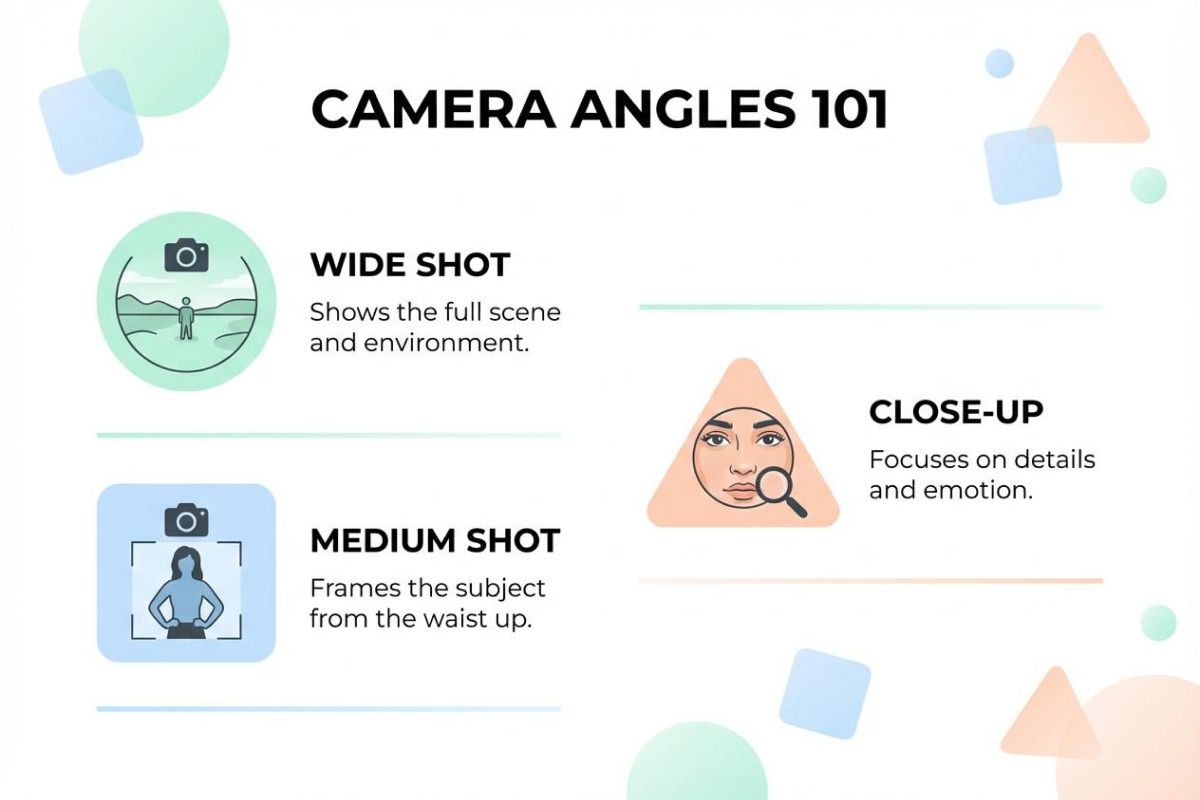
Infografiken. Erstelle saubere Diagramme, Beschriftungen, Icons und Layouts mit genauem Text, der genau dort sitzt, wo du ihn beschreibst. Ideal für Social Posts, Berichte und Präsentationen.
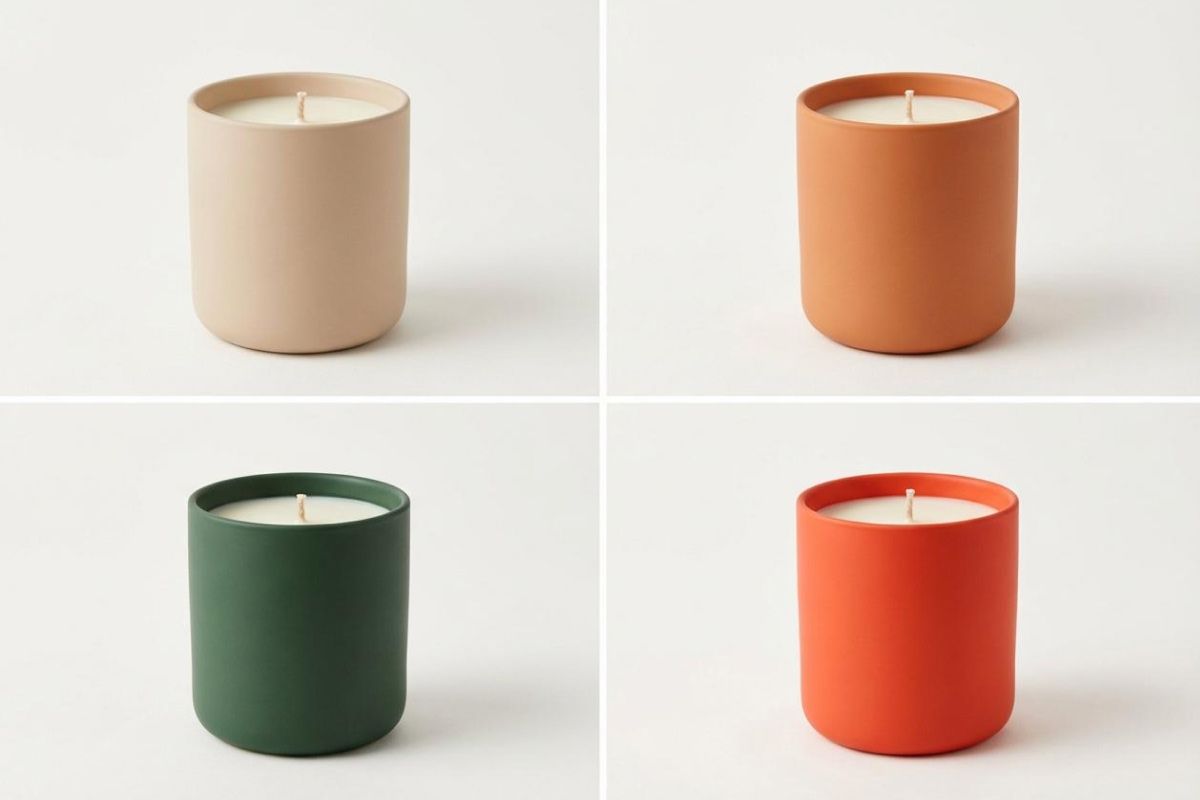
Produkt-Mockups. Erzeuge Verpackungsaufnahmen, Bilder für den Onlineshop oder fertige Werbemotive, indem du dein Produktfoto mit neuen Hintergründen, neuem Licht und neuen Blickwinkeln kombinierst.
App-Mockups. Produziere App-Screens, Dashboard-Konzepte und UI-Vorschauen mit Prompts in natürlicher Sprache für Layout, Textplatzierung und Stil.
Website-Mockups. Baue Hero-Bereiche, Konzepte für Landingpages und Layout-Varianten für schnelles Prototyping oder für Pitch-Decks.
Concept Art. Verschmelze Referenzbilder, Farbpaletten und Objekte zu einem einzigen Motiv, um kreative Richtungen schnell auszuloten.
Lade bis zu sechs Referenzbilder hoch oder starte mit einer leeren Fläche, um ganz neue Motive zu erzeugen.
Beschreibe Szene, Änderungen und Stil in natürlicher Sprache. Setz jeden Text in Anführungszeichen und erkläre, wo er hin soll, und sag dem Modell, welche Elemente es aus welchem Bild nehmen soll.
Erstelle dein Bild, sieh dir das Ergebnis an und passe dann deinen Prompt an, um Farben, Layout oder Stil zu verfeinern. Speichere es oder bearbeite es in Pixelcut weiter.
Beginnen Sie kostenlos mit der Erstellung. Upgraden Sie für mehr Credits und Funktionen.



Vertraut von Kreativen bei











Tolle App, einfach zu bedienen. Hilft unserem kleinen Unternehmen, Zeit und Geld zu sparen, indem es verschiedene Marketingmaterialien professionell erstellt. Danke schön.
Ich brauche einen guten Hintergrundentferner für meine Arbeit und habe ihn schon so oft ausprobiert, wie es sich anfühlt. Dieses hier ist mit Abstand das Beste. Es ist so einfach zu verwenden und die Ergebnisse sehen immer fantastisch aus. Danke Pixelcut!
Es ist erstaunlich einfach und liefert die perfekten Ergebnisse für meine Taschen und Accessoires. Es sieht so aus, als wäre es von einem professionellen Fotografen gemacht worden.