AI Portrait Generator
Pixelcut’s AI portrait generator transforms any selfie or idea into a photorealistic portrait using simple text prompts. Create a portrait instantly!
Kostenlos testen
Keine Wasserzeichen
Beautiful AI-generated portraits from text on any device
Pixelcut’s AI portrait generator lets you create beautiful and realistic portraits from text on any device. Whether you’re designing marketing collateral on your desktop or creating a post for social media on your phone, you can create stunning portraits just by typing what you imagine. Our AI portrait generator works seamlessly on desktop, tablet, and mobile, so you can bring ideas to life wherever inspiration strikes. No advanced software is required, just your creativity and your device of choice.
Beautiful AI-generated portraits from text on any device
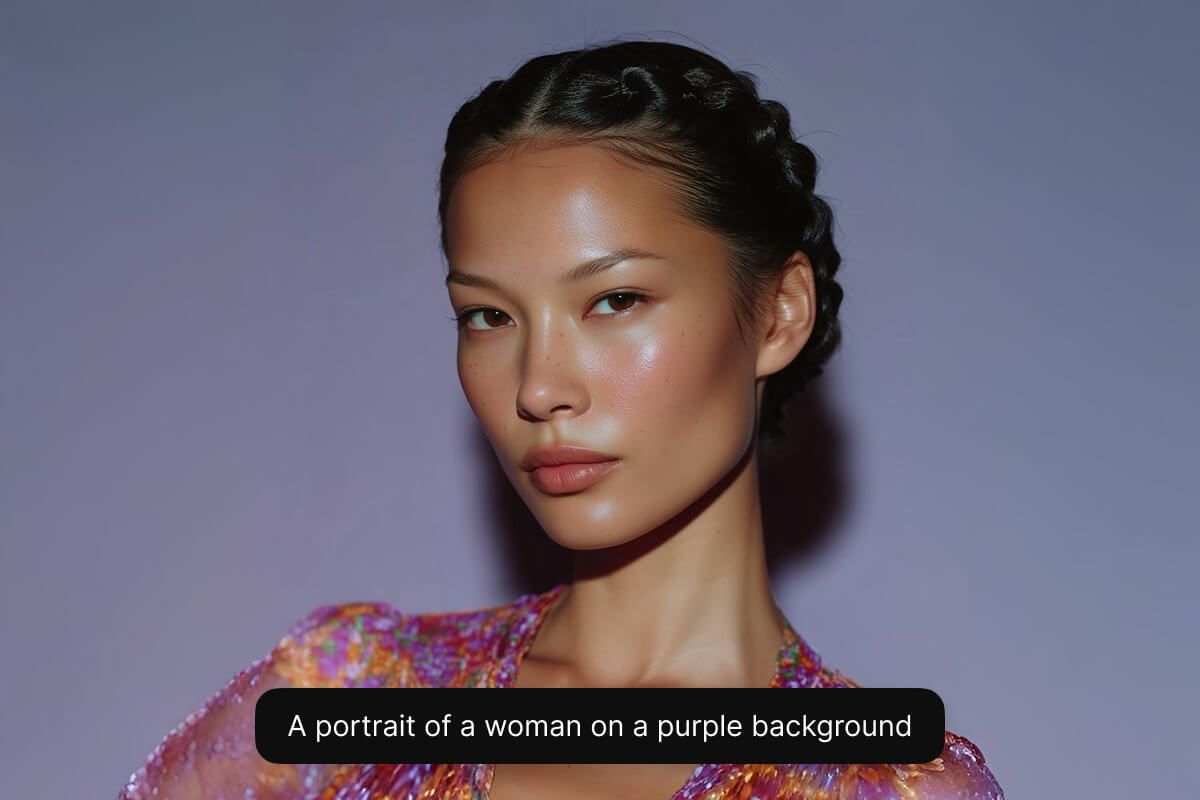
Instantly create AI portraits from your own photos
Instantly create AI portraits from your own photos and transform ordinary selfies into stunning, professional-quality images. Simply upload your favorite photo, and our advanced AI technology will produce captivating portraits ideal for social profiles, professional portfolios, or creative projects. Whether you’re an influencer aiming to elevate your online presence or an entrepreneur refining your digital identity, personalized portraits have never been easier. Experience the simplicity and power of portrait generation at your fingertips.
Instantly create AI portraits from your own photos
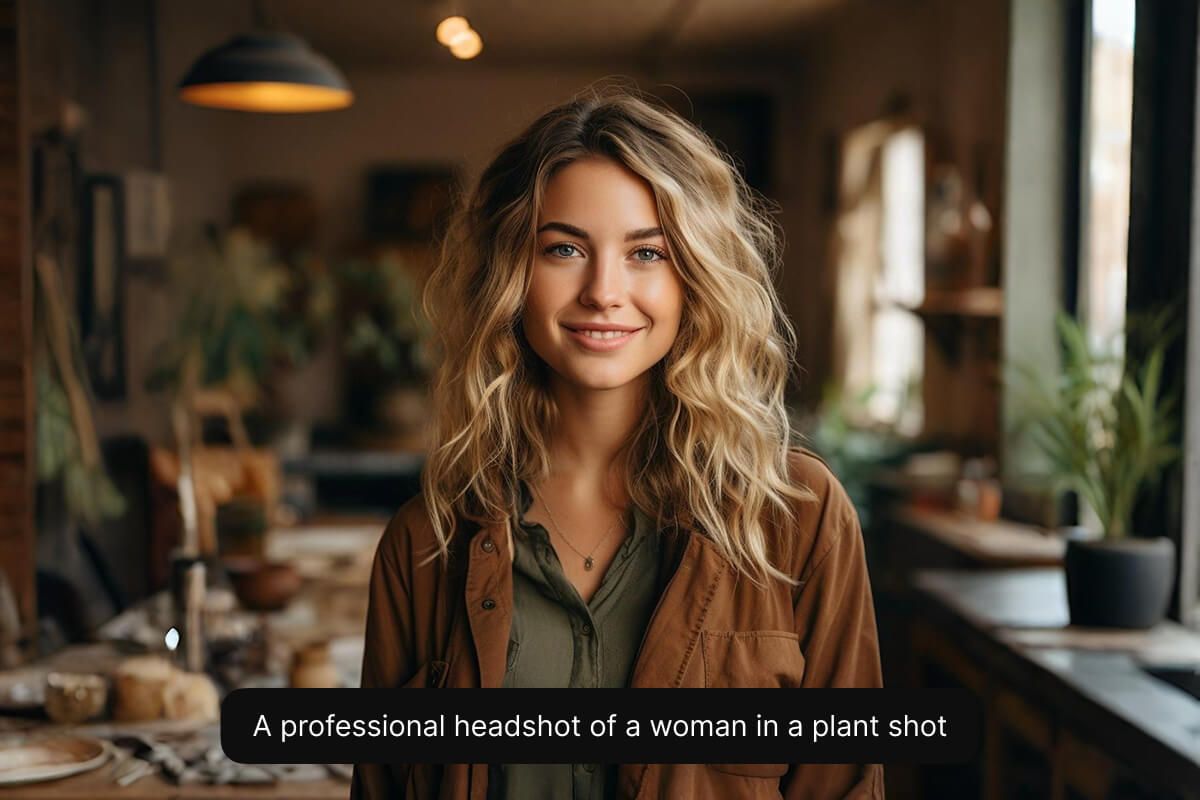
Choose from multiple AI models for different styles
Choose from multiple AI models to get the perfect style for your project. If you need a polished corporate headshot or a photorealistic look, Flux Kontext Max can bring your vision to life. Marketers can maintain brand consistency by selecting a model that matches their aesthetic, while designers experiment with different looks for each campaign. This flexibility ensures every user finds the ideal portrait style for their needs. Experiment with all of Pixelcut’s supported models to find the one that best fits your needs.
Choose from multiple AI models for different styles
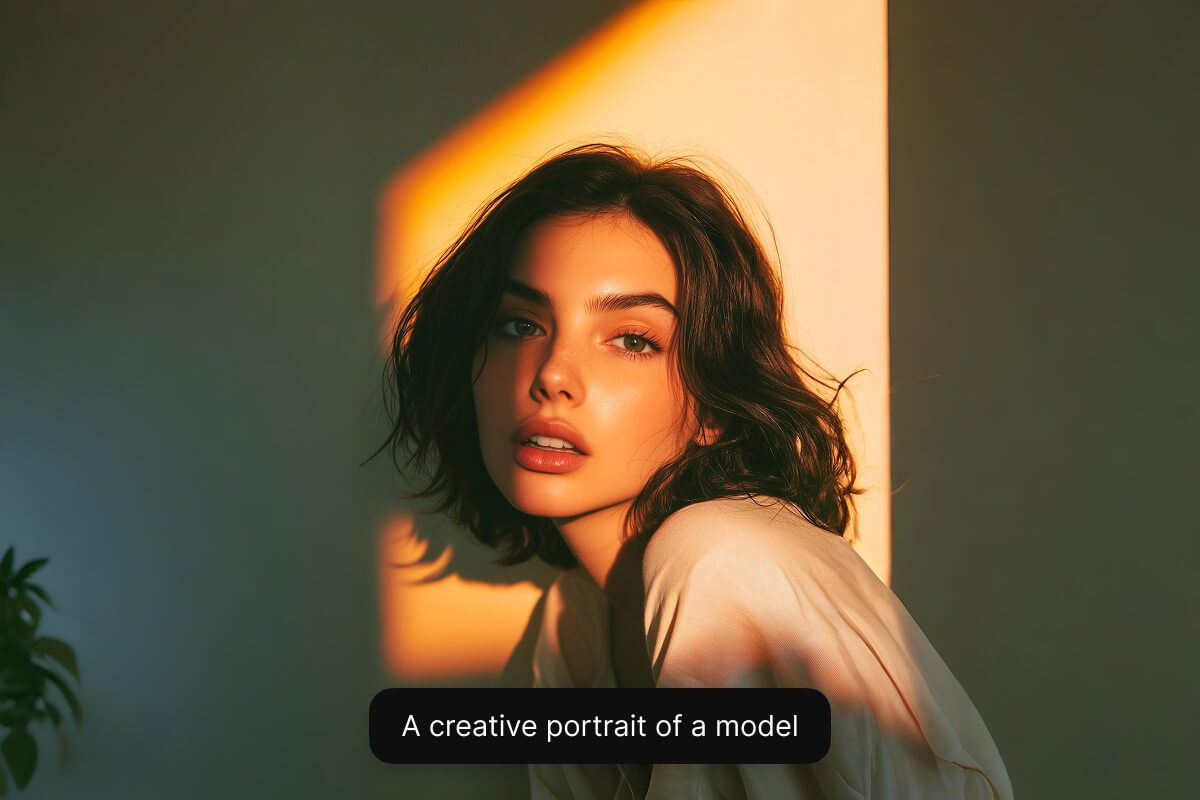
How to create a portrait
- 1
Describe portrait or upload image
To create a portrait from scratch, simply enter a text description of what you’d like to see. If you want to create a portrait from an existing image, upload your image and describe how you'd like your portrait to look.
- 2
Choose the right model
Portrait creation works best with the Flux Kontext Max. We recommend selecting this models for photorealistic portrait creation, but feel free to experiment with other models to find a style you like.
- 3
Generate your portrait
In seconds, our AI will create a realistic portrait based on your description. The AI interprets your prompt and instantly creates your portrait for you.
- 4
Download your image
Once you’re happy with the result, download your portrait to your device. It’s ready to use as a on your website, profile picture, or anywhere you’d like.
Einfache, transparente Preise
Beginnen Sie kostenlos mit der Erstellung. Upgraden Sie für mehr Credits und Funktionen.
Sparen Sie 20 % mit einem Jahresplan
Kostenlos
$0
pro MonatBegrenzte Hintergrundentfernung
Begrenzte Hochskalierung
Kostenloser Export ohne Wasserzeichen
Pro
$10
pro Monat600 KI-Credits pro Monat
Zugriff auf alle KI-Modelle
Unbegrenzte Hintergrundentfernung
Unbegrenzte Hochskalierung
3 Personen Team
1,000 Stapel-Exporte pro Monat
Kommerzielle Lizenz
Am Beliebtesten
Geschäft
$30
pro Monat3,600 KI-Credits pro Monat
Zugriff auf alle KI-Modelle
Unbegrenzte Hintergrundentfernung
Unbegrenzte Hochskalierung
10 Personen Team
2,000 Stapel-Exporte pro Monat
Kommerzielle Lizenz



Vertraut von über 200.000 Kreativen, Marken und kleinen Unternehmen
Vertraut von Kreativen bei











Häufig gestellte Fragen
An AI portrait generator is an online tool that uses artificial intelligence to create a portrait image from a prompt or photo. It analyzes your input (either a text description or an uploaded picture) and produces a new portrait that looks realistic or artistically styled based on your input.
Yes! You can generate a portrait simply by typing a text description of what you want to see. No photo upload is needed, the AI will create a brand new portrait from your prompt.
For photorealistic portraits, the best models are Flux Kontext Max when using an image upload and Flux Pro v1.1 Ultra for portraits generated from text prompts alone. Select one of these models for lifelike skin textures, facial expressions, and lighting.
Yes! The portraits you generate are yours to use. You are free to use them for personal or commercial projects.
No, there’s no software download required. It runs entirely in your web browser on any device, so you can create portraits on your phone, tablet, or computer with internet access.
Pixelcut wird von über 2 Millionen Menschen geliebt
Bester Hintergrundentferner
Ich brauche einen guten Hintergrundentferner für meine Arbeit und habe ihn schon so oft ausprobiert, wie es sich anfühlt. Dieses hier ist mit Abstand das Beste. Es ist so einfach zu verwenden und die Ergebnisse sehen immer fantastisch aus. Danke Pixelcut!
Liebe es
Es ist erstaunlich einfach und liefert die perfekten Ergebnisse für meine Taschen und Accessoires. Es sieht so aus, als wäre es von einem professionellen Fotografen gemacht worden.