Mi aplicación favorita
Gran aplicación, fácil de usar. Ayuda a nuestra pequeña empresa a ahorrar tiempo y dinero para crear diferentes materiales de marketing de forma profesional. Gracias.
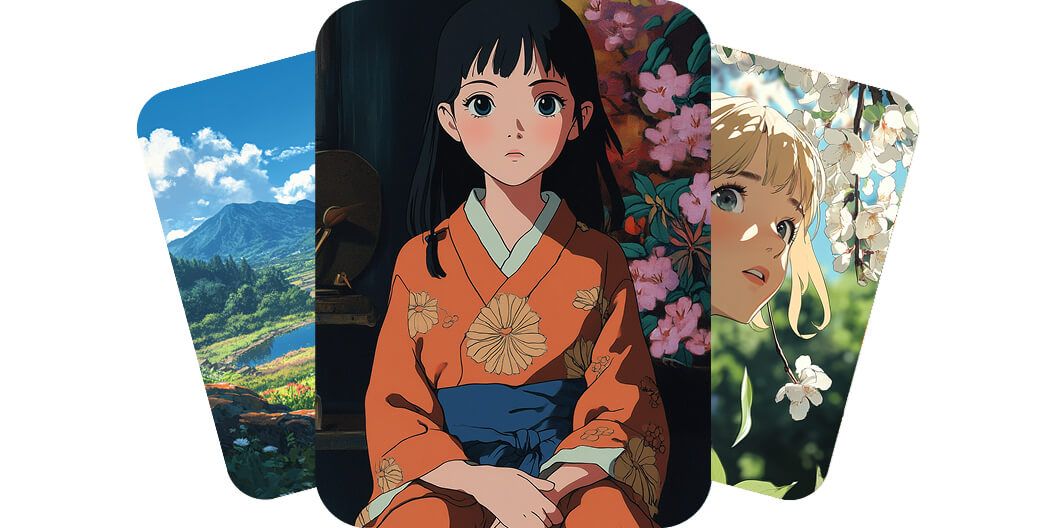
Convierte tu imaginación en arte anime con el generador de anime con IA de Pixelcut. Solo escribe un prompt y mira cómo tus ideas cobran vida en la pantalla. Pruébalo gratis hoy mismo.
Con nuestro generador de anime con IA, ilustradores y creativos convierten sus ideas en imágenes de anime llenas de color sin esfuerzo. No necesitas saber dibujar. Solo describe tu concepto y míralo convertirse en una ilustración de gran calidad. La IA hace el trabajo pesado y tú exploras muchísimas posibilidades y estilos. Pruébalo gratis hoy y dale vida a tus ideas.
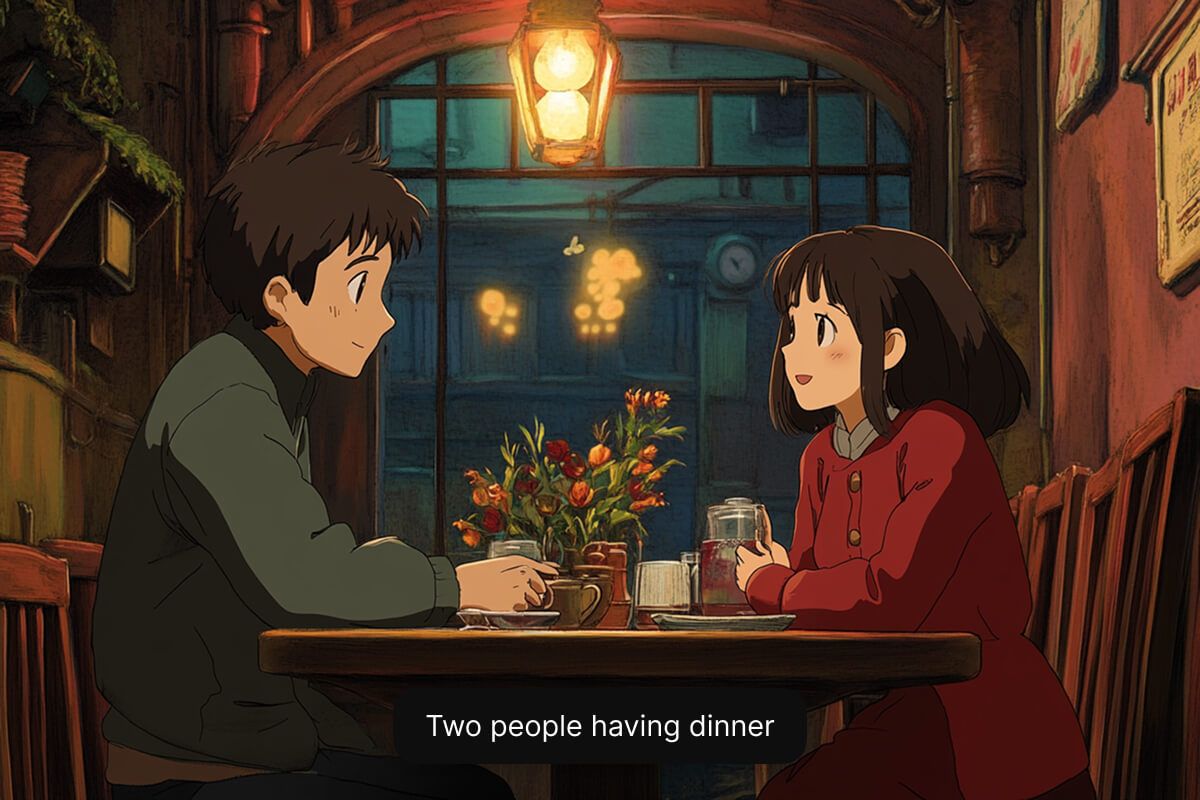
Si juegas videojuegos o te encanta el anime, puedes crear personajes anime a partir de texto en segundos. Cuéntale a nuestra IA sobre tu héroe, tu villano o tu avatar y verás aparecer en pantalla un personaje único con mucho detalle. No hace falta experiencia artística ni saber programar, solo tu imaginación. Genera ahora y dale vida a tus personajes.
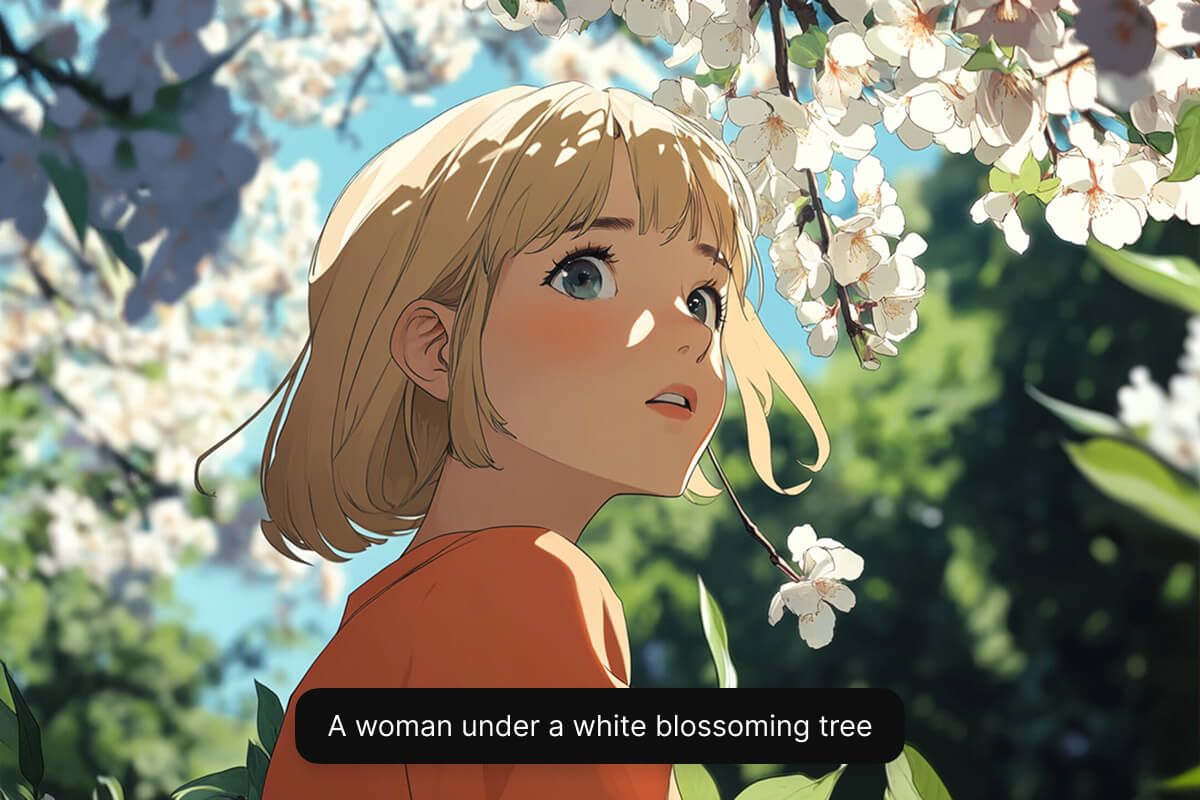
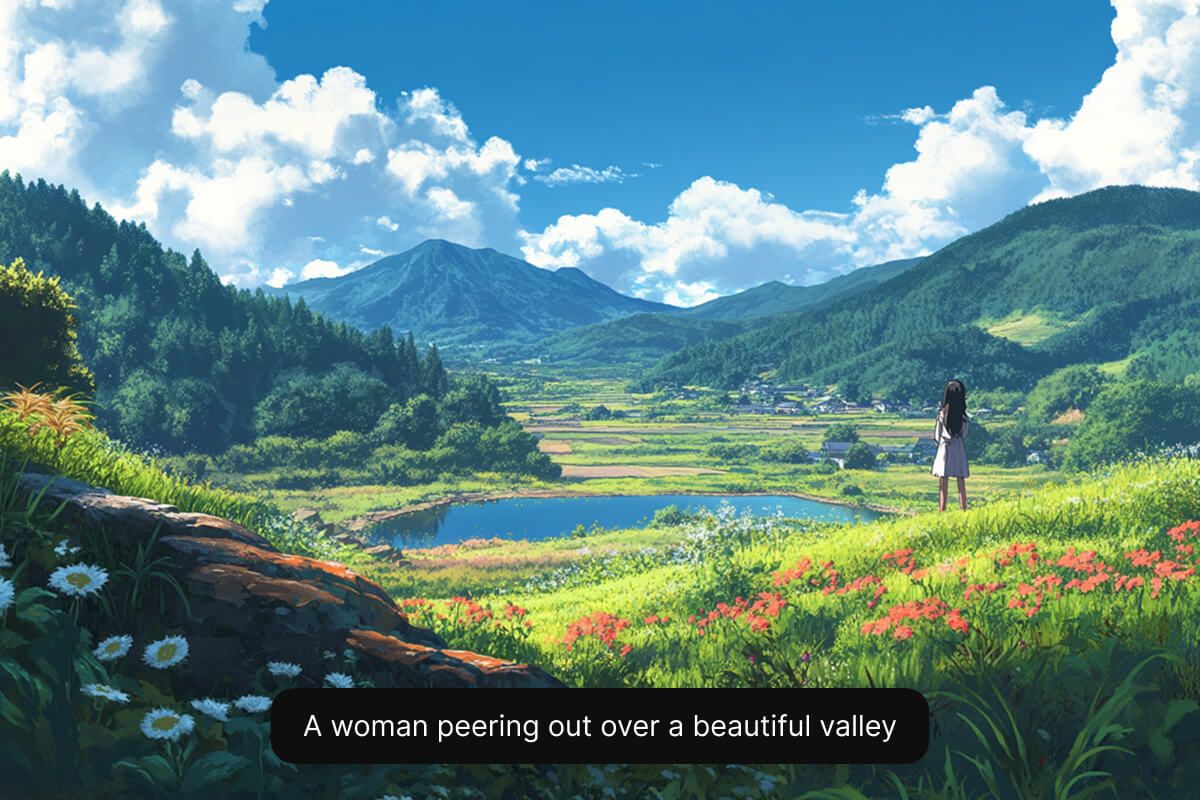
Diseñadores y fans del anime crean fondos de pantalla y escenarios de anime sin esfuerzo, solo con prompts de texto sencillos. Convierte la descripción breve de una escena en un fondo de anime en alta resolución, ideal para fondos de pantalla, historias o arte conceptual. Ya sea que imagines un paisaje tranquilo o una ciudad llena de acción, nuestra IA entrega buenos resultados cada vez. No tienes que buscar imágenes de stock. Pruébalo gratis y genera ahora tu propio fondo.
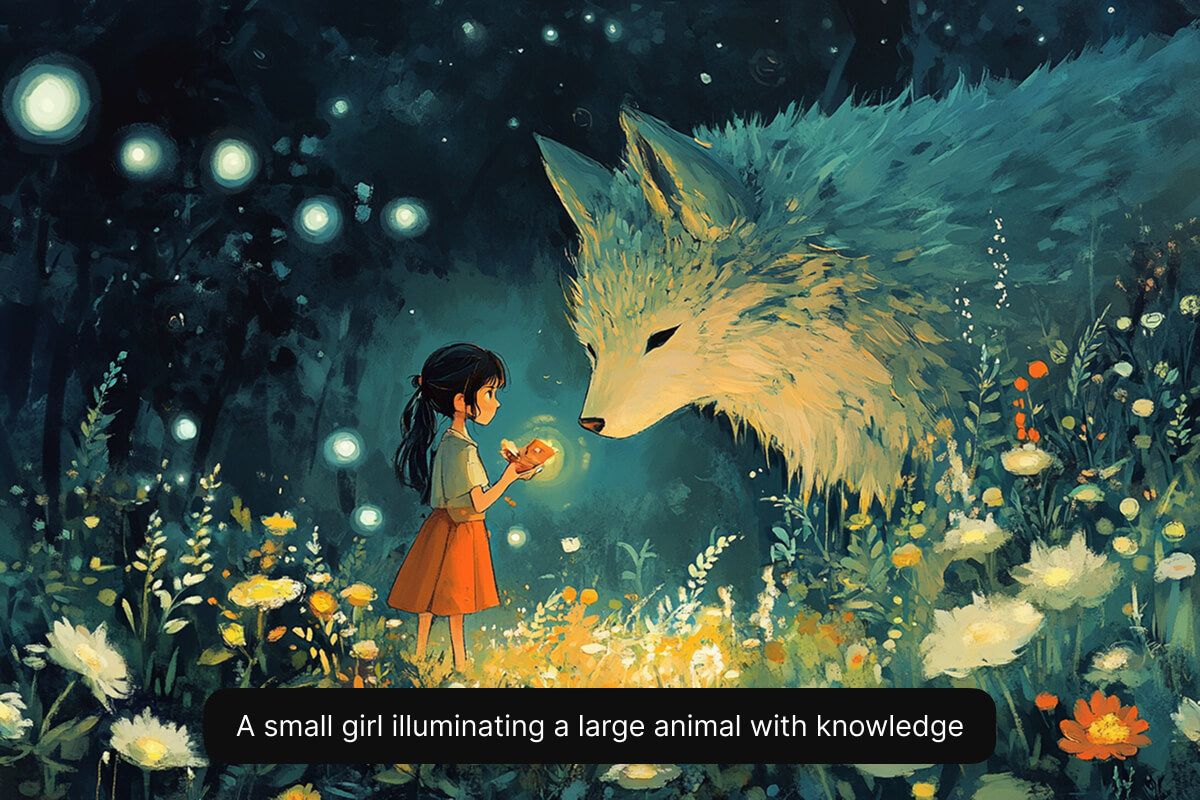
Escribe una descripción corta del personaje anime que quieres crear. Incluye detalles clave sobre su apariencia, su personalidad, su ropa y el fondo.
Elige uno de los modelos compatibles, como Flux Dev, Flux Pro, Flux Ultra e Ideogram. Así puedes experimentar y ver cuál se ajusta mejor a lo que necesitas.
En segundos, la IA de Pixelcut crea una imagen de personaje única a partir de tu descripción. Interpreta tu prompt y visualiza tu personaje al instante.
Cuando estés contento con el resultado, descarga la imagen a tu dispositivo. Queda lista para usarla en tu juego, en tu historia o en el proyecto que sea.
Comienza a crear gratis. Actualiza para obtener más créditos y funciones.














Gran aplicación, fácil de usar. Ayuda a nuestra pequeña empresa a ahorrar tiempo y dinero para crear diferentes materiales de marketing de forma profesional. Gracias.
Necesito un buen eliminador de fondo para mi trabajo y he probado todos, parece. Este es el mejor con diferencia. Es muy fácil de usar y los resultados siempre lucen increíbles. ¡Gracias Pixelcut!
Es increíblemente fácil y da resultados perfectos para mis bolsos y accesorios. Parece que lo hizo un fotógrafo profesional.