Mi aplicación favorita
Gran aplicación, fácil de usar. Ayuda a nuestra pequeña empresa a ahorrar tiempo y dinero para crear diferentes materiales de marketing de forma profesional. Gracias.
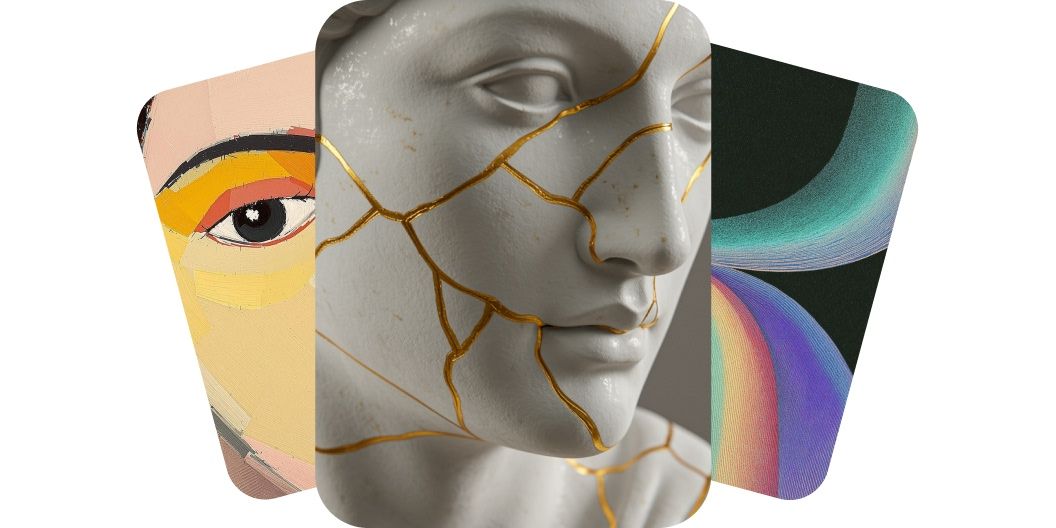
Convierte texto en ilustraciones de alta calidad con nuestro generador de arte con IA. Crea al instante imágenes originales y listas para uso comercial con varios modelos de generación.
Nuestro generador de arte convierte palabras en imágenes bonitas. Crea al instante ilustraciones de alta calidad para cualquier proyecto con prompts de texto sencillos. Ya seas un artista buscando inspiración o alguien de marketing que necesita gráficos que llamen la atención, nuestro generador gratis te resuelve. Solo escribe tu idea y deja que la IA haga el trabajo de diseño. Ahorra tiempo y empieza a crear arte a partir de tus palabras en un instante. ¡Pruébalo ahora y mira cómo tus palabras se vuelven un dibujo!
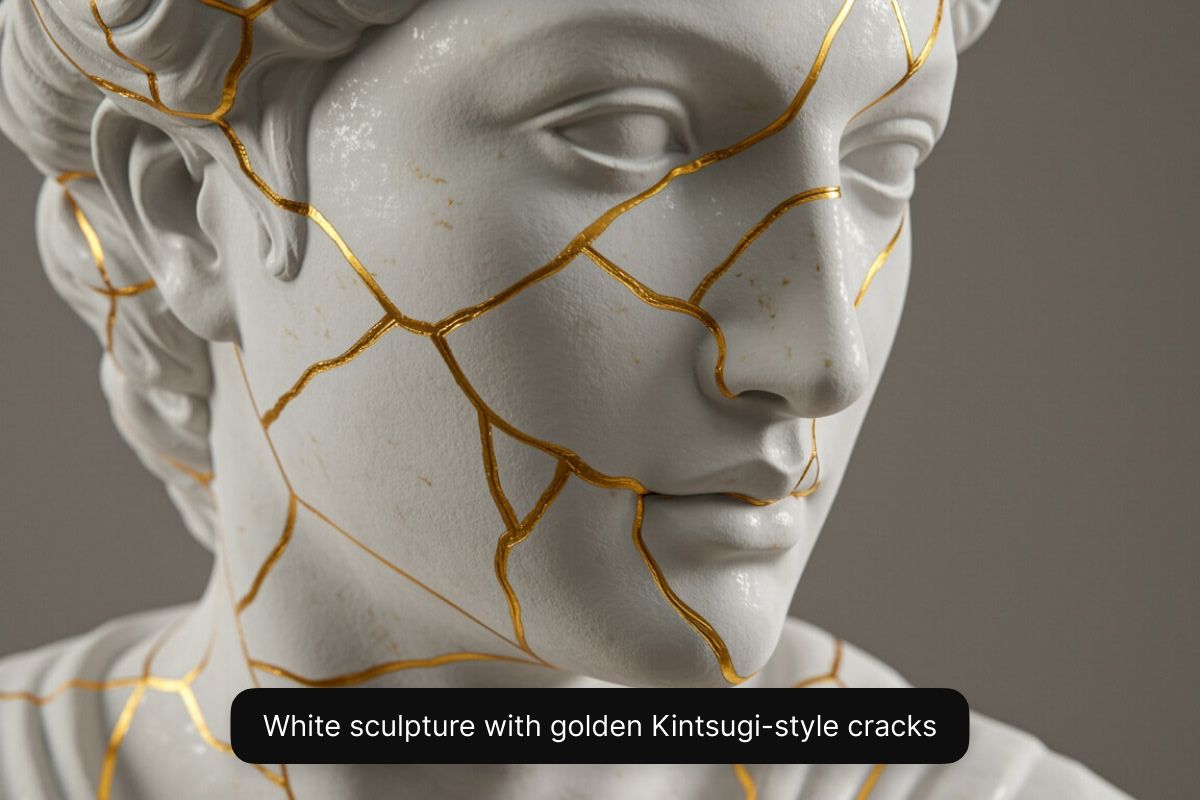
Crea arte en alta resolución desde tu celular, tu tableta o tu computadora. Puedes entrar a nuestra herramienta desde la app de Pixelcut o directamente desde cualquier navegador web, en computadora o en celular. Crea imágenes de alta calidad en segundos, sin descargar software de diseño gráfico caro en tu computadora. Nuestro generador produce ilustraciones nítidas y detalladas que puedes descargar y usar de inmediato, donde sea que llegue la inspiración. ¡Empieza describiendo tu idea en el cuadro de prompt!
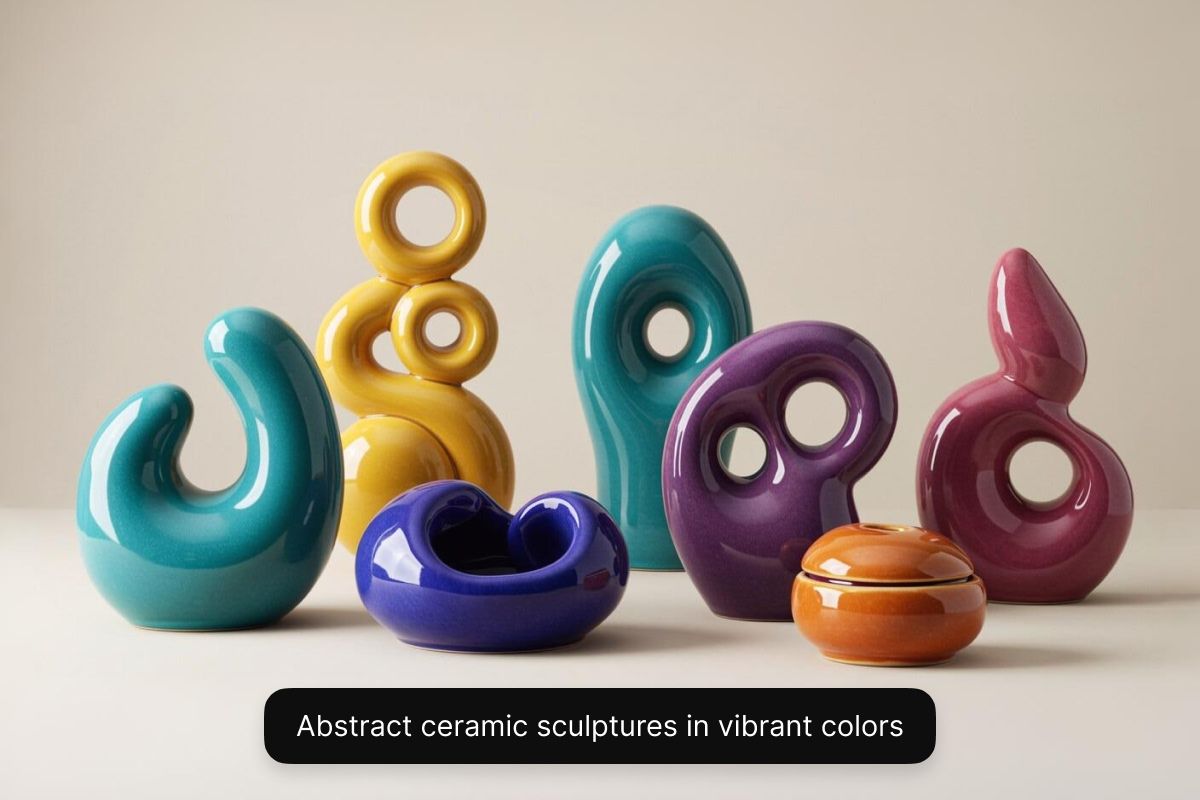
Cada visión artística es distinta. Con Pixelcut puedes explorar estilos artísticos variados con varios modelos de IA. Con un plan Pixelcut Pro vas a poder elegir entre una gama de modelos, incluidos Flux de Black Forest Labs, Imagen 3 de Google, GPT Image de OpenAI, Ideogram y más. Cada modelo muestra una estética propia y te da la flexibilidad de probar estilos distintos en un solo lugar. ¿Quieres una pintura al óleo, una pieza abstracta surrealista o un render 3D realista para un videojuego? Tienes control total para experimentar y elegir el estilo que quieras. El resultado son ilustraciones hechas a tu medida. Para generar imágenes gratis, elige el modelo Flux Dev.
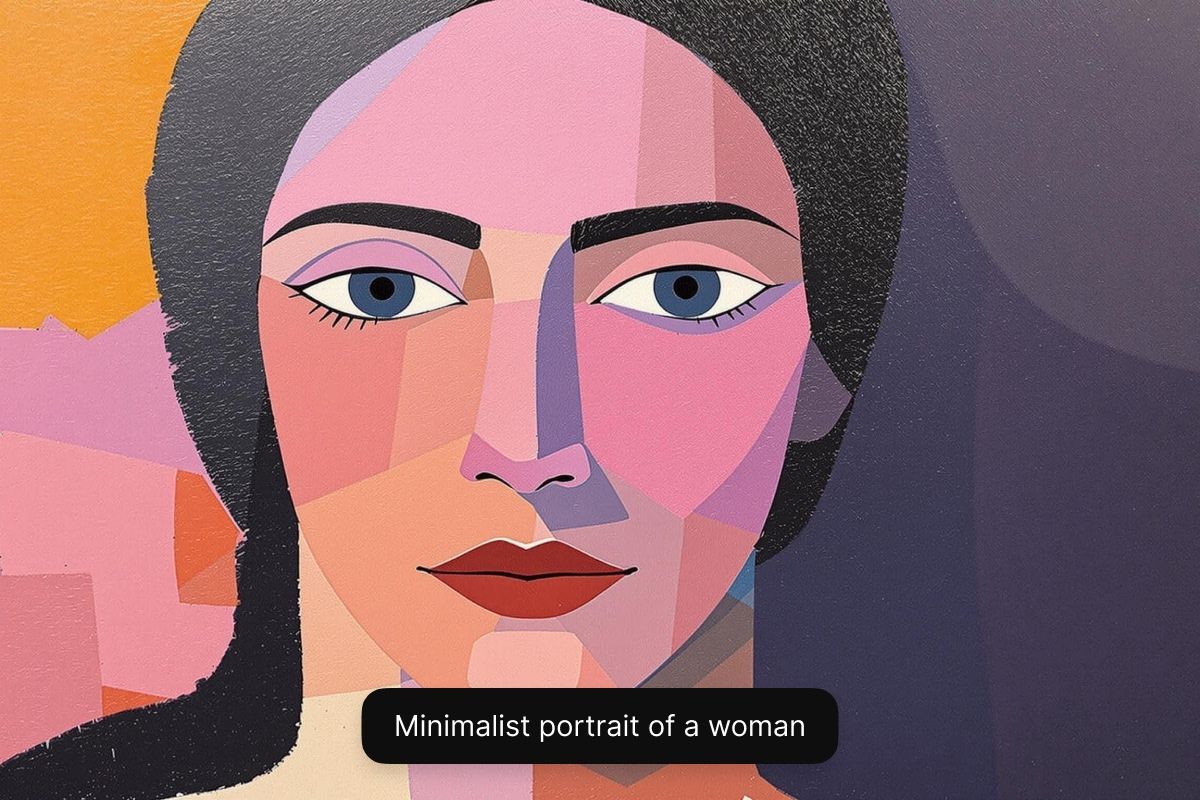
Con el generador de Pixelcut puedes usar comercialmente las imágenes que creaste. Cada pieza que haces viene sin marca de agua y con licencia libre de regalías, así que puedes usarla con confianza en cualquier contexto de negocio, desde campañas de marketing hasta ilustraciones de cómic. Eso hace que tus imágenes sean de alta calidad y además cumplan con lo legal, y te da tranquilidad mientras haces crecer tu marca o tu proyecto. Empieza a crear con Pixelcut y quédate tranquilo.
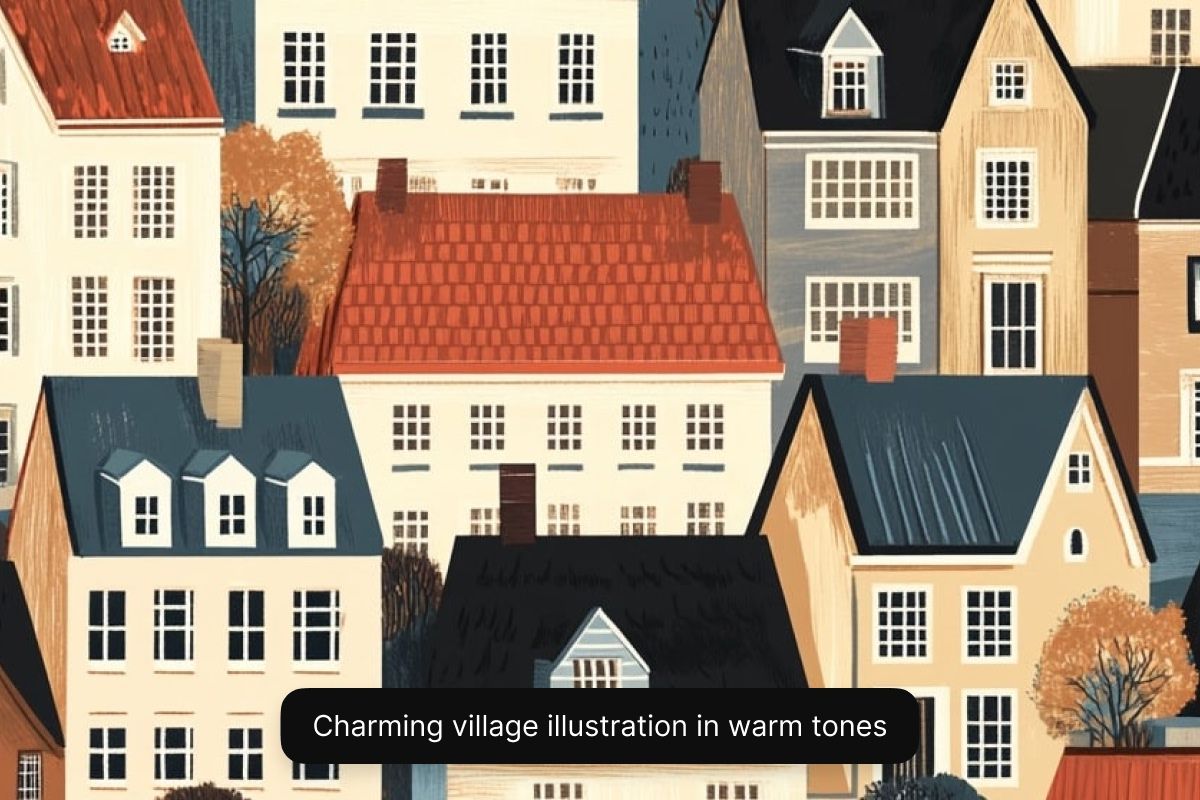
Desarrolladores de videojuegos e ilustradores: genera rápido arte conceptual, personajes, entornos y diseños de portada. Pixelcut ayuda a artistas y desarrolladores a dar vida a sus ideas en segundos. Ideal para prototipar mundos de juego, cómics o ilustraciones de libros infantiles.
Emprendedores sin tiempo: crea imágenes principales a la medida, calendarios o arte para productos de impresión bajo demanda en minutos. El generador de Pixelcut ayuda a los emprendedores a convertir ideas en material profesional en minutos.
Creadores de contenido digital: genera miniaturas de YouTube que llaman la atención, publicaciones de Instagram, portadas para tu podcast o fondos para videos. Pixelcut alimenta tu flujo creativo con imágenes rápidas hechas con IA para cualquier plataforma social.
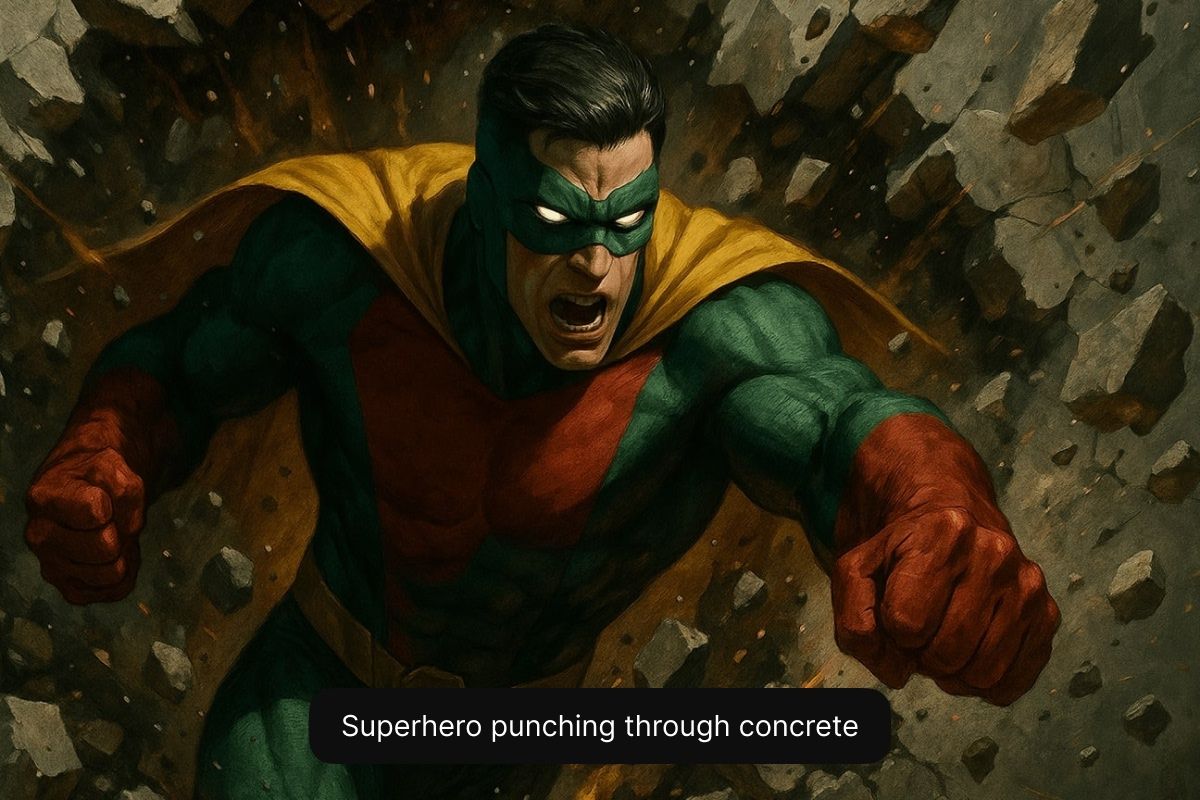
Con estos consejos ayudas a la IA a entender tu visión y a producir ilustraciones que coincidan con lo que imaginaste.
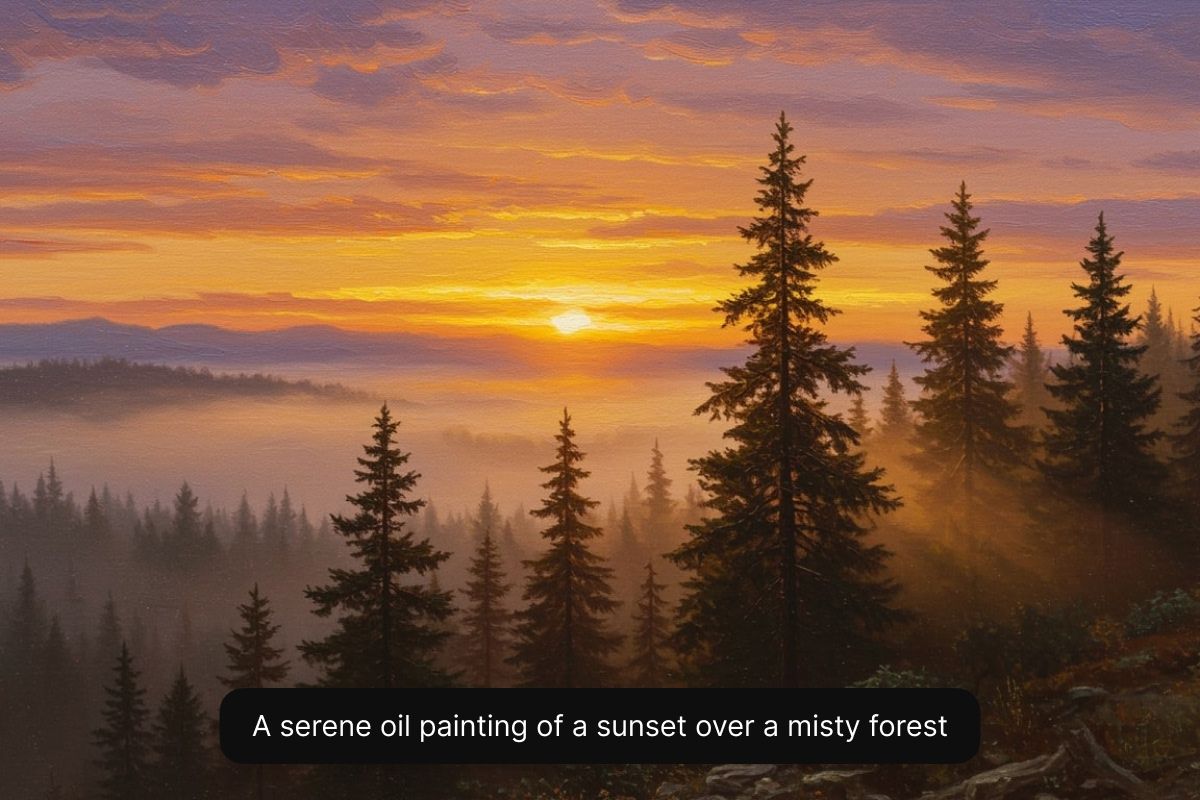
Empieza escribiendo una descripción detallada del arte que quieres generar. Incluye el sujeto, el estilo y cualquier otro detalle. Cuanto más específico seas, mejor será el resultado.
Elige un modelo de IA en el menú desplegable. Para generar arte gratis, selecciona Flux Dev. Si tienes Pixelcut Pro, experimenta con el modelo que quieras.
Nuestra IA creará al instante varias versiones en alta resolución de tu ilustración a partir de tu descripción. Elige otro modelo o reescribe tu prompt si quieres probar más opciones.
¡Tu ilustración está lista para descargar! Compártela en redes sociales, úsala en campañas de marketing o ponla en un storyboard. ¡Tu arte generado con IA ya se puede usar comercialmente!
Comienza a crear gratis. Actualiza para obtener más créditos y funciones.



Confiado por creativos en











Gran aplicación, fácil de usar. Ayuda a nuestra pequeña empresa a ahorrar tiempo y dinero para crear diferentes materiales de marketing de forma profesional. Gracias.
Necesito un buen eliminador de fondo para mi trabajo y he probado todos, parece. Este es el mejor con diferencia. Es muy fácil de usar y los resultados siempre lucen increíbles. ¡Gracias Pixelcut!
Es increíblemente fácil y da resultados perfectos para mis bolsos y accesorios. Parece que lo hizo un fotógrafo profesional.