Mi aplicación favorita
Gran aplicación, fácil de usar. Ayuda a nuestra pequeña empresa a ahorrar tiempo y dinero para crear diferentes materiales de marketing de forma profesional. Gracias.
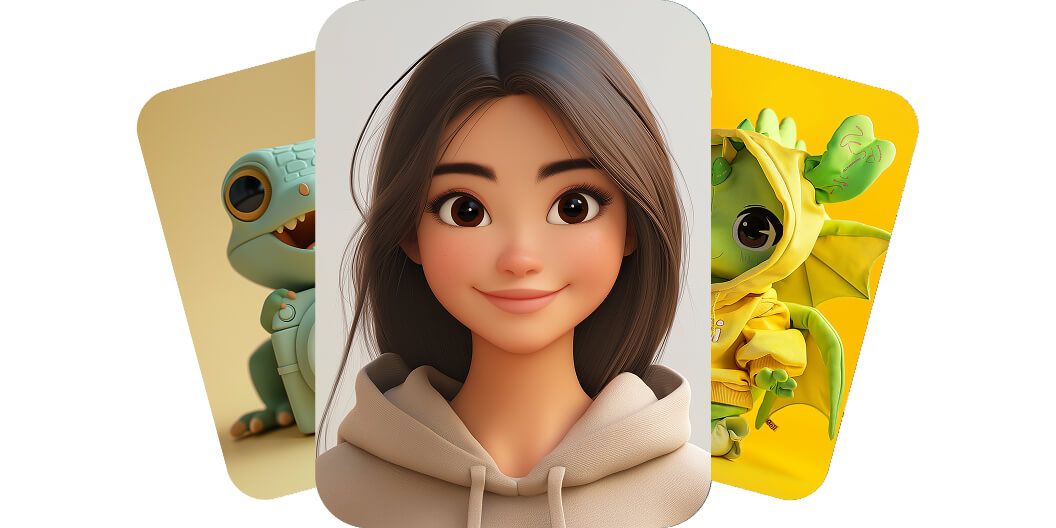
El generador de Pixelcut te deja crear personajes con IA en segundos. Escribe un prompt de texto sencillo y tu idea se convierte en una imagen de personaje única. ¡Pruébalo gratis!
El generador de personajes de Pixelcut permite que cualquiera cree un personaje a la medida en segundos, sin saber diseñar. La herramienta convierte tu descripción escrita en una ilustración a gran velocidad, y así no hace falta contratar ilustradores caros ni aprender software de diseño que consume horas. Hasta un profesional del marketing con la agenda llena o un escritor sin formación artística puede visualizar personajes nuevos al instante con solo escribir sus ideas. Deja volar tu creatividad y mira cómo aparecen los personajes de la nada. ¡Pruébalo gratis y comprueba la magia tú mismo!
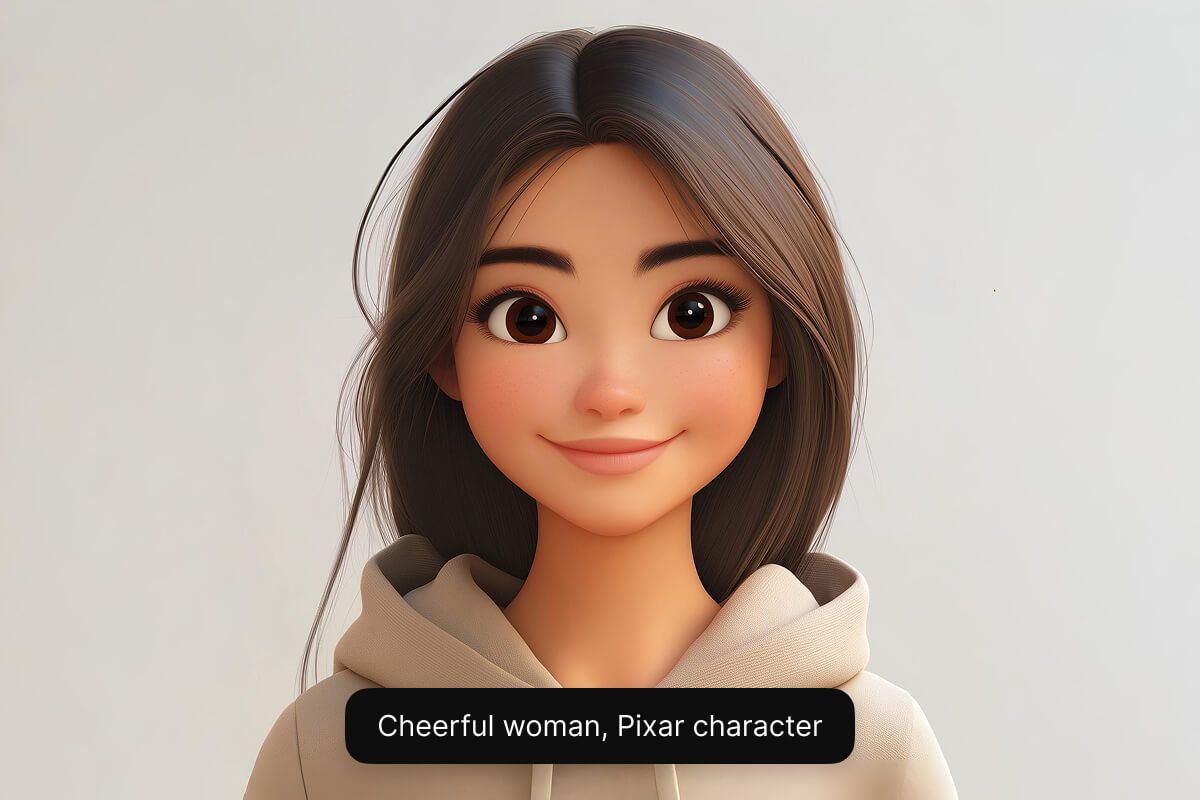
Crea un personaje en el estilo que quieras con los modelos de IA de Pixelcut. Desde una mascota tierna de caricatura hasta un héroe de fantasía realista, la IA lo genera. La herramienta ofrece varios motores de IA (incluidos Google Imagen 3 y Flux) para que consigas el aspecto y la calidad exactos que buscas. Esa flexibilidad permite a los ilustradores probar estilos distintos y ayuda a los diseñadores de videojuegos a dar vida a personajes únicos. Pruébalo gratis y explora todos los estilos que quieras.
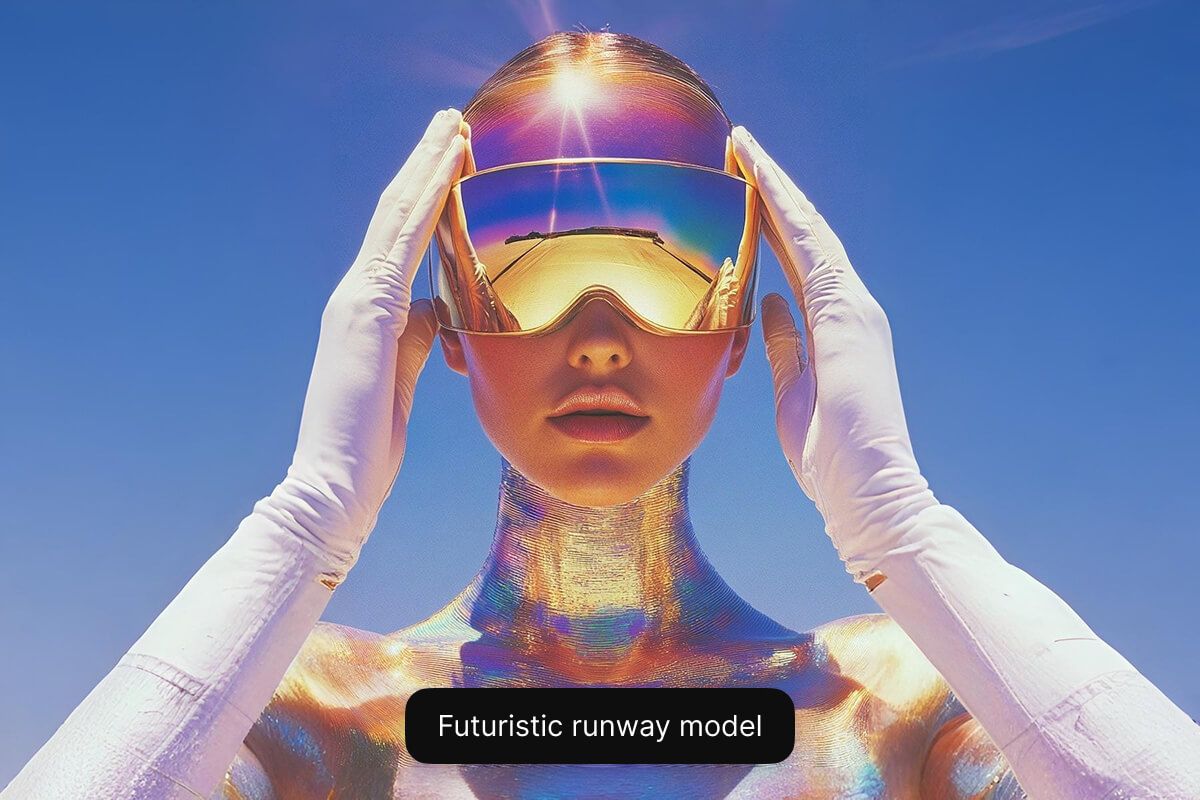
Nuestro generador de personajes de caricatura con IA funciona en tu navegador web y es gratis, así que no hay nada que descargar ni instalar. Cualquiera puede crear personajes de caricatura o estilo anime en segundos con un prompt de texto sencillo. Los gamers dan vida a personajes de fantasía y los pequeños negocios crean una mascota o un avatar, todo gratis. ¡Empieza ahora gratis y dale vida a tu personaje!
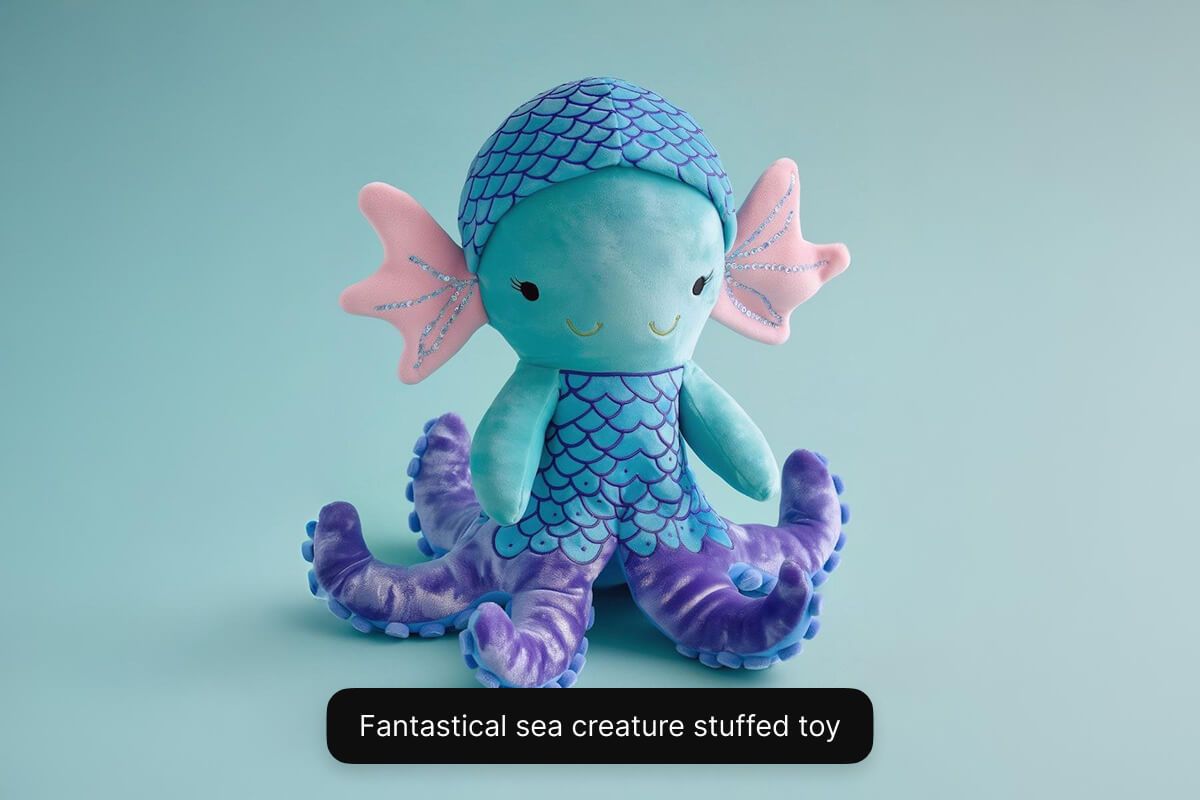
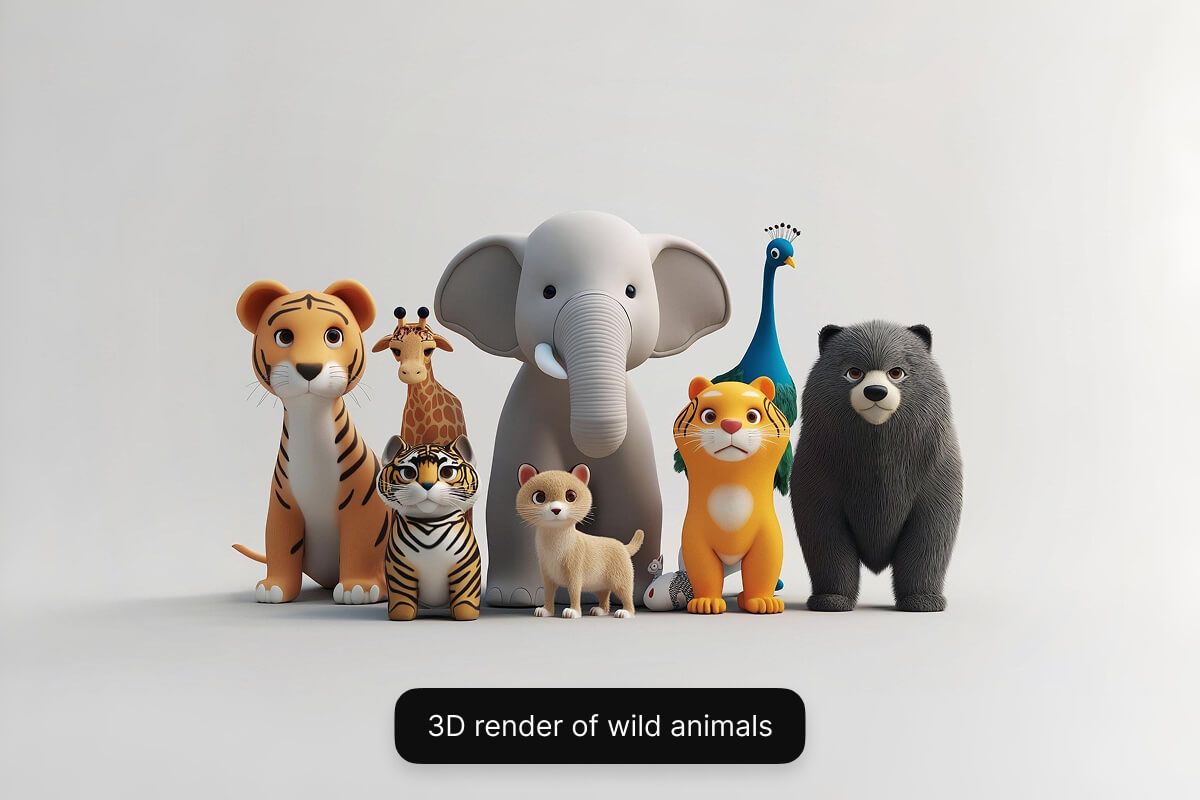
Escribe una descripción breve del personaje que quieres crear. Incluye detalles clave sobre su aspecto, su personalidad, su ropa y su trasfondo.
Selecciona uno de los modelos compatibles, entre ellos Flux Dev, Flux Pro, Flux Ultra e Ideogram. Así puedes experimentar y ver cuál se ajusta mejor a lo que necesitas.
En segundos, la IA de Pixelcut creará una imagen de personaje única a partir de tu descripción. La IA interpreta tu prompt y visualiza tu personaje al instante.
Cuando el resultado te convenza, descarga la imagen de tu personaje a tu dispositivo. Queda lista para tu videojuego, tu historia, tu campaña de marketing o cualquier proyecto.
Comienza a crear gratis. Actualiza para obtener más créditos y funciones.














Gran aplicación, fácil de usar. Ayuda a nuestra pequeña empresa a ahorrar tiempo y dinero para crear diferentes materiales de marketing de forma profesional. Gracias.
Necesito un buen eliminador de fondo para mi trabajo y he probado todos, parece. Este es el mejor con diferencia. Es muy fácil de usar y los resultados siempre lucen increíbles. ¡Gracias Pixelcut!
Es increíblemente fácil y da resultados perfectos para mis bolsos y accesorios. Parece que lo hizo un fotógrafo profesional.