Mon application préférée
Super application, facile à utiliser. Aide notre petite entreprise à économiser du temps et de l'argent pour créer différents supports marketing de manière professionnelle. Merci.
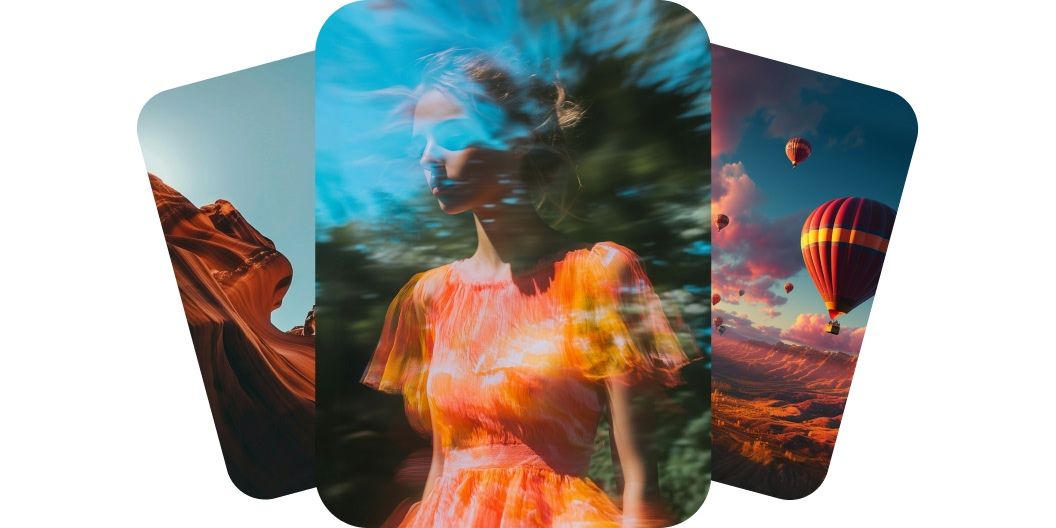
Générez des vidéos avec Luma Dream Machine sur Pixelcut. Tapez simplement votre idée ou téléversez une image, puis regardez-la prendre vie. Essayez dès aujourd'hui.
Luma Dream Machine crée des vidéos de qualité professionnelle à partir de texte et donne vie à vos idées avec un mouvement réaliste et des détails naturels. Le modèle Luma Dream Machine v1.5 comprend la profondeur, la lumière et le mouvement, ce qui aide à produire des scènes fluides et crédibles. Qu'il s'agisse d'une personne qui marche ou d'une caméra qui traverse une pièce, le mouvement paraît naturel et cinématographique. Ce niveau de réalisme donne à chaque vidéo l'allure d'un tournage professionnel. Lancez-vous dès aujourd'hui avec Luma Dream Machine sur Pixelcut.
Luma AI Dream Machine transforme vos images en animations fluides tout en préservant la composition d'origine. Téléversez une seule image, par exemple une photo produit ou une création, et l'IA l'anime sans perdre en netteté ni trahir votre intention. Les transitions sont fluides et le mouvement est propre, ce qui rend vos visuels plus captivants. Vous obtenez du mouvement sans aucune compétence en animation. Connectez-vous et téléversez une image pour essayer!
Dream Machine v1.5 génère des mouvements de caméra cinématographiques qui apportent de l'énergie et de l'émotion à vos scènes. Attendez-vous à des zooms, des panoramiques et des travellings qui suivent un mouvement naturel guidé par votre prompt. L'IA comprend l'espace et la direction, le résultat paraît donc soigné et intentionnel. Votre vidéo aura l'air d'avoir été réalisée par un cinéaste, à partir de quelques mots seulement.
Dream Machine de Luma AI assure une cohérence d'une image à l'autre qui garde vos visuels nets et stables du début à la fin. Personnages et objets restent identiques sur chaque image, ce qui supprime les scintillements et les artefacts. La vidéo gagne en professionnalisme et sert mieux votre récit. Si l'intégrité visuelle compte pour vous, cette caractéristique se remarque. Créez dès aujourd'hui des vidéos IA cohérentes.
Pour créer une vidéo à partir de texte, tapez votre description dans le champ de prompt. Pour partir d'une image, connectez-vous d'abord à votre compte.
Une fois votre prompt prêt, cliquez sur le bouton d'envoi. Dream Machine transforme vos mots ou votre image en vidéo de haute qualité en quelques minutes.
Prévisualisez votre vidéo et retouchez votre prompt jusqu'à obtenir le bon rendu. Ajoutez ou retirez des détails pour tester de nouvelles scènes, styles ou directions.
Enregistrez votre vidéo finie sur votre appareil. Elle est prête à être partagée sur les réseaux, envoyée à votre équipe ou glissée dans le projet en cours.
Commence à créer gratuitement. Mets à niveau pour obtenir plus de crédits et de fonctionnalités.














Super application, facile à utiliser. Aide notre petite entreprise à économiser du temps et de l'argent pour créer différents supports marketing de manière professionnelle. Merci.
J'ai besoin d'un bon outil de suppression d'arrière-plan pour mon travail et je les ai tous essayés. Celui-ci est de loin le meilleur. C'est si facile à utiliser et les résultats sont toujours incroyables. Merci Pixelcut !
C'est incroyablement simple et donne des résultats parfaits pour mes sacs et accessoires. On dirait que cela a été fait par un photographe professionnel.