Aplikasi favorit saya
Aplikasi bagus, mudah digunakan. Membantu bisnis kecil kami menghemat waktu dan uang untuk membuat materi pemasaran yang berbeda secara profesional. Terima kasih.

Alat gratis kami membuat siapa pun bisa menghapus background PNG atau menggantinya secara online. Unggah file PNG Anda dan backgroundnya akan terhapus otomatis dalam hitungan detik!
Klik Hapus Background untuk mengunggah file PNG. Di desktop, file juga bisa diseret dan dilepas ke mana saja di layar. Usahakan pilih gambar yang subjeknya bertepi jelas.
Pixelcut otomatis menghapus background dari gambar PNG Anda. Begitu backgroundnya hilang, Anda bisa merapikan potongan gambar atau memasang background yang baru!
Unduh gambar baru Anda sebagai berkas PNG dengan background transparan. Lanjutkan mengedit di Pixelcut sampai Anda siap membagikan karya itu secara online!
Dengan alat hapus background PNG bertenaga AI dari Pixelcut, mengedit gambar jadi terasa ringan. Alat ini dirancang untuk menghapus background dari gambar PNG secara otomatis dan memberi hasil yang bersih dan presisi setiap kali, tanpa mengorbankan kualitas. Yang terbaik, alat ini sepenuhnya gratis, memberi hasil profesional tanpa biaya dan tanpa watermark. Cocok untuk e-commerce, pemasaran digital, dan pembuatan konten media sosial, alat ini menghemat waktu sekaligus menyederhanakan alur kerja kreatif Anda. Rasakan pengalaman yang lancar dan buka banyak kemungkinan desain lewat alat hapus background PNG gratis dari Pixelcut yang intuitif.

Hapus background putih dari gambar PNG tanpa repot lewat alat berbasis AI dari Pixelcut yang dibuat untuk menjawab tantangan desain. Solusi kami bukan hanya menghapus warna putih, tapi juga melenyapkan background hitam, sehingga visual Anda menyatu rapi dengan proyek apa pun. Cocok untuk memakai ulang logo, desain gabungan, dan foto produk di rancangan baru atau dengan background baru. Pixelcut membantu desainer dan pemasar memperkuat cerita visual mereka sekaligus memperbaiki pengalaman pengguna di berbagai platform digital. Bagi Anda yang ingin menaikkan produktivitas satu tingkat lagi, background bisa dihapus sekaligus banyak lewat fitur edit massal di alat hapus background kami begitu Anda mendaftar Pixelcut Pro!
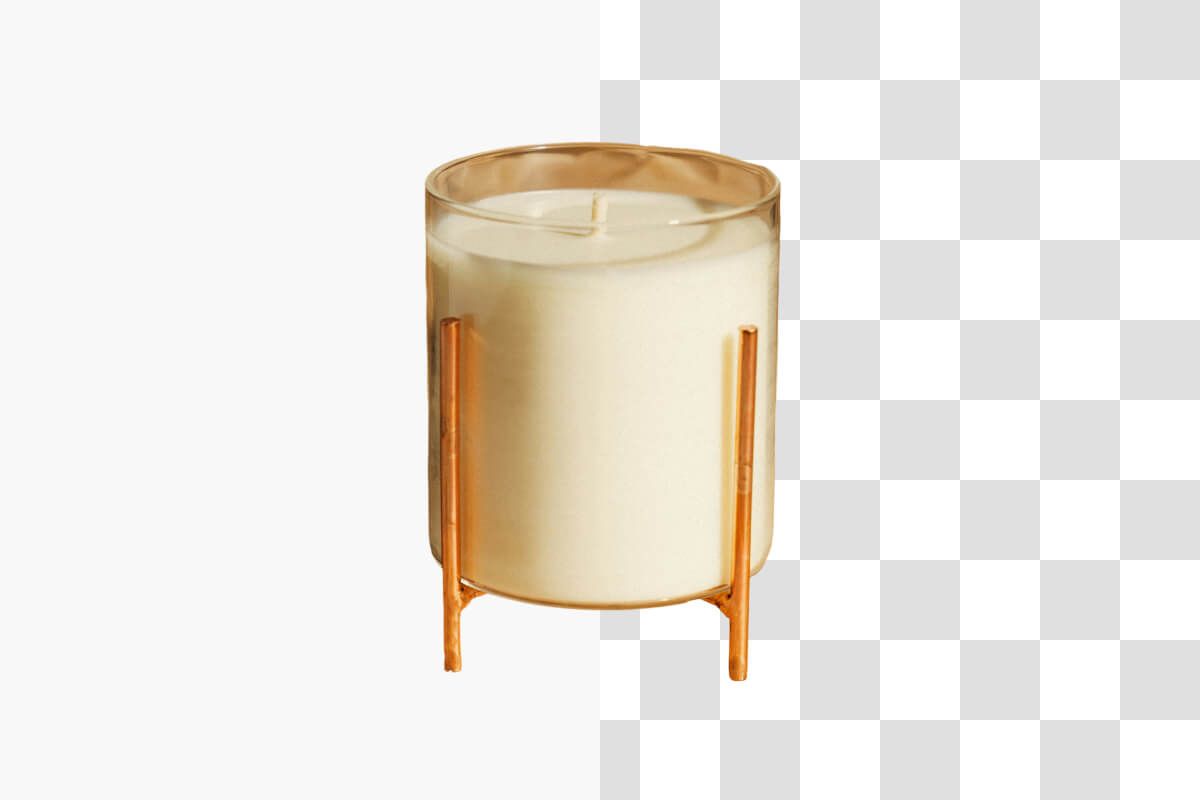
Konversi gambar ke PNG tanpa background dengan mudah lewat alat gratis dari Pixelcut yang memungkinkan Anda menghapus background PNG secara online sambil menjaga grafis berkualitas tinggi tanpa kehilangan data. Solusi kami menghasilkan transparansi yang bersih dan memungkinkan pelapisan yang rapi untuk desain dengan detail rumit, jadi pas untuk logo profesional, seni digital, dan visual e-commerce. Karena tidak ada sisa artefak, setiap unduhan menjaga ketajaman dan presisi yang Anda butuhkan dalam alur kerja kreatif. Setelah backgroundnya hilang, potongan gambar bisa Anda ubah ukurannya sesuai dimensi yang diinginkan. Nikmati kemudahan mengunduh gambar bersih dalam format PNG dan angkat mutu proyek Anda lewat alat yang dirancang untuk desainer yang menuntut hasil sempurna.
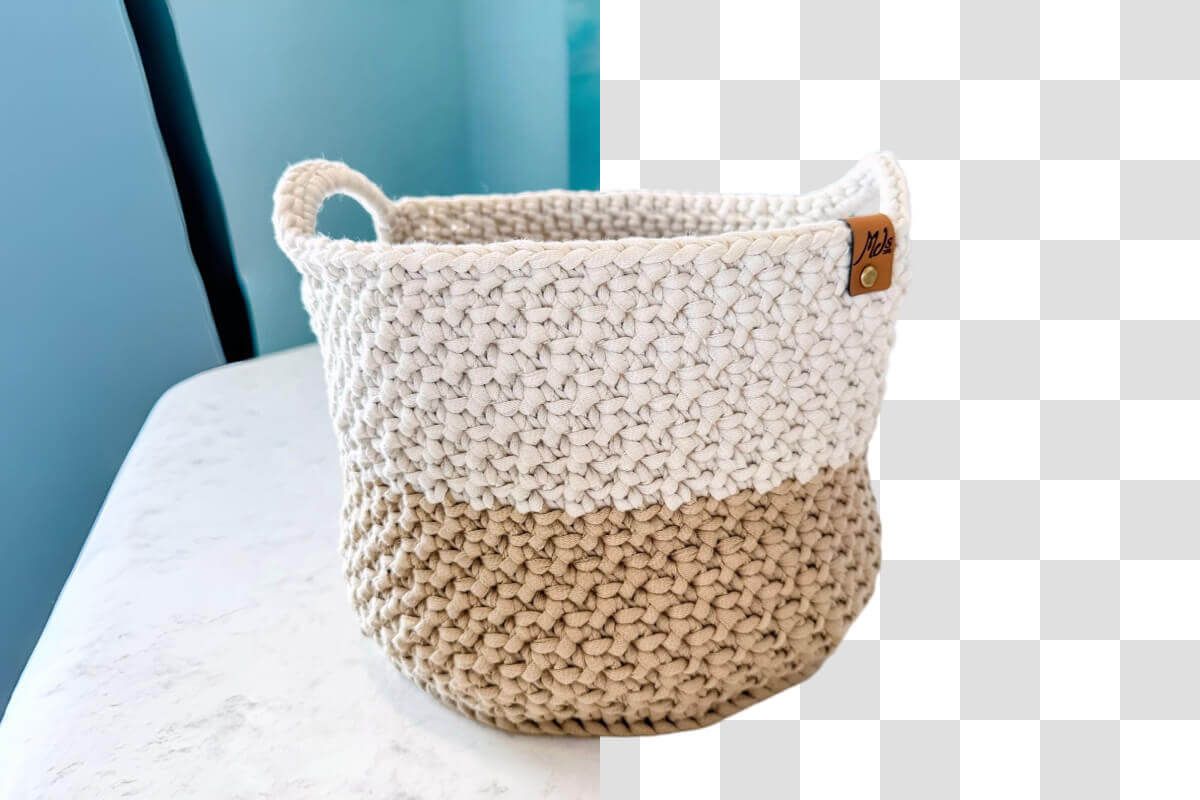
Ganti warna background PNG tanpa repot lewat alat cepat dari Pixelcut. Setelah Anda menghapus background PNG, solusi online kami memungkinkan Anda cepat mengganti backgroundnya jadi warna solid atau menimpanya dengan gambar pilihan sendiri untuk sentuhan kreatif. Dirancang agar proses editnya lancar, platform online gratis kami membantu desainer mengganti background PNG dalam hitungan detik dan menghasilkan grafis berlapis yang hidup dan berkualitas tinggi, pas untuk membangun merek, seni digital, dan visual e-commerce. Rasakan penyesuaian yang mudah dan hasil profesional lewat alat hapus background PNG kami, dengan jaminan nol artefak dan kendali kreatif penuh.
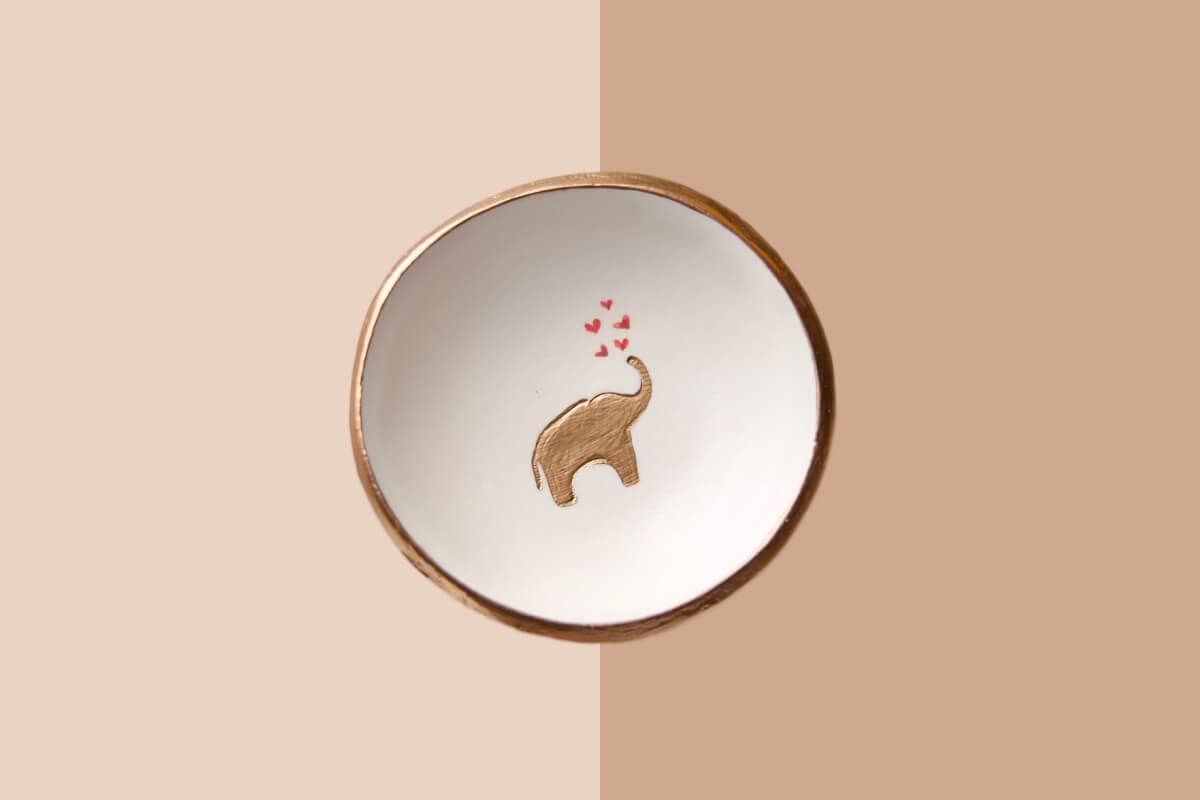











Aplikasi bagus, mudah digunakan. Membantu bisnis kecil kami menghemat waktu dan uang untuk membuat materi pemasaran yang berbeda secara profesional. Terima kasih.
Saya memerlukan penghapus latar belakang yang bagus untuk pekerjaan saya dan rasanya saya sudah melalui semuanya. Yang ini adalah yang terbaik sejauh ini. Sangat mudah digunakan dan hasilnya selalu terlihat luar biasa. Terima kasih Pixelcut!
Ini luar biasa mudahnya dan memberikan hasil yang sempurna untuk tas dan aksesoris saya. Sepertinya itu dilakukan oleh seorang fotografer profesional.