Aplikasi favorit saya
Aplikasi bagus, mudah digunakan. Membantu bisnis kecil kami menghemat waktu dan uang untuk membuat materi pemasaran yang berbeda secara profesional. Terima kasih.
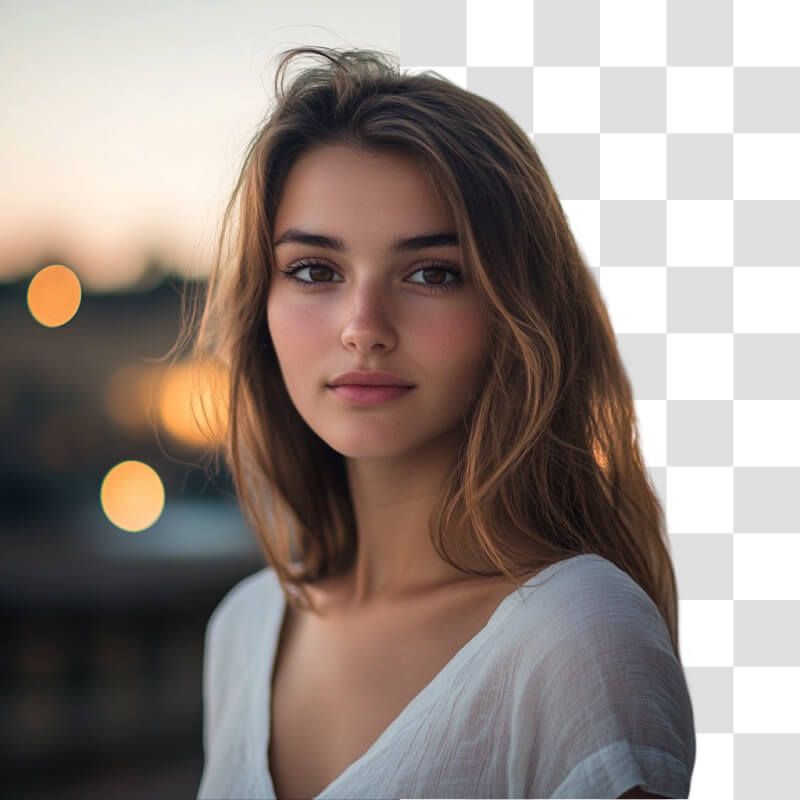
Ubah foto jadi PNG transparan atau konversi JPG ke PNG dengan background transparan lewat Pembuat PNG online gratis kami.
Klik Unggah gambar dan pilih berkas JPG, PNG, atau HEIC. Di desktop, berkas juga bisa diseret dan dilepas ke mana saja di layar. Untuk hasil terbaik, pilih gambar yang subjek utamanya bertepi jelas.
Begitu terunggah, AI canggih kami otomatis mengenali background dan menghapusnya dalam hitungan detik. Gambar Anda dengan background transparan tampil hampir seketika, tanpa kerja manual sama sekali.
Lihat hasilnya lalu lanjutkan mengedit. Background yang sudah hilang bisa Anda ganti dengan yang baru, misalnya warna solid, atau unggah gambar lain sebagai backgroundnya.
Unduh gambar baru Anda sebagai berkas PNG dengan background transparan. Lanjutkan mengedit di Pixelcut sampai Anda siap membagikan karya itu secara online!
Dapatkan hasil setara studio tanpa biaya studio. Pembuat PNG kami memberi transparansi profesional tanpa biaya, jadi solusi yang bagus untuk perorangan, usaha kecil, dan rintisan dengan anggaran terbatas. Anda tidak lagi butuh aplikasi mahal atau jasa desainer hanya untuk menghapus latar belakang. Sekali klik, background lama hilang dan Anda mendapatkan PNG berlatar transparan yang siap dipakai untuk apa saja. Alat online gratis kami bisa diakses dari mana saja, kapan saja, langsung dari browser atau aplikasi Pixelcut. Karena tidak ada watermark, PNG hasilnya bisa Anda pakai dengan percaya diri di pekerjaan desain, materi pemasaran, atau situs web.
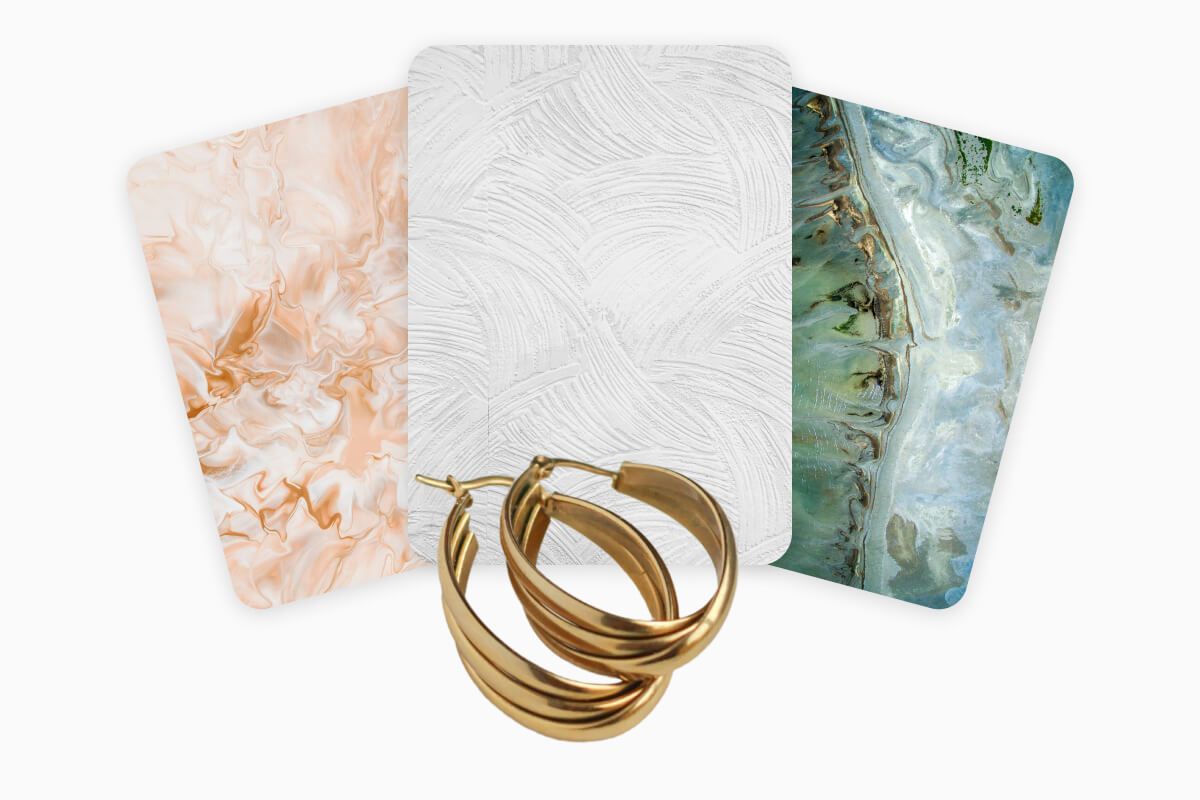
Ingin membuat visual media sosial yang langsung menghentikan jempol pembaca? Dengan Pembuat PNG kami, kreator konten, influencer, dan pemasar bisa memproduksi grafis yang mencolok dengan menempatkan objek di atas background baru atau tata letak kreatif. Ini pas untuk menggarap unggahan Instagram, status Facebook, pin Pinterest, atau thumbnail YouTube yang benar-benar menonjol. Dengan membuat PNG transparan lebih dulu, objek Anda leluasa menyatu rapi dengan lingkungan apa pun, sehingga unggahan sosial Anda terlihat rapi dan terasa dibuat khusus. Pemasar juga bisa memakai PNG transparan untuk menyegarkan materi pemasaran. Potong foto produk lalu masukkan ke selebaran, iklan, atau presentasi. Tidak butuh keahlian desain untuk berkreasi. Dalam beberapa klik, PNG transparan berkualitas tinggi sudah di tangan Anda!
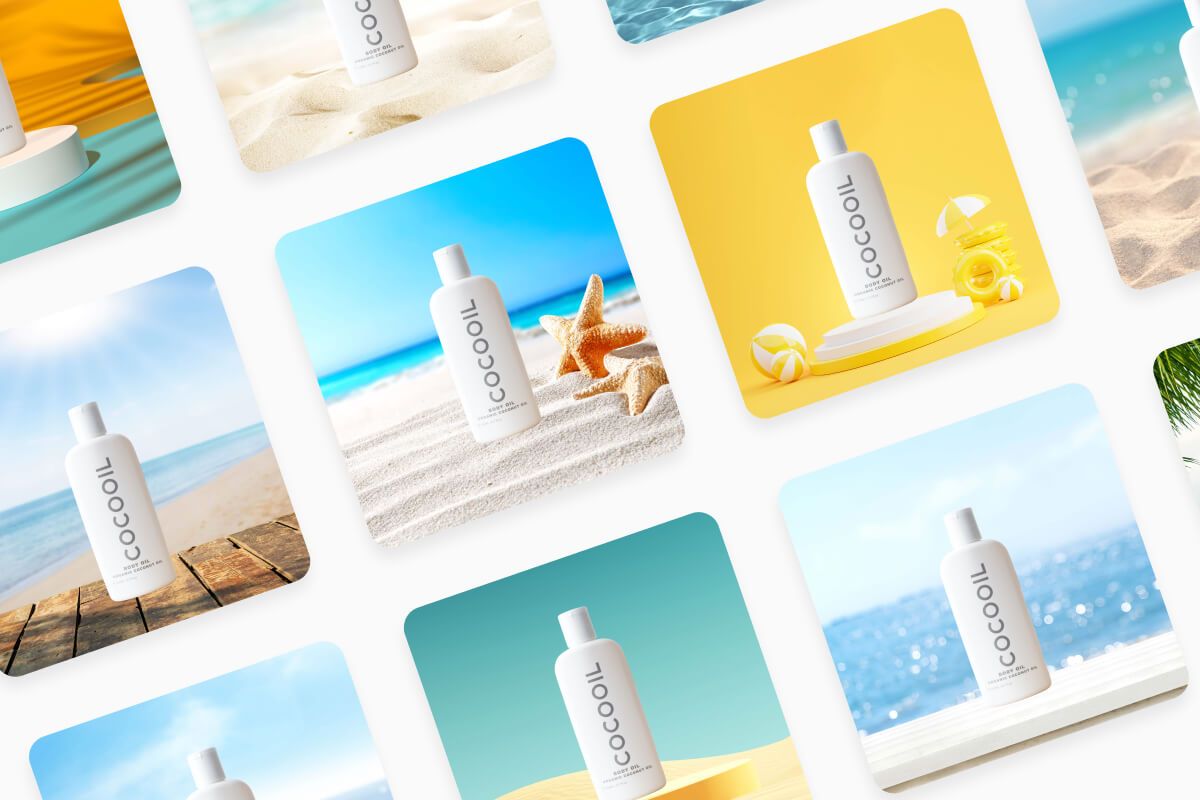
Ubah JPG ke PNG transparan seketika lewat konverter PNG online dari Pixelcut. Alat yang 100% gratis dan sepenuhnya otomatis ini menghapus background di perangkat apa pun, langsung dari browser Anda. Sulap foto produk jadi PNG tajam yang siap untuk e-commerce, atau ubah foto pribadi jadi desain rapi tanpa aplikasi tambahan. Rapikan alur kerja Anda lewat pemrosesan massal yang tersedia bagi pengguna Pixelcut Pro, supaya fokus Anda tetap pada karya dan bukan pada memotong satu per satu. Rasakan konversi yang lancar dan dapatkan latar belakang transparan yang rapi setiap kali. Pakai untuk grafis media sosial, katalog produk, atau kampanye pemasaran dengan percaya diri.
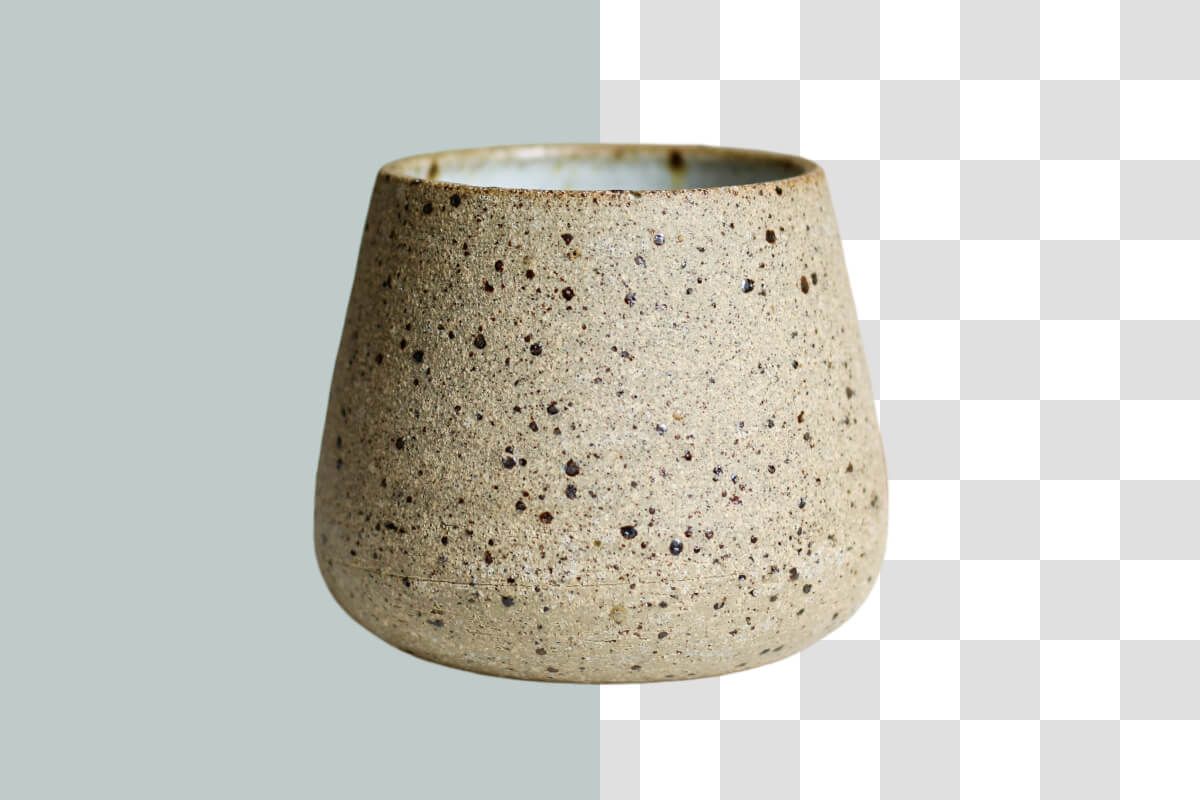
Kalau logo atau grafis Anda belum memakai background transparan, Pembuat PNG kami membereskannya seketika. Buat logo, ikon, dan grafis transparan dengan presisi AI. Alat ini pas untuk desainer grafis, manajer merek, dan siapa pun yang bekerja dengan logo atau ikon. Cukup unggah berkas gambar Anda (PNG, JPG, atau HEIC), lalu AI kami menghapus background di sekelilingnya dengan bersih. Dalam beberapa detik logo Anda dikonversi jadi PNG transparan dengan tepi potongan yang presisi dan rapi. Dengan begitu logo Anda mudah ditumpangkan di situs web, kartu nama, merchandise, atau presentasi tanpa sisa tepi background yang pecah.












Aplikasi bagus, mudah digunakan. Membantu bisnis kecil kami menghemat waktu dan uang untuk membuat materi pemasaran yang berbeda secara profesional. Terima kasih.
Saya memerlukan penghapus latar belakang yang bagus untuk pekerjaan saya dan rasanya saya sudah melalui semuanya. Yang ini adalah yang terbaik sejauh ini. Sangat mudah digunakan dan hasilnya selalu terlihat luar biasa. Terima kasih Pixelcut!
Ini luar biasa mudahnya dan memberikan hasil yang sempurna untuk tas dan aksesoris saya. Sepertinya itu dilakukan oleh seorang fotografer profesional.