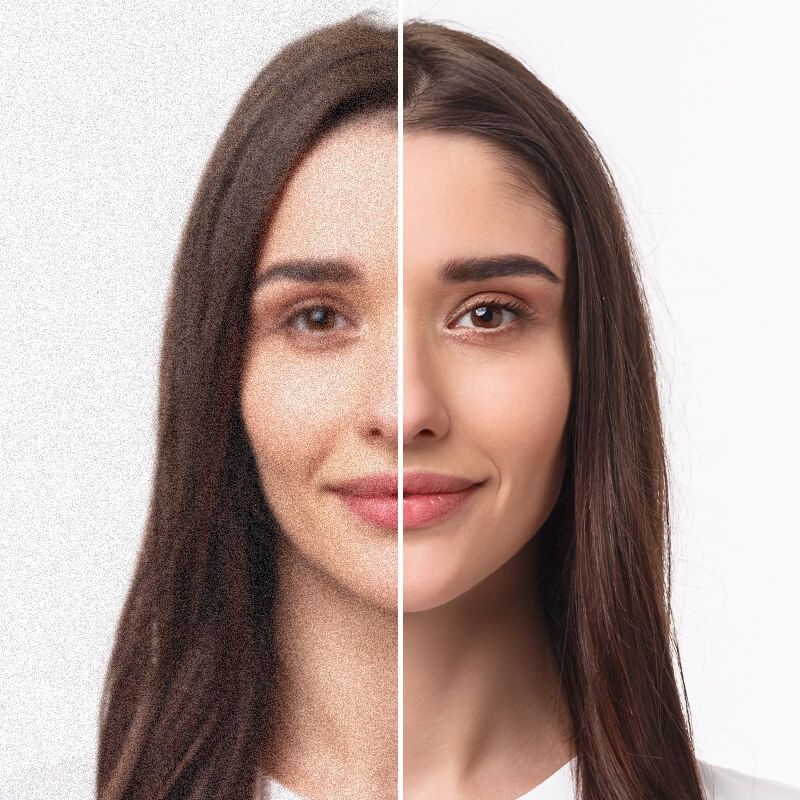
Free AI Image Denoiser
Pixelcut’s AI image denoiser transforms grainy images into clear photos in seconds. Upload your photo and try it free online!
Download HD gratuito
Nessun watermark
Non hai una foto?Prova uno di questi
How to denoise a photo
- 1
Upload your image
Click Upload image and select a JPG or PNG file to get started. On desktop, you can also drag and drop your photo into the browser.
- 2
Denoise automatically
Our AI denoiser will automatically reduce the noise and grain from your photo for free. Alternatively, upscale up to 4x with Pixelcut Pro.
- 3
Download your image
Once you’re happy with the result, save and download your denoised image. Your new photo is ready to use on your next project!
Denoise image in seconds with AI
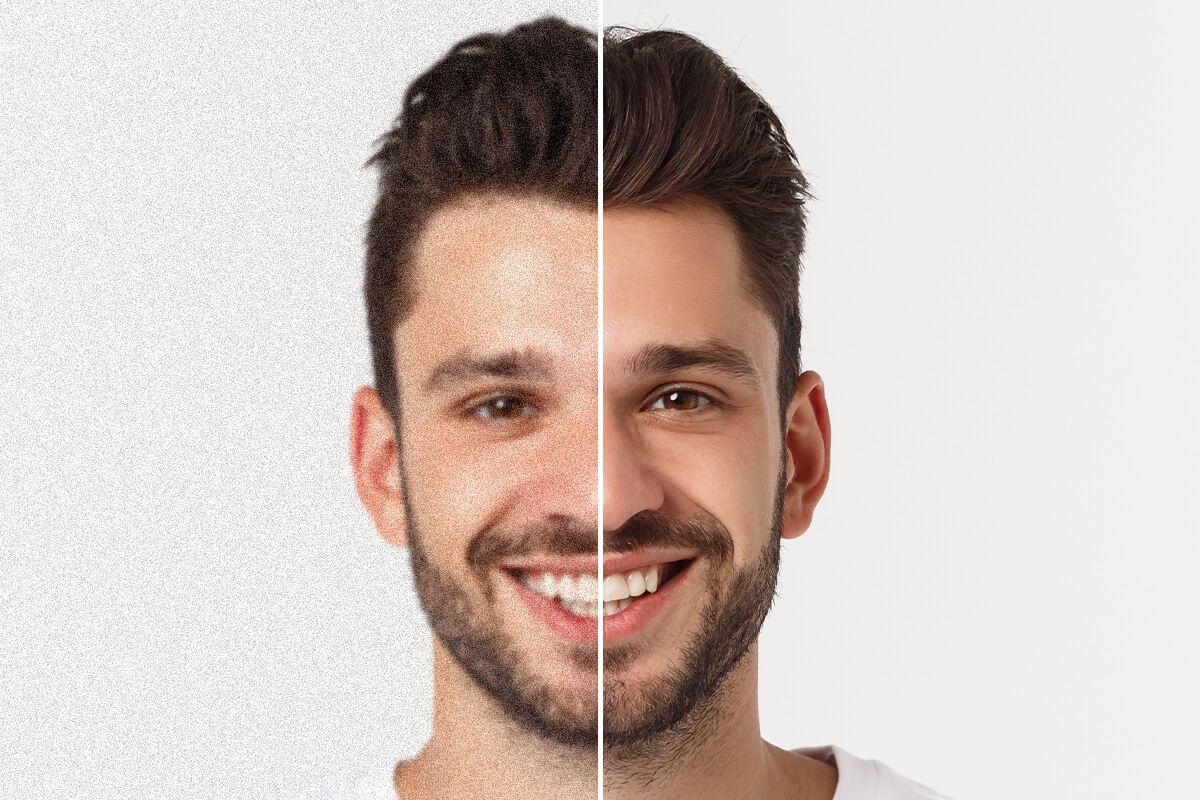
Pixelcut lets you denoise images in seconds while preserving details. Whether you have high-ISO shots or low-light photos, our AI image denoiser reduces the grain naturally. Photographers and marketers love how it enhances grainy images, turning them into clean visuals quickly. The AI focuses on removing distracting speckles and static, making your photo clearer instantly. No need for manual editing or complex software—the AI does all the hard work for you. Try it free and denoise your image instantly!
Denoise image in seconds with AI
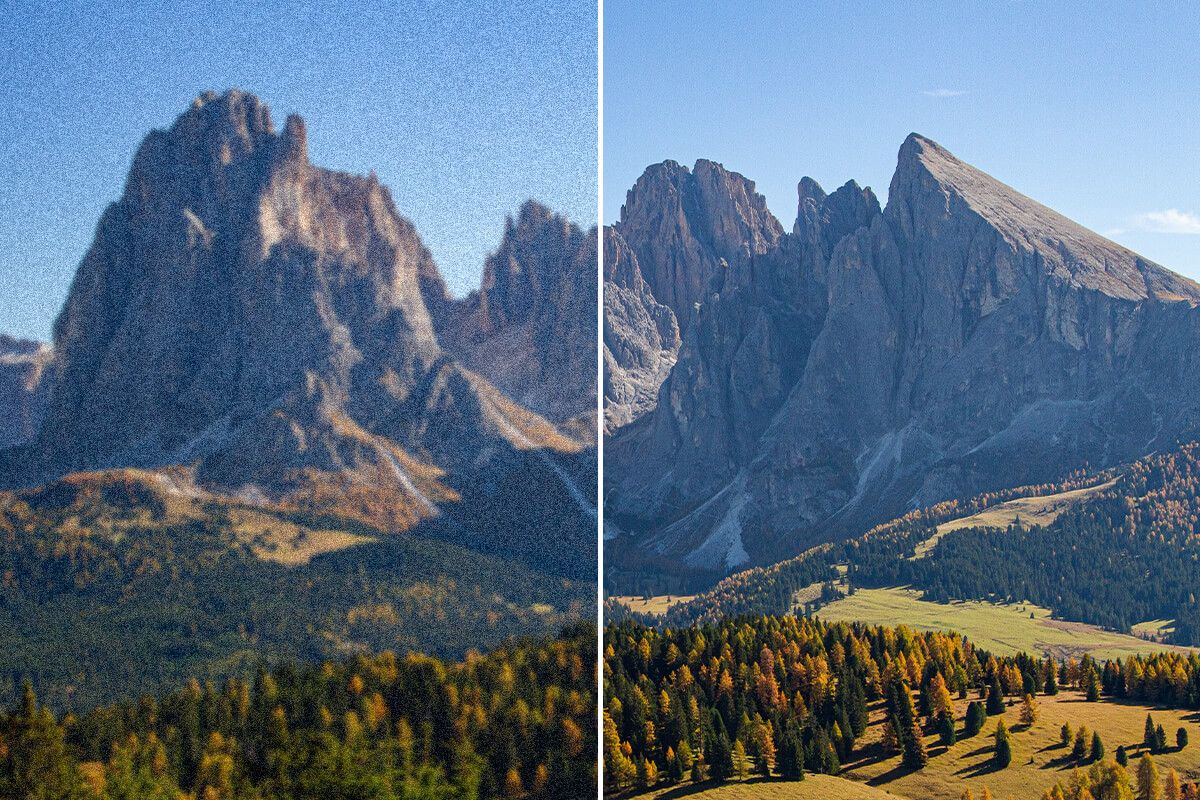
100% free image noise reduction
With Pixelcut you can remove noise from images completely free. This means anyone on a budget or trying our new tools can easily take a noisy photo and make it clear. Students and small business owners looking for a free and quick solution can quickly clean up images for projects or product listings instantly. Plus, enjoy truly free downloads with no watermark Upload your image to try it now for free.
100% free image noise reduction
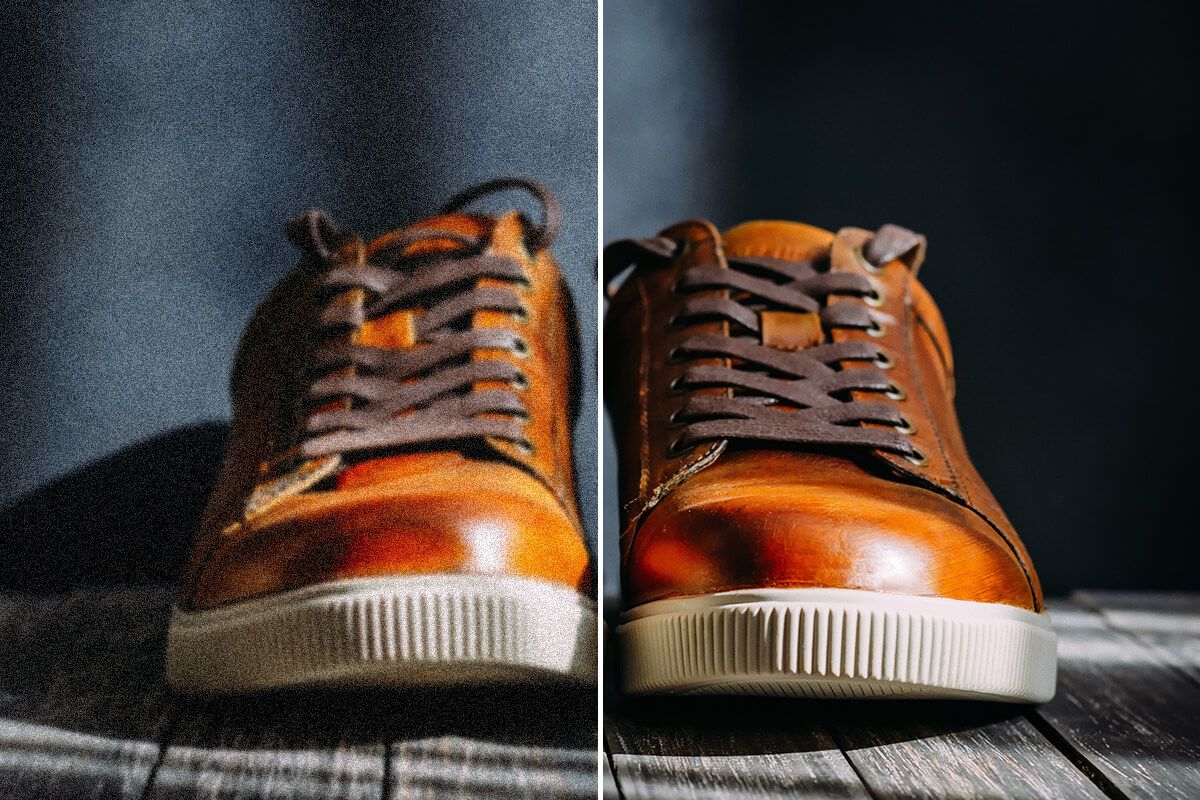
Remove grain from photos anywhere
Pixelcut offers powerful image noise reduction and AI upscaling, accessible on any device you have. The tool works seamlessly on desktop, tablet, or mobile, so you can improve your images whether you’re at the office or on the go. Perfect for graphic designers and eCommerce sellers who want the freedom to denoise photos anywhere – in the studio or right from a phone at a photoshoot. No software installs are needed to get professional-quality results. Try Pixelcut’s AI noise reduction on any device!
Remove grain from photos anywhere
Affidato a creativi di











Domande frequenti
To remove noise from a photo, simply upload your image to Pixelcut’s AI Image Denoiser. The tool will automatically analyze and reduce the noise, then you can download the clear, improved photo.
Yes! Pixelcut’s AI image denoiser is free to use for single image editing. You can easily denoise images online without any cost, and there are no watermarks or sign-up requirements. For bulk image enhancing, upgrade to Pixelcut Pro.
Pixelcut’s AI noise reduction is designed to preserve image quality. It removes grain and speckles while keeping your photo’s important details intact, so the image remains sharp and natural-looking.
Yes. Modern AI models can remove noise from images by identifying grain and separating it from real image details. Pixelcut’s AI has been trained on countless photos to clean up noise automatically, often achieving better results than traditional editing methods.
Pixelcut è amato da oltre 2 milioni di persone
Il miglior dispositivo per la rimozione dello sfondo
Ho bisogno di un buon dispositivo per la rimozione dello sfondo per il mio lavoro e li ho provati tutti, mi sembra. Questo è di gran lunga il migliore. È così facile da usare e i risultati sono sempre sorprendenti. Grazie Pixelcut!
Lo adoro
È incredibilmente facile e dà risultati perfetti per le mie borse e i miei accessori. Sembra che sia stato fatto da un fotografo professionista.