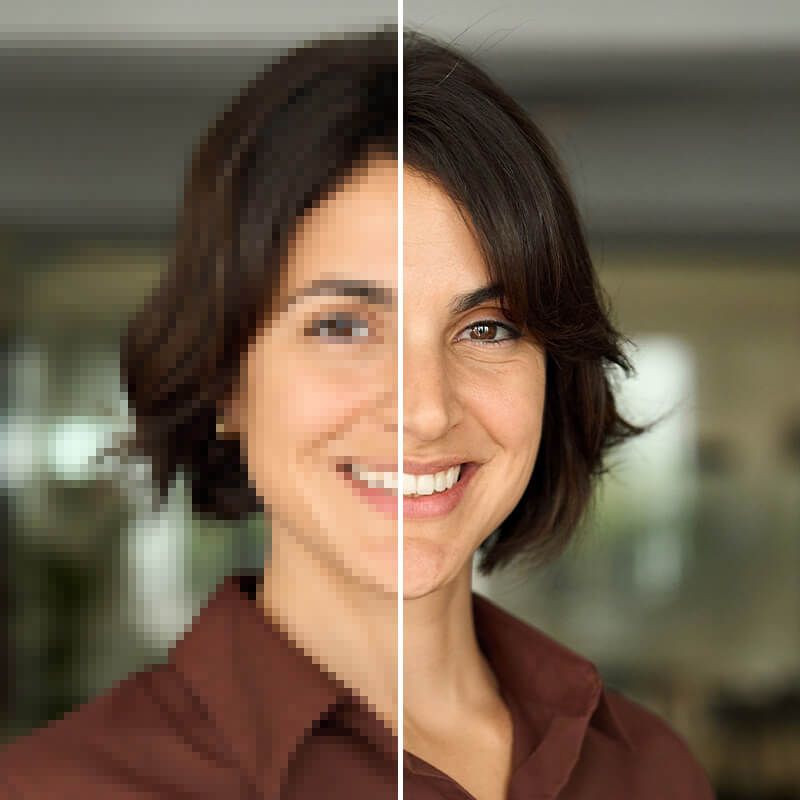
Unpixelate images online for free using AI
Unpixelate images online using Pixelcut’s free AI-powered image enhancer. Upload your image now to remove pixelation in seconds.
Download HD gratuito
Nessun watermark
Non hai una foto?Prova uno di questi
How to unpixelate an image
- 1
Upload your image
Click Upload image and select a JPG, PNG, or HEIC file to get started. On desktop, you can also drag and drop your photo anywhere on the screen.
- 2
Unpixelate automatically
Watch the magic work! Pixelcut will automatically unpixelate your image and in a few seconds your image will be ready to download.
- 3
Download your image
Save and download your unpixelated image. Your new enhanced image is ready to use on your site or share on social media!
Unpixelate images online in seconds with AI
With Pixelcut, you can unpixelate an image online in seconds using advanced AI. No complicated software or hours of editing are required—our AI photo depixelizer works right in your browser with just a click. The tool analyzes your picture and fills in missing details, turning blocky, pixelated photos into sharp, clear images almost instantly. No downloads or installations are needed, making it perfect for quick fixes on any device. Whether your image became pixelated from resizing or it was low-res to begin with, you’ll get a noticeably clearer result in moments. Try it now and unpixelate your photo with ease!
Unpixelate images online in seconds with AI
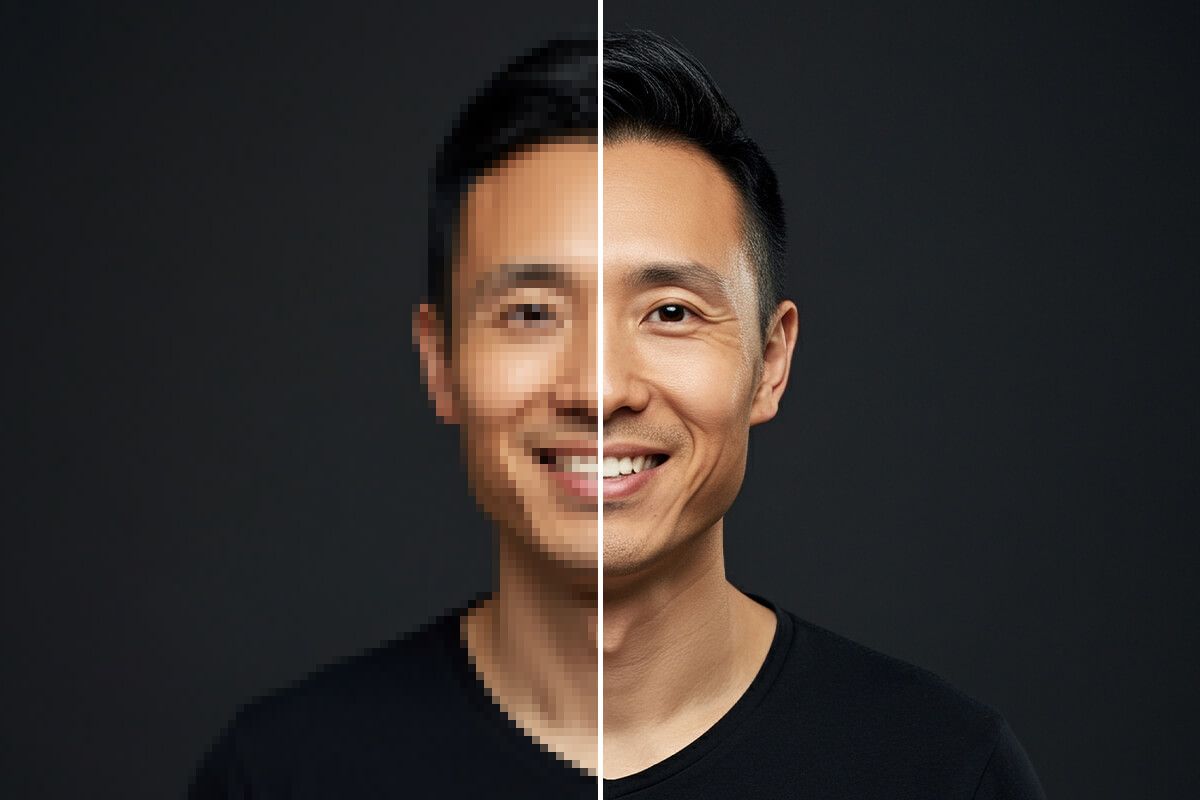
Fix pixelated photos completely free
Looking to fix pixelated pictures without spending a dime? With Pixelcut, you can depixelate and sharpen your photos completely free. There are no sign-ups or credit cards required and no watermarks on your final image—it’s 100% free to use. Simply upload your pixelated photo and let our AI enhance it in seconds. You don’t need expensive software or special skills to remove pixelation from an image—Pixelcut handles it all online at no cost. Whether you’re touching up personal memories, improving product images, or polishing marketing graphics, you can achieve high-quality results for free. Try it now and enjoy pixel-perfect images at no cost!
Fix pixelated photos completely free
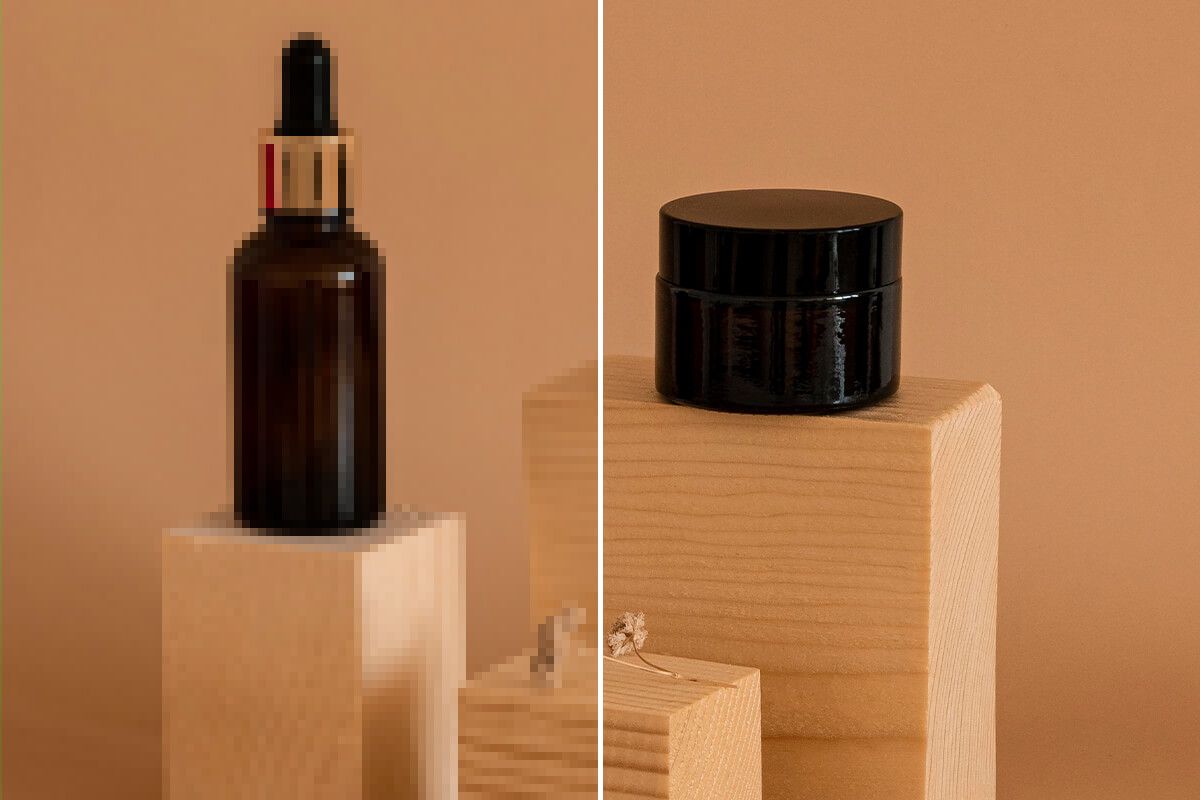
Sharpen pixelated images and restore details instantly
Don’t let pixelation ruin your favorite shots. Pixelcut uses intelligent AI upscaling to fix pixelated images and restore lost details instantly. Our technology adds and refines pixels where needed, so your image gains clarity and definition without looking artificial. Blurry text or blocky patterns caused by low resolution are smoothed out as the tool reconstructs the details that were missing. It’s an ideal solution for reviving old digital photos, enhancing scanned images, or improving any low-quality picture that needs a quality boost. You don’t need any editing expertise—just upload your image and let our AI bring back the detail in seconds. Try it now and see your pixelated photo transformed with stunning clarity!
Sharpen pixelated images and restore details instantly
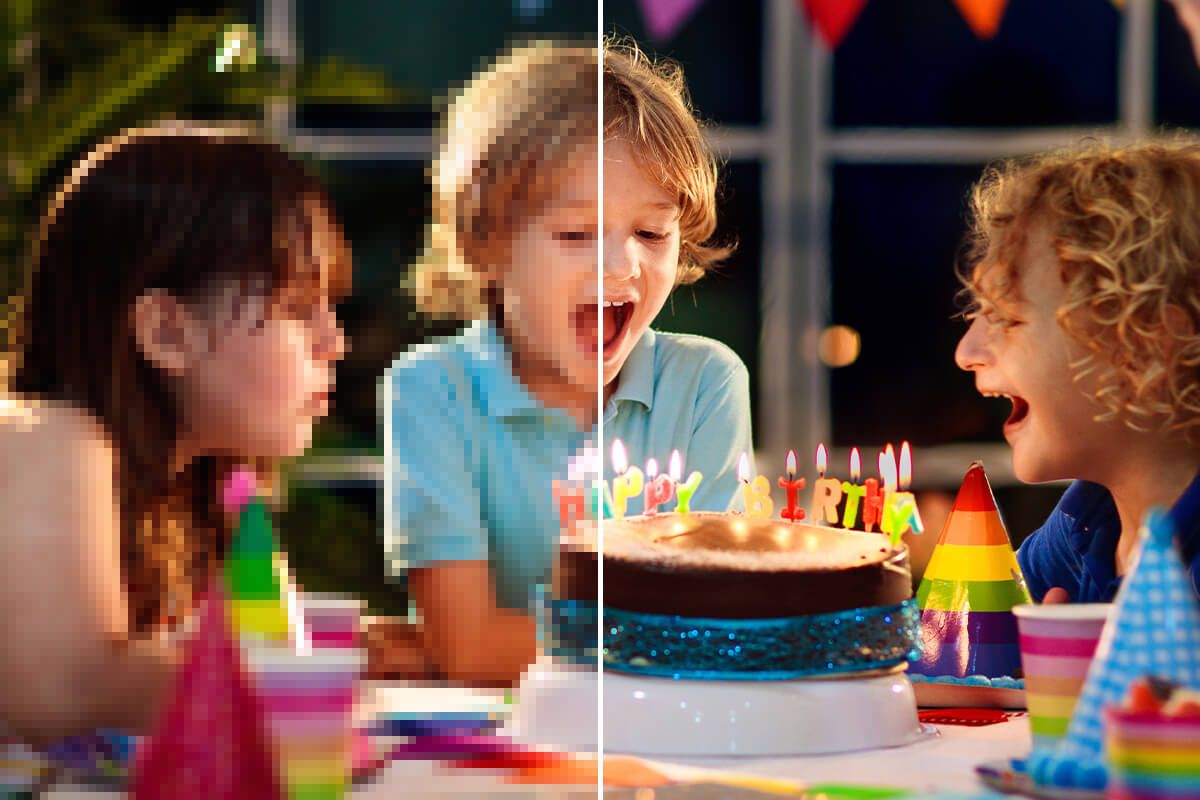
Unpixelate text in images with AI precision
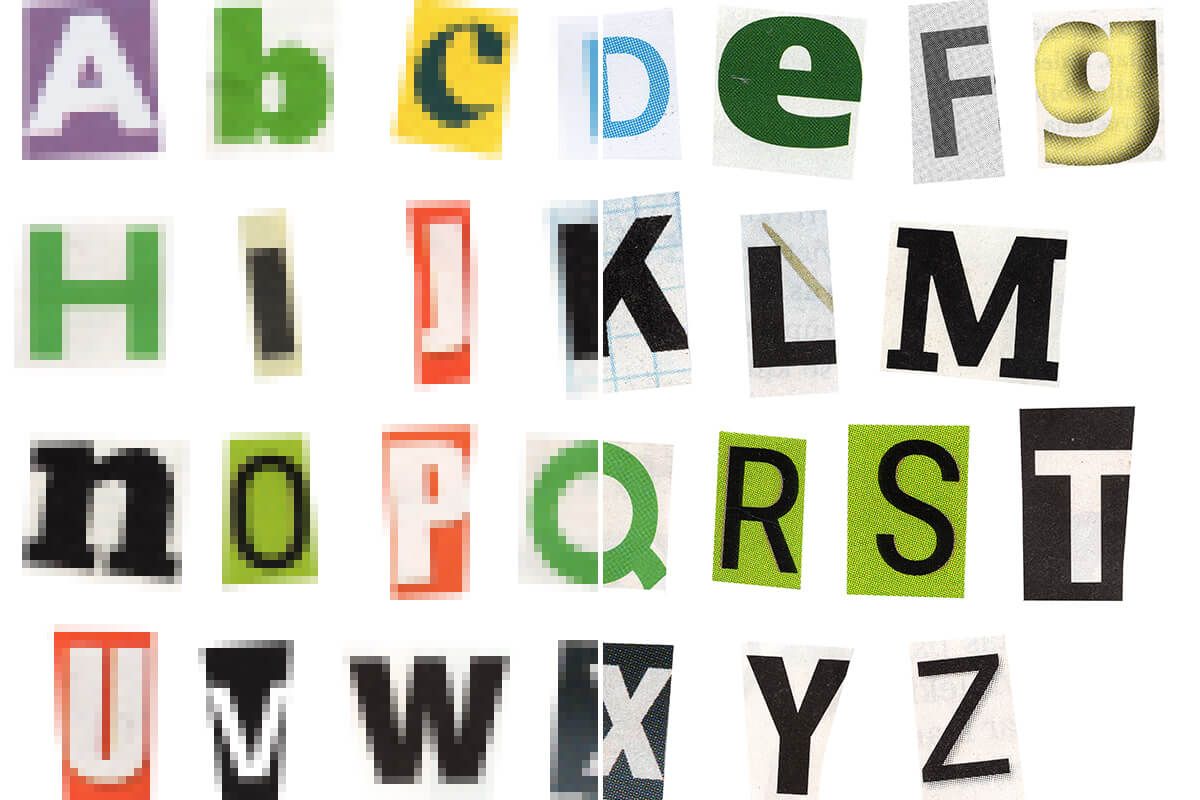
Struggling with a pixelated screenshot or blurry text on a photo? Pixelcut’s AI tool can unpixelate text in images to make every word clear and readable. Whether it’s an old scanned document, a low-resolution graphic with important text, or an image with small captions, our AI enhances the lettering with precision. No tedious manual edits are required—simply upload the image and watch as the tool sharpens the text and edges for you. This feature is perfect for students reading scanned notes, designers fixing pixelated logos or typography, and marketers clarifying ad copy in images. Use our online tool to remove the pixelation and jagged edges from text or graphics effortlessly. Try it now to sharpen text in your images and make them crystal clear in seconds!
Unpixelate text in images with AI precision
Save time and depixelate images in bulk
Speed up your workflow with Pixelcut by depixelating or denoising multiple images at once. Instead of fixing your pictures one by one, you can enhance a batch of photos in a single go – a huge time-saver for photographers, businesses, or content creators with lots of images. Simply upload all your pixelated images, and our AI will depixelate images in bulk, delivering clear results for each photo in seconds. This is perfect for e-commerce sellers improving dozens of product photos or photographers restoring entire albums of low-res shots. No more repetitive manual work on each file—let Pixelcut handle them all together with consistent, high-quality results. Upgrade to Pixelcut Pro and start unpixelating multiple images at once today!
Save time and depixelate images in bulk
Affidato a creativi di











Domande frequenti
To unpixelate an image, you can use an AI image enhancer like Pixelcut. Just upload the pixelated photo to the tool, and the AI will automatically increase its resolution and clarity by adding detail to the image. In a few seconds, the formerly low-resolution picture will be processed and you can download a much clearer, sharper version.
Yes, a pixelated photo can often be fixed using AI-powered tools. Pixelation (the blocky squares you see in low-quality images) can be reduced by an AI upscaler that predicts and fills in missing pixels. The result is a clearer image with smoother details, effectively reversing much of the pixelation from the original picture.
Yes, Pixelcut’s unpixelate image tool is completely free to use online. You don’t need to sign up – simply upload your image and the AI will depixelate it at no cost. There are also no watermarks on the output, so you get a clean, high-quality result for free!
Absolutely! AI can analyze a pixelated image and intelligently guess what the missing details should look like. By doing so, it adds pixels and smooths out the blocky areas, essentially removing or greatly reducing the pixelation. While results may vary depending on how low-quality the original was, modern AI image enhancers like Pixelcut are very effective at restoring clarity to pixelated images.
Images become pixelated when they are displayed at a larger size than their original resolution or saved with too low quality. Essentially, the individual pixels become visible as blocky squares because there isn’t enough detail data for that size. This often happens if you enlarge a small photo, zoom into a portion of an image, or use a highly compressed file. The good news is that an AI depixelation tool can help counteract this by increasing the image’s resolution and filling in those missing details, making the picture appear smooth and clear again.
Pixelcut è amato da oltre 2 milioni di persone
Il miglior dispositivo per la rimozione dello sfondo
Ho bisogno di un buon dispositivo per la rimozione dello sfondo per il mio lavoro e li ho provati tutti, mi sembra. Questo è di gran lunga il migliore. È così facile da usare e i risultati sono sempre sorprendenti. Grazie Pixelcut!
Lo adoro
È incredibilmente facile e dà risultati perfetti per le mie borse e i miei accessori. Sembra che sia stato fatto da un fotografo professionista.