
How to make a mockup with your logo
- 1
Upload Your Logo
Upload a PNG or JPG file of your logo to get started.
- 2
Describe Your Mockup
Use a text prompt to describe the product you want to see your logo on. You can be as specific or as simple as you want.
- 3
Let the AI Work
Our AI will automatically place and adjust your logo on the mockup. Your branded product image will be ready in seconds.
Generate Mockups Online Using Text Prompts
Pixelcut’s AI Mockups Generator makes creating professional mockups effortless. Upload your logo, describe your mockup, and watch as our AI intelligently places your logo onto the product. No design skills needed! The AI ensures your logo fits perfectly, adjusting for perspective and lighting to make it look realistic. In just a few clicks, you can visualize your logo on any product including t-shirts, tote bags, boxes, and anything else, making it ideal for branding presentations, marketing materials, or online stores.
Generate Mockups Online Using Text Prompts
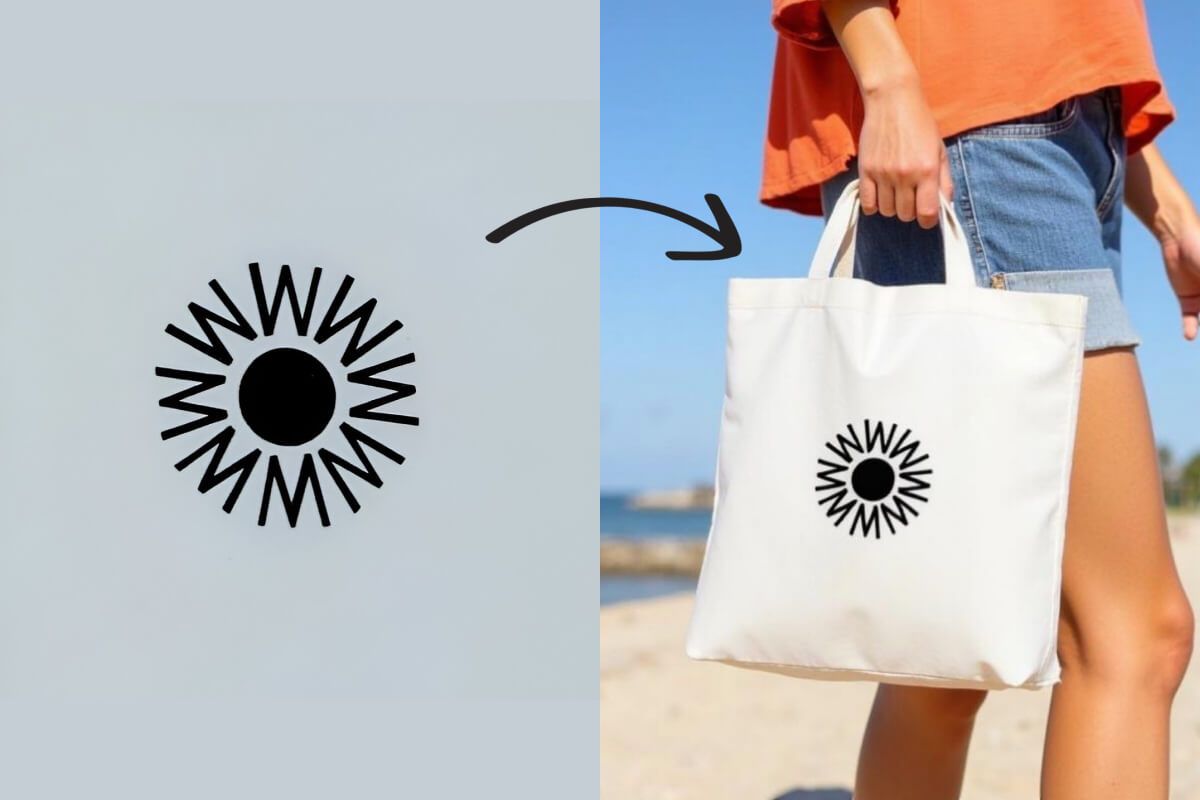
Showcase Your Brand Professionally
With Pixelcut’s Mockups tool, you can present your brand in the best light. Whether you’re a startup needing to visualize your logo on merchandise or a designer preparing a client presentation, our tool helps you create high-quality mockups instantly. The AI handles all the technical details, so you can focus on showcasing your brand’s identity. Impress stakeholders with realistic product images without spending hours in graphic design software.
Showcase Your Brand Professionally
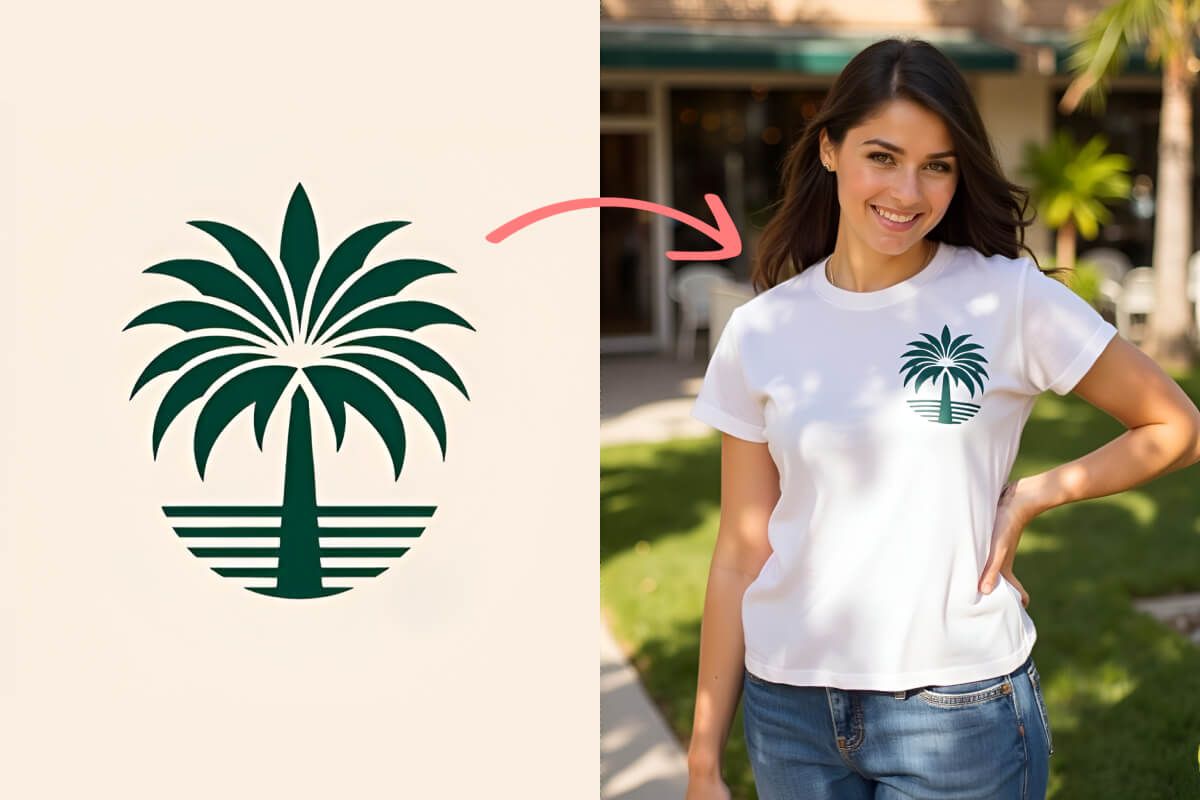
Create Product Mockups in Seconds Using AI
Creating mockups used to be time-consuming and required design expertise. Pixelcut changes that. Our AI-driven tool streamlines the process, saving you valuable time and resources. No need to hire a designer or learn complex software—our intuitive interface and AI will do the heavy lifting. Get professional results in seconds and take your branding efforts to the next level.
Create Product Mockups in Seconds Using AI
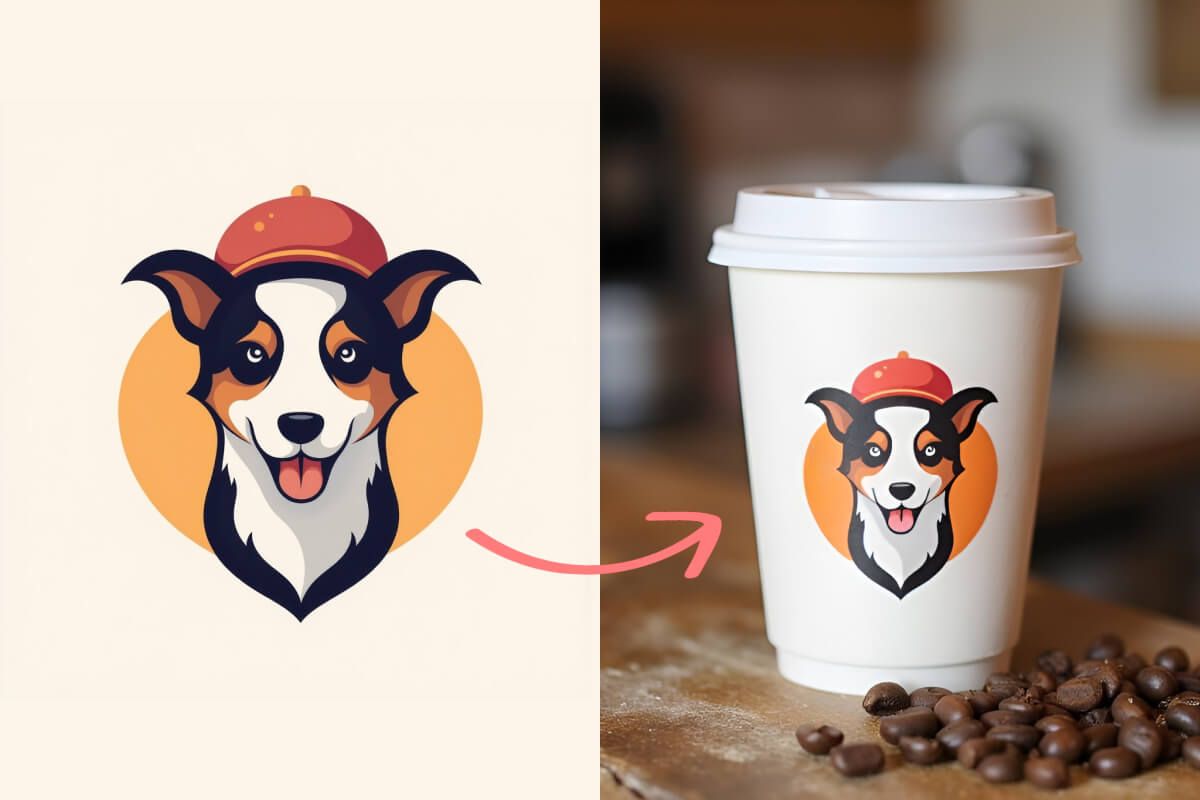
창작자들이 신뢰하는











자주 묻는 질문
Pixelcut’s Mockups tool allows you to easily and quickly create product mockups. Its user-friendly interface makes it easy to upload your logo and generate realistic mockups in seconds. Start visualizing your brand like a pro!
Yes, of course! Pixelcut allows you to upload your logo in any format and we'll take care of the rest! Your logo will be seamlessly placed on the mockup you describe like magic!
Not at all. Pixelcut’s Mockups tool is designed for users of all skill levels. Our AI handles the complex design work, automatically adjusting your logo to fit the product mockup realistically. You can create professional-looking mockups without any prior design experience.
Pixelcut은 2백만 명이 넘는 사람들에게 사랑받고 있습니다.
최고의 배경 제거기
저는 제 작업을 위해 좋은 배경 제거기가 필요하고, 모든 것을 사용해본 것 같습니다. 이 제품이 지금까지 사용해본 것 중 가장 좋습니다. 사용하기 너무 쉽고 결과는 항상 놀랍습니다. 감사합니다 Pixelcut!
그것을 좋아한다
놀랍도록 쉬우며 가방과 액세서리에 완벽한 결과를 제공합니다. 전문 사진작가가 찍은 것 같네요.