Meu aplicativo favorito
Ótimo aplicativo, fácil de usar. Ajuda nossa pequena empresa a economizar tempo e dinheiro para criar diferentes materiais de marketing profissionalmente. Obrigado.
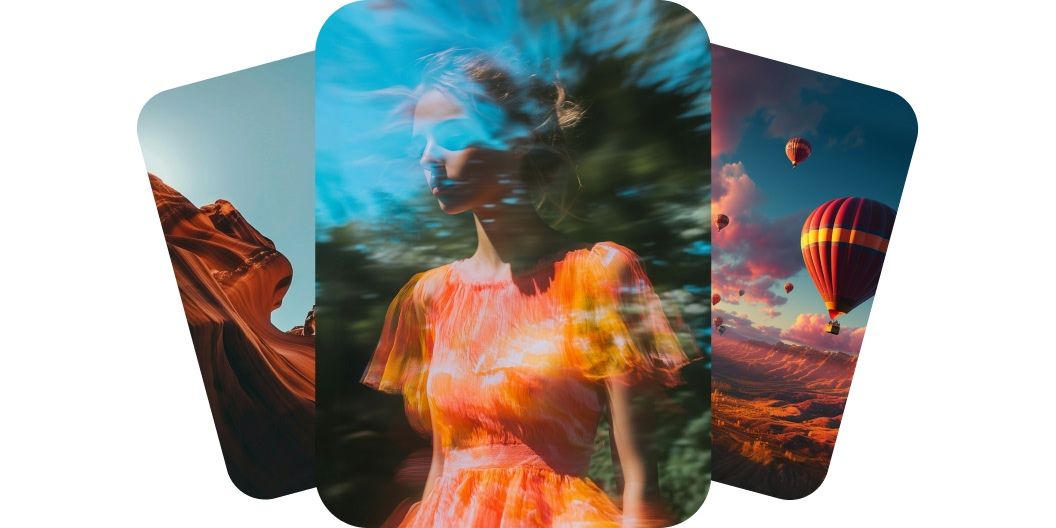
Gere vídeos com o Luma Dream Machine no Pixelcut. É só digitar a sua ideia ou enviar uma imagem e ver a cena ganhar vida na tela. Experimente hoje mesmo.
O Luma Dream Machine cria vídeos de qualidade profissional a partir de texto e dá vida às suas ideias com movimento realista e detalhe natural. O modelo Luma Dream Machine v1.5 entende profundidade, iluminação e movimento, o que ajuda a montar cenas suaves e críveis. Seja uma pessoa caminhando ou uma câmera atravessando uma sala, o movimento parece natural e cinematográfico. Esse nível de realismo faz cada vídeo parecer gravado por um profissional. Comece a criar hoje com o Luma Dream Machine no Pixelcut.
O Luma AI Dream Machine transforma imagens em animações suaves e preserva a composição original. Envie uma única imagem, como a foto de um produto ou uma arte, e a IA anima tudo sem perder nitidez nem intenção. As transições saem fluidas e o movimento sai limpo, o que deixa o seu visual mais envolvente. Você ganha movimento sem precisar saber animar. Entre na sua conta, envie uma imagem e experimente.
O Dream Machine v1.5 gera movimentos de câmera cinematográficos que dão energia e emoção às suas cenas. Espere zooms, panorâmicas e travellings que acompanham o movimento natural a partir do seu prompt. A IA entende espaço e direção, então o resultado sai caprichado e intencional. Com apenas algumas palavras, o seu vídeo vai parecer feito por um cineasta.
O Dream Machine da Luma AI entrega consistência de quadro a quadro e mantém o seu visual nítido e estável do começo ao fim. Personagens e objetos continuam iguais em todos os quadros, o que elimina tremulação e falhas na imagem. Isso deixa o vídeo mais profissional e melhor para contar histórias. Se a integridade visual importa para você, esse recurso vai chamar a sua atenção. Crie vídeos com IA consistentes hoje mesmo.
Para criar vídeo a partir de texto, digite a sua descrição no campo de prompt. Para criar um vídeo a partir de uma imagem, você precisa antes entrar na sua conta.
Com o seu prompt pronto, clique no botão de enviar. O Dream Machine transforma as suas palavras ou a sua imagem em um vídeo de alta qualidade em minutos.
Veja a prévia do vídeo e mexa no prompt até ficar do jeito certo. Acrescente ou tire detalhes para explorar cenas, estilos e direções criativas novas.
Salve o vídeo pronto no seu aparelho. Ele já sai pronto para compartilhar nas redes, mandar para o seu time ou entrar em qualquer projeto seu.
Comece a criar gratuitamente. Atualize para obter mais créditos e recursos.














Ótimo aplicativo, fácil de usar. Ajuda nossa pequena empresa a economizar tempo e dinheiro para criar diferentes materiais de marketing profissionalmente. Obrigado.
Preciso de um bom removedor de fundo para meu trabalho e já passei por todos eles. Este é o melhor de longe. É tão fácil de usar e os resultados sempre parecem incríveis. Obrigado Pixelcut!
É incrivelmente fácil e dá resultados perfeitos para minhas bolsas e acessórios. Parece que foi feito por um fotógrafo profissional.