Meu aplicativo favorito
Ótimo aplicativo, fácil de usar. Ajuda nossa pequena empresa a economizar tempo e dinheiro para criar diferentes materiais de marketing profissionalmente. Obrigado.

Com o nosso removedor de fundo PNG grátis, qualquer pessoa consegue remover fundo PNG ou trocar o fundo da imagem online. Envie o arquivo e o fundo some sozinho em segundos.
Clique em Remover fundo do PNG para enviar o arquivo. No computador, você também pode arrastar e soltar a imagem em qualquer parte da tela. Prefira uma foto em que o objeto tenha bordas nítidas.
O Pixelcut apaga o fundo do seu PNG sozinho. Assim que o fundo sai, você já pode ajustar o recorte ou colocar um fundo novo por trás do objeto, tudo na mesma tela.
Baixe a sua nova imagem como arquivo PNG com fundo transparente. Continue editando no Pixelcut até o trabalho ficar do jeito que você quer para compartilhar online.
Com o removedor de fundo PNG do Pixelcut, editar imagens fica simples. A ferramenta apaga o fundo de imagens PNG sozinha e entrega um recorte limpo e preciso toda vez, sem perder qualidade e sem borrar as bordas do objeto. E ela é totalmente grátis, com resultado profissional sem custo e sem marca d'água na imagem final. Cai bem para e-commerce, marketing digital e conteúdo de redes sociais, porque economiza tempo e simplifica o seu fluxo de trabalho do começo ao fim. Um recorte bem feito abre espaço para qualquer ideia de design, e é isso que o removedor de fundo PNG do Pixelcut entrega em poucos segundos, direto no navegador.

Tirar o fundo branco de uma imagem PNG é rápido com a IA do Pixelcut, feita para resolver problemas comuns de design. A mesma ferramenta também apaga o fundo preto, então o seu recorte encaixa bem em qualquer projeto, do post de rede social ao catálogo de produtos. Funciona para reaproveitar um logo, montar composições e colocar foto de produto em layout novo ou sobre outro fundo. Quem trabalha com design e com marketing usa isso para montar peças visuais mais consistentes em cada canal digital. E quando o volume aumenta, dá para apagar vários fundos de uma vez com a edição em lote do nosso removedor de fundo, disponível ao assinar o Pixelcut Pro.
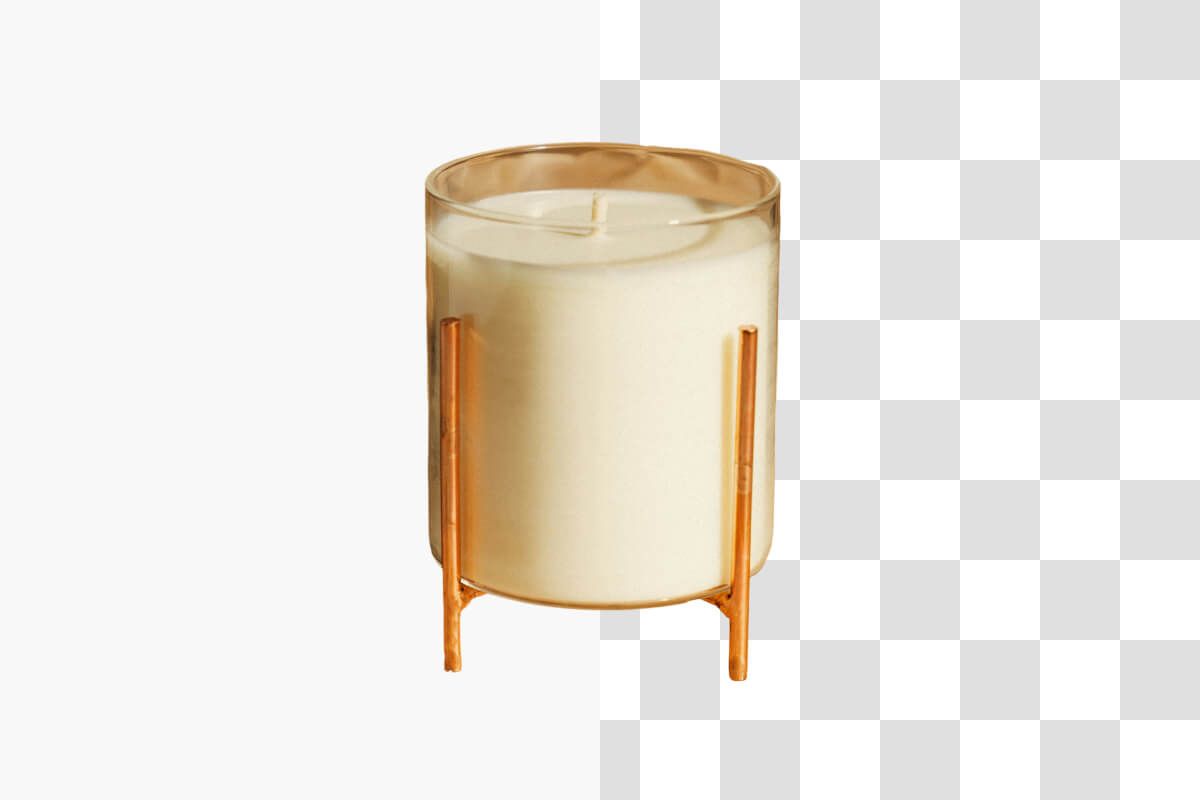
Converter imagem em PNG sem fundo é simples com a ferramenta grátis do Pixelcut, que apaga o fundo online e mantém o arquivo em alta qualidade, sem perda. O resultado sai com transparência limpa e aceita sobreposição de camadas em projetos que pedem detalhes finos, o que ajuda em logo profissional, arte digital e imagem de e-commerce. Como não sobra nenhum resíduo nas bordas, cada download mantém a nitidez e a precisão que o seu trabalho pede. Depois que o fundo sai, você ainda pode redimensionar o recorte para o tamanho que precisar, sem refazer nada. É um removedor de fundo de imagem que entrega PNG impecável, pensado para quem cuida de cada detalhe do próprio design.

Trocar a cor do fundo de um PNG é rápido com o Pixelcut. Depois de apagar o fundo do PNG, dá para escolher uma cor sólida ou colocar uma imagem por trás do objeto para dar outro clima à peça. A edição é direta e a nossa plataforma online e grátis deixa você trocar o fundo do PNG em segundos, com camadas de boa qualidade e cor viva para marca, arte digital e vitrine de e-commerce. É personalização sem complicação e resultado profissional com o nosso removedor de fundo PNG, sem resíduo nas bordas e com controle total do que aparece na imagem.











Ótimo aplicativo, fácil de usar. Ajuda nossa pequena empresa a economizar tempo e dinheiro para criar diferentes materiais de marketing profissionalmente. Obrigado.
Preciso de um bom removedor de fundo para meu trabalho e já passei por todos eles. Este é o melhor de longe. É tão fácil de usar e os resultados sempre parecem incríveis. Obrigado Pixelcut!
É incrivelmente fácil e dá resultados perfeitos para minhas bolsas e acessórios. Parece que foi feito por um fotógrafo profissional.