แอพโปรดของฉัน
แอพที่ยอดเยี่ยมใช้งานง่าย ช่วยให้ธุรกิจขนาดเล็กของเราประหยัดเวลาและเงินเพื่อสร้างสื่อการตลาดที่แตกต่างกันอย่างมืออาชีพ ขอบคุณ
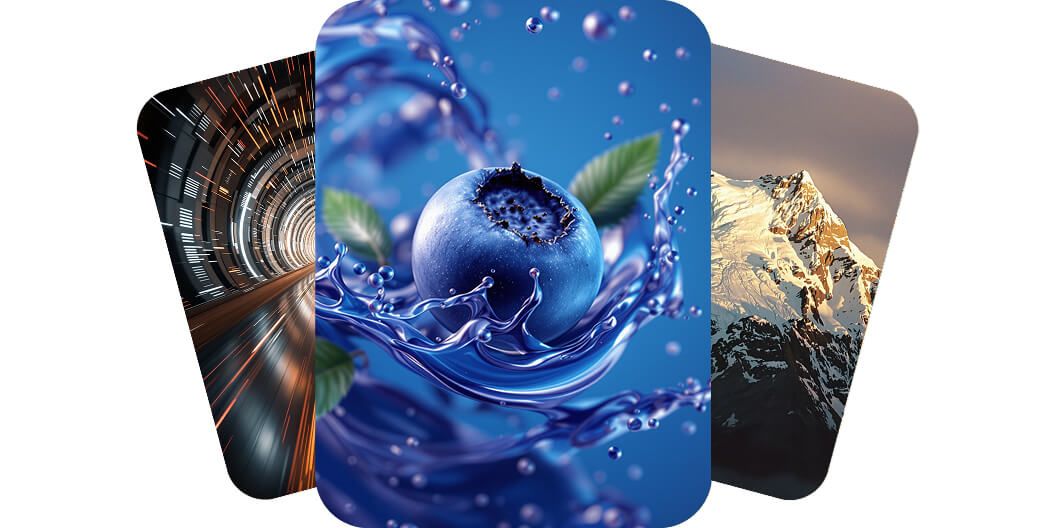


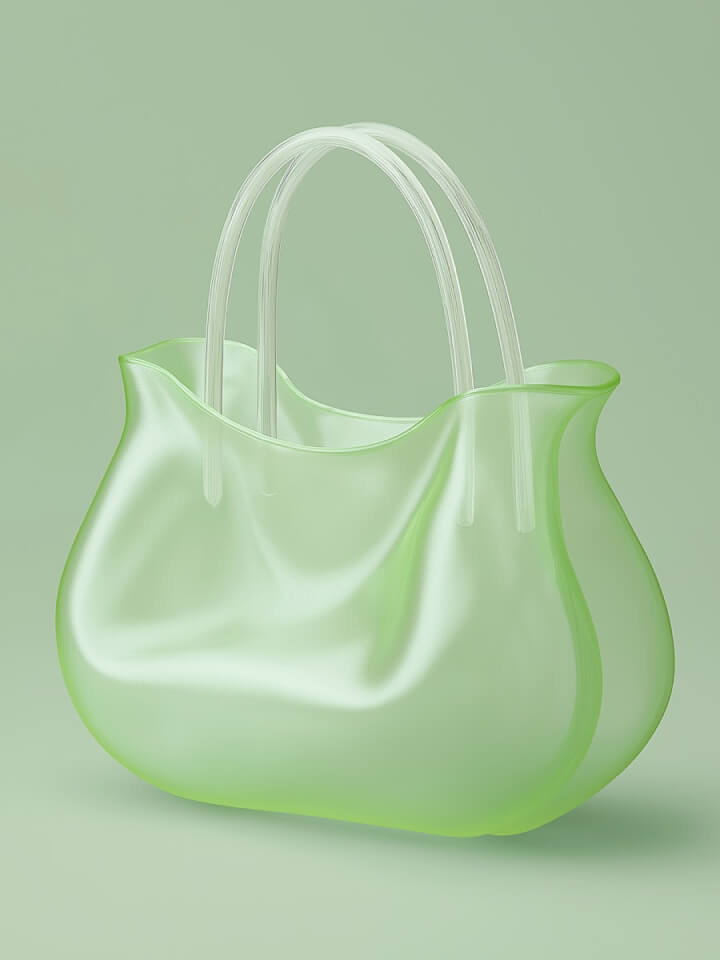

Flux Ultra instantly transforms your creative ideas into professional, studio-quality images. Its unmatched accuracy means marketers and eCommerce sellers can consistently produce visuals that drive higher engagement and conversions. No need for complex software—simply type your prompt, and Flux Ultra does the rest.
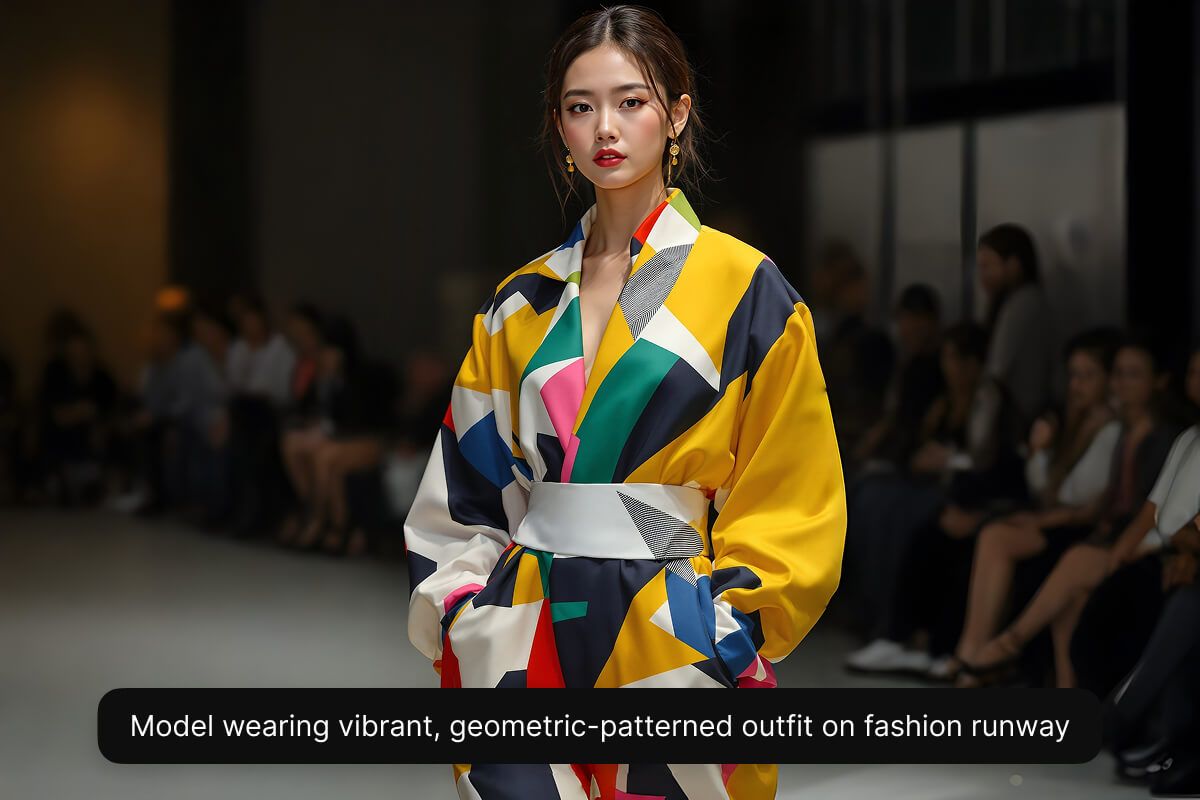
Flux Ultra brings your visions to life with astonishing realism and vibrant details. Effortlessly craft product mockups, portraits, or stock images for websites. Experience complete ease of use with a streamlined interface built for both beginners and professionals. Flux Ultra’s natural, lifelike outputs mean pristine results every time. Try Flux Ultra with Pixelcut.
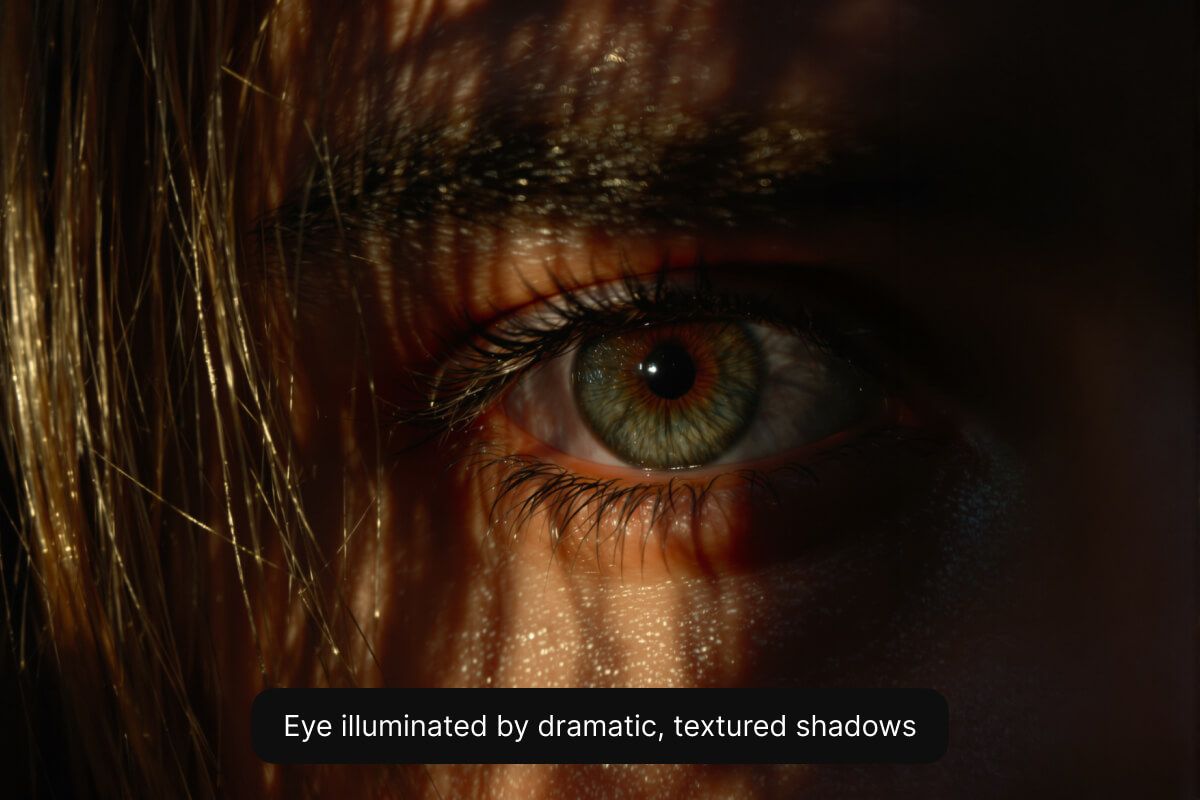
Flux Ultra delivers exceptional text rendering capabilities, enabling designers and marketers to seamlessly incorporate sharp, clear typography directly into AI-generated images. Effortlessly create professional-level promotional graphics, advertisements, or branded visuals with perfectly integrated text. Flux Ultra ensures every letter is crisp, legible, and realistically embedded into your images, elevating visual impact and brand recognition instantly.
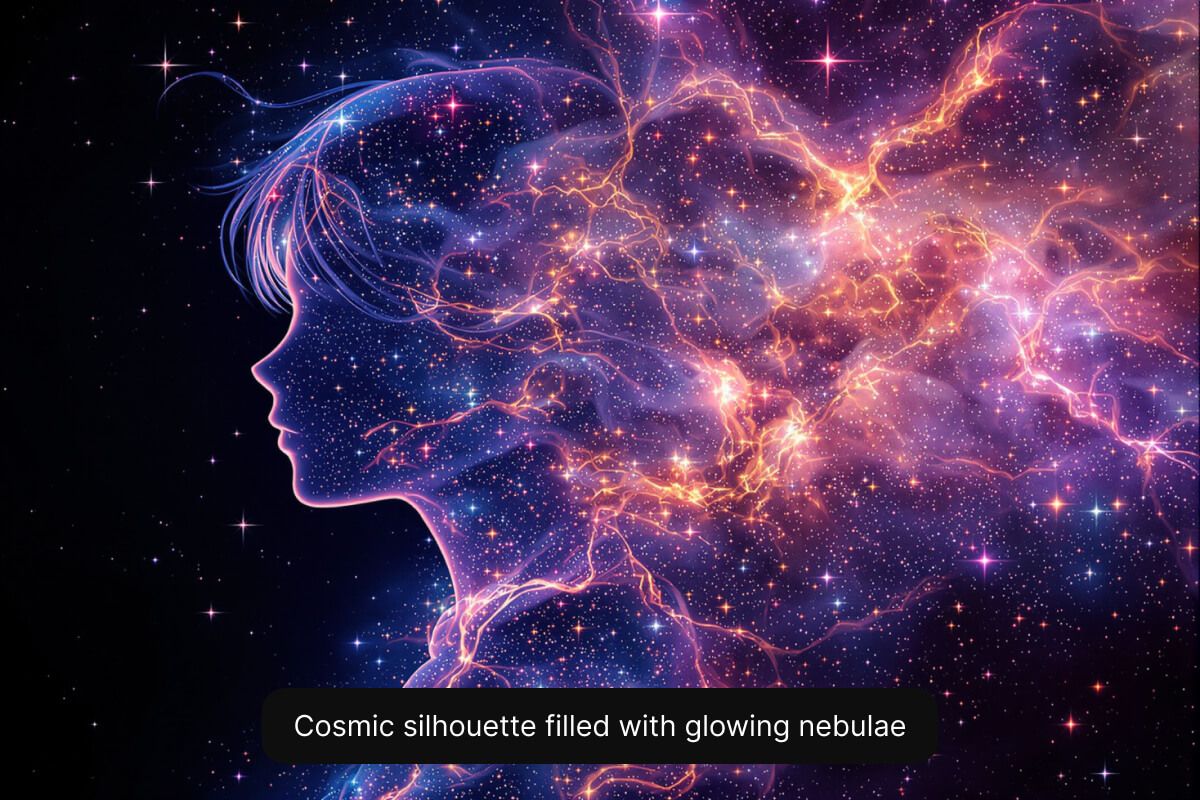
Start by entering your prompt clearly describing your vision. The more detailed your text prompt, the better the results.
Choose the Flux Ultra model from the model drop-down menu. Choose your preferred aspect ratio as well.
Our AI Image Generator will instantly create unique images based on your inputs.
Download your image or keep editing using Pixelcut. Your image is now ready for your next project!











Flux Ultra is an AI image generation model developed by Black Forest Labs, delivering ultra-high-resolution and detailed imagery at lightning speed. Perfect creators that demand ultra-realistic images in seconds.
Some of the Flux Ultra key features include:
Yes, images generated with the Flux Ultra model on Pixelcut can be used commercially without restrictions. Perfect for brands, marketers, and creative professionals.
Yes, Flux Ultra can be tried for free directly through Pixelcut. Simply enter your prompt, select the Flux Ultra model and generate.
แอพที่ยอดเยี่ยมใช้งานง่าย ช่วยให้ธุรกิจขนาดเล็กของเราประหยัดเวลาและเงินเพื่อสร้างสื่อการตลาดที่แตกต่างกันอย่างมืออาชีพ ขอบคุณ
ฉันต้องการเครื่องมือลบพื้นหลังที่ดีสำหรับงานของฉัน และฉันก็ผ่านมันมาหมดแล้ว อันนี้ดีที่สุดแล้ว มันใช้งานง่ายมากและผลลัพธ์ก็ดูน่าทึ่งเสมอ ขอบคุณ Pixelcut!
เป็นเรื่องง่ายอย่างน่าอัศจรรย์และให้ผลลัพธ์ที่สมบูรณ์แบบสำหรับกระเป๋าและอุปกรณ์เสริมของฉัน ดูเหมือนว่ามันถูกถ่ายโดยช่างภาพมืออาชีพ