แอพโปรดของฉัน
แอพที่ยอดเยี่ยมใช้งานง่าย ช่วยให้ธุรกิจขนาดเล็กของเราประหยัดเวลาและเงินเพื่อสร้างสื่อการตลาดที่แตกต่างกันอย่างมืออาชีพ ขอบคุณ
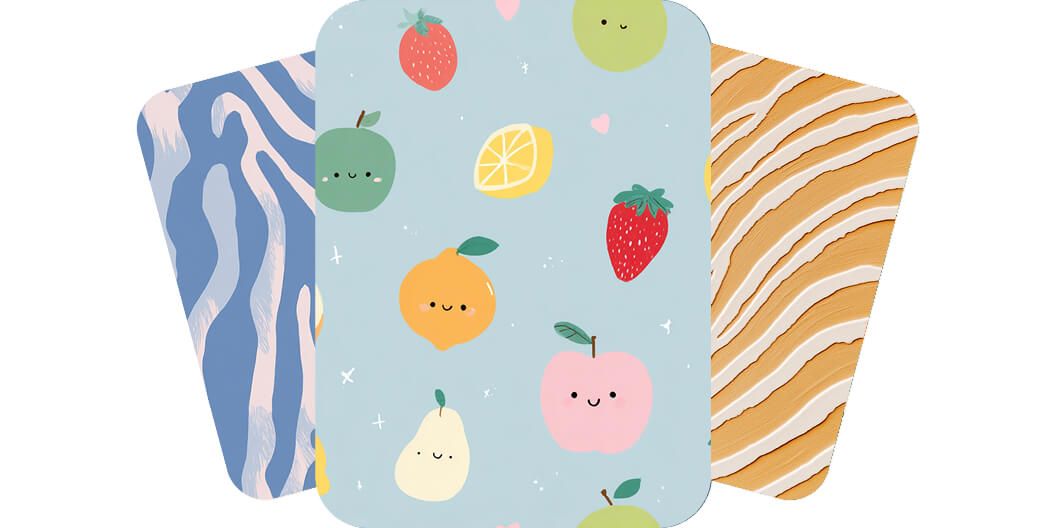
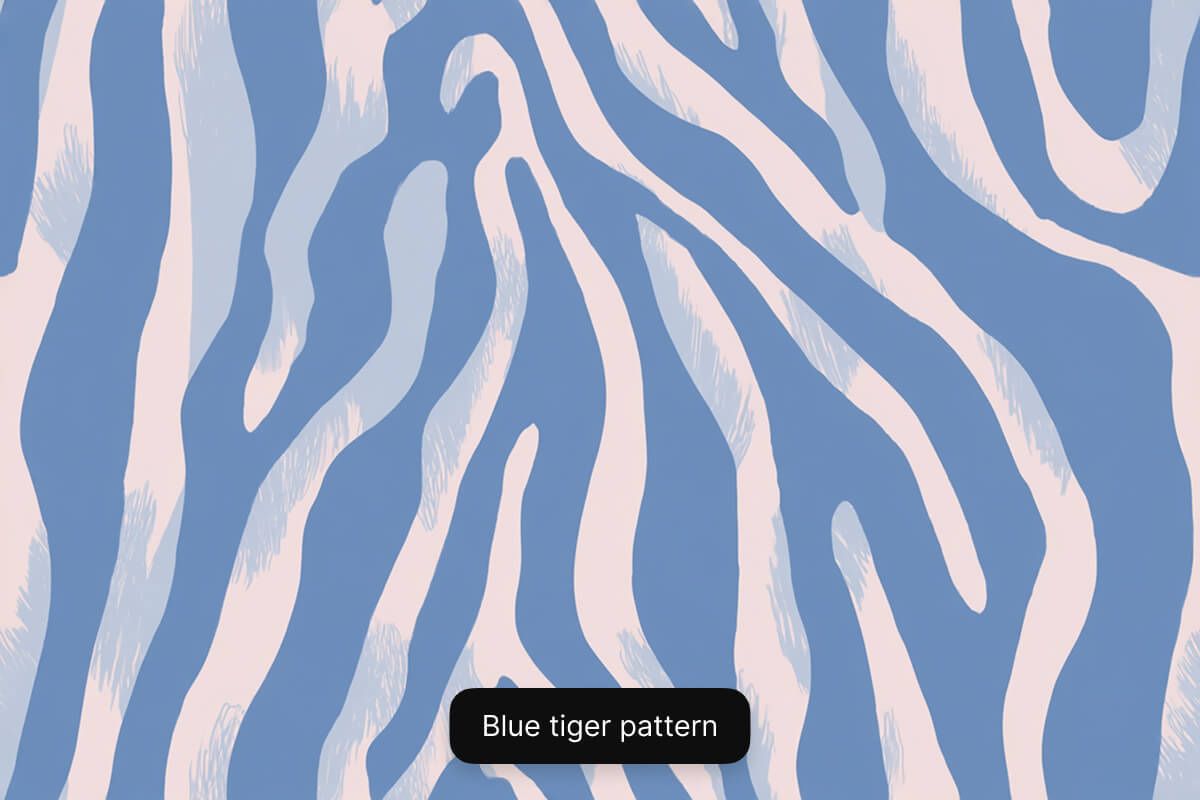
Create unique patterns for backgrounds in seconds with Pixelcut’s AI pattern generator. Simply describe your pattern using a text prompt and watch your idea come to life. Want to create a fun tiger-striped pattern? Simply enter "Create a blue tiger stripe pattern for a background". Looking to create a camo pattern? Type in "Create an army camo pattern for a background". Easily create repeating patterns for any setting with Pixelcut.
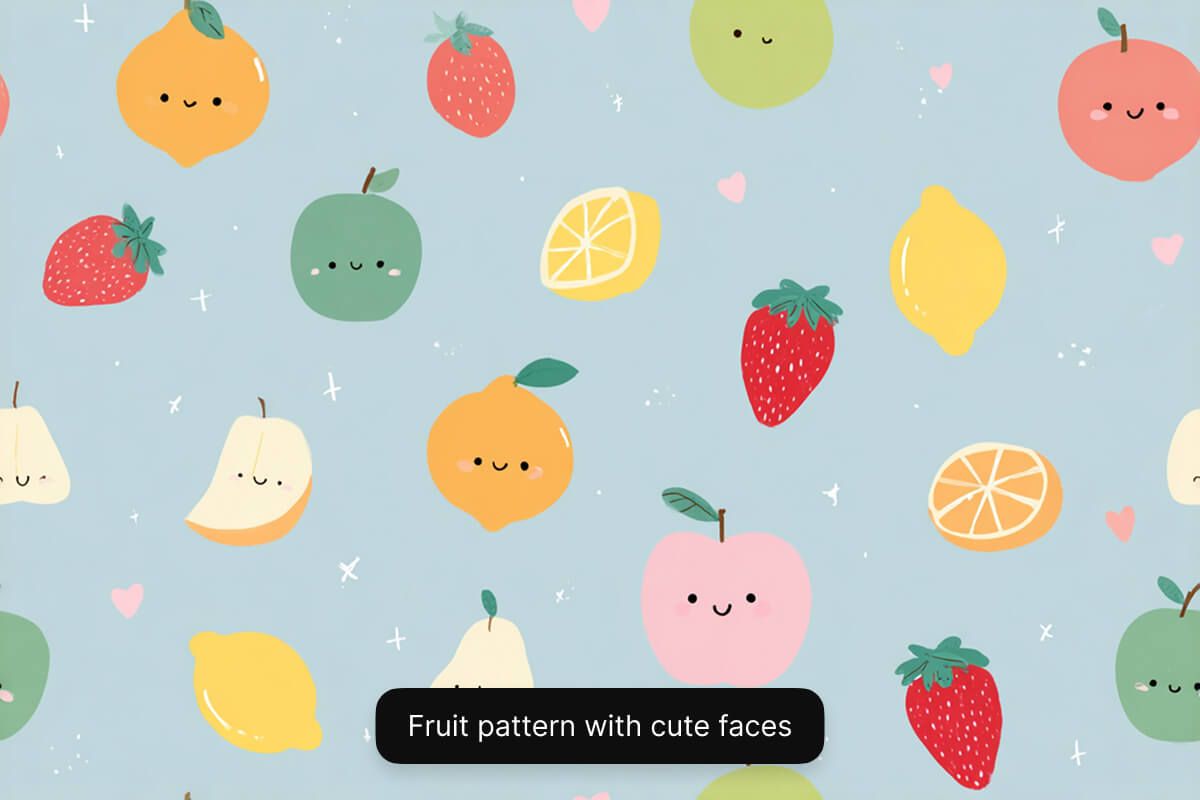
Already have an image you’d like to create a pattern with? Pixelcut makes this easy with image-to-image generation. It's as easy as uploading your image and prompting the AI to "create a repeating pattern from the image I uploaded". You can generate up to four patterns at a time and choose the one you like best. Save time from manual pattern creation on expensive software and generate seamless patterns instantly with Pixelcut.
With Pixelcut, you can instantly sample pattern ideas for clothes, whether you already have an image for a pattern or want to start from scratch. Want to see how an image of a flower will look as a pattern on a dress? Upload your image and ask the AI to "make this flower into a pattern and add it on to a dress". Want to get ideas for a striped men's shirt? Use a text prompt to describe what you’d like to see. Overcome creativity blocks by quickly visualizing different ideas.
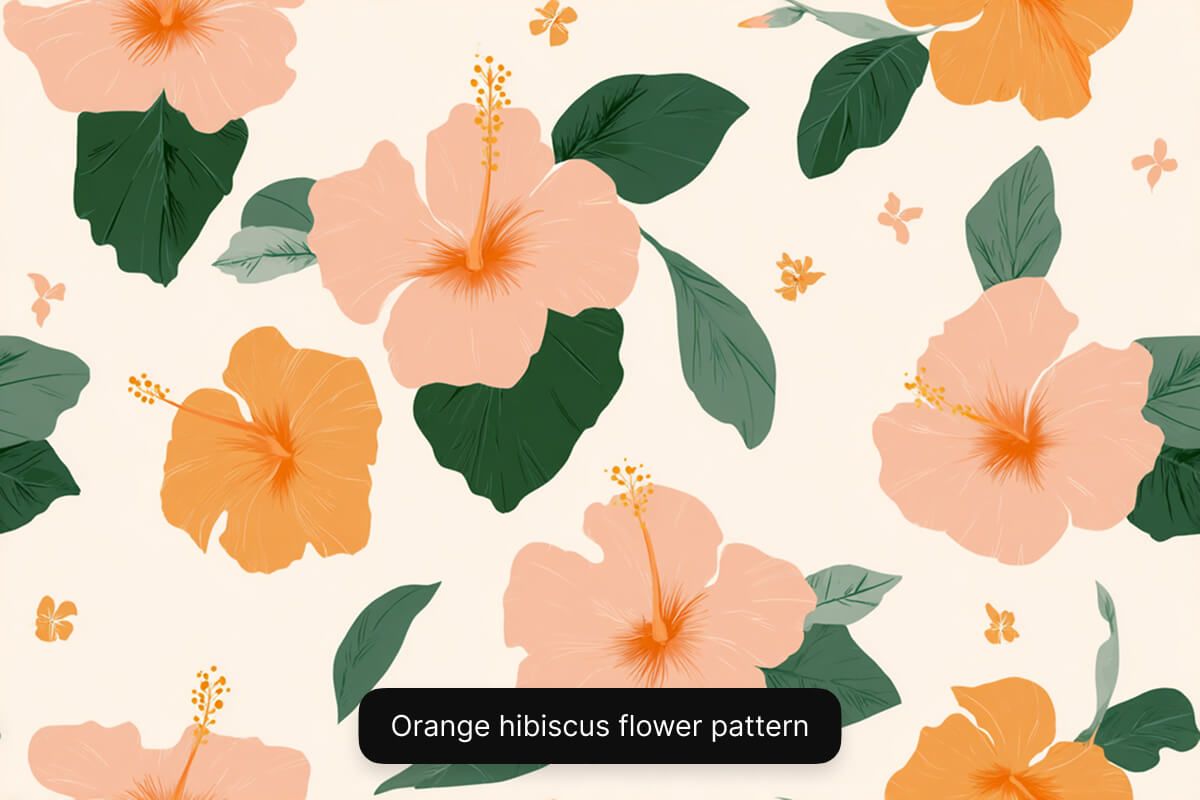
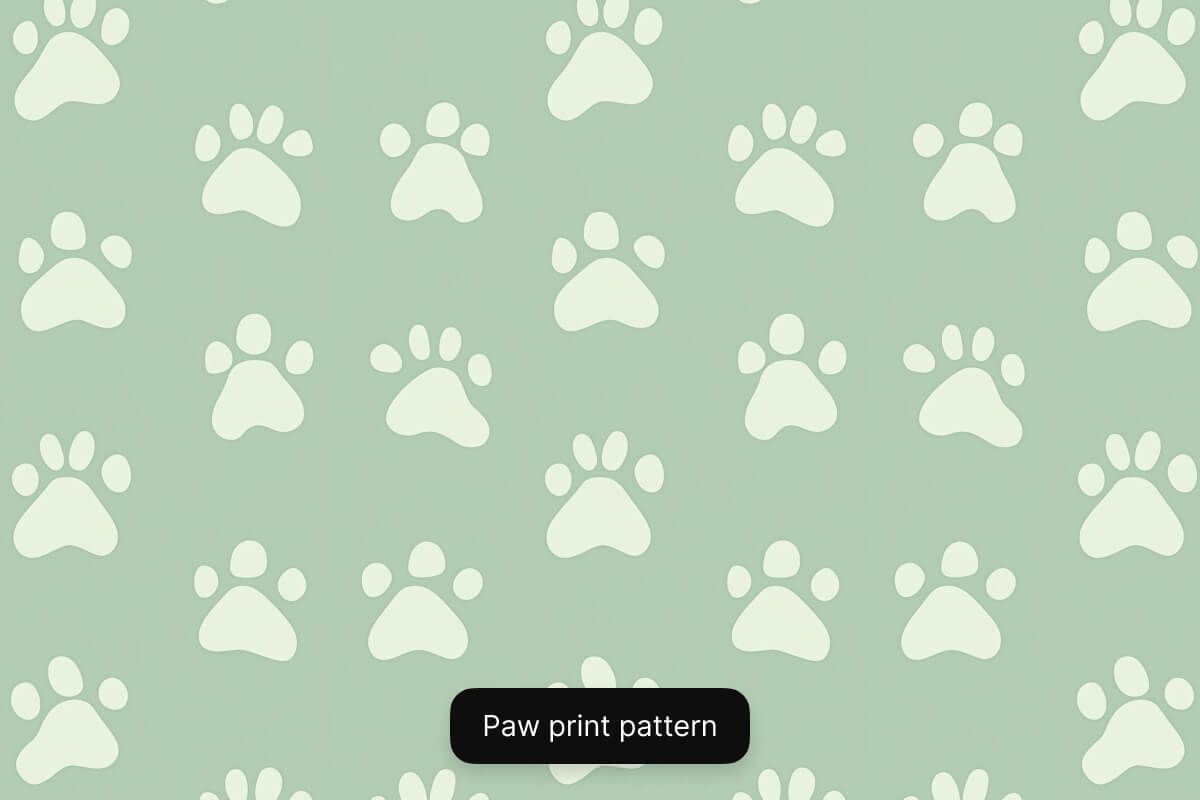
To create a pattern from scratch, simply enter a text description of your pattern in the prompt box. If you want to create a pattern from an existing image, upload your image and prompt the AI to make it a pattern.
Pattern generation works best with the GPT Image model. We recommend selecting this model for seamless pattern creation but feel free to experiment with other models.
In seconds, our AI will create a unique pattern image based on your description. The AI interprets your prompt and instantly visualizes your pattern for you.
Once you’re happy with the result, download your pattern image to your device. It’s ready to use as a background, design mockups, and more.











An AI pattern generator is an online tool that uses artificial intelligence to automatically create repeating patterns. It can generate seamless designs from text prompts or images, without the need for manual design work.
Yes! You can create repeating patterns with Pixelcut. Simply enter a text prompt or upload an image and ask the AI to make it a pattern. In just a few seconds, you’ll have a seamless repeating pattern.
The best image generation model for creating patterns on Pixelcut is GPT Image. This model can create seamless and repeating patterns of any kind from both text prompts and images.
No, you don’t need any design experience to use Pixelcut’s AI Pattern Generator. The interface is simple and easy for anyone to use. From students to busy marketers, anyone can create patterns in just a few clicks.
แอพที่ยอดเยี่ยมใช้งานง่าย ช่วยให้ธุรกิจขนาดเล็กของเราประหยัดเวลาและเงินเพื่อสร้างสื่อการตลาดที่แตกต่างกันอย่างมืออาชีพ ขอบคุณ
ฉันต้องการเครื่องมือลบพื้นหลังที่ดีสำหรับงานของฉัน และฉันก็ผ่านมันมาหมดแล้ว อันนี้ดีที่สุดแล้ว มันใช้งานง่ายมากและผลลัพธ์ก็ดูน่าทึ่งเสมอ ขอบคุณ Pixelcut!
เป็นเรื่องง่ายอย่างน่าอัศจรรย์และให้ผลลัพธ์ที่สมบูรณ์แบบสำหรับกระเป๋าและอุปกรณ์เสริมของฉัน ดูเหมือนว่ามันถูกถ่ายโดยช่างภาพมืออาชีพ