แอพโปรดของฉัน
แอพที่ยอดเยี่ยมใช้งานง่าย ช่วยให้ธุรกิจขนาดเล็กของเราประหยัดเวลาและเงินเพื่อสร้างสื่อการตลาดที่แตกต่างกันอย่างมืออาชีพ ขอบคุณ
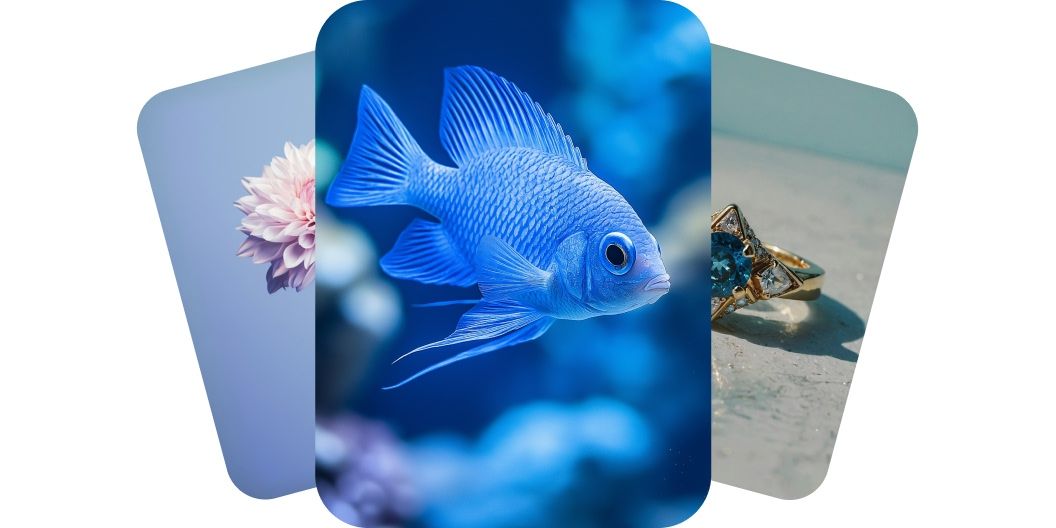
เปลี่ยนไอเดียเป็นวิดีโอในไม่กี่นาทีด้วย Hailuo AI สร้างวิดีโอจากข้อความหรือภาพได้ทันทีโดยไม่ต้องมีประสบการณ์มาก่อน เริ่มสร้างได้เลยตอนนี้
ตัวสร้างวิดีโอระดับแนวหน้าของ Hailuo AI ทำให้ใครก็สร้างวิดีโอคุณภาพสูงได้ในไม่กี่นาที จะเป็นคนตัดต่อมานานหรือเพิ่งลองทำครั้งแรก ก็เปลี่ยนไอเดียให้เป็นวิดีโอที่เนี้ยบและพร้อมใช้ได้สบาย ๆ ประหยัดเวลาไปหลายชั่วโมงด้วยการสร้างฉากและการเปลี่ยนฉากที่ต่อเนื่องซึ่งขับเคลื่อนด้วย AI ของ Hailuo คุณโฟกัสกับการสร้างงาน แล้วปล่อยเรื่องที่เหลือให้เราจัดการ เริ่มสร้างวันนี้บน Pixelcut
การสร้างวิดีโอจากข้อความเปลี่ยนไอเดียที่เขียนไว้ให้กลายเป็นฉากที่ดึงสายตาได้ในไม่กี่นาที ไม่ต้องมีกล้อง ไม่ต้องมีโปรแกรมตัดต่อ แค่พิมพ์สิ่งที่คิดไว้แล้วดู AI เปลี่ยนคำเหล่านั้นเป็นวิดีโอความละเอียดสูงที่สมจริงมาก โมเดล Hailuo Minimax 1.0 มีความสามารถด้านข้อความที่กว้าง จึงถนัดงานสร้างวิดีโอจากข้อความเป็นพิเศษ นักทำภาพเคลื่อนไหว ครีเอเตอร์ และใครที่อยากลองเล่นดู ก็เปลี่ยนไอเดียที่เขียนไว้เป็นคลิปน่าดูได้ทันที เริ่มสร้างวันนี้ด้วย Hailuo AI บน Pixelcut
โมเดล Hailuo Minimax Video 01 Live ถนัดงานสร้างวิดีโอจากภาพ ใครก็ทำวิดีโอคุณภาพระดับมืออาชีพจากภาพใดก็ได้ เพียงอัปโหลดภาพ บอก AI ว่าอยากให้ทำอะไรกับภาพนั้น แล้วดู AI เปลี่ยนภาพเป็นวิดีโอที่มีชีวิตชีวาในไม่กี่นาที เหมาะกับศิลปินและนักการตลาดที่อยากเติมชีวิตให้ภาพนิ่งสำหรับงานโฆษณาหรือพอร์ตโฟลิโอ ดึงความสนใจของผู้ชมด้วยการสร้างวิดีโอจากภาพด้วย Hailuo AI บน Pixelcut
หากสร้างวิดีโอจากข้อความ ให้อธิบายสิ่งที่อยากเห็นลงในช่อง prompt ส่วนการสร้างวิดีโอจากภาพ ให้เข้าสู่ระบบบัญชีของคุณก่อน
เมื่อใส่ prompt ข้อความเรียบร้อยแล้ว กดปุ่มส่งเพื่อสร้างวิดีโอ ระบบจะเลือกโมเดล Hailuo AI ให้อัตโนมัติ
ดูตัวอย่างวิดีโอแล้วปรับ prompt จนกว่าจะได้อย่างที่ต้องการ ลองตัดหรือเพิ่มรายละเอียดใน prompt เพื่อเห็นมุมใหม่และไอเดียใหม่
ดาวน์โหลดวิดีโอใหม่ลงเครื่องได้เลย พร้อมโพสต์ลงโซเชียล ส่งให้ทีม หรือนำไปใช้กับโปรเจกต์ไหนก็ได้ที่ต้องการ
เริ่มต้นสร้างสรรค์ได้ฟรี อัปเกรดเพื่อรับเครดิตและฟีเจอร์เพิ่มเติม














แอพที่ยอดเยี่ยมใช้งานง่าย ช่วยให้ธุรกิจขนาดเล็กของเราประหยัดเวลาและเงินเพื่อสร้างสื่อการตลาดที่แตกต่างกันอย่างมืออาชีพ ขอบคุณ
ฉันต้องการเครื่องมือลบพื้นหลังที่ดีสำหรับงานของฉัน และฉันก็ผ่านมันมาหมดแล้ว อันนี้ดีที่สุดแล้ว มันใช้งานง่ายมากและผลลัพธ์ก็ดูน่าทึ่งเสมอ ขอบคุณ Pixelcut!
เป็นเรื่องง่ายอย่างน่าอัศจรรย์และให้ผลลัพธ์ที่สมบูรณ์แบบสำหรับกระเป๋าและอุปกรณ์เสริมของฉัน ดูเหมือนว่ามันถูกถ่ายโดยช่างภาพมืออาชีพ