แอพโปรดของฉัน
แอพที่ยอดเยี่ยมใช้งานง่าย ช่วยให้ธุรกิจขนาดเล็กของเราประหยัดเวลาและเงินเพื่อสร้างสื่อการตลาดที่แตกต่างกันอย่างมืออาชีพ ขอบคุณ
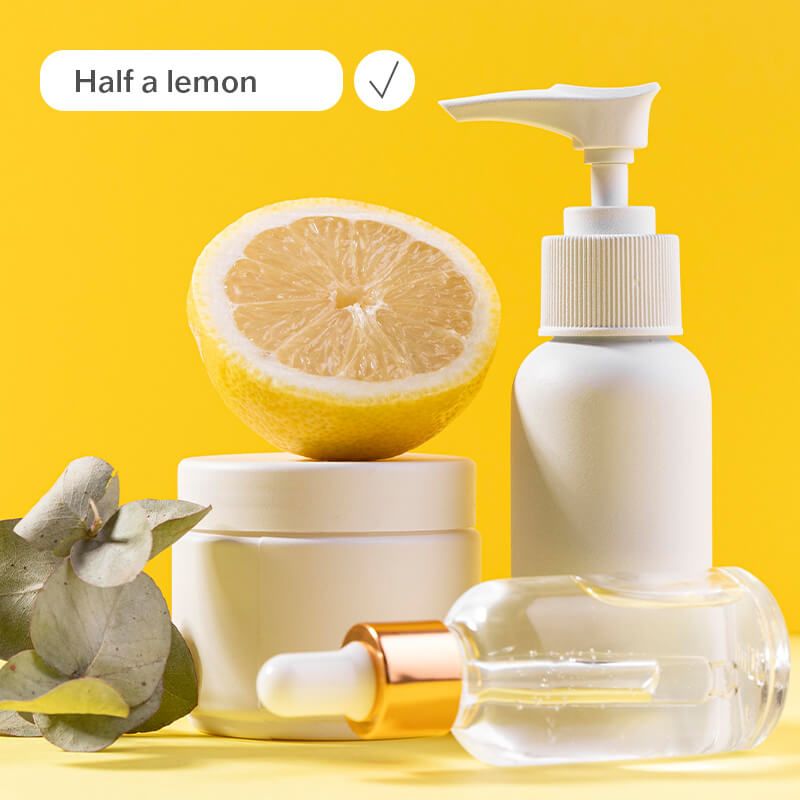
Pixelcut’s AI Image Replacer makes it easy to seamlessly erase and replace objects or parts of any photo using the power of AI. Try it free!
Click Upload image and select a JPG, PNG, or HEIC file to begin editing. On desktop, you can also drag and drop your file anywhere on the screen.
Use the selection brush to mark the object or area you want to replace. For example, you can brush over an unwanted object or an empty area to add a new object.
In the prompt box, describe what you’d like to replace the selected area with. Be as simple or detailed as you want.
Click the Fill button to get your result. The AI will swap in the new object seamlessly. Once satisfied with the result, save and download your image!
Powered by advanced AI, Pixelcut’s AI Replacer seamlessly replaces objects in your images with stunning accuracy. The AI analyzes lighting, shadows, and perspective to blend the new object naturally into your photo, so the edit looks authentic. Whether you’re replacing props in a product shot or swapping out a sky in a landscape, our AI image replacer technology ensures high-quality results everytime. Experience flawless, professional-quality edits without any manual effort. Try it free!
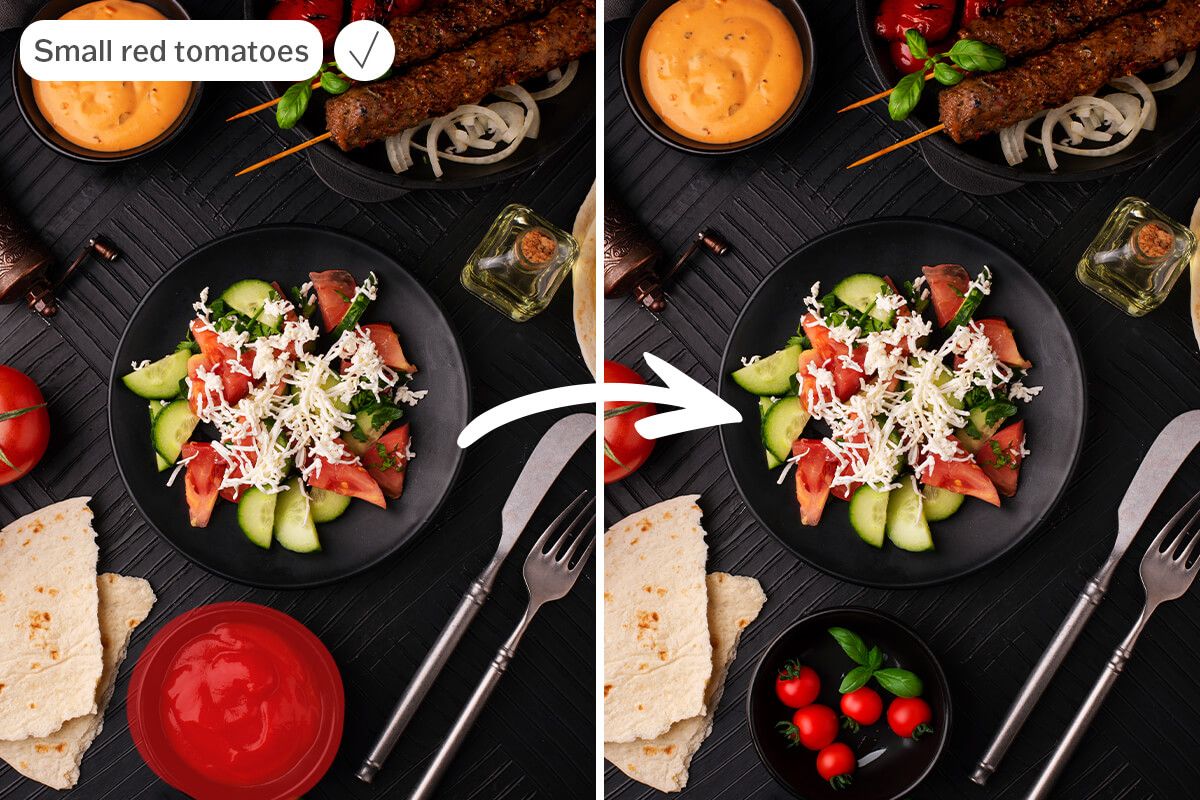
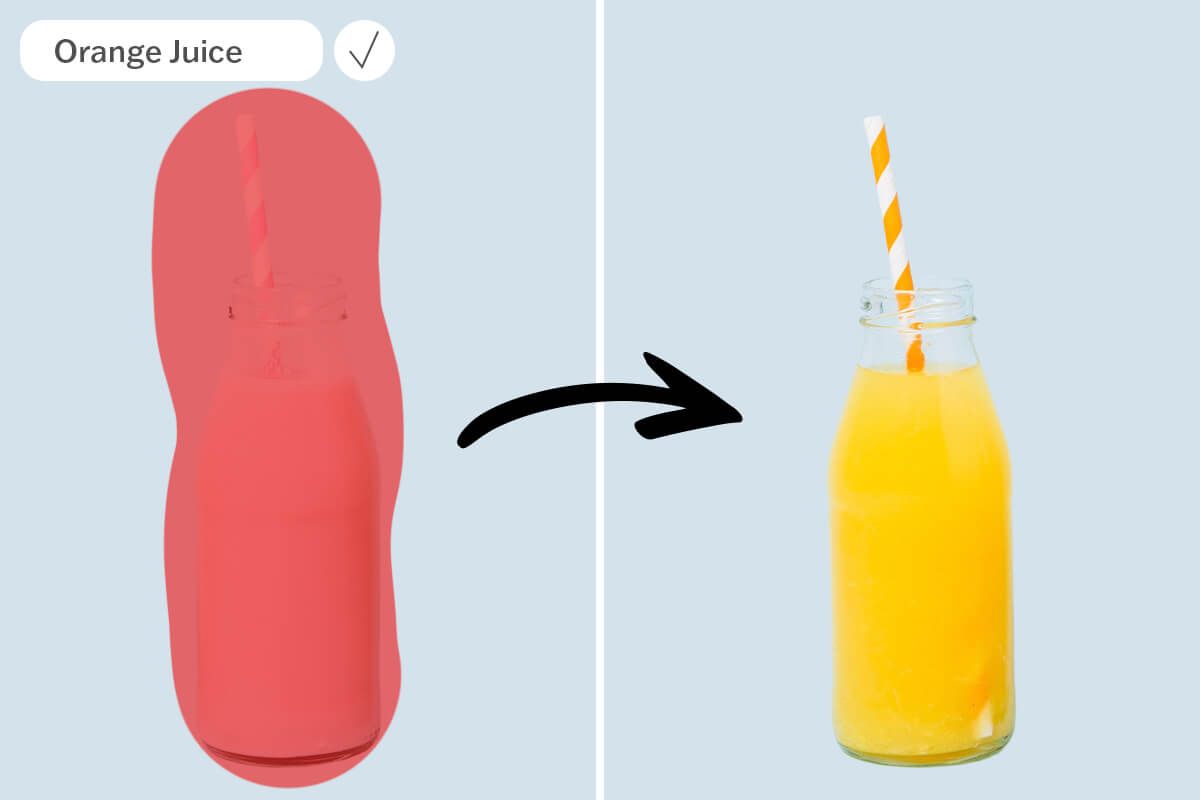
Replace objects in your photo just by typing what you want – it’s that easy. Pixelcut’s AI Image Replacer understands natural language prompts, allowing you to describe the replacement in your own words. Want to add a new object or change something in the scene? Just highlight the area and type a short prompt like “add a green pine tree” or “replace with an orange juice” and the AI will create it for you. No design experience required. This intuitive, text-based generative fill tool puts creative control at your fingertips.
Pixelcut’s AI Image Replacer is completely free to use, with no sign-up required and no watermark added to the result. You can dive right into editing without an account, subscription, or software installation. Simply upload a photo and start replacing or adding elements from any device with a browser. This free AI image editing solution lets you achieve professional results with zero cost or hassle. Start adding objects and editing your image with AI for free!
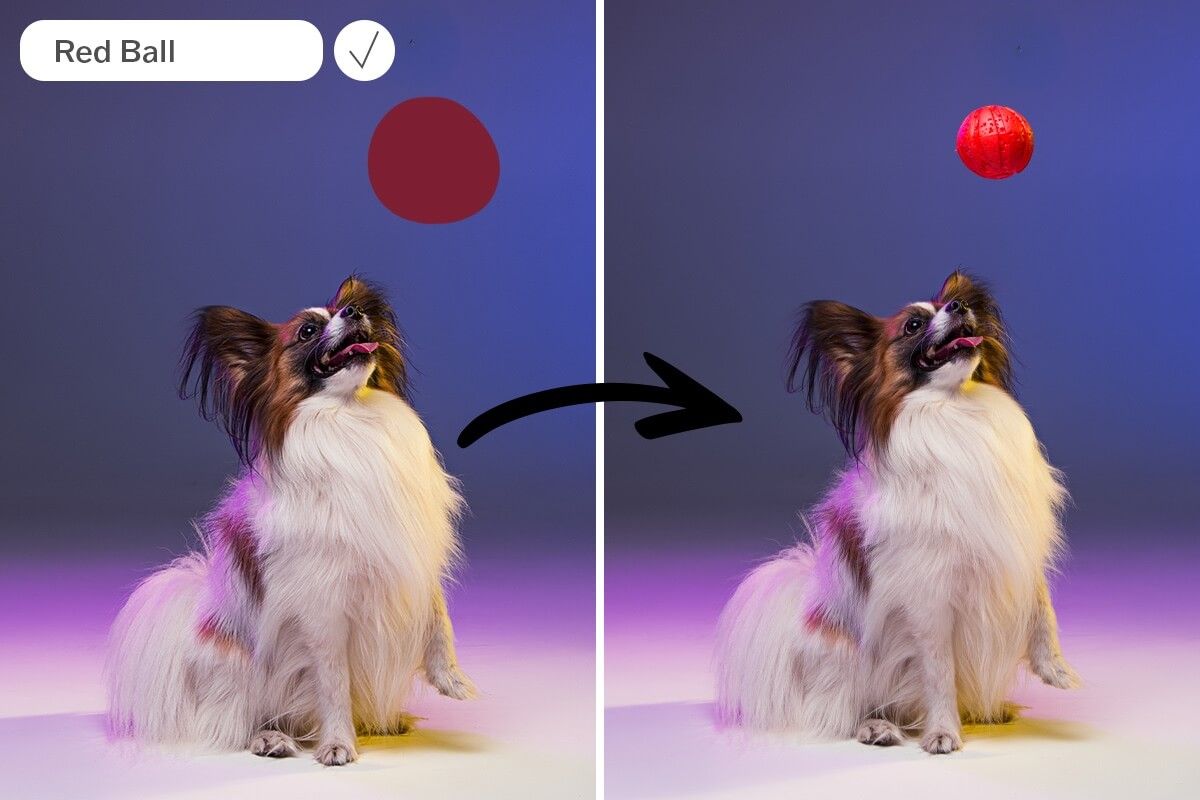











Pixelcut’s AI Image Replacer is a free online image editing tool that uses artificial intelligence to replace or add objects in your photos with just a text prompt. It allows you to upload an image, select an area or object you want to change, and describe what should replace it. The AI then generates a realistic, seamlessly edited image in seconds. It’s an easy, browser-based alternative to traditional photo editing, requiring no design skills or software installation.
Yes, Pixelcut’s AI Image Replacer is completely free to use. The tool does not add any watermarks to your edited images. You can upload your photo, make edits, and download the result at full quality completely free!
AI Image Replacer works by leveraging advanced generative AI technology. When you upload a photo, you can highlight the object or area you want to replace. After you enter a text description of the desired change, the AI analyzes your image and generates the new content to fit that area. It matches the lighting, colors, and perspective of the original photo to produce a natural-looking result.
แอพที่ยอดเยี่ยมใช้งานง่าย ช่วยให้ธุรกิจขนาดเล็กของเราประหยัดเวลาและเงินเพื่อสร้างสื่อการตลาดที่แตกต่างกันอย่างมืออาชีพ ขอบคุณ
ฉันต้องการเครื่องมือลบพื้นหลังที่ดีสำหรับงานของฉัน และฉันก็ผ่านมันมาหมดแล้ว อันนี้ดีที่สุดแล้ว มันใช้งานง่ายมากและผลลัพธ์ก็ดูน่าทึ่งเสมอ ขอบคุณ Pixelcut!
เป็นเรื่องง่ายอย่างน่าอัศจรรย์และให้ผลลัพธ์ที่สมบูรณ์แบบสำหรับกระเป๋าและอุปกรณ์เสริมของฉัน ดูเหมือนว่ามันถูกถ่ายโดยช่างภาพมืออาชีพ