Favori uygulamam
Harika bir uygulama, kullanımı kolay. Küçük işletmemizin farklı pazarlama materyallerini profesyonelce oluşturmasına yardımcı oluyor. Teşekkürler.
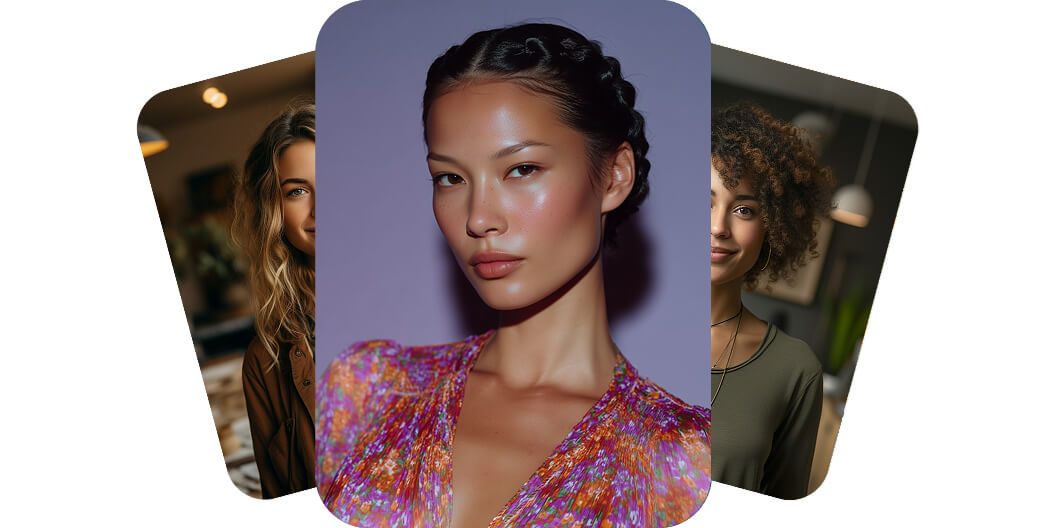
Pixelcut'ın yapay zeka portre aracı selfie fotoğrafınızı ya da aklınızdaki fikri basit metin promptlarıyla fotogerçekçi bir portreye çevirir. Portrenizi hemen oluşturun!
Pixelcut'ın portre aracı, her cihazda metinden güzel ve gerçekçi portreler oluşturmanızı sağlar. İster masaüstünüzde pazarlama materyali tasarlayın ister telefonunuzda sosyal medya paylaşımı hazırlayın, hayal ettiğinizi yazmanız etkileyici portreler için yeterli. Araç masaüstünde, tablette ve mobilde sorun çıkarmadan çalıştığı için ilham nerede gelirse gelsin fikirlerinizi hayata geçirebilirsiniz. Gelişmiş bir programa gerek yok, yaratıcılığınız ve tercih ettiğiniz cihaz yeterli.
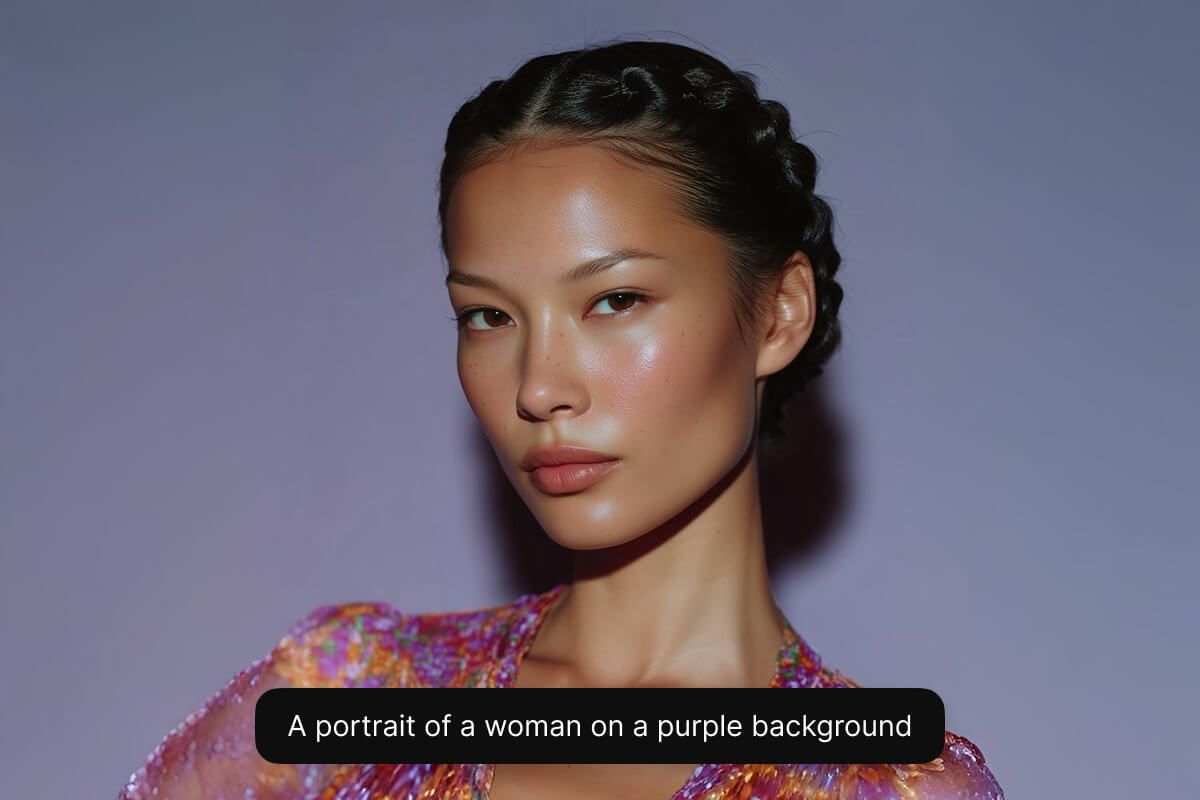
Kendi fotoğraflarınızdan anında portre oluşturun, sıradan selfie karelerini profesyonel kalitede görsellere dönüştürün. En sevdiğiniz fotoğrafı yüklemeniz yeterli, gelişmiş yapay zeka teknolojimiz sosyal medya profilleriniz, profesyonel portfolyonuz ya da yaratıcı projeleriniz için dikkat çeken portreler üretir. İster çevrimiçi görünürlüğünü büyütmek isteyen bir içerik üreticisi olun ister dijital kimliğini geliştiren bir girişimci, size özel portreler hiç bu kadar kolay olmamıştı. Portre oluşturmanın sadeliğini parmaklarınızın ucunda yaşayın.
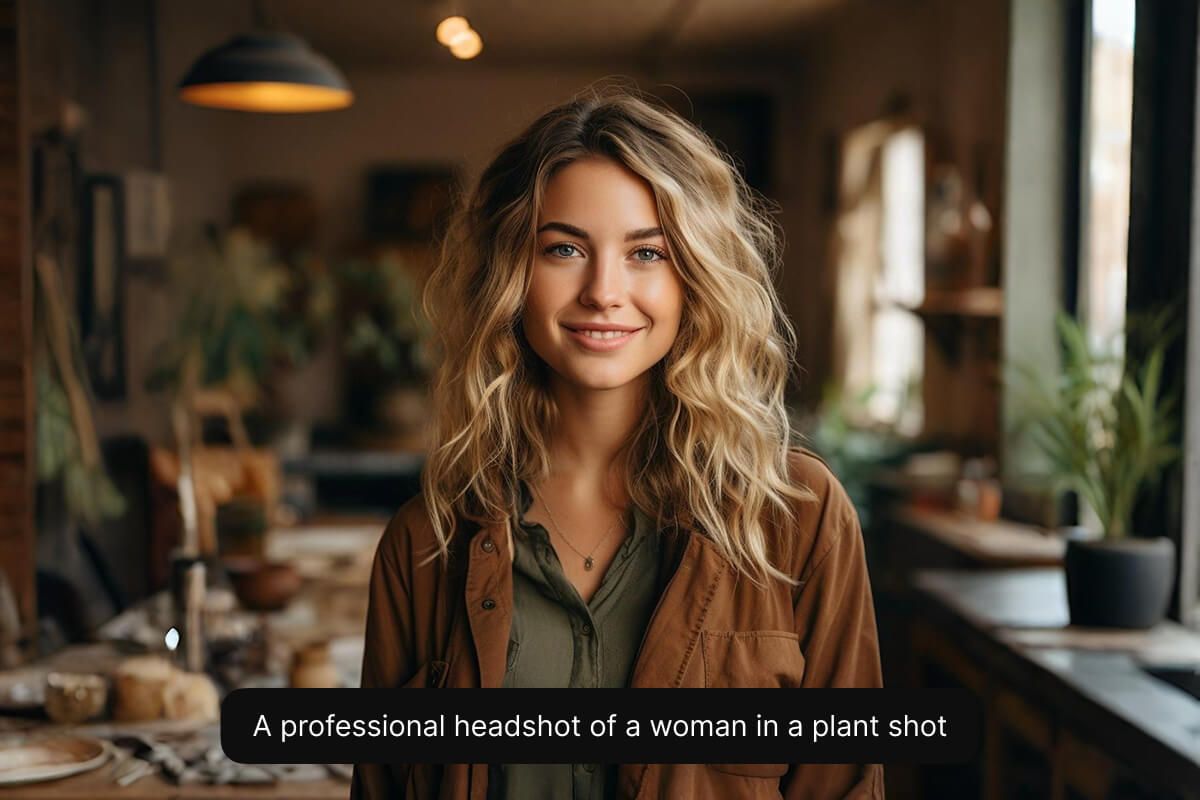
Projeniz için tam istediğiniz stili yakalamak üzere birden fazla yapay zeka modeli arasından seçim yapın. Düzgün bir kurumsal vesikalık fotoğrafı ya da fotogerçekçi bir görünüm gerekiyorsa Flux Kontext Max modeli vizyonunuzu hayata geçirebilir. Pazarlamacılar estetiklerine uyan bir model seçerek marka tutarlılığını koruyabilir, tasarımcılar da her kampanya için farklı görünümler deneyebilir. Bu esneklik sayesinde her kullanıcı ihtiyacına en uygun portre stilini bulur. Pixelcut'ın desteklediği tüm modelleri deneyin ve size en çok yakışanı seçin.
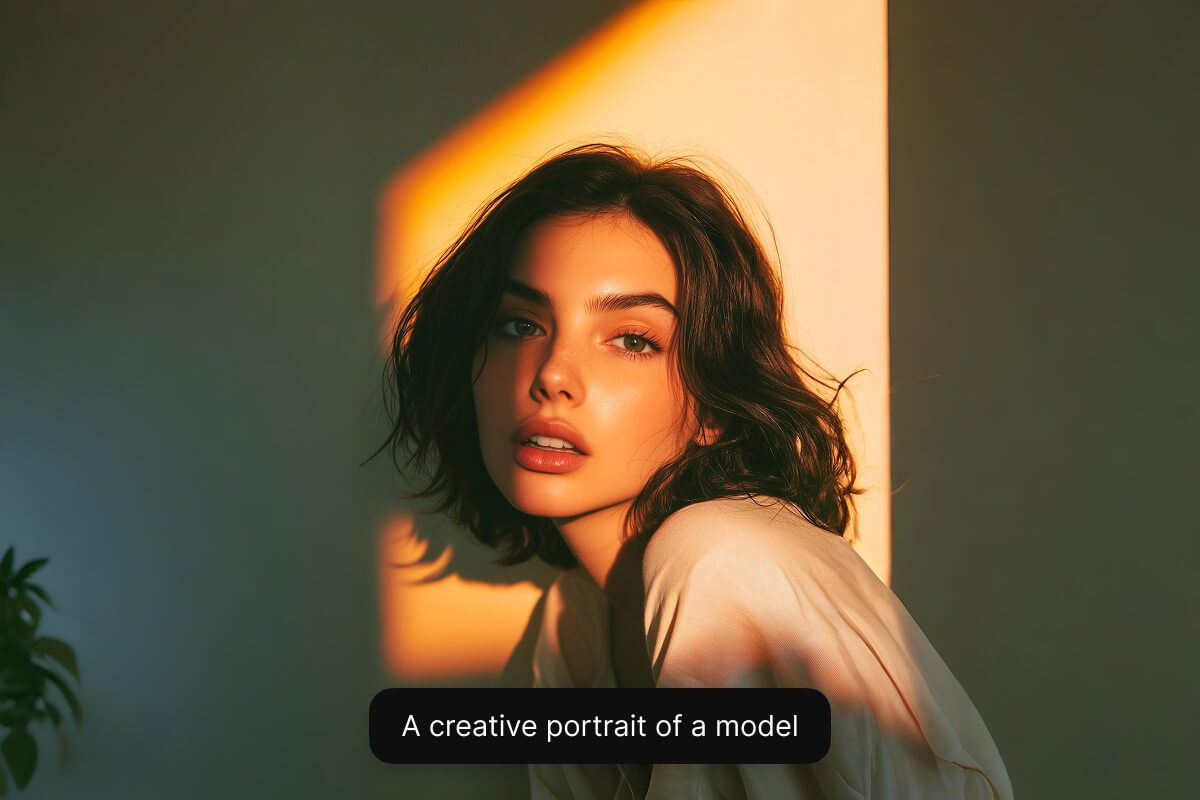
Sıfırdan portre oluşturmak için ne görmek istediğinizi yazmanız yeterli. Var olan bir fotoğraftan üretmek isterseniz fotoğrafınızı yükleyip portrenin nasıl görünmesini istediğinizi anlatın.
Portre oluşturma en iyi Flux Kontext Max modeliyle çalışır. Fotogerçekçi portreler için bunu öneririz. Beğendiğiniz stili bulmak için diğer modelleri de deneyebilirsiniz.
Yapay zekamız saniyeler içinde açıklamanıza dayanan gerçekçi bir portre üretir. Promptunuzu yorumlar ve portrenizi anında sizin için oluşturur.
Sonuçtan memnun kaldığınızda portrenizi cihazınıza indirin. Web sitenizde, profil fotoğrafı olarak ya da dilediğiniz her yerde kullanmaya hazır.
Ücretsiz olarak oluşturmaya başlayın. Daha fazla kredi ve özellik için yükseltin.














Harika bir uygulama, kullanımı kolay. Küçük işletmemizin farklı pazarlama materyallerini profesyonelce oluşturmasına yardımcı oluyor. Teşekkürler.
İşim için iyi bir arka plan kaldırıcıya ihtiyacım var ve hepsini denedim gibi hissediyorum. Bu, şimdiye kadar en iyisi. Kullanımı çok kolay ve sonuçlar her zaman harika görünüyor. Teşekkürler Pixelcut!
Son derece kolay ve çantalarım ve aksesuarlarım için mükemmel sonuçlar veriyor. Profesyonel bir fotoğrafçı tarafından yapılmış gibi görünüyor.