Favori uygulamam
Harika bir uygulama, kullanımı kolay. Küçük işletmemizin farklı pazarlama materyallerini profesyonelce oluşturmasına yardımcı oluyor. Teşekkürler.
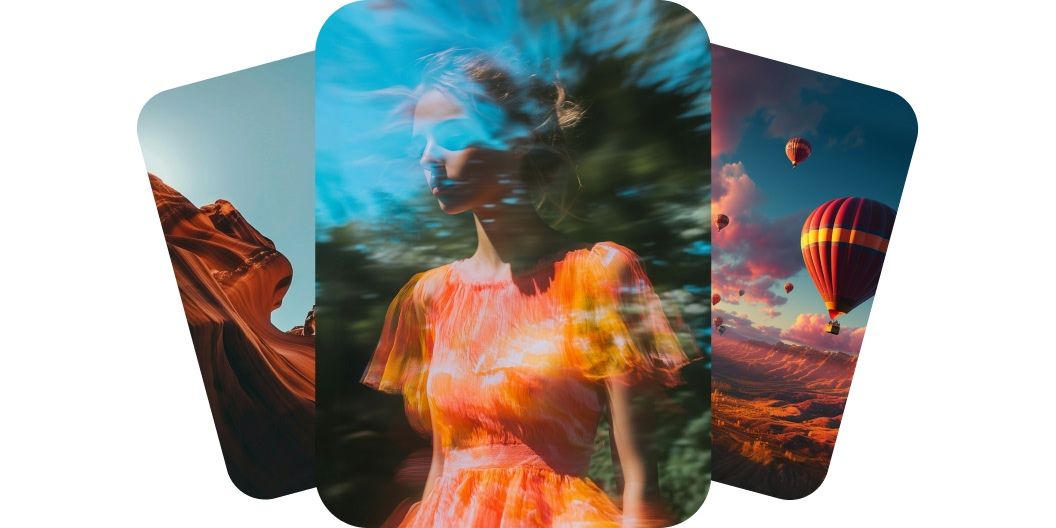
Pixelcut'ta Luma Dream Machine ile video oluşturun. Fikrinizi yazmanız ya da bir görsel yüklemeniz yeterli, hayat bulmasını izleyin. Bugün deneyin.
Luma Dream Machine metinden profesyonel kalitede videolar üretir ve fikirlerinizi gerçekçi hareket ile doğal ayrıntılarla canlandırır. Luma Dream Machine v1.5 modeli derinliği, ışığı ve hareketi anlar, bu da akıcı ve inandırıcı sahneler oluşmasını sağlar. Yürüyen bir insan da olsa odada gezinen bir kamera da olsa hareket doğal ve sinematik hissettirir. Bu gerçeklik düzeyi her videonun profesyonelce çekilmiş gibi görünmesini sağlar. Pixelcut'ta Luma Dream Machine ile bugün oluşturmaya başlayın.
Luma AI Dream Machine, özgün kompozisyonu korurken görselleri akıcı animasyonlara çevirir. Ürün çekimi veya bir eser gibi tek bir görsel yükleyin, yapay zeka netliği ve amacı kaybetmeden onu hareketlendirsin. Geçişler akıcı, hareket temizdir, bu da görsellerinizi daha ilgi çekici kılar. Animasyon bilgisi olmadan hareket elde edersiniz. Giriş yapın, bir görsel yükleyin ve deneyin!
Dream Machine v1.5, sahnelerinize enerji ve duygu katan sinematik kamera hareketleri üretir. Promptunuza göre doğal hareketi izleyen zoom, pan ve kaydırmalı çekimler bekleyebilirsiniz. Yapay zeka mekanı ve yönü anlar, bu yüzden sonuçlar özenli ve bilinçli görünür. Videonuz yalnızca birkaç kelimeyle bir yönetmen tarafından çekilmiş gibi görünecek.
Luma AI Dream Machine, görsellerinizi baştan sona net ve sabit tutan kareden kareye tutarlılık sağlar. Karakterler ve nesneler her karede aynı kalır, bu da titremeyi veya bozulmayı ortadan kaldırır. Video böylece daha profesyonel olur ve hikaye anlatımına daha uygun hale gelir. Görsel bütünlüğe önem veriyorsanız bu özellik dikkatinizi çekecek. Bugün tutarlı yapay zeka videoları oluşturun.
Metinden video için açıklamanızı prompt alanına yazmanız yeterli. Bir görselden video oluşturmak içinse önce hesabınıza giriş yapmanız gerektiğini unutmayın.
Promptunuz hazır olduğunda gönder düğmesine tıklayın. Dream Machine sözlerinizi veya görselinizi dakikalar içinde yüksek kaliteli bir videoya dönüştürür.
Videonuzu önizleyin ve tam istediğiniz gibi görünene kadar promptunuzda ince ayar yapın. Yeni sahneler, stiller ya da yaratıcı yönler için ayrıntı ekleyin veya çıkarın.
Tamamlanan videonuzu cihazınıza kaydedin. Sosyal medyada paylaşmaya, ekibinize göndermeye ya da üzerinde çalıştığınız her projeye eklemeye hazırdır.
Ücretsiz olarak oluşturmaya başlayın. Daha fazla kredi ve özellik için yükseltin.














Harika bir uygulama, kullanımı kolay. Küçük işletmemizin farklı pazarlama materyallerini profesyonelce oluşturmasına yardımcı oluyor. Teşekkürler.
İşim için iyi bir arka plan kaldırıcıya ihtiyacım var ve hepsini denedim gibi hissediyorum. Bu, şimdiye kadar en iyisi. Kullanımı çok kolay ve sonuçlar her zaman harika görünüyor. Teşekkürler Pixelcut!
Son derece kolay ve çantalarım ve aksesuarlarım için mükemmel sonuçlar veriyor. Profesyonel bir fotoğrafçı tarafından yapılmış gibi görünüyor.