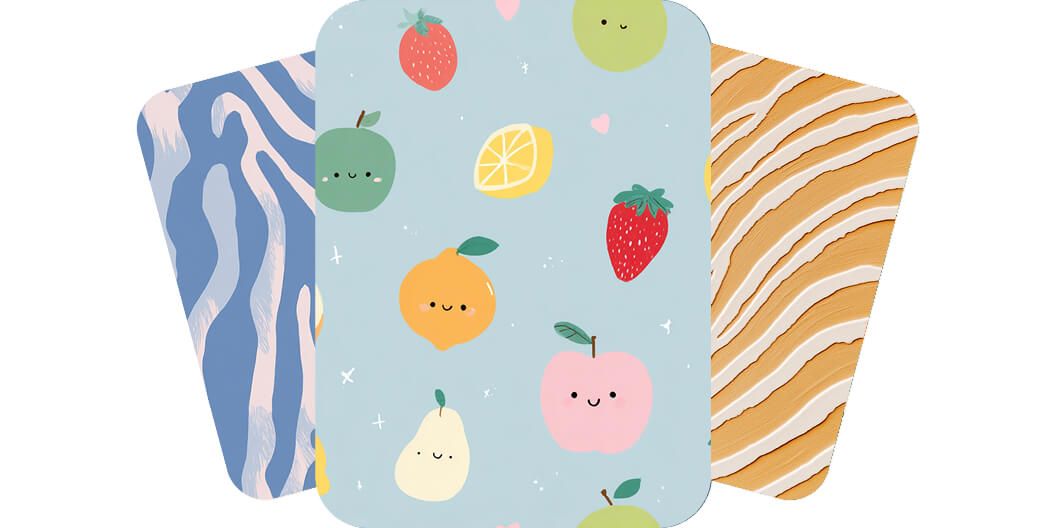
AI Pattern Generator
Instantly create seamless patterns with Pixelcut’s AI pattern generator. Upload an image or prompt text and generate stunning designs in seconds for free!
Dùng thử miễn phí
Không có watermark
Easily generate patterns for backgrounds
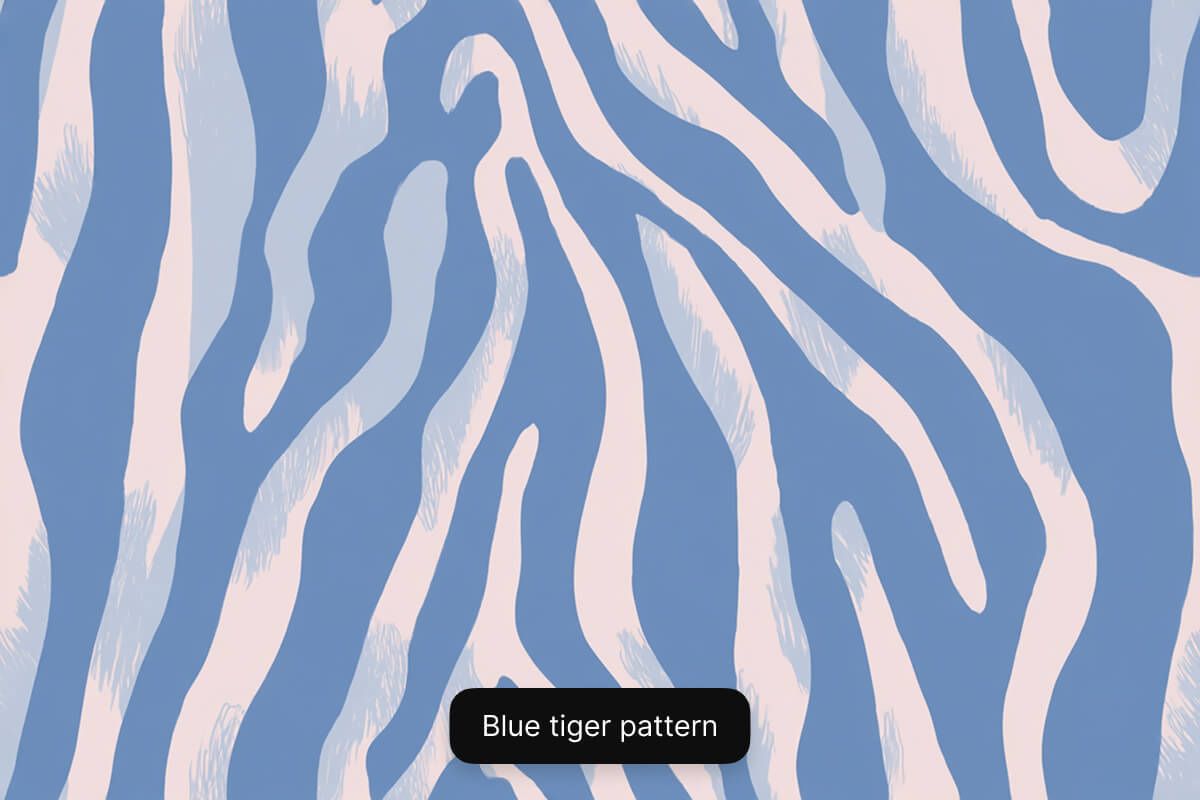
Create unique patterns for backgrounds in seconds with Pixelcut’s AI pattern generator. Simply describe your pattern using a text prompt and watch your idea come to life. Want to create a fun tiger-striped pattern? Simply enter "Create a blue tiger stripe pattern for a background". Looking to create a camo pattern? Type in "Create an army camo pattern for a background". Easily create repeating patterns for any setting with Pixelcut.
Easily generate patterns for backgrounds
Make seamless patterns from your images
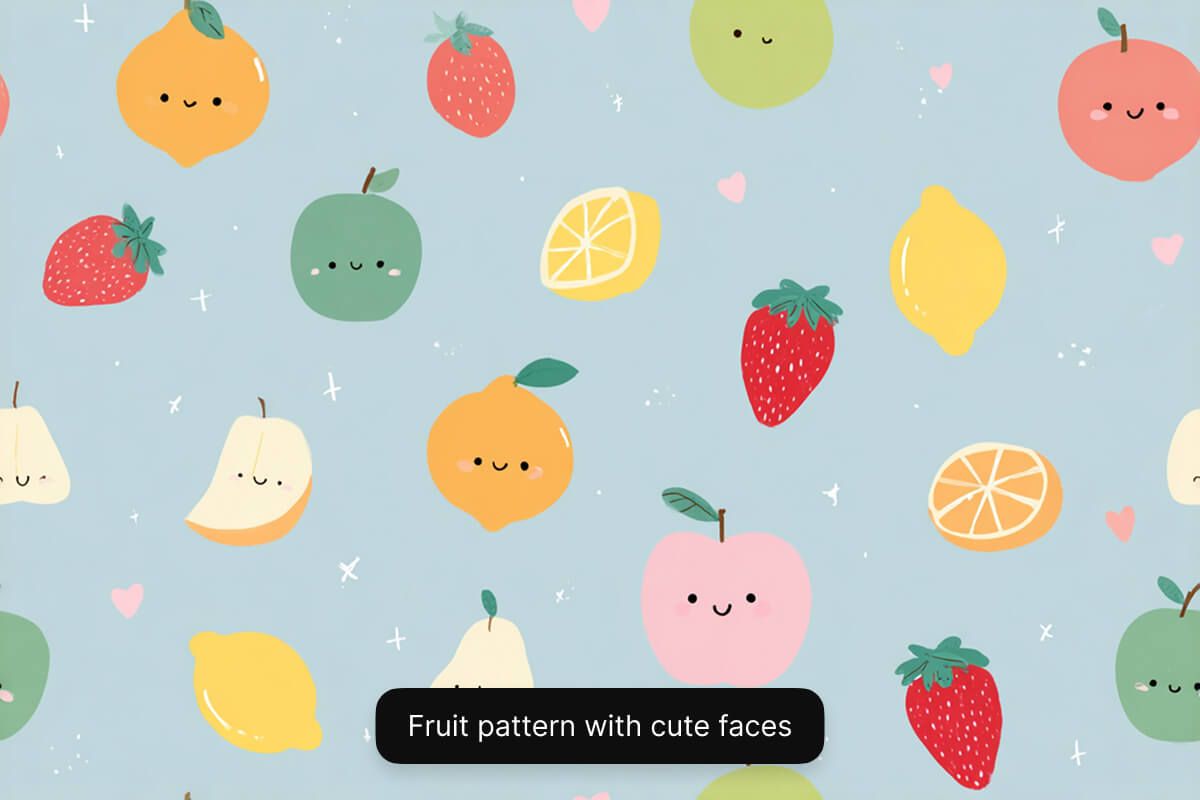
Already have an image you’d like to create a pattern with? Pixelcut makes this easy with image-to-image generation. It's as easy as uploading your image and prompting the AI to "create a repeating pattern from the image I uploaded". You can generate up to four patterns at a time and choose the one you like best. Save time from manual pattern creation on expensive software and generate seamless patterns instantly with Pixelcut.
Make seamless patterns from your images
Create pattern ideas for clothes
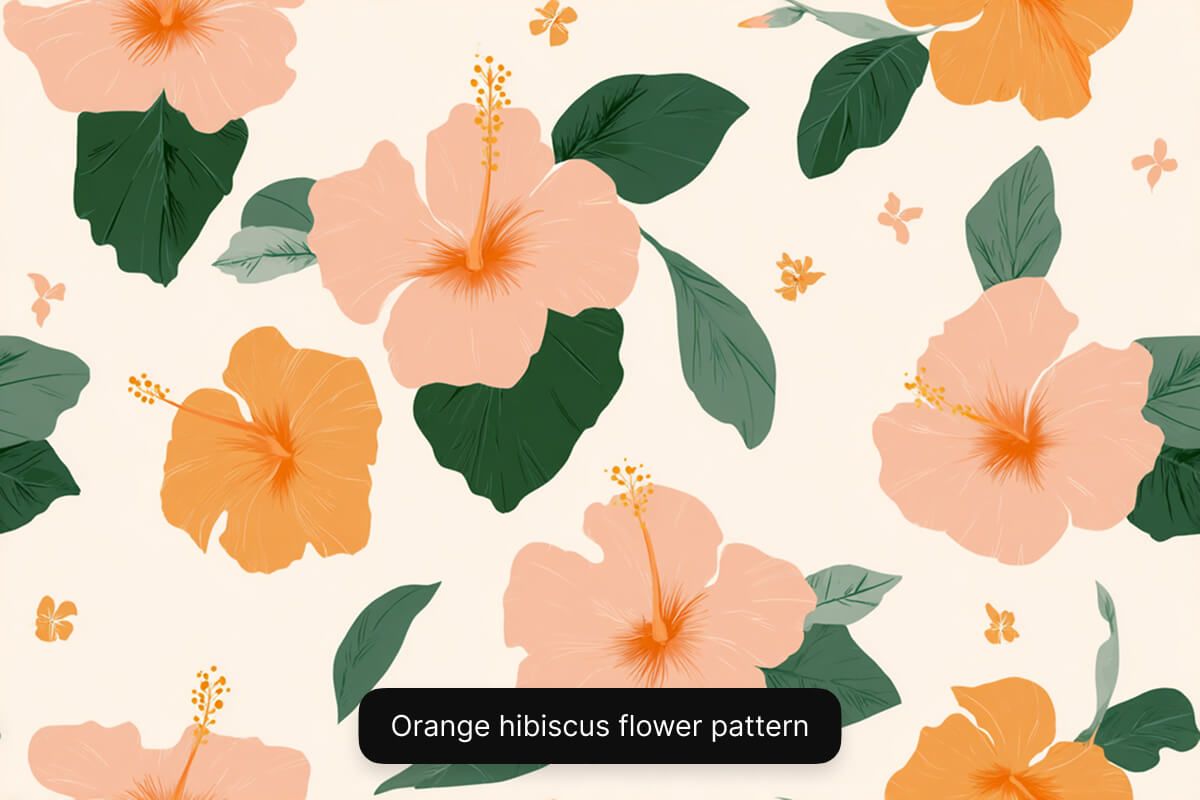
With Pixelcut, you can instantly sample pattern ideas for clothes, whether you already have an image for a pattern or want to start from scratch. Want to see how an image of a flower will look as a pattern on a dress? Upload your image and ask the AI to "make this flower into a pattern and add it on to a dress". Want to get ideas for a striped men's shirt? Use a text prompt to describe what you’d like to see. Overcome creativity blocks by quickly visualizing different ideas.
Create pattern ideas for clothes
Tips for making AI-generated patterns
- Be detailed: Use descriptive adjectives to describe your pattern. Include color, size of the pattern, spacing, and what the pattern is for.
- Define a style: Experiment by defining the style, such as watercolor, cubism, or abstract.
- Structure your prompt: Use a simple prompt structure such as “Create a subject pattern for use case”.
- Refine and iterate: Keep refining your prompt and experimenting until the output is just right!
- Select the right model: For best results in pattern creation, use the GPT Image model.
Tips for making AI-generated patterns
How to make a pattern
- 1
Describe pattern or upload image
To create a pattern from scratch, simply enter a text description of your pattern in the prompt box. If you want to create a pattern from an existing image, upload your image and prompt the AI to make it a pattern.
- 2
Choose the right model
Pattern generation works best with the GPT Image model. We recommend selecting this model for seamless pattern creation but feel free to experiment with other models.
- 3
Generate your pattern
In seconds, our AI will create a unique pattern image based on your description. The AI interprets your prompt and instantly visualizes your pattern for you.
- 4
Download your image
Once you’re happy with the result, download your pattern image to your device. It’s ready to use as a background, design mockups, and more.
Giá cả đơn giản, minh bạch
Bắt đầu sáng tạo miễn phí. Nâng cấp để nhận thêm tín dụng và tính năng.
Tiết kiệm 20% với gói hàng năm
Miễn phí
$0
mỗi tháng, thanh toán hàng nămXóa nền giới hạn
Nâng cấp giới hạn
Xuất miễn phí không có watermark
Pro
$10$8
mỗi tháng, thanh toán hàng năm600 Tín dụng AI hàng tháng
Truy cập tất cả các mô hình AI
Xóa nền không giới hạn
Nâng cấp không giới hạn
3 Person Team
1,000 lượt xuất hàng loạt hàng tháng
Giấy phép thương mại
Phổ biến nhất
Doanh nghiệp
$30$24
mỗi tháng, thanh toán hàng năm3,600 Tín dụng AI hàng tháng
Truy cập tất cả các mô hình AI
Xóa nền không giới hạn
Nâng cấp không giới hạn
10 Person Team
2,000 lượt xuất hàng loạt hàng tháng
Giấy phép thương mại



Được tin dùng bởi hơn 200.000 nhà sáng tạo, thương hiệu và doanh nghiệp nhỏ
Được tin cậy bởi những người sáng tạo tại











Câu hỏi thường gặp
An AI pattern generator is an online tool that uses artificial intelligence to automatically create repeating patterns. It can generate seamless designs from text prompts or images, without the need for manual design work.
Yes! You can create repeating patterns with Pixelcut. Simply enter a text prompt or upload an image and ask the AI to make it a pattern. In just a few seconds, you’ll have a seamless repeating pattern.
The best image generation model for creating patterns on Pixelcut is GPT Image. This model can create seamless and repeating patterns of any kind from both text prompts and images.
No, you don’t need any design experience to use Pixelcut’s AI Pattern Generator. The interface is simple and easy for anyone to use. From students to busy marketers, anyone can create patterns in just a few clicks.
Pixelcut được yêu thích bởi hơn 2 triệu người
Xóa nền tốt nhất
Tôi cần một công cụ xóa nền tốt cho công việc của mình và tôi đã thử qua tất cả. Cái này là tốt nhất cho đến nay. Nó rất dễ sử dụng và kết quả luôn tuyệt vời. Cảm ơn Pixelcut!
Yêu thích nó
Nó cực kỳ dễ dàng và mang lại kết quả hoàn hảo cho túi xách và phụ kiện của tôi. Nó trông như thể được thực hiện bởi một nhiếp ảnh gia chuyên nghiệp.