Free Online AI Photo Enhancer
Enhancing your photo’s quality and resolution is quick and easy with our free online AI image upscaler. Upload your image below to get started. No sign up required!
Tải xuống HD miễn phí
Không có watermark
Không có ảnh?Thử một trong những ảnh này
How to enhance photo quality
- 1
Upload your image
Click Upload image to select a JPG, PNG, or HEIC file you’d like to enhance. On desktop, you can also drag and drop your file anywhere on the screen.
- 2
Select enhancement level
Our AI image upscaler can enhance images up to 4x the original size. Select your preferred upscale amount.
- 3
Enhance image automatically
Sit back while your image is automatically enhanced. Your new, high-resolution image will be ready in seconds.
- 4
Download your upscaled image
Download your enhanced image to share, use on your next project, or keep editing and add new details using the photo editor.
Instantly enhance photo quality with AI
Instantly enhance photo quality using Pixelcut’s advanced AI. With one click, our AI automatically enhances image quality, reduces blurriness, and improves finer details, giving you a high-definition result in seconds without any manual editing. You get professional-grade results in a fraction of the time it would take to edit by hand. Whether you’re a novice or a pro photographer, every image becomes portfolio-worthy in one tap. Upload your image and try it free!
Instantly enhance photo quality with AI

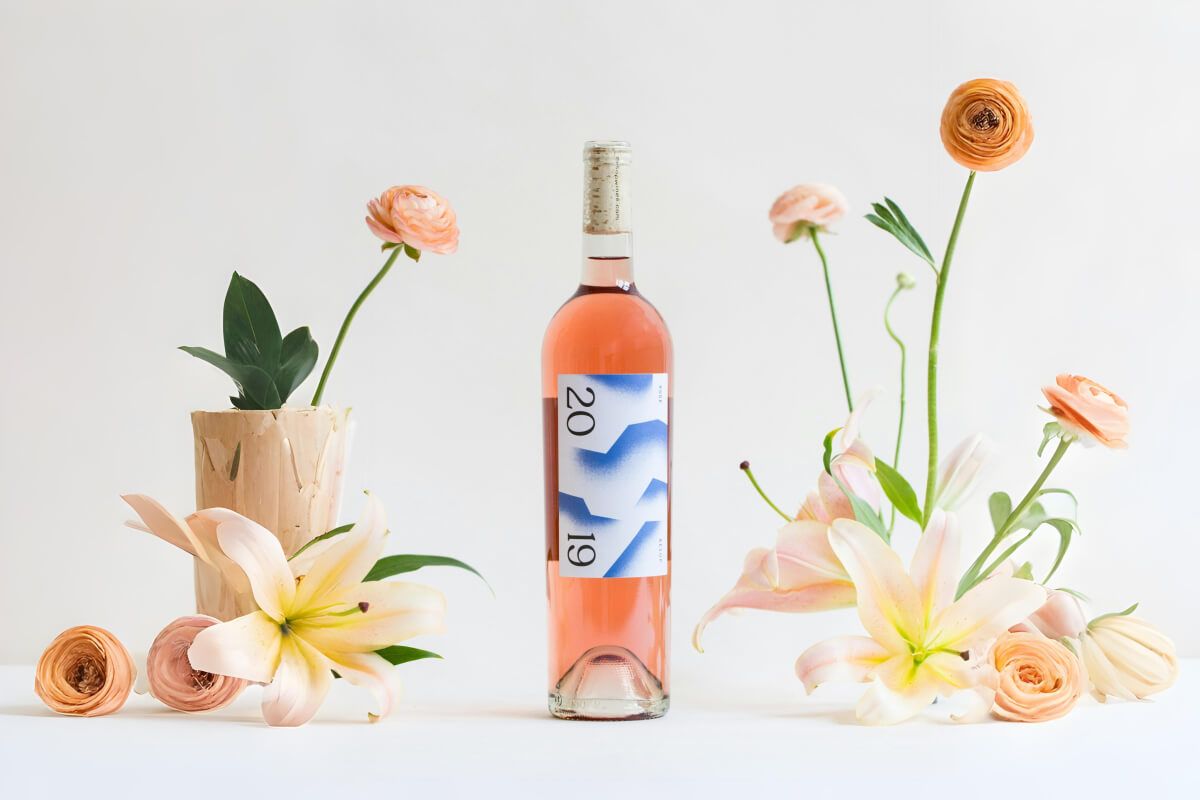
Crystal‑clear product shots for e‑commerce
Get crystal-clear product shots for your e-commerce store or print catalog. Our AI instantly sharpens your product images and removes any blurriness, making every detail of your merchandise stand out to customers. Boost sales and build trust with eye-catching product images. No need for expensive reshoots; get studio-quality images in seconds with Pixelcut. Upload your image and get high-resolution images that convert browsers into buyers instantly.
Crystal‑clear product shots for e‑commerce
Enhance images for social media on the go
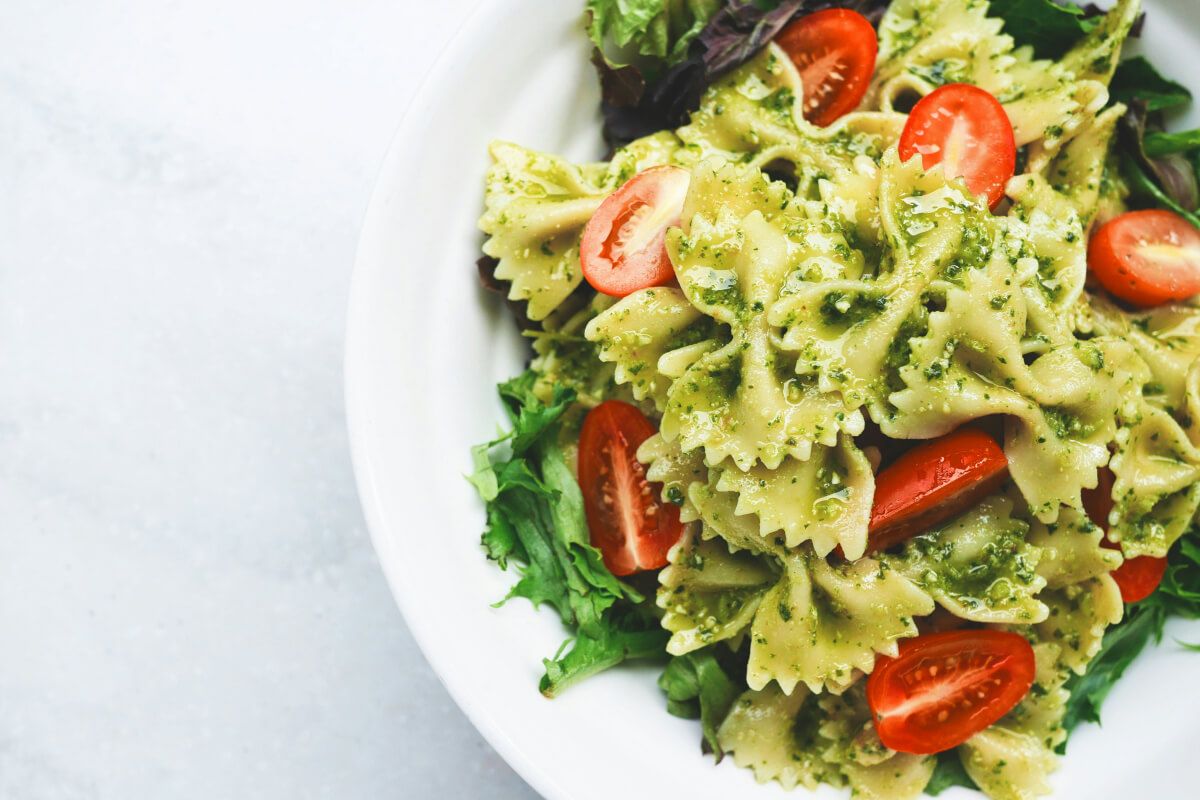
Create scroll‑stopping posts wherever inspiration hits. Download the Pixelcut app or use our online browser editor to enhance and sharpen for Instagram, TikTok, Facebook, or any platform. Preview every image in real time, then download your image with one tap; no manual editing required. Post faster, stay on brand, and watch engagement climb. Upload your image from anywhere you are to get started.
Enhance images for social media on the go
Improve image blurriness and resolution in bulk
Save time by enhancing images in bulk with Pixelcut Pro’s batch processing functionality. Simply upload a batch of images and let the AI upscale each one up to 4K, instantly fixing motion blur, grain, pixelation, and more, automatically. This feature is a game-changer for photographers, designers, or marketing teams handling large projects with dozens of photos. You’ll save hours of editing time and achieve consistent, high-quality results across all your visuals. Try it with Pixelcut Pro.
Improve image blurriness and resolution in bulk
Bring high-definition image capabilities to your app
Enhance your app’s functionality by integrating our Image Upscaler API. It offers a seamless way to incorporate powerful image-enhancing capabilities into your application, providing a more streamlined user experience and eliminating the need to switch between different tools. Designed with developers in mind, our API features comprehensive documentation and dedicated support to ensure smooth implementation. Whether you’re building a photo editing app, an e-commerce platform, or any other application requiring image enhancing functionality, our API delivers a reliable and efficient solution. Start processing images within minutes with our API.
Bring high-definition image capabilities to your app
Được tin cậy bởi những người sáng tạo tại











Câu hỏi thường gặp
Yes, Pixelcut’s online photo enhancer is completely free to use for single image enhancing. To enhance multiple images at once, use Pixelcut Pro’s batch upscaling feature.
To fix a blurry photo simply upload your image. Our image enhancer uses advanced AI to sharpen edges, restore detail, and improve overall clarity—automatically. No sign-up is needed, and you can enhance up to 4x resolution instantly.
Yes, you can easily make a low resolution image high resolution using Pixelcut’s AI photo enhancer. Our AI helps enhance your image’s details by filling in missing details. Simply upload your low res image to get started.
Pixelcut stands out as the best free AI photo enhancer. With our fast, one-click auto-enhance feature, you can upscale images to 4K quality in seconds. Our user-frindly interface makes it easy for anyone to enhance photos—no experience required!
Yes, you can download the Pixelcut app to enhance photos on your phone or tablet. Available on both the Apple App Store and Google Play, Pixelcut makes it easy to edit your images on the go.
Pixelcut được yêu thích bởi hơn 2 triệu người
Xóa nền tốt nhất
Tôi cần một công cụ xóa nền tốt cho công việc của mình và tôi đã thử qua tất cả. Cái này là tốt nhất cho đến nay. Nó rất dễ sử dụng và kết quả luôn tuyệt vời. Cảm ơn Pixelcut!
Yêu thích nó
Nó cực kỳ dễ dàng và mang lại kết quả hoàn hảo cho túi xách và phụ kiện của tôi. Nó trông như thể được thực hiện bởi một nhiếp ảnh gia chuyên nghiệp.