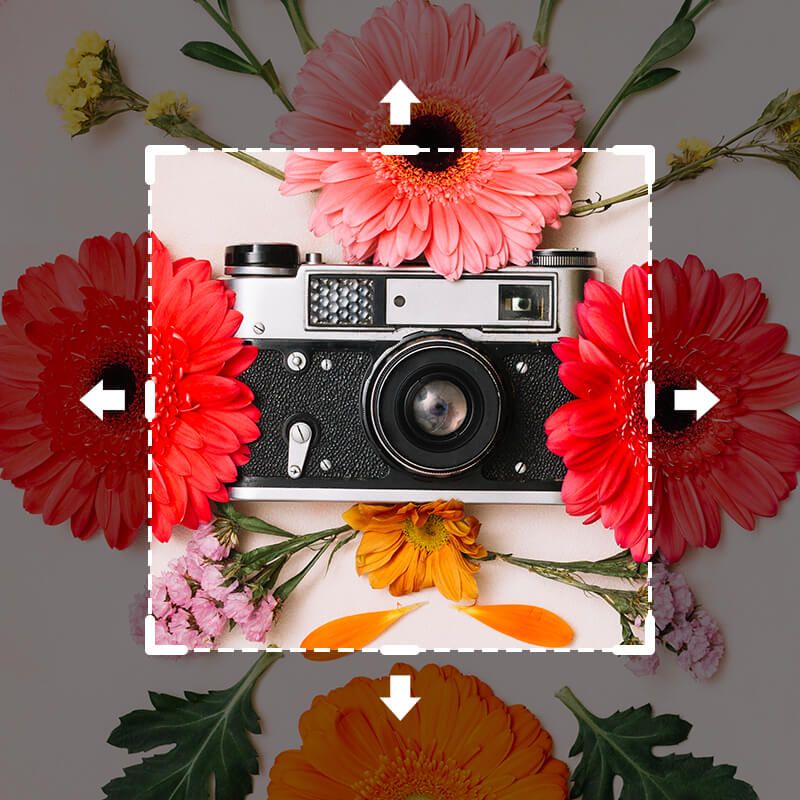
Free AI Outpainting
With Pixelcut's AI outpainting tool, you can easily extend images in any direction. Simply upload your image and adjust the canvas. Try it free!
Tải xuống HD miễn phí
Không có watermark
Không có ảnh?Thử một trong những ảnh này
How to use AI Outpainting
- 1
Upload your image
Click Upload image and select a JPG, PNG, or HEIC file to begin editing. On desktop, you can also drag and drop your file anywhere on the screen.
- 2
Adjust canvas size
Select a preset aspect ratio or simply extend the canvas in any direction. The empty space in the canvas will be filled using context-aware AI.
- 3
Outpaint with AI
Click the Generate button. In seconds, Pixelcut’s AI analyzes your picture and paints new background content seamlessly beyond the original edges.
- 4
Download your image
Once satisfied with the result, save and download your image. Your outpainted image is ready to use on your site or share on social media!
Outpaint Images Beyond Their Frame
Pixelcut’s AI outpainting tool makes it effortless to extend images beyond their original frame. From online sellers to students working on presentations, anyone can enlarge a photo’s background with just a few clicks. The AI intelligently fills in perfect details so e-commerce sellers can add space for product info and designers can reframe shots without reshooting. It’s all done in-browser, so there’s nothing to install or learn. Upload your image to get started and let AI do the rest.
Outpaint Images Beyond Their Frame
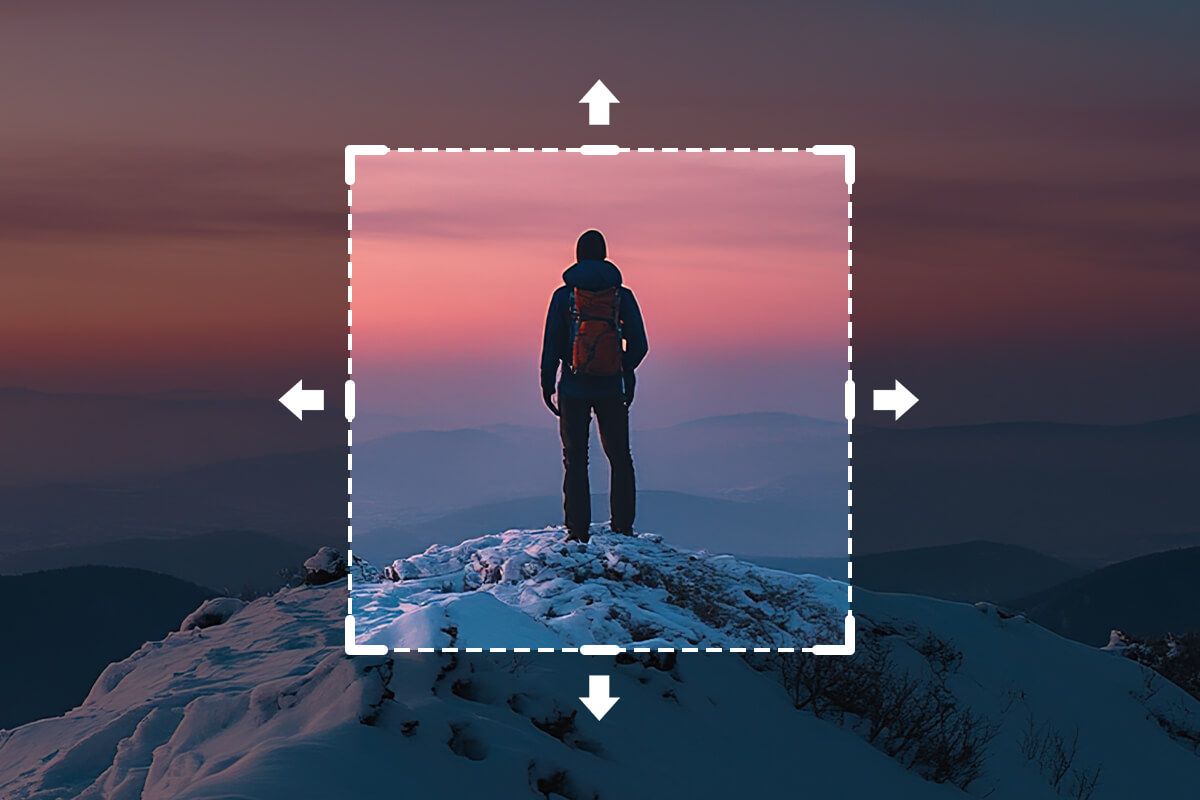
AI Outpainting Without Quality Loss
Experience outpainting magic with zero quality loss. The moment you expand your image, Pixelcut’s AI preserves every pixel of your original photo while building out new scenery. This means photographers and designers can trust that extended backgrounds will look as sharp as the original shot. Even if you’re a social media manager resizing images for different platforms, the expanded areas stay crisp and clear. Try it free and see the quality for yourself!
AI Outpainting Without Quality Loss
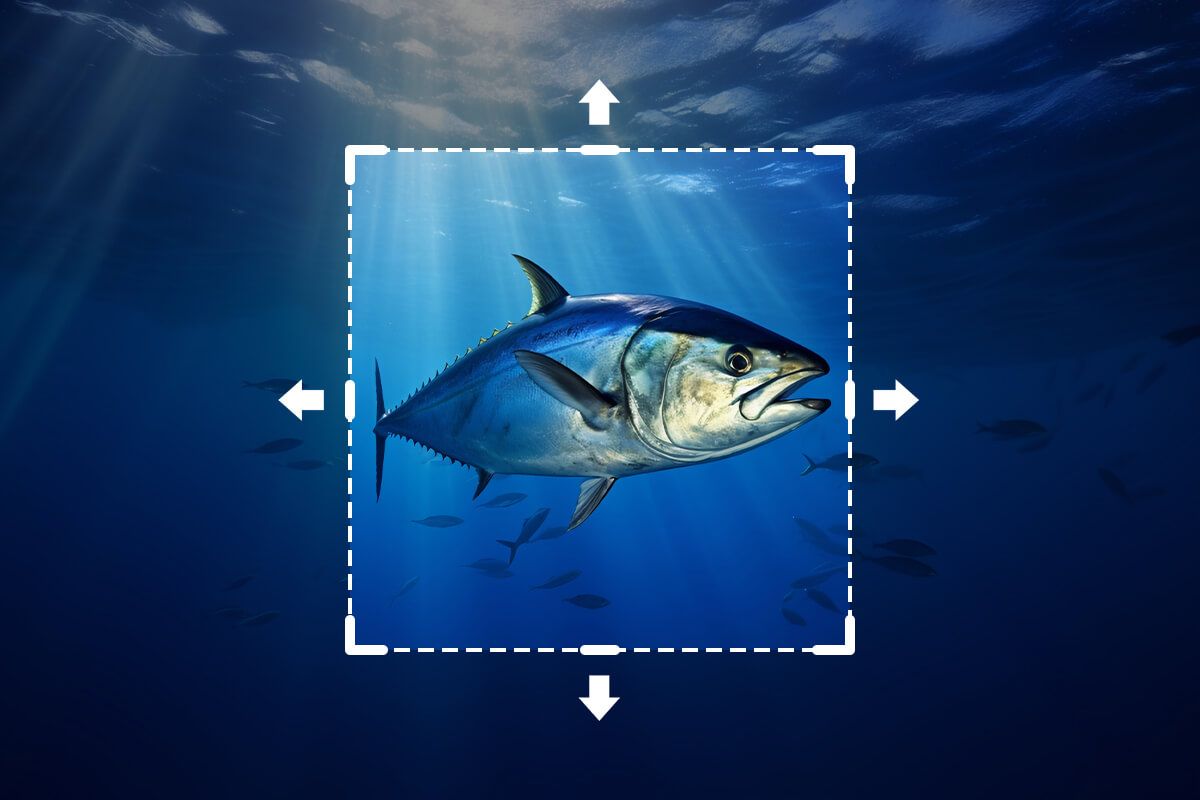
Outpaint Your Canvas for Any Project
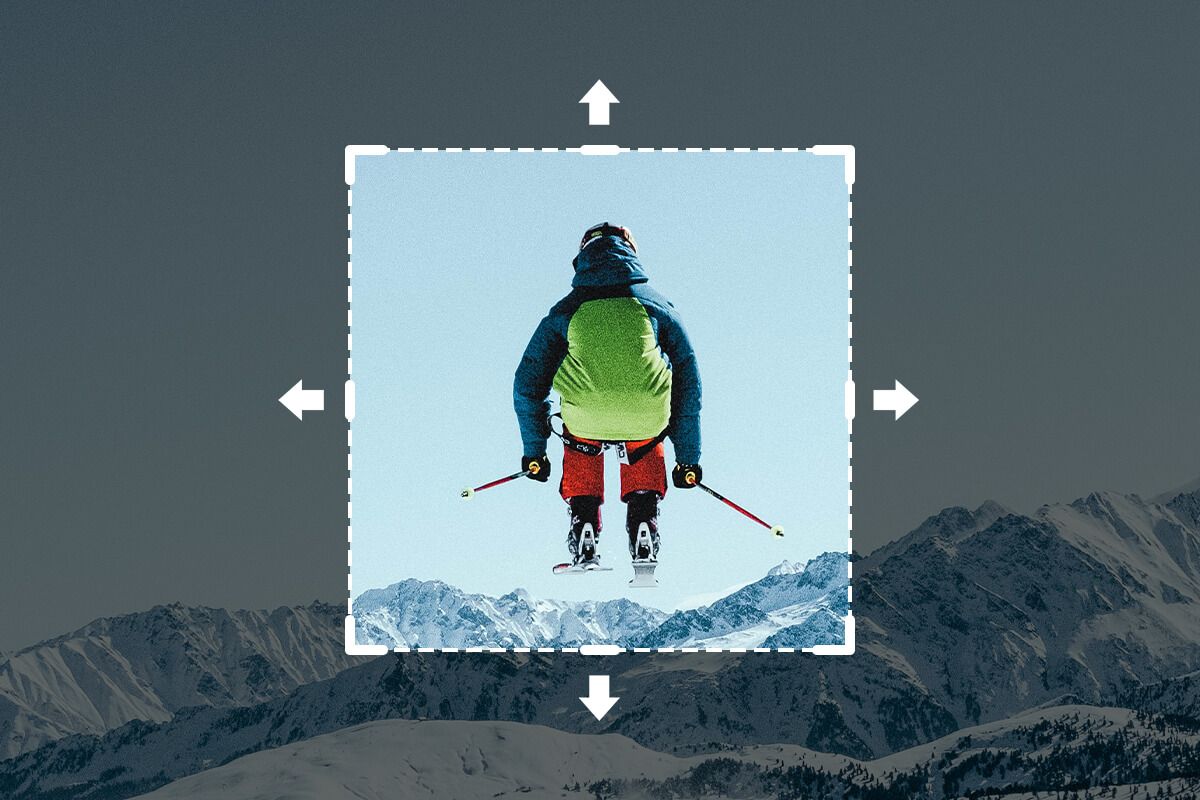
Create perfectly sized visuals for any platform with seamless AI outpainting. Need a wider banner for a website or a taller image for an Instagram Story? Pixelcut’s AI outpainting tool has you covered. It adapts perfectly to your needs. Uncrop backgrounds vertically or horizontally to meet any dimension without distortion. Perfect for busy marketers and content creators who want to repurpose one image across web, print, and social media. Upload your image to give it a try!
Outpaint Your Canvas for Any Project
Được tin cậy bởi những người sáng tạo tại











Câu hỏi thường gặp
AI outpainting is an image editing technique where artificial intelligence extends a picture beyond its original borders. The AI generates new background content that blends seamlessly with the existing photo, effectively “uncropping” it without any loss of quality.
AI outpainting works by analyzing the content and context of your original image, then predicting what should appear outside the current frame. The AI uses generative models to paint new areas with realistic details that match the photo’s style, lighting, and perspective, creating a natural-looking expansion.
Yes, Pixelcut’s AI outpainting tool is free to use online. You can expand and complete your images at no cost, directly from your web browser – no credit card or software download required.
Absolutely! You can outpaint images on a smartphone or tablet just as easily as on a desktop. Pixelcut’s online tool works through mobile browsers and via the Pixelcut app. Download the Pixelcut app on the Apple App Store or Google Play!
Pixelcut’s AI outpainting tool is widely regarded as one of the best available. It delivers high-quality, seamless image expansions in seconds and is extremely easy to use. With its free online access and professional results, Pixelcut stands out as a top choice for anyone looking to outpaint images effortlessly.
Pixelcut được yêu thích bởi hơn 2 triệu người
Xóa nền tốt nhất
Tôi cần một công cụ xóa nền tốt cho công việc của mình và tôi đã thử qua tất cả. Cái này là tốt nhất cho đến nay. Nó rất dễ sử dụng và kết quả luôn tuyệt vời. Cảm ơn Pixelcut!
Yêu thích nó
Nó cực kỳ dễ dàng và mang lại kết quả hoàn hảo cho túi xách và phụ kiện của tôi. Nó trông như thể được thực hiện bởi một nhiếp ảnh gia chuyên nghiệp.