
How to remove PNG background
- 1
Upload PNG Image
Click Remove Background to upload a PNG. On desktop, you can also drag and drop your file anywhere on the screen. Try to choose an image where the subject has clear edges.
- 2
Automatically Remove Background
Pixelcut will automatically remove the background from your image. Once the background is removed, you can refine the cutout or add a new background!
- 3
Download Image as PNG
Download your new image as a PNG file with a transparent background. Continue editing with Pixelcut until you’re ready to share you’re work online!
Automatic and free PNG background remover
With Pixelcut's advanced AI-powered PNG background remover, you can edit images effortlessly. Our tool is designed to remove background from PNG images automatically, ensuring a clean, precise output every time without compromising quality. Best of all, it is completely free – delivering professional results at no cost and without watermarks. Ideal for e-commerce, digital marketing, and social media content creation, our background removal tool saves time and simplifies your creative workflow. Discover a seamless experience and unlock endless design possibilities with Pixelcut’s intuitive free PNG background remover.
Automatic and free PNG background remover

Remove white & black backgrounds from PNG
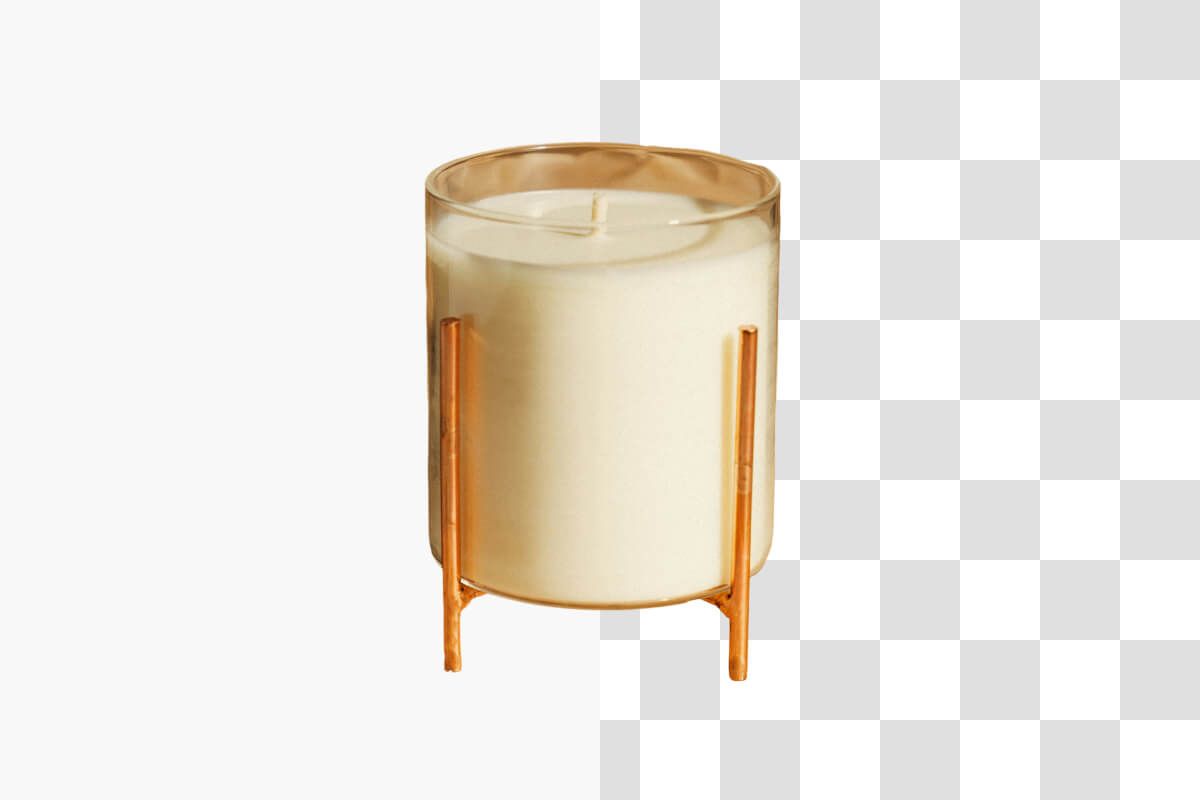
Remove white background from PNG images effortlessly with Pixelcut’s AI-driven tool designed to tackle design challenges head-on. Our innovative solution not only removes white but also eliminates black backgrounds, ensuring your visuals seamlessly integrate into any project. Ideal for reusing logos, composite designs, and product images in new designs or with new backgrounds. Pixelcut empowers designers and marketers to elevate their visual storytelling and enhance user experience across digital platforms. For those looking to take their productivity to the next level, you can erase backgrounds in bulk using our background remover batch editing feature when you sign up for Pixelcut Pro!
Remove white & black backgrounds from PNG
Erase background and convert image to PNG
Convert image to PNG without background effortlessly with Pixelcut’s free tool that empowers you to erase background online while preserving high-quality, lossless graphics. Our solution delivers flawless transparency and allows seamless layering for designs demanding intricate details, making it perfect for professional logos, digital art, and e-commerce visuals. With no artifacts left behind, every download maintains the clarity and precision essential for your creative workflow. Once the background is removed, you can resize the cutout to the dimensions you need. Enjoy the ability to download pristine images in PNG format and elevate your projects with a tool designed for designers who expect nothing but perfection.
Erase background and convert image to PNG

Easily change the background color of a PNG
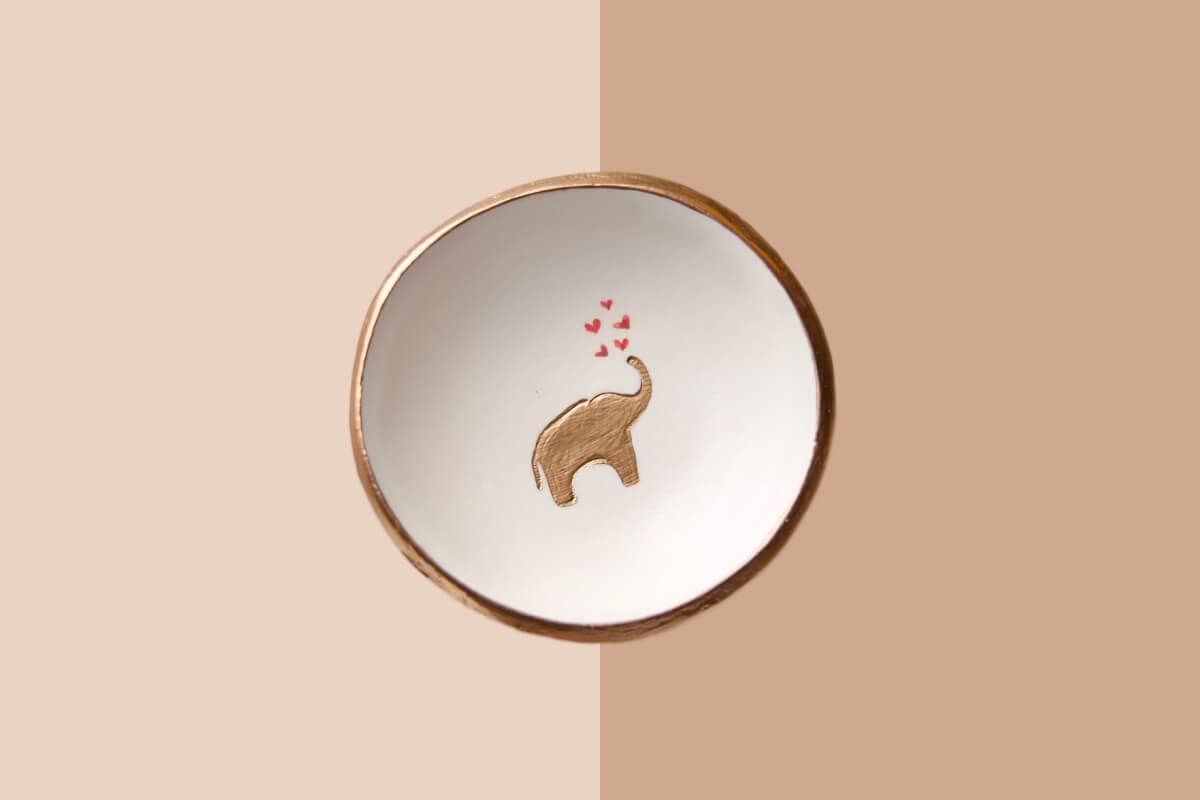
Change background color of a PNG effortlessly with Pixelcut’s fast. Once you delete background of PNG, our online solution lets you quickly change background to a solid hue or overlay a custom image for creative flair. Designed for seamless editing, our free online platform empowers designers to change background of PNG in seconds, delivering vibrant, high-quality layered graphics perfect for branding, digital art, and e-commerce visuals. Experience effortless customization and professional results with our PNG background remover, guaranteeing zero artifacts and complete creative control.
Easily change the background color of a PNG
창작자들이 신뢰하는











자주 묻는 질문
If you have a PNG image with a checkered background, you can quickly remove it using an online PNG background remover like Pixelcut. Pixelcut’s AI-driven solution automatically detects and eliminates checkered patterns, delivering a clean, transparent image. Simply upload your PNG, and let Pixelcut seamlessly process the image for quick, professional results.
Yes, you can remove a black background from a PNG using Pixelcut’s PNG Background Remover. Pixelcut’s AI automatically detects and isolates the black background, converting it to transparency for a clean image. Simply upload your PNG image with a black background and in a few seconds you’ll have a new image ready to download.
To change the background of a PNG image, simply upload your image to Pixelcut’s PNG Background Remover. The tool automatically removes the existing background with AI precision, after which you can choose a new color, upload an image, or generate a custom background using our AI background generator. This streamlined process allows you to easily change the background of a PNG to fit your design needs.
Pixelcut은 2백만 명이 넘는 사람들에게 사랑받고 있습니다.
최고의 배경 제거기
저는 제 작업을 위해 좋은 배경 제거기가 필요하고, 모든 것을 사용해본 것 같습니다. 이 제품이 지금까지 사용해본 것 중 가장 좋습니다. 사용하기 너무 쉽고 결과는 항상 놀랍습니다. 감사합니다 Pixelcut!
그것을 좋아한다
놀랍도록 쉬우며 가방과 액세서리에 완벽한 결과를 제공합니다. 전문 사진작가가 찍은 것 같네요.