


My favorite app
Great app, easy to use. Helps our small business save time and money to create different marketing materials professionally. Thank you.
Change your photo background to any color, image, or AI-generated scene with Pixelcut's free online background changer. HD download, no sign-up.
Upload a JPG, PNG or HEIC file. Try to choose a photo where the foreground object has clear edges.
Turn a text prompt into a custom background with AI, or swap in any solid color or image you like.
Download your new photo to share, or keep editing Pixelcut's online photo editor.
Any background for any use case, whether a solid color, your own image, or one generated with AI.

Drop products onto any color, gradient, or lifestyle background for ads and storefronts.
Our AI detects your subject and swaps the background automatically.
Adjust the color, image, blur, and placement, or generate any background you want with AI.
Start from designer-made background templates for socials, ads, and more.
Add realistic shadows, then fine-tune their angle, softness, and depth.
Change background color in one click. Pick white, black, blue, or any shade from the palette, paste a hex code to match your brand, or blend a gradient across the backdrop. Pixelcut's AI reads your image first and separates the subject from the background, so hair, edges, and fine detail stay sharp while only the color behind them changes. The same photo background color change works on a product shot, a portrait, or an ID photo, and the result downloads at the resolution you uploaded.
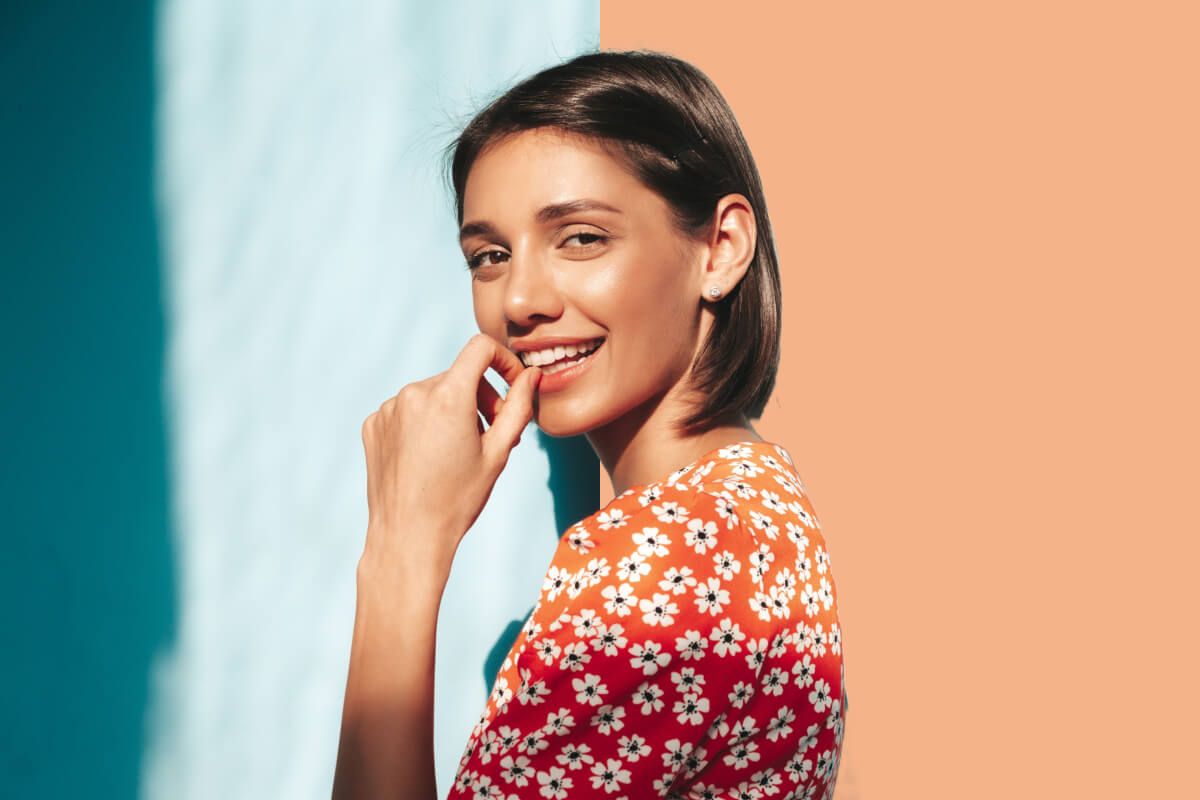
Pixelcut's AI Background Changer reads your image the moment you upload it, maps the subject, and lets you remove the background or swap it for anything you like. It holds the details that usually break a cutout, like flyaway hair, glass, fur, thin straps, and jewelry filigree. Once the background is gone you can drop in a photo of your own, pick a solid color, or describe any scene you want to the AI background changer and generate a background with AI. No masks, no manual selecting, no design experience.

Experience the magic of a seamless image background change with Pixelcut! Change the background of any photo with the image of your choice, creating a completely new visual look. Our AI photo background changer accurately separates the foreground from the background, ensuring a natural and cohesive blend with the new backdrop. Ideal for marketing professionals, creative artists, and anyone looking to enhance their visual content, Pixelcut's AI photo background changer is your key to unlocking truly limitless creativity. For product shots, our AI product photo generator builds the whole scene around your item.
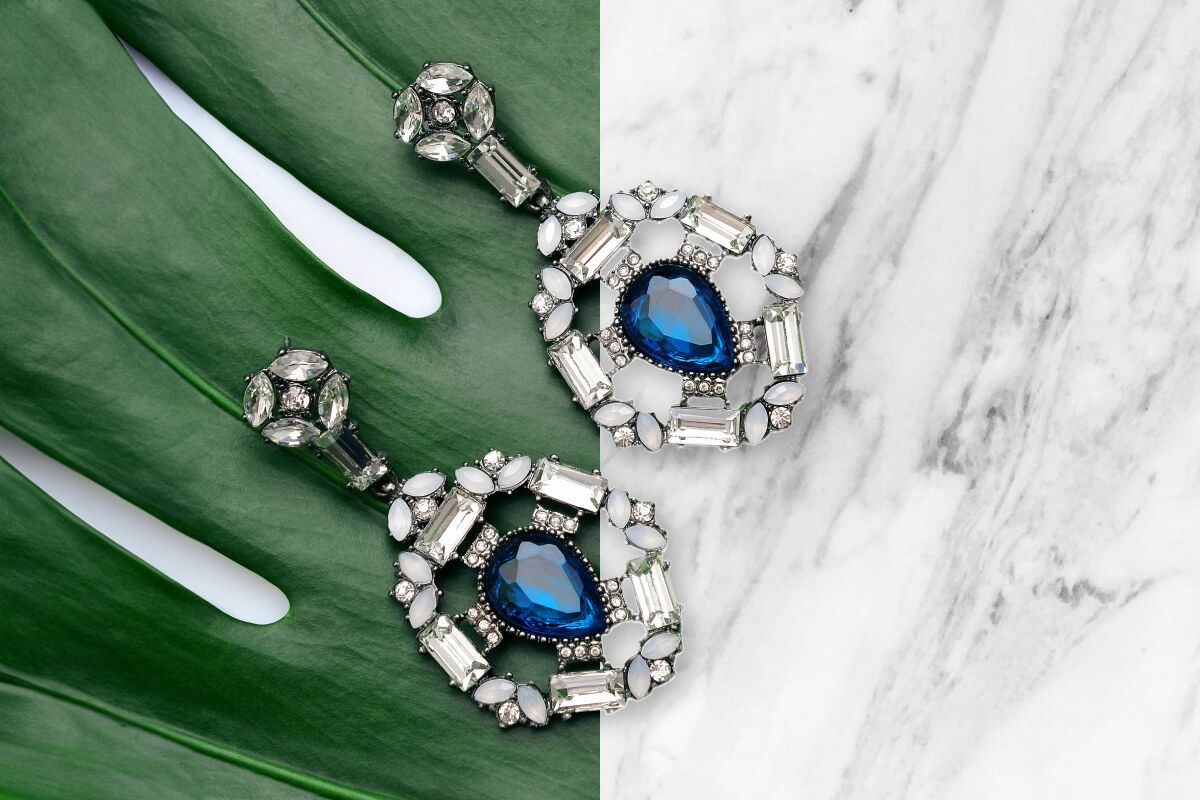
Photo background change online, with nothing to download and nothing to install. Pixelcut runs in the browser on any phone or laptop, and there is no sign-up before you see your result. Upload a JPG, PNG, or HEIC, change the background, and download in HD at the resolution you started with, with no watermark on the export. The same online background change works on a product photo for a marketplace listing, a portrait for a profile, or a document photo that needs a plain backdrop.

The right backdrop depends on where the photo is going. Marketplaces and product listings expect a plain white background with no shadow. Jewelry, watches, and anything reflective read better on a black background for photos. Logos, stickers, and overlays need a transparent background so they sit cleanly on any surface. For portraits and profile pictures, keep the scene you shot and blur the background instead of replacing it. You can even generate a background from scratch using a prompt.

Trusted by creatives at











Great app, easy to use. Helps our small business save time and money to create different marketing materials professionally. Thank you.
I need a good background remover for my work and I've been through them all it feels like. This one is the best by far. It's so easy to use and the results always look amazing. Thank you Pixelcut!
It's amazingly easy and gives the perfect results for my bags and accessories. It looks like it was done by a professional photographer.