Pixelcut

Free Signature Background Remover

Remove the background from your signature instantly with Pixelcut’s AI. Get a crisp, transparent signature in seconds. Try it FREE today!

무료 HD 다운로드
워터마크 없음
사진이 없나요?다음 중 하나를 시도해 보세요.
7천만 명이 신뢰하는
리뷰 171,800개
개발자 API
iPhoneAndroid에서 사용 가능

How to remove background from a signature

  1. 1

    Upload your signature

    Click Upload image and select a JPG, PNG, or HEIC file to begin editing. On desktop, you can also drag and drop your file anywhere on the screen.

  2. 2

    Remove the background automatically

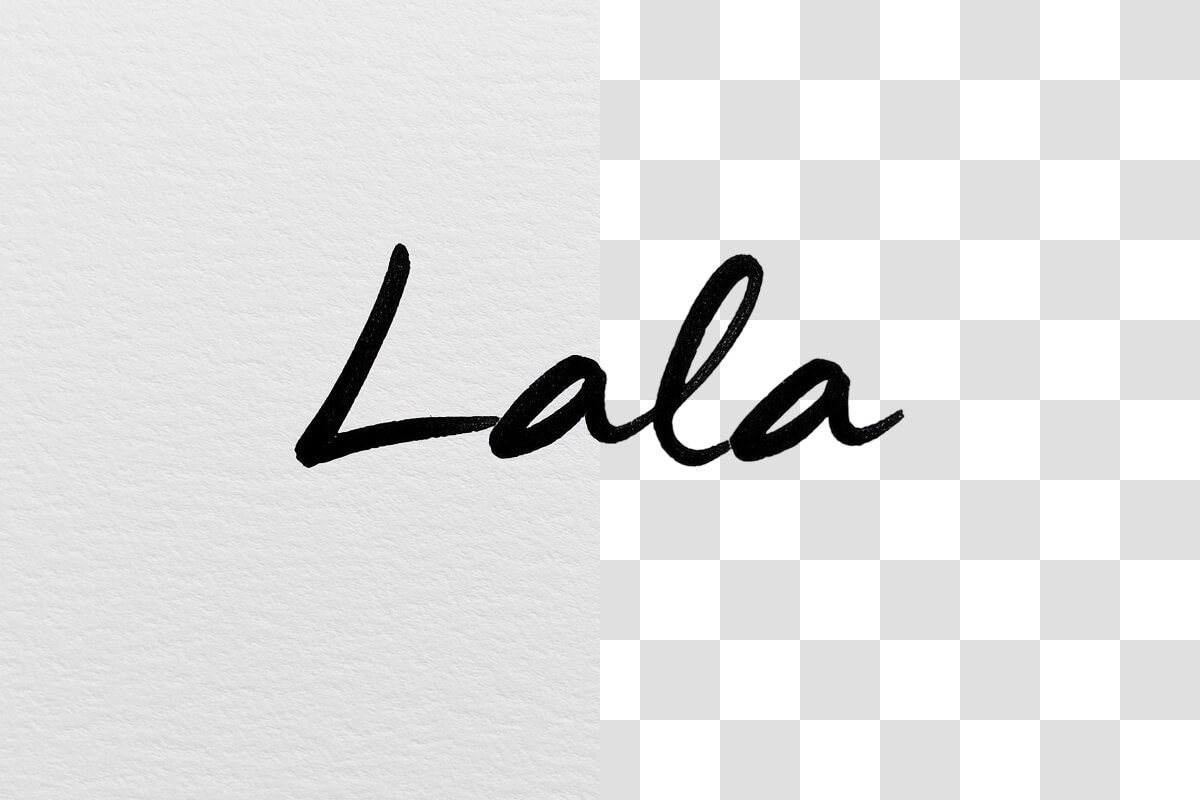
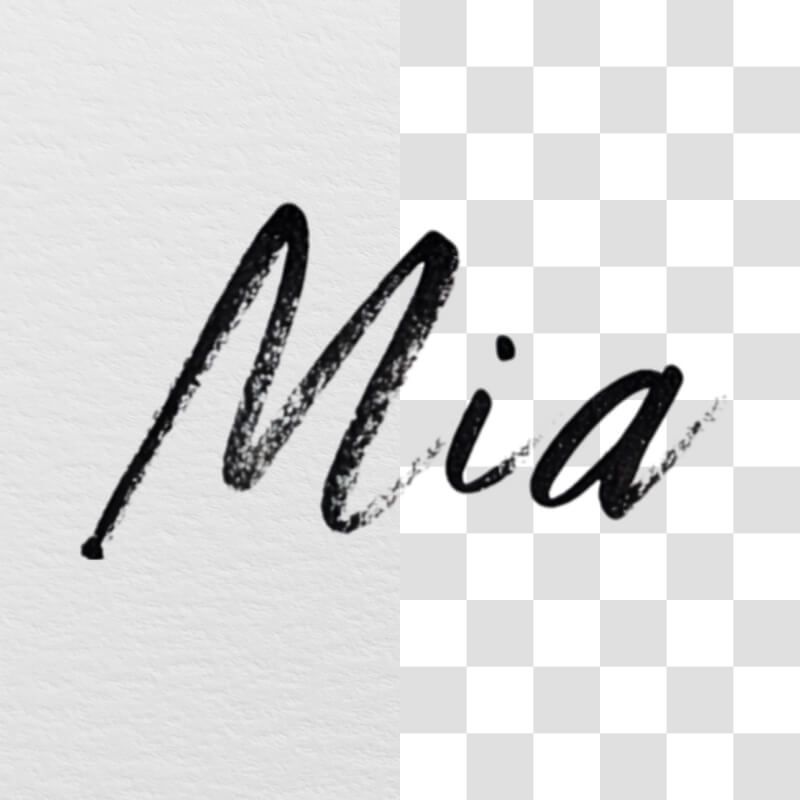
    Pixelcut’s AI will instantly detect your handwriting and extract the signature from the image. No manual work or editing tools required.

  3. 3

    Download your new signature

    Download your signature as a PNG file to keep it transparent. Your digital signature is now ready – add it to PDFs, Word documents, slides, or any image. It’s that simple!

Remove background from signature images in seconds using Pixelcut’s advanced AI technology. The moment you upload your signature, our tool gets to work, delivering a perfectly isolated signature faster than it takes to find a pen. Photographers and graphic designers love how quickly they can digitize their handwritten signatures without tedious editing. Even if you’re a busy student or entrepreneur needing an e-signature for forms and contracts, Pixelcut saves you time by doing the heavy lifting for you. Try Pixelcut for free to get a transparent signature instantly.

Remove background from signature in seconds with AI

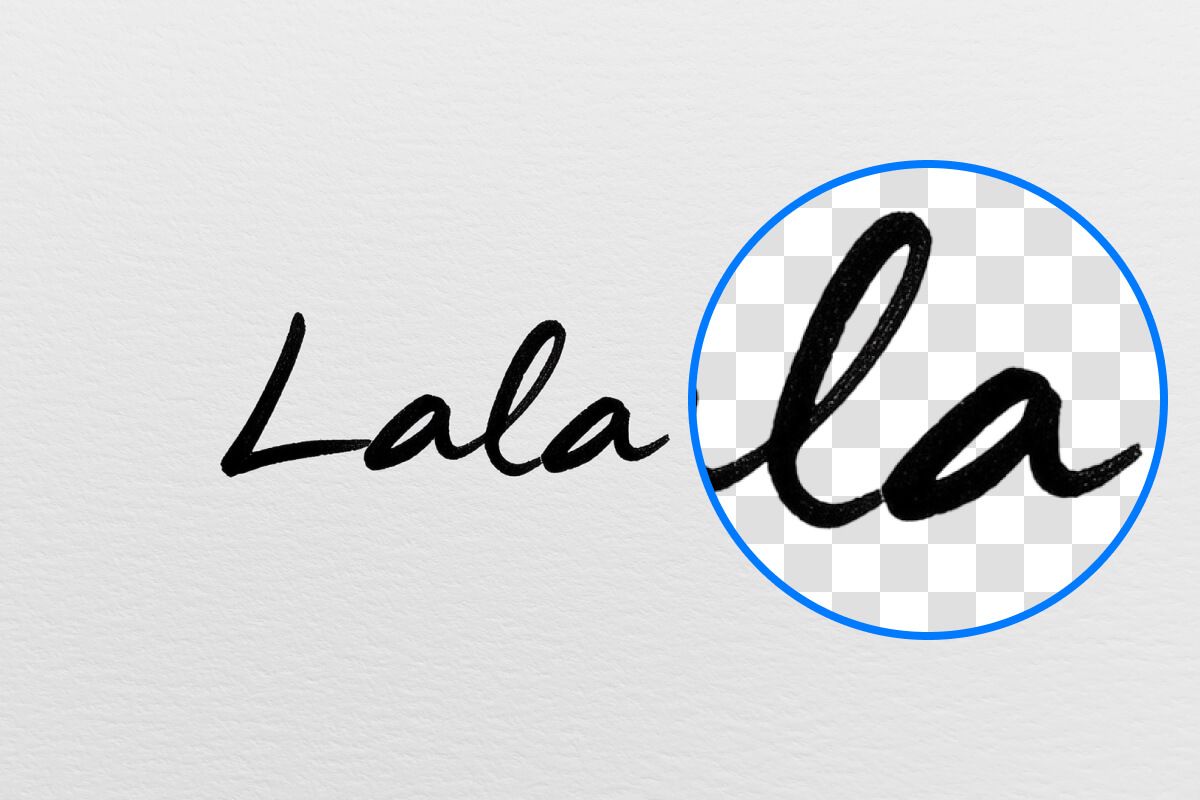
Pixelcut’s AI signature background remover ensures every curve of your signature is captured with precision. Our AI carefully differentiates ink from paper, so your digital signature looks crisp and professional. Calligraphers and designers appreciate the clean cutouts that preserve even the most intricate pen strokes. Our technology avoids the jagged edges or halos you might get with manual cropping, delivering a high-quality transparent signature every time. It’s a reliable solution whether your signature is in a bold marker or a fine fountain pen. Try it free and get a flawless cutout of your signature now.

AI signature background remover for precise results

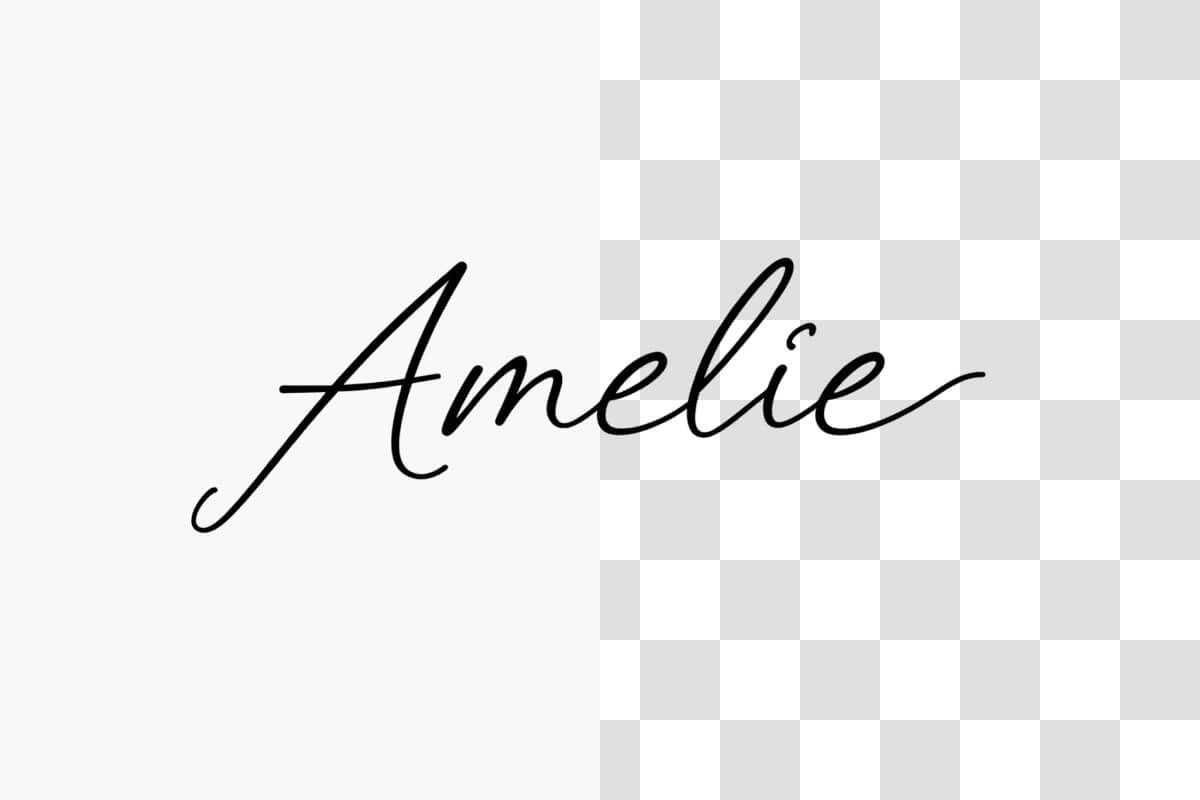
Creating a transparent signature is crucial when you need your autograph to seamlessly blend into any document or image. Pixelcut gives you a PNG signature with no background so you can sign business contracts, email footers, or school projects without any white boxes or rough edges showing up. Our signature background remover serves everyone from marketers adding personal branding to their graphics to freelancers signing client agreements digitally. A transparent signature means versatility—use it to sign e-documents or in PDFs—it always looks natural. Upload your signature to Pixelcut and get your transparent signature image now.

Extract signature from image for any use

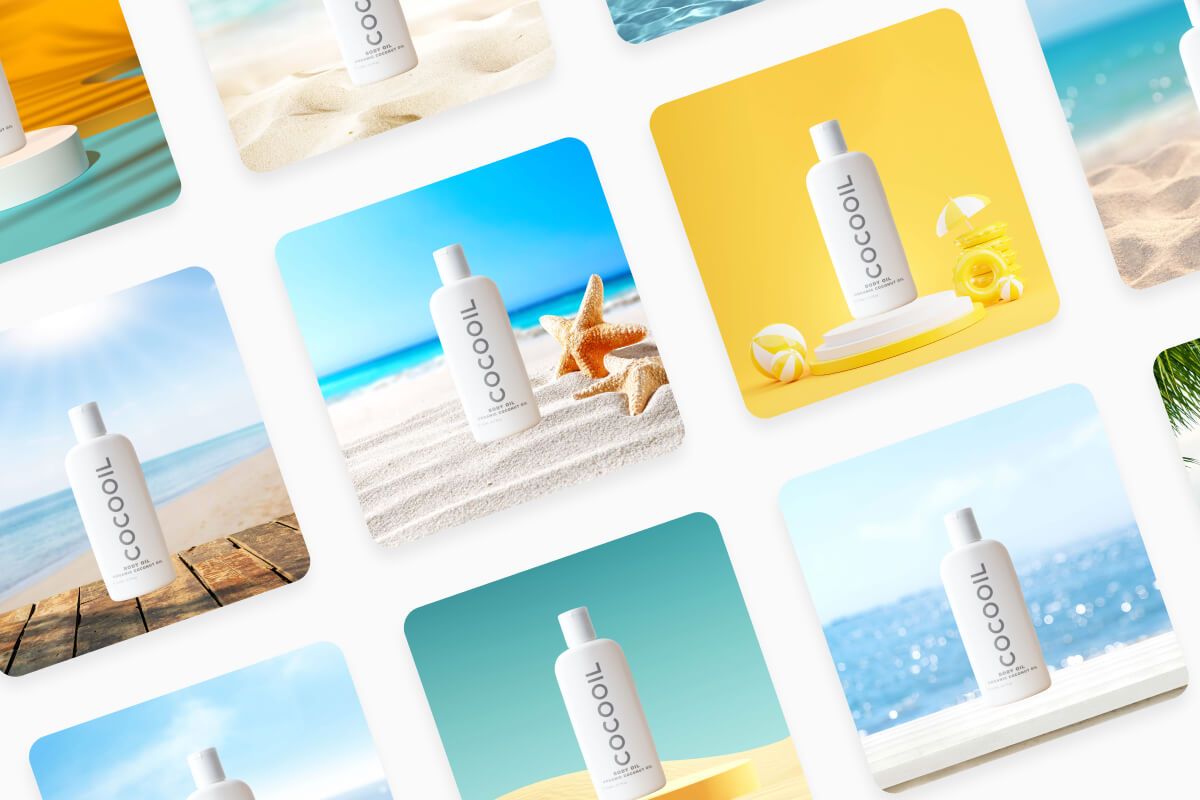
Pixelcut is more than a signature background remover—it’s a full-fledged AI image editing suite ready to assist with all your projects. After you’ve created a background-free signature, you can explore Pixelcut’s other features to level up your visuals. Remove backgrounds from product photos for your eCommerce store, create stunning logos for your business, or even generate new backgrounds with AI. Photographers, marketers, and online sellers alike use Pixelcut to save time and get professional results across the board. With one powerful tool, you handle signatures, logos, product photography, and more. Try Pixelcut for free today and discover all the creative possibilities.

More than a signature background remover

창작자들이 신뢰하는

Adidas logo
Airbnb logo
Apple logo
H&M logo
Google logo
Gucci logo
Nike logo
Sephora logo

자주 묻는 질문

Pixelcut은 2백만 명이 넘는 사람들에게 사랑받고 있습니다.

  • 내가 가장 좋아하는 앱

    훌륭한 앱, 사용하기 쉽습니다. 소규모 기업이 시간과 비용을 절약하여 다양한 마케팅 자료를 전문적으로 만들 수 있도록 도와줍니다. 감사합니다.
    셰린 D.
  • 최고의 배경 제거기

    저는 제 작업을 위해 좋은 배경 제거기가 필요하고, 모든 것을 사용해본 것 같습니다. 이 제품이 지금까지 사용해본 것 중 가장 좋습니다. 사용하기 너무 쉽고 결과는 항상 놀랍습니다. 감사합니다 Pixelcut!
    키라 H.
  • 그것을 좋아한다

    놀랍도록 쉬우며 가방과 액세서리에 완벽한 결과를 제공합니다. 전문 사진작가가 찍은 것 같네요.
    메리 J.