Pixelcut
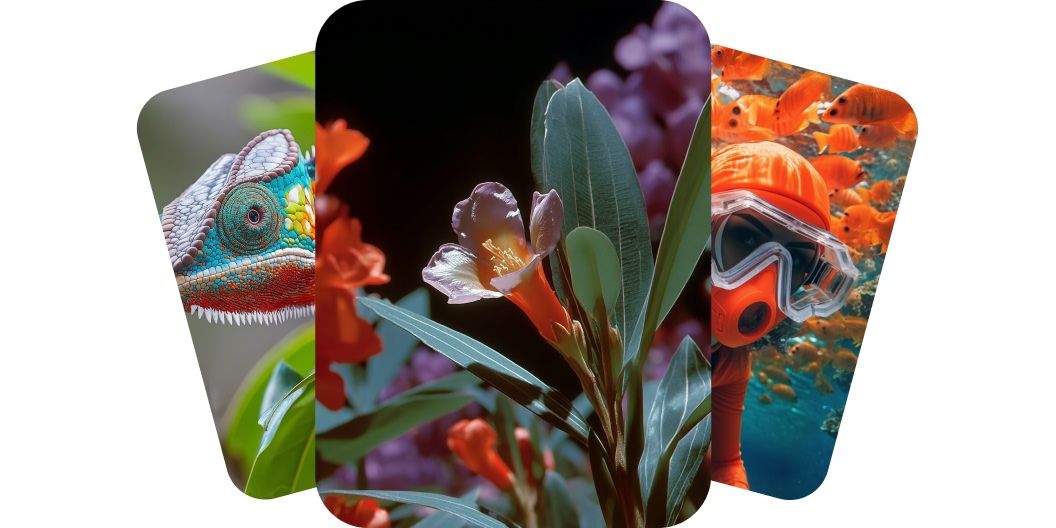
AI-generated video stills of a colorful chameleon, blooming flowers and a diver among orange fish

AI Video Generator

Generate videos instantly from text prompts or images using Pixelcut’s AI Video Generator. Harness multiple AI models on one platform for high-quality videos.

무료 체험 가능
워터마크 없음
7천만 명이 신뢰하는
리뷰 918,707개
개발자 API
iPhoneAndroid에서 사용 가능

번개처럼 빠른 속도

최적화된 AI 파이프라인으로 몇 초 만에 멋진 이미지를 생성하세요.

프로 품질

어떤 사용 사례에도 적합한 전문가 수준의 이미지를 제작하세요.

다양한 활용성

제품 사진부터 창의적인 예술 작품까지, 필요한 모든 스타일을 생성하세요.

합리적인 가격

무료로 시작하고 비즈니스 성장에 맞춰 유연한 요금제로 확장하세요.

Pixelcut’s AI video generator makes video creation effortless for everyone. It uses cutting-edge AI to transform your ideas into polished videos without the usual production hassle. If you’ve never edited a video before, don’t worry; the AI handles everything from scene generation to transitions. Save hours on filming and editing. Get studio-quality results in a fraction of the time. Join millions of creators embracing a faster, smarter way to make videos. Start creating with Pixelcut’s AI video generator now.

AI Video Generator for instant video creation

With Pixelcut, you can turn words into a vivid, cinematic sequence in seconds. Describe the atmosphere, action, or mood you envision and watch your words come to motion with striking accuracy. No cameras, timelines, or technical hurdles, just pure creativity flowing straight from your keyboard to the screen. Generate endlessly, refine on the fly, and share your masterpiece with one click. Video creation has never been faster and easier. Describe your vision in the prompt box and turn your words into beautiful scenes in seconds.

Turn words into beautiful scenes with text-to-video

With Pixelcut, image-to-video creation lets creators animate their static pictures and bring them to life. Upload a photo, design, or digital artwork, and the AI will generate a video starting from that image. This feature is perfect for artists and content creators who want to add motion to illustrations or product shots. Imagine turning a single photograph into a short cinematic clip? It grabs attention and tells a richer story than a still image alone. Elevate your creative projects by transforming images into moving visuals.

Bring images to life with image-to-video

Create videos with sound and audio using the Veo 3 model on Pixelcut. The Veo 3 model blends high‑quality audio directly into your clips, making each video more engaging and immersive. Simply describe the scene you want to create and the AI automatically layers music and ambient sound effects in perfect sync, giving every scene a cinema-ready polish. Whether you’re creating a quick product demo or social media reels, you’ll capture attention without touching a timeline. Say goodbye to silent footage and hello to full immersion.

Create videos with sound for full immersion

With Pixelcut, you can choose from leading AI video generation models such as Hailuo AI, Kling AI, and Luma Dream Machine so you can tailor each video’s style and quality to your needs. Our platform integrates the latest video generation models from industry leaders like Google, RunwayML, Luma, and more. Whether you need a realistic video scene or a stylized animation, there’s an AI model perfect for the job. Experiment with different models to achieve the exact look and feel you envision for every project. Upload your image or enter your description to get started.

Multiple AI models for diverse styles and quality

Don’t let video aspect ratios limit where you share your content. From vertical smartphone videos to widescreen 16:9 clips, each model comes with its own preselected aspect ratios. This gives creators the option to create videos for multiple platforms including TikTok or YouTube. Maintain a consistent presence across all channels with perfectly formatted videos. Get started today.

Flexible video aspect ratios for every platform

How to generate AI videos

  1. 1

    Describe video or upload image

    Enter a detailed description of what you’d like to see in the prompt box. For image-to-video generation, select a model that supports images and upload an image to use as your start frame.

  2. 2

    Choose your model

    Select one of our supported models including Kling, Veo, Runway, Hailuo, and more. This allows you to experiment and see which model best fits your needs. If you want to use an image, select a model that supports image upload.

  3. 3

    Generate video

    Our AI video generator will create videos based on your description, reference image, aspect ratio, and number of videos requested. In just a few seconds, you'll have ready-to-use videos available for commercial use!

  4. 4

    Download your video

    Once you're satisfied with the output, simply download the video to your device. You can use it for social media, marketing, or any other project you’re working on.

간단하고 투명한 요금제

무료로 창작을 시작하세요. 더 많은 크레딧과 기능을 이용하려면 업그레이드하세요.

연간 요금제로 20% 절약

무료

$0
/월 (연간 청구)
제한된 배경 제거
제한된 화질 향상
워터마크 없는 무료 내보내기

프로

$10$8
/월 (연간 청구)
매월 600 AI 크레딧
모든 AI 모델 액세스
무제한 배경 제거
무제한 화질 향상
3 Person Team
매월 1,000회 일괄 내보내기
상업적 라이선스
가장 인기 있음

비즈니스

$30$24
/월 (연간 청구)
매월 3,600 AI 크레딧
모든 AI 모델 액세스
무제한 배경 제거
무제한 화질 향상
10 Person Team
매월 2,000회 일괄 내보내기
상업적 라이선스
200,000명 이상의 크리에이터, 브랜드 및 소규모 기업이 신뢰함

창작자들이 신뢰하는

Adidas logo
Airbnb logo
Apple logo
H&M logo
Google logo
Gucci logo
Nike logo
Sephora logo

자주 묻는 질문

Pixelcut은 2백만 명이 넘는 사람들에게 사랑받고 있습니다.

  • 내가 가장 좋아하는 앱

    훌륭한 앱, 사용하기 쉽습니다. 소규모 기업이 시간과 비용을 절약하여 다양한 마케팅 자료를 전문적으로 만들 수 있도록 도와줍니다. 감사합니다.
    셰린 D.
  • 최고의 배경 제거기

    저는 제 작업을 위해 좋은 배경 제거기가 필요하고, 모든 것을 사용해본 것 같습니다. 이 제품이 지금까지 사용해본 것 중 가장 좋습니다. 사용하기 너무 쉽고 결과는 항상 놀랍습니다. 감사합니다 Pixelcut!
    키라 H.
  • 그것을 좋아한다

    놀랍도록 쉬우며 가방과 액세서리에 완벽한 결과를 제공합니다. 전문 사진작가가 찍은 것 같네요.
    메리 J.









