
Free Signature Background Remover
Remove the background from your signature instantly with Pixelcut’s AI. Get a crisp, transparent signature in seconds. Try it FREE today!
Tải xuống HD miễn phí
Không có watermark
Không có ảnh?Thử một trong những ảnh này
How to remove background from a signature
- 1
Upload your signature
Click Upload image and select a JPG, PNG, or HEIC file to begin editing. On desktop, you can also drag and drop your file anywhere on the screen.
- 2
Remove the background automatically
Pixelcut’s AI will instantly detect your handwriting and extract the signature from the image. No manual work or editing tools required.
- 3
Download your new signature
Download your signature as a PNG file to keep it transparent. Your digital signature is now ready – add it to PDFs, Word documents, slides, or any image. It’s that simple!
Remove background from signature in seconds with AI
Remove background from signature images in seconds using Pixelcut’s advanced AI technology. The moment you upload your signature, our tool gets to work, delivering a perfectly isolated signature faster than it takes to find a pen. Photographers and graphic designers love how quickly they can digitize their handwritten signatures without tedious editing. Even if you’re a busy student or entrepreneur needing an e-signature for forms and contracts, Pixelcut saves you time by doing the heavy lifting for you. Try Pixelcut for free to get a transparent signature instantly.
Remove background from signature in seconds with AI
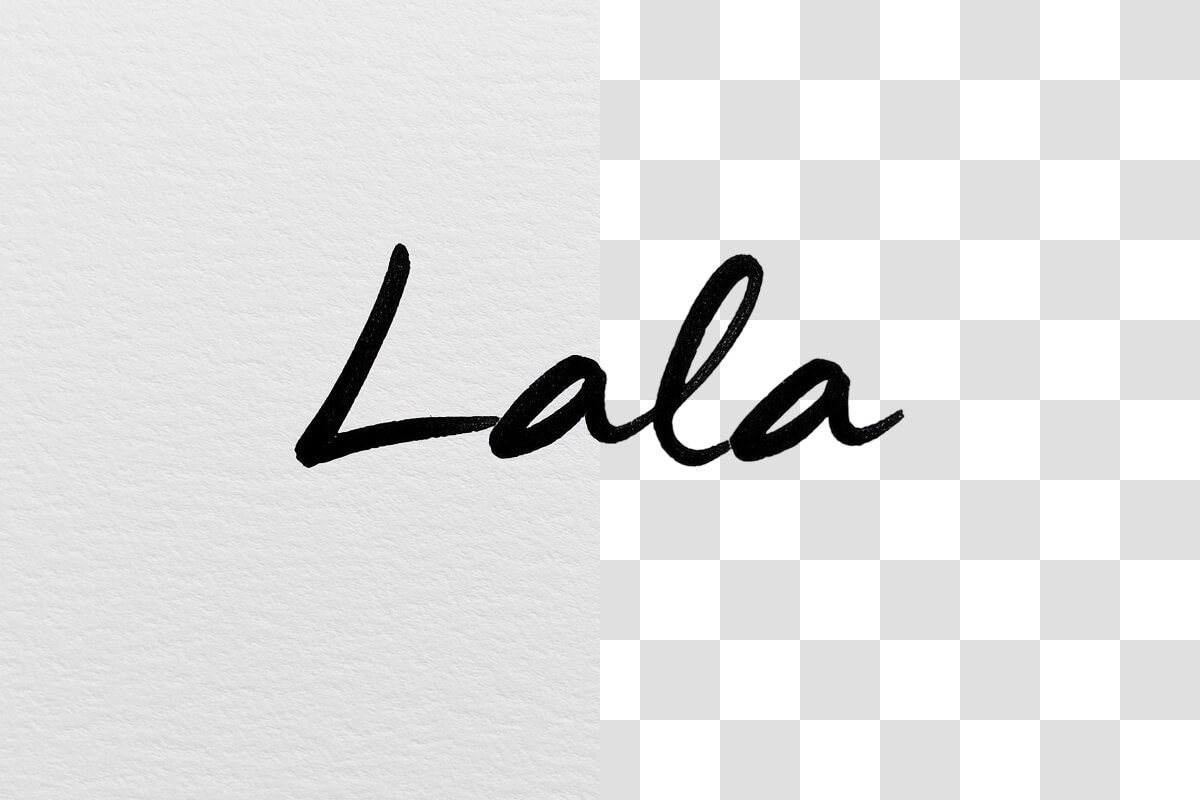
AI signature background remover for precise results
Pixelcut’s AI signature background remover ensures every curve of your signature is captured with precision. Our AI carefully differentiates ink from paper, so your digital signature looks crisp and professional. Calligraphers and designers appreciate the clean cutouts that preserve even the most intricate pen strokes. Our technology avoids the jagged edges or halos you might get with manual cropping, delivering a high-quality transparent signature every time. It’s a reliable solution whether your signature is in a bold marker or a fine fountain pen. Try it free and get a flawless cutout of your signature now.
AI signature background remover for precise results
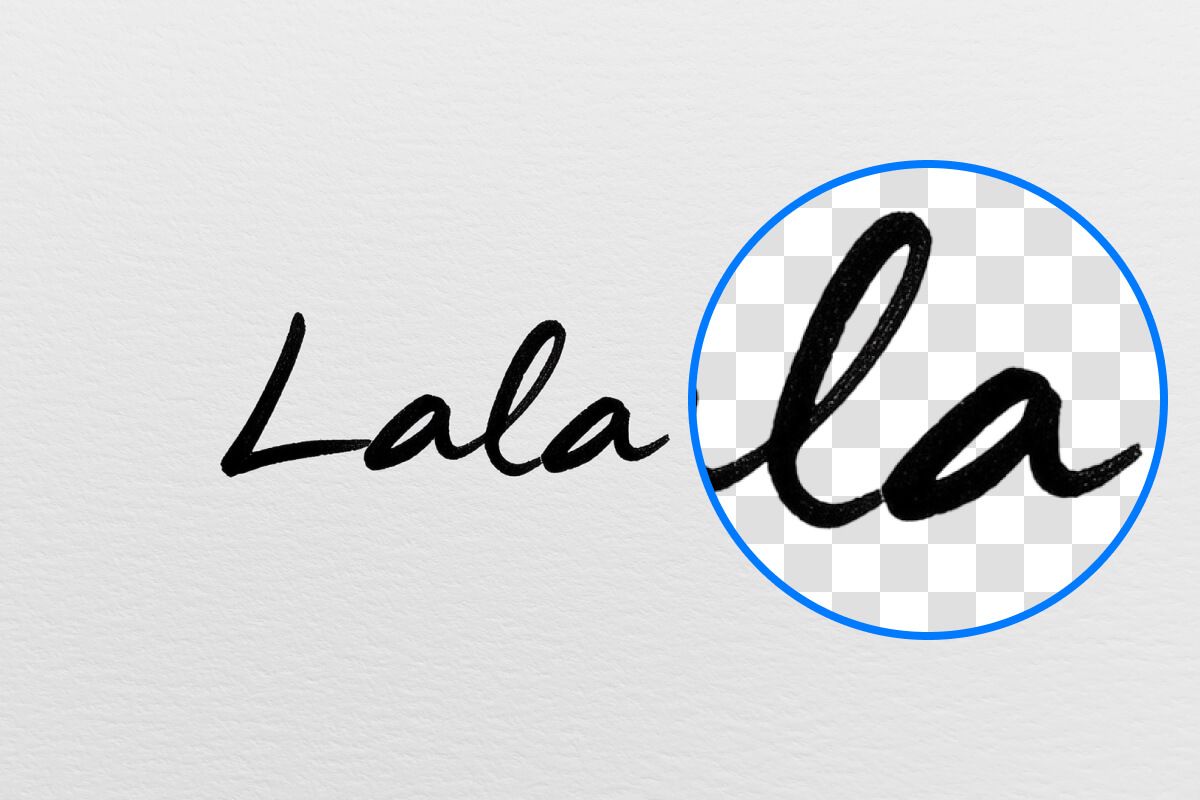
Extract signature from image for any use
Creating a transparent signature is crucial when you need your autograph to seamlessly blend into any document or image. Pixelcut gives you a PNG signature with no background so you can sign business contracts, email footers, or school projects without any white boxes or rough edges showing up. Our signature background remover serves everyone from marketers adding personal branding to their graphics to freelancers signing client agreements digitally. A transparent signature means versatility—use it to sign e-documents or in PDFs—it always looks natural. Upload your signature to Pixelcut and get your transparent signature image now.
Extract signature from image for any use

More than a signature background remover
Pixelcut is more than a signature background remover—it’s a full-fledged AI image editing suite ready to assist with all your projects. After you’ve created a background-free signature, you can explore Pixelcut’s other features to level up your visuals. Remove backgrounds from product photos for your eCommerce store, create stunning logos for your business, or even generate new backgrounds with AI. Photographers, marketers, and online sellers alike use Pixelcut to save time and get professional results across the board. With one powerful tool, you handle signatures, logos, product photography, and more. Try Pixelcut for free today and discover all the creative possibilities.
More than a signature background remover

Được tin cậy bởi những người sáng tạo tại











Câu hỏi thường gặp
Yes. Pixelcut’s signature background remover is 100% free to use. You can upload your signature and remove the background without any cost, subscriptions, or watermark in the final image.
To make a signature background transparent, write your signature on white paper and take a photo of it in clear lighting. Upload that image to Pixelcut’s background remover. The tool will automatically erase the paper background, leaving your signature on a transparent layer. Then download the result as a PNG file to preserve the transparency.
The best format for a digital signature image is PNG. PNG files support transparent backgrounds, which means your signature can be overlaid on any document or design without a white box behind it. Pixelcut allows you to download your signature as a PNG so it stays transparent and high-quality for all uses. This also makes it useful to remove a background from a logo.
Absolutely! Pixelcut works on any device, including smartphones and tablets. You can remove a signature background using Pixelcut’s mobile-friendly website or the Pixelcut app for iOS and Android. No need any special software – just use your phone’s browser or app, upload the signature photo, and get your transparent signature on the go!
Pixelcut được yêu thích bởi hơn 2 triệu người
Xóa nền tốt nhất
Tôi cần một công cụ xóa nền tốt cho công việc của mình và tôi đã thử qua tất cả. Cái này là tốt nhất cho đến nay. Nó rất dễ sử dụng và kết quả luôn tuyệt vời. Cảm ơn Pixelcut!
Yêu thích nó
Nó cực kỳ dễ dàng và mang lại kết quả hoàn hảo cho túi xách và phụ kiện của tôi. Nó trông như thể được thực hiện bởi một nhiếp ảnh gia chuyên nghiệp.