My favorite app
Great app, easy to use. Helps our small business save time and money to create different marketing materials professionally. Thank you.
Start by uploading a PNG or JPG image of your rendered 3D model. Make sure the subject is clear and well-lit.
In the text prompt, explain how the AI should convert your image. Include details like '16-bit SNES style', 'with a black outline', or 'retro arcade look'.
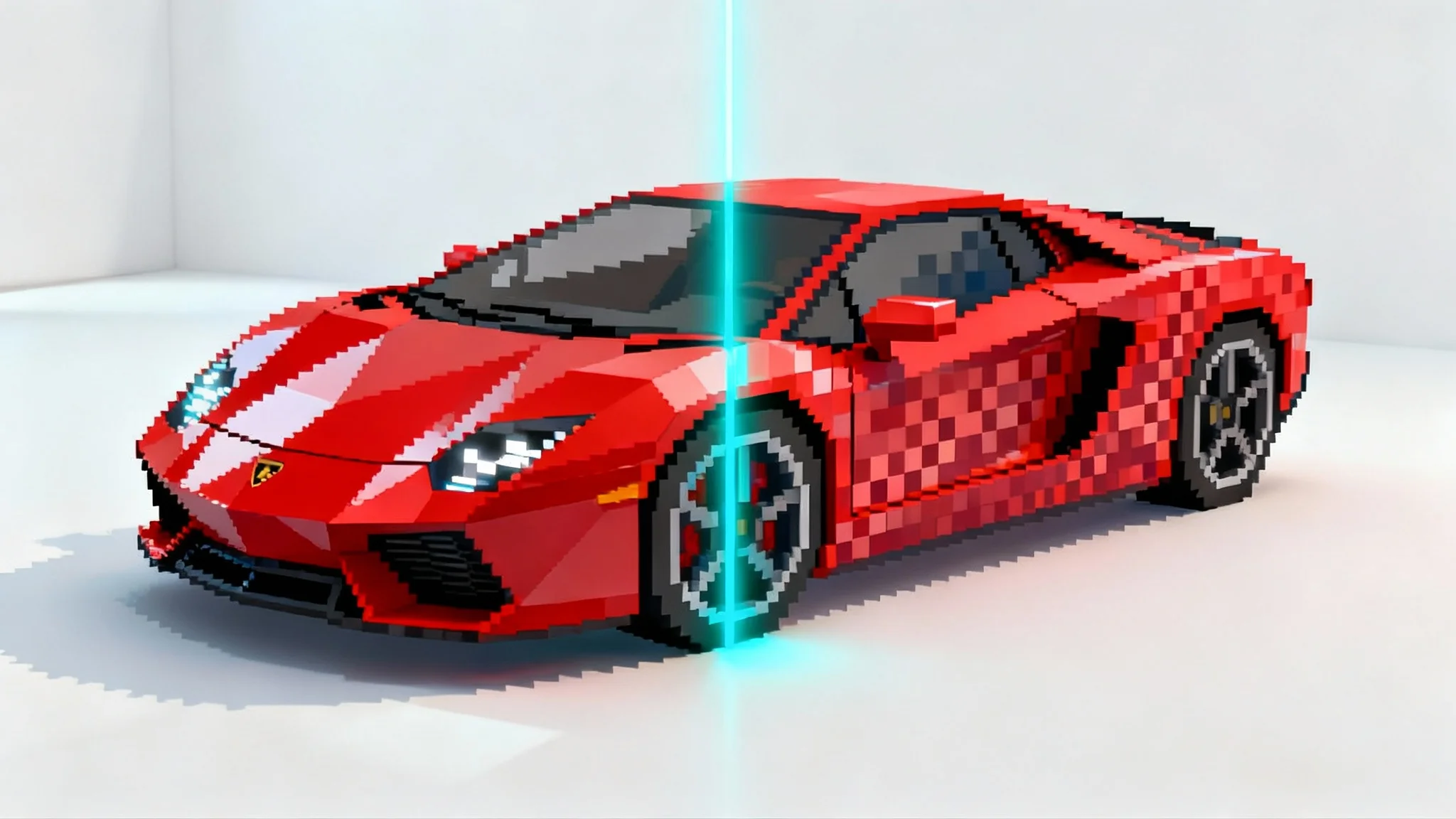
Click the generate button and our AI will process your image and prompt to create a unique piece of pixel art based on your 3D model.
Your custom pixel art is ready to download. Save the high-resolution PNG file and use it in your game, animation, or any other creative project.
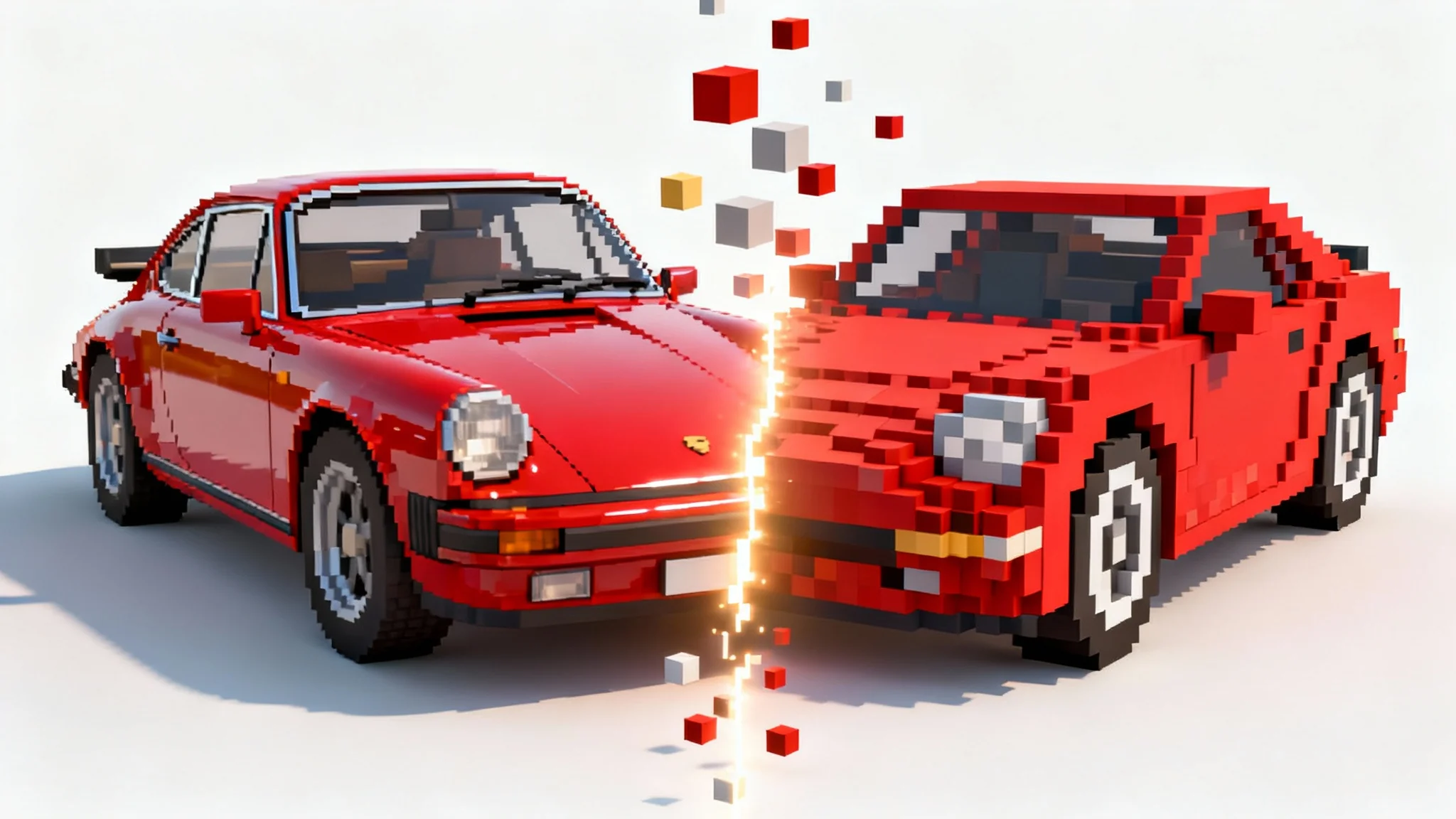
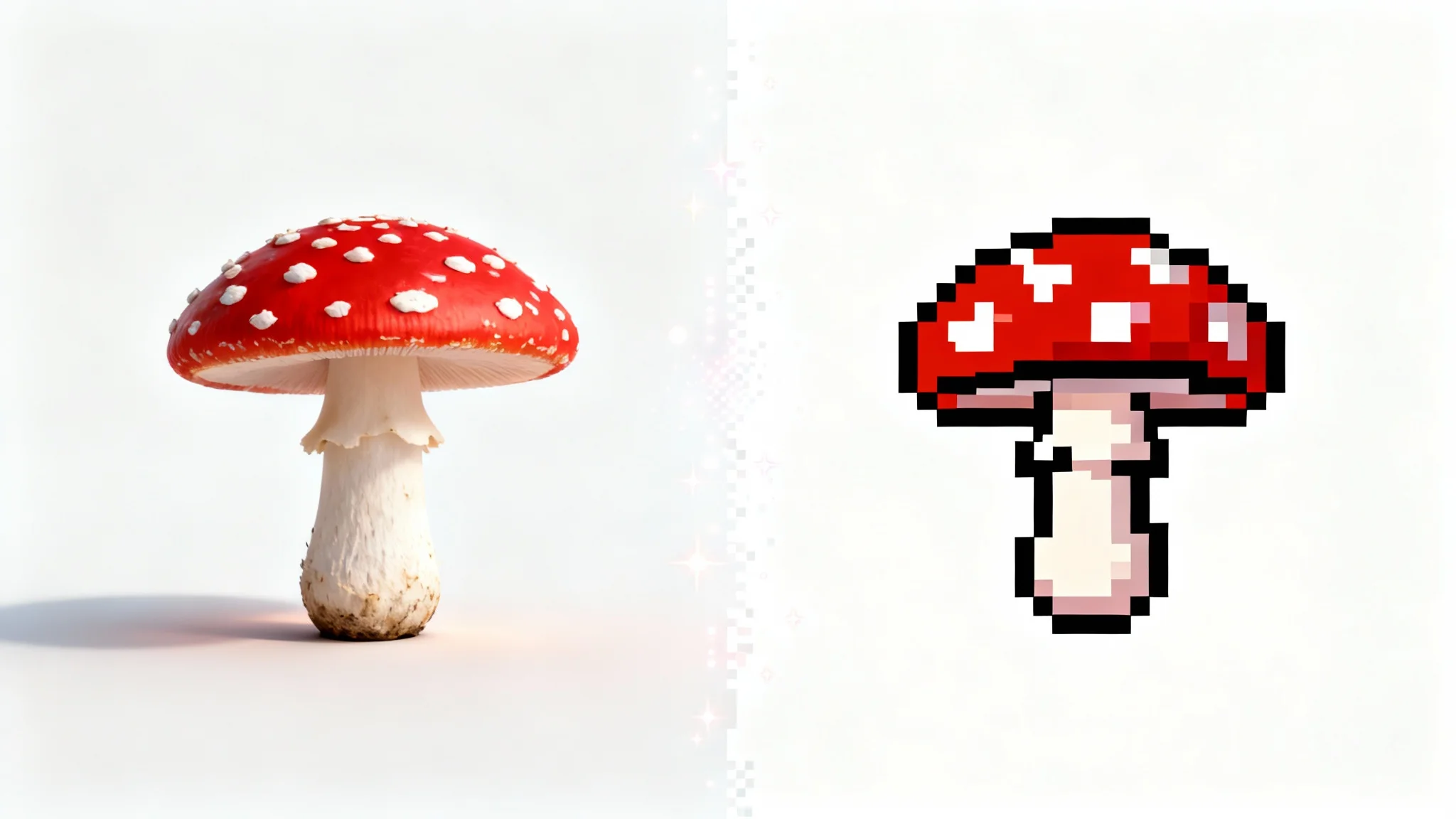
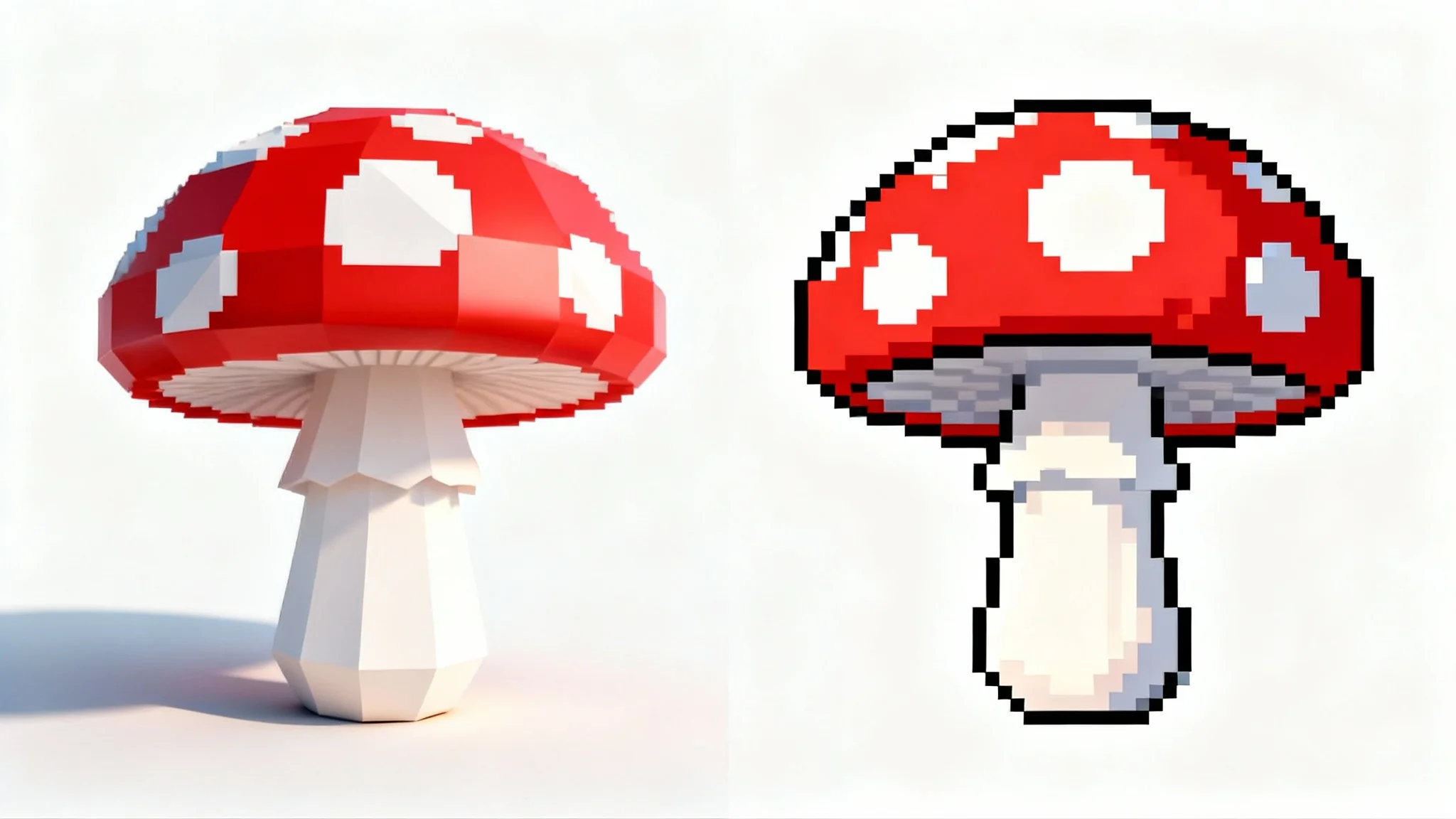
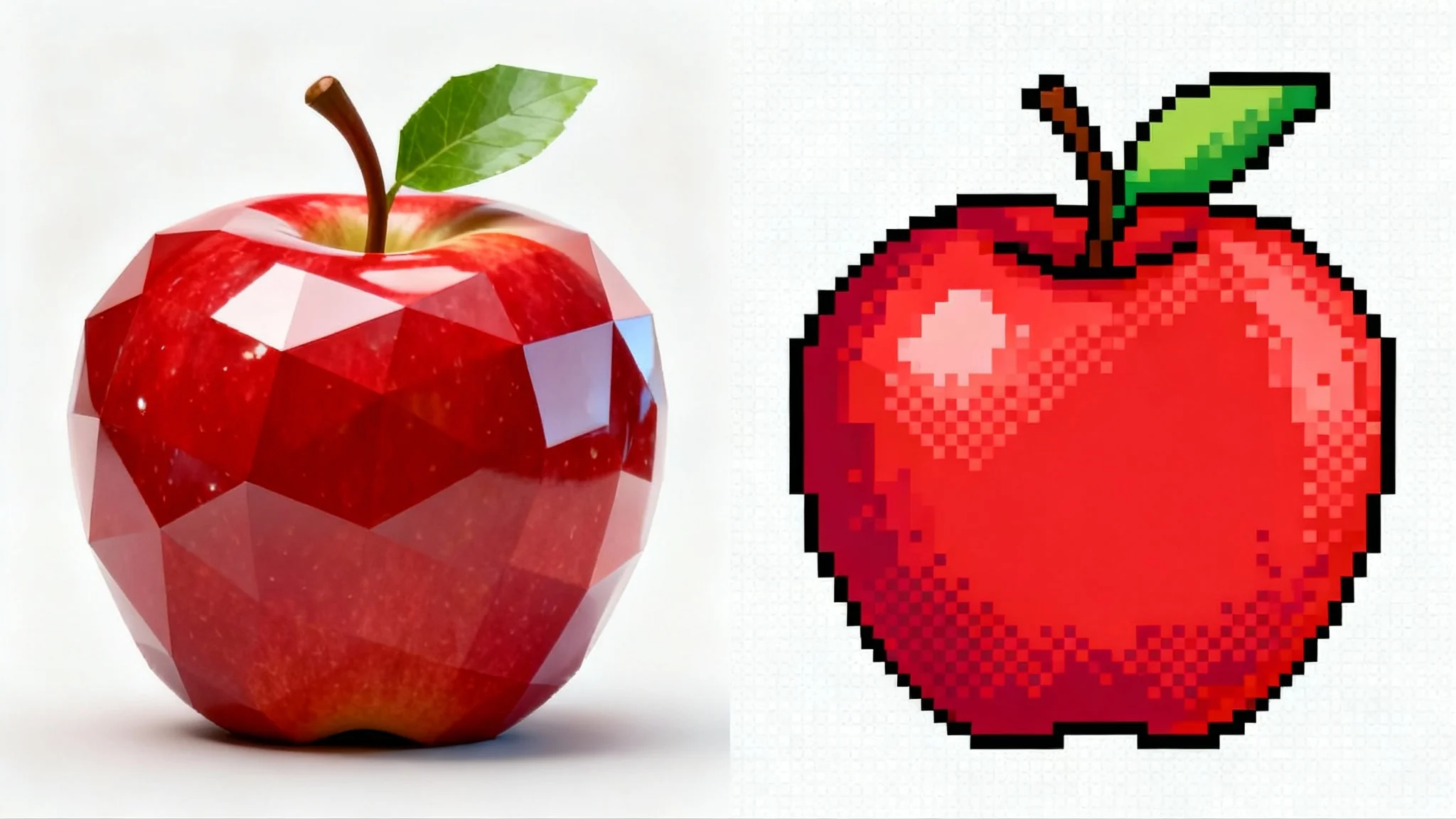
Our tool uses AI to analyze an image of your 3D model. When you provide a text prompt describing the desired pixel art style, the AI reinterprets the image, applying pixelation effects, color limitations, and other stylistic elements to generate a new 2D image in that style.
You can use an image of any 3D model. For best results, render your model with clear lighting and a neutral background. The tool works with characters, objects, and even architectural models. You'll need to upload a 2D image render of the model, not the 3D file itself.
Yes. To create a sprite sheet, render each frame of your 3D animation as a separate image. Then, upload each image and use a consistent text prompt to convert them into a sequence of pixel art frames. You can then combine these frames into a single sprite sheet using any image editor.
Converting 3D models to pixel art combines the flexibility of 3D with the classic charm and performance of 2D sprites. It allows for easy creation of multiple angles and animations while maintaining a consistent style, which is a huge time-saver for game developers and artists.
All images you create and download are high-resolution, watermark-free PNG files. The PNG format is ideal for sprites as it supports transparency, making it easy to integrate your creations into games and other projects.
Yes, you can influence the color palette through your text prompt. For example, you can include phrases like "using a limited 4-color palette" or "with vibrant neon colors" to guide the AI in its color selection.
Great app, easy to use. Helps our small business save time and money to create different marketing materials professionally. Thank you.
I need a good background remover for my work and I've been through them all it feels like. This one is the best by far. It's so easy to use and the results always look amazing. Thank you Pixelcut!
It's amazingly easy and gives the perfect results for my bags and accessories. It looks like it was done by a professional photographer.