My favorite app
Great app, easy to use. Helps our small business save time and money to create different marketing materials professionally. Thank you.
Remove the background from your videos and GIFs in one click. Get a clean cutout frame-to-frame, no green screen needed. Free to try, no watermark, and results in under a minute!
Upload a video (MP4, MOV, WebM, MKV) or GIF to get started. For best results, use a clip where your subject is clear and stands out from the background.
Choose the background you want for your new video. Pick transparent to layer your subject anywhere, or select a solid color for a clean, consistent look.
Remove the background automatically across all frames, then download as WebM, MKV, ProRes, or GIF for transparency or MP4 with a solid color background.
Easily remove the background of your video without needing a green screen or extra setup. Our model tracks and isolates the subject across frames, so hair, hands, and product edges look natural while staying in motion. You get a clean cutout without the fuzzy halo that can show up around sleeves, loose hair, or fast movement. The mask stays consistent with no flicker, so your subject looks sharp from the first frame to the last. This works well for GIFs, talking head clips, demos, and product shots where detail matters. Get a high-quality, professional-looking new background directly from your browser on desktop or mobile.
When you remove the background from your video, you can keep it transparent or change the background to a solid color. Pick a transparent background to layer your subject over slides, designs, or other footage. Or replace the background with a background color to keep your video clean and consistent across posts and presentations. Everything stays in one workflow from upload to download. Use ProRes, MKV, WebM, or GIF to preserve transparency, or export as MP4 to download your subject with a clean, solid color background. Our Video Background Remover supports a wide range of professional and web-standard formats to fit your workflow.
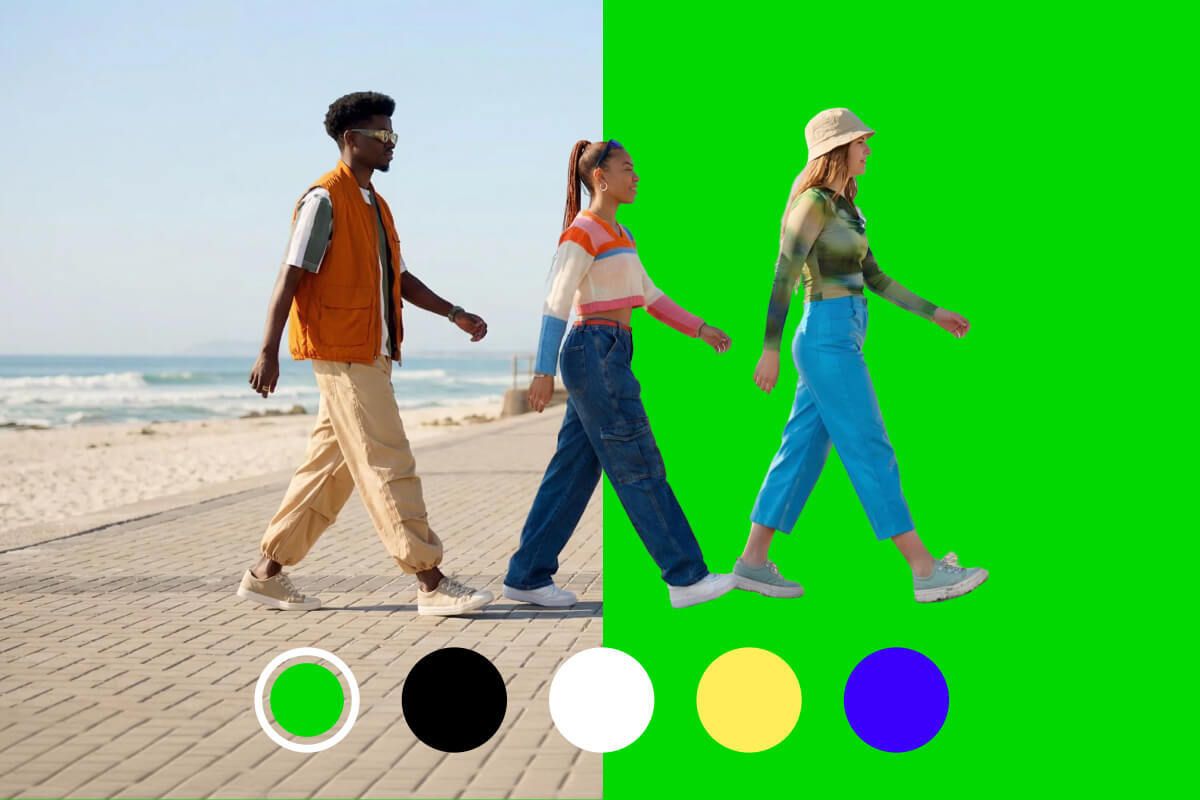
Full format support: Upload and export MP4, WebM, MOV, ProRes, MKV, and GIFs to fit any professional workflow.
Studio-grade quality: Get clean, natural edges on hair and complex motion with zero flickering.
Multiple models: Choose between our state-of-the-art Pixelcut model and Bria for full flexibility.
Easy to use: Effortless workflow. Simply upload, remove, and download.
Fast results: Get your new video instantly. Processing is typically under a minute.
Privacy first: Uploads are deleted after processing.
You can preview the cutout before you download, so you know what you are exporting.
Social media content: Remove unwanted backgrounds and keep the focus on you in Reels, Shorts, and TikToks.
Educator videos: Place yourself over slides or lessons for a clearer, more engaging teaching style.
Product marketing: Create clean clips for promos where the product stands out with sharp edges and steady motion.
Remote updates: Keep a consistent background for team videos, announcements, and quick async updates.
Quick edits: Upload once, remove the background, then download a result ready to post or edit.
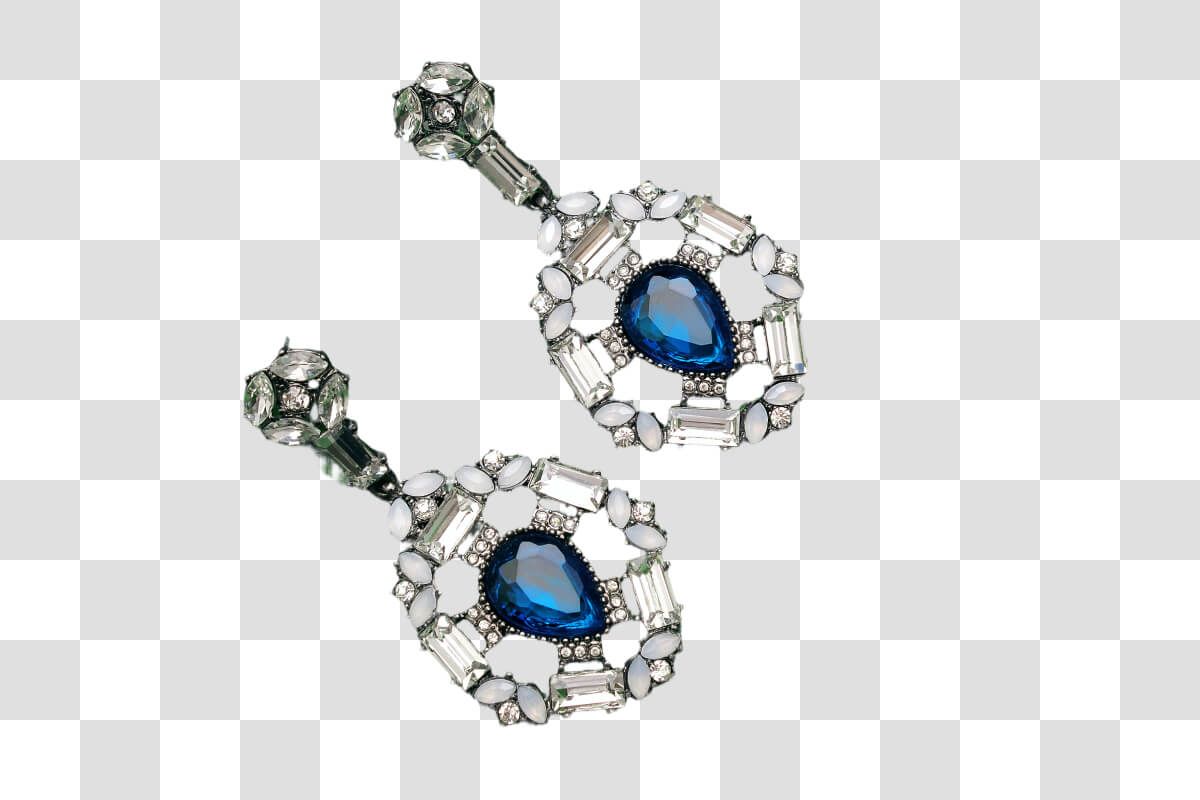
Working with product photos or headshots? Our image background remover makes it just as easy to remove backgrounds from your still shots. Upload a photo and get a professional transparent background in under 3 seconds. You can even remove backgrounds from multiple images at once, making it great for e-commerce listings, marketing graphics, or any project where you need clean cutouts fast!











Great app, easy to use. Helps our small business save time and money to create different marketing materials professionally. Thank you.
I need a good background remover for my work and I've been through them all it feels like. This one is the best by far. It's so easy to use and the results always look amazing. Thank you Pixelcut!
It's amazingly easy and gives the perfect results for my bags and accessories. It looks like it was done by a professional photographer.