My favorite app
Great app, easy to use. Helps our small business save time and money to create different marketing materials professionally. Thank you.
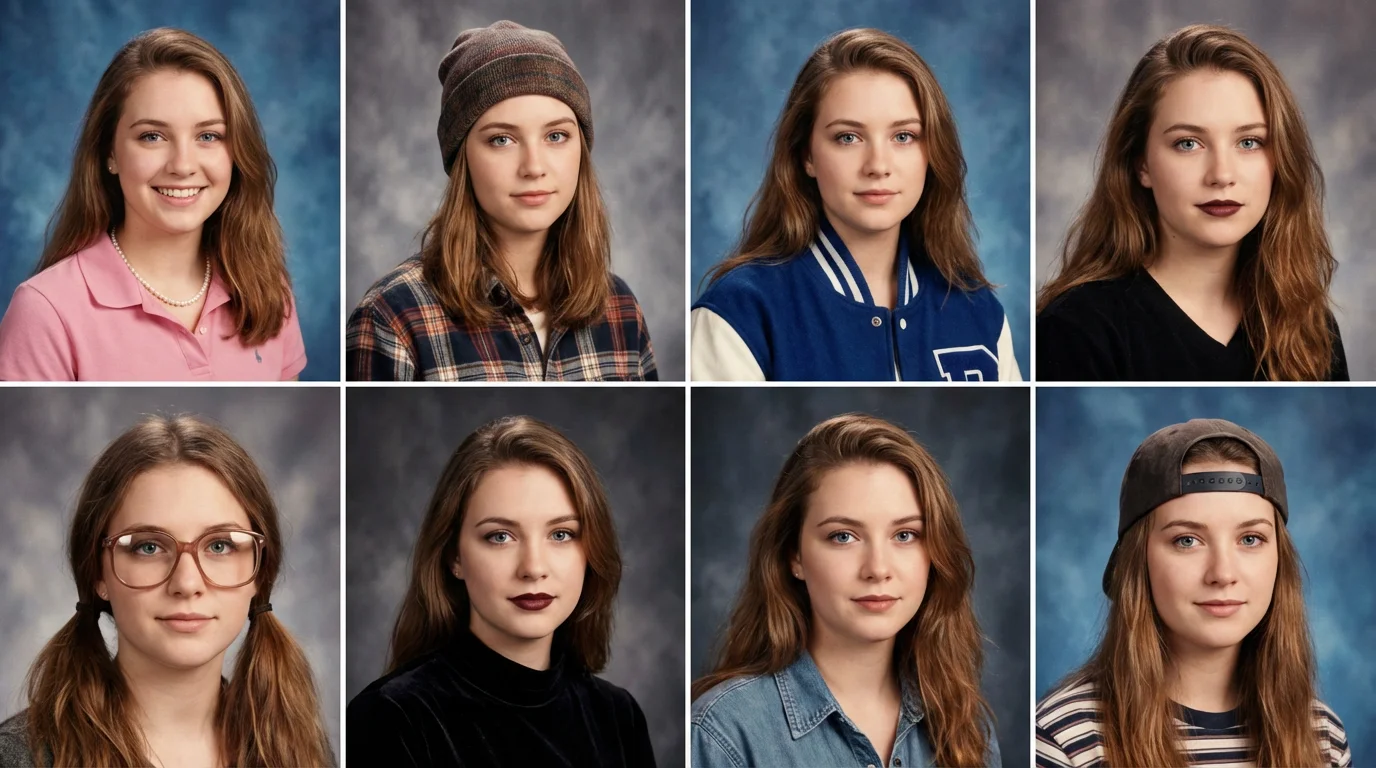
Start by uploading a clear, front-facing selfie. Good lighting will help the AI produce the best results.
Describe the 90s yearbook style you want. For example, 'a 90s yearbook photo of me as a jock' or 'a preppy student from the 90s'.
Click the generate button and let our AI transform your selfie into a perfect retro portrait from the 90s.
Your AI yearbook photo is ready to download. Save your new look and share it on social media to join the trend.


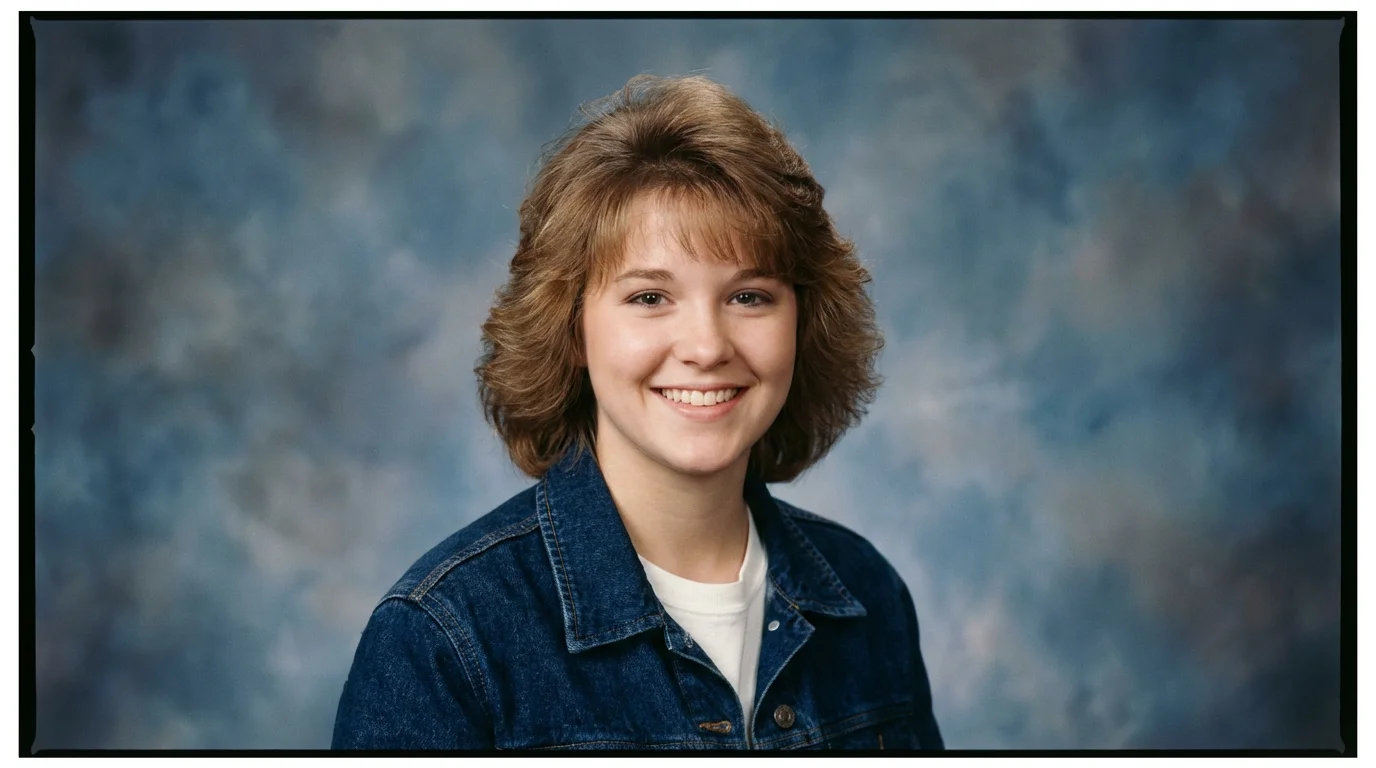
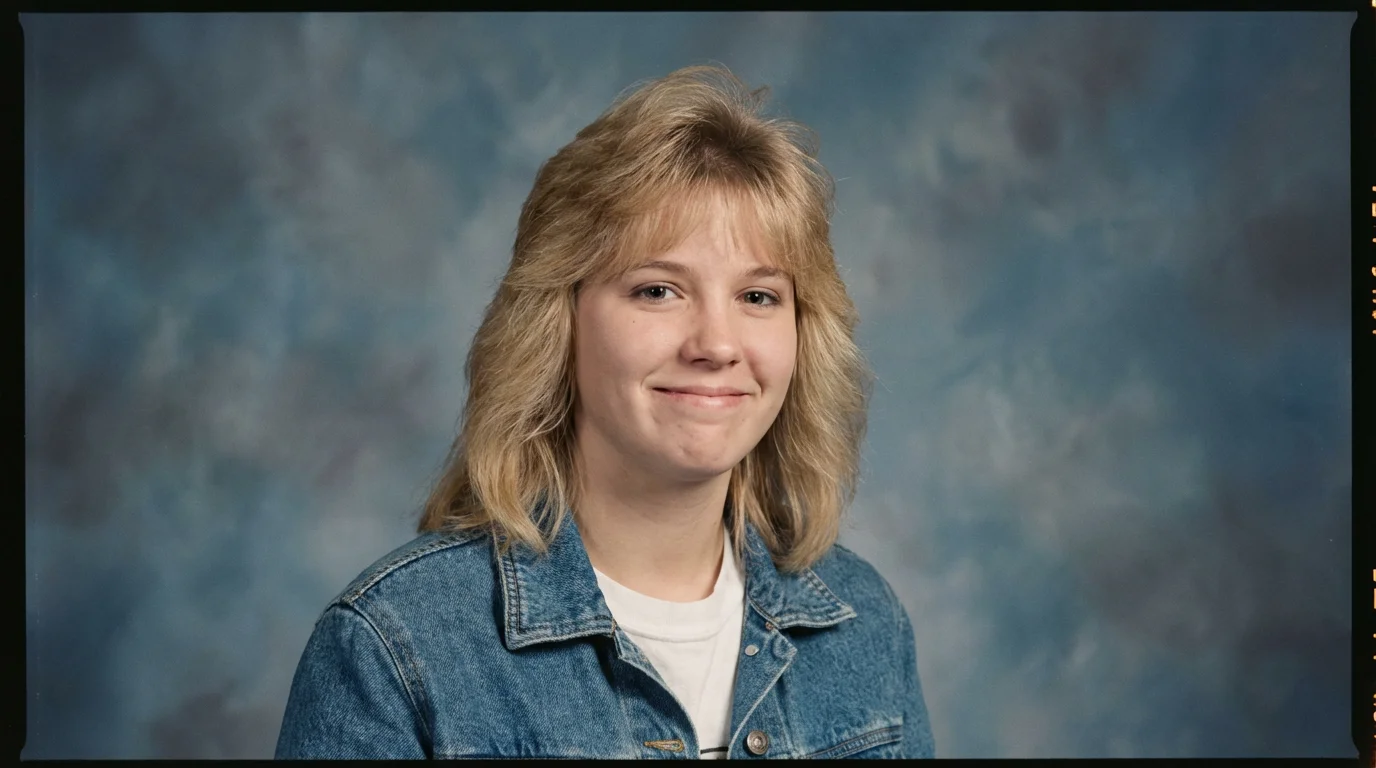
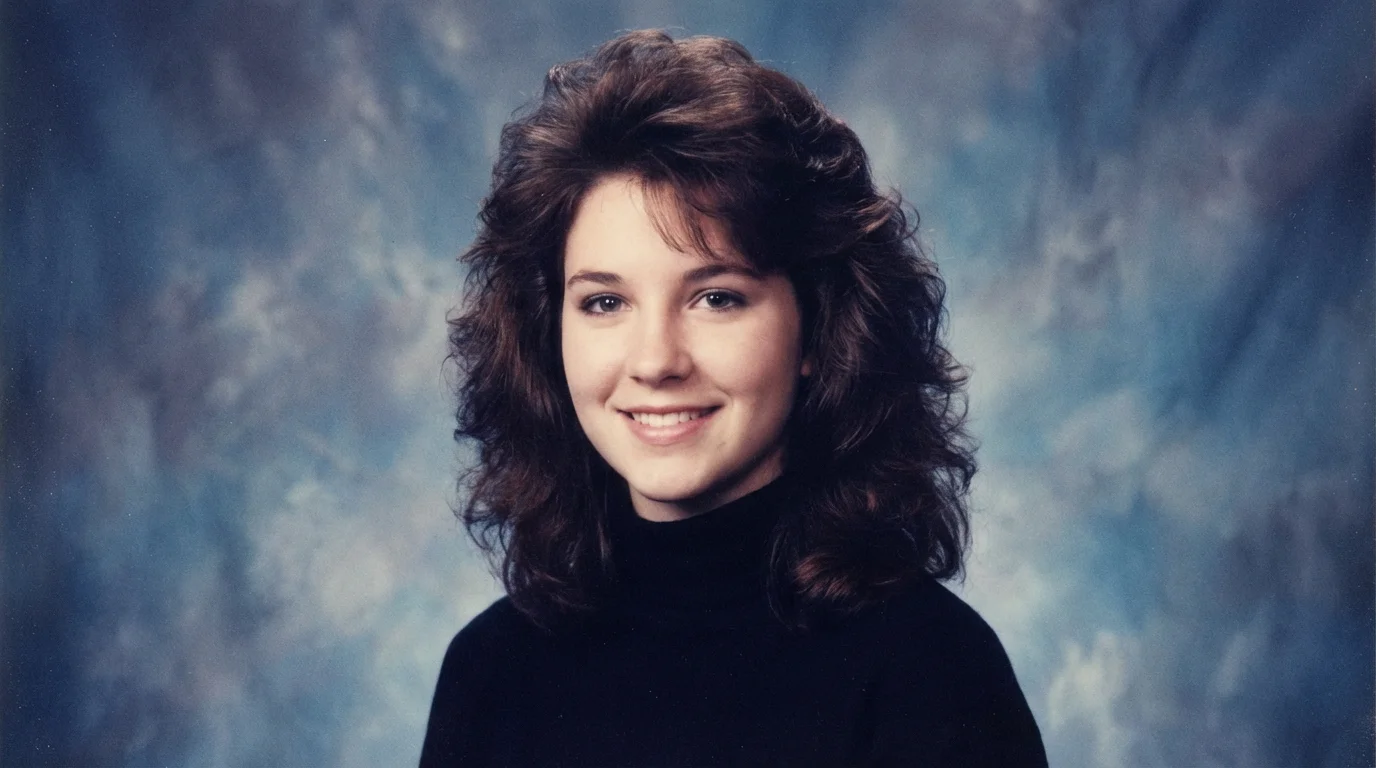
To create your own AI yearbook photo, upload a clear, front-facing selfie. Then, write a text prompt describing the 90s style you want, such as 'a cheerleader with a 90s hairstyle.' The AI will then generate a portrait based on your photo and description.
For the best results, you should upload a clear, well-lit selfie where your face is easily visible. Avoid photos with heavy makeup, sunglasses, hats, or group shots, as these can interfere with the AI's ability to transform your image accurately.
Yes, you can create various styles by changing your text prompt. You can ask the AI to generate images of you as different high school stereotypes, like a 'jock in a letterman jacket' or 'a grunge kid with flannel,' to see yourself in multiple 90s aesthetics.
Yes, you can try the AI yearbook generator for free. After using your initial credits, you may need to purchase more to continue generating images. You can download the high-resolution photos you create in formats like PNG and JPEG at no cost.
The AI is designed to create surprisingly realistic transformations by analyzing tens of thousands of actual 90s school portraits. It replicates the specific lighting, color tones, and soft haze that were characteristic of that era's photography to produce an authentic-looking result.
Great app, easy to use. Helps our small business save time and money to create different marketing materials professionally. Thank you.
I need a good background remover for my work and I've been through them all it feels like. This one is the best by far. It's so easy to use and the results always look amazing. Thank you Pixelcut!
It's amazingly easy and gives the perfect results for my bags and accessories. It looks like it was done by a professional photographer.