My favorite app
Great app, easy to use. Helps our small business save time and money to create different marketing materials professionally. Thank you.

Choose the photo you want to give a vintage feel to. Upload the file from your computer or device.
In the prompt box, tell the AI what you want. For example, 'Add a soft orange and red light leak from the side.'
Click the generate button and let the AI create a unique light leak effect based on your description.
Your new, retro-styled photo is ready. Download the high-resolution, watermark-free PNG to share.
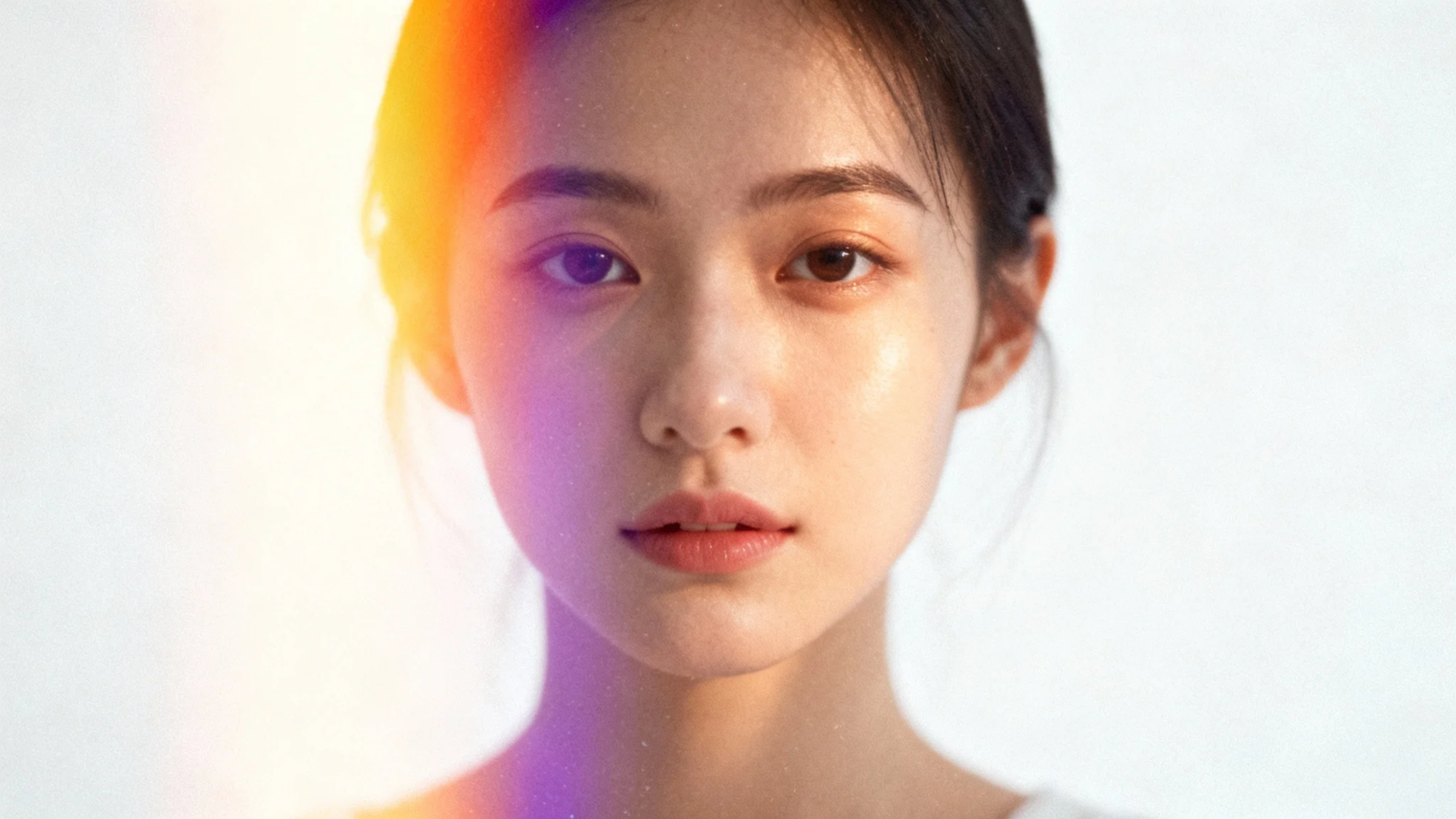
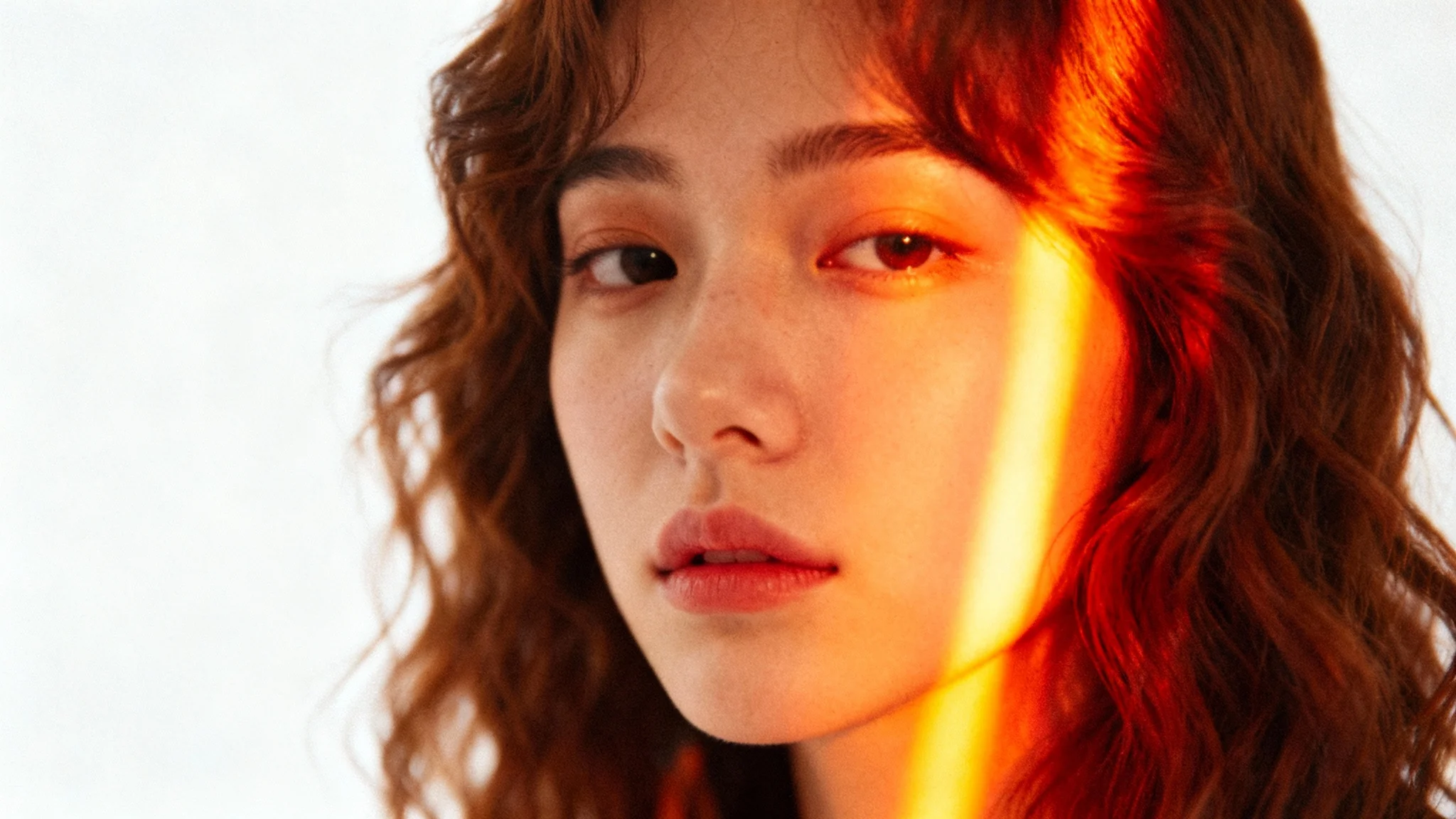
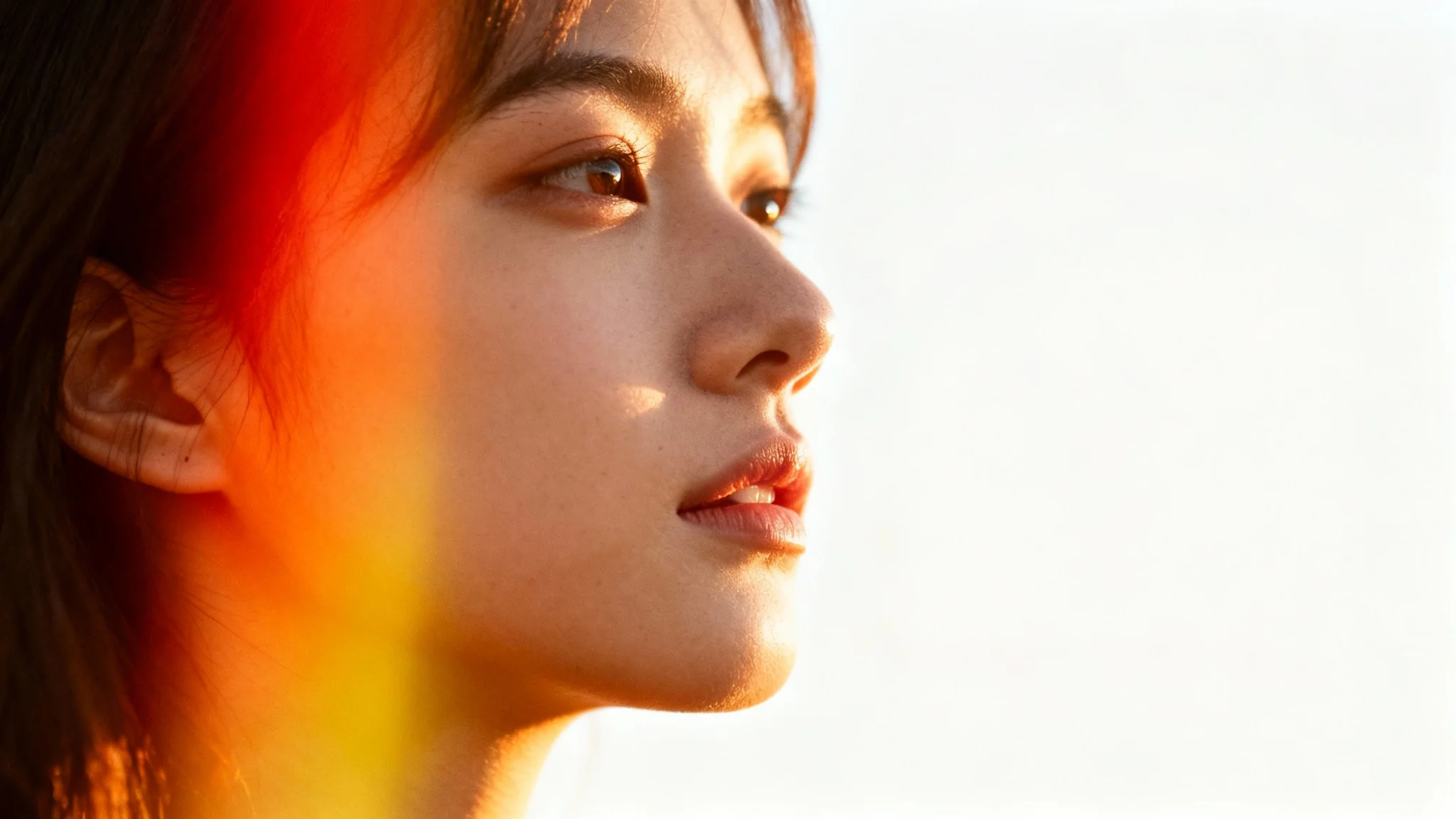
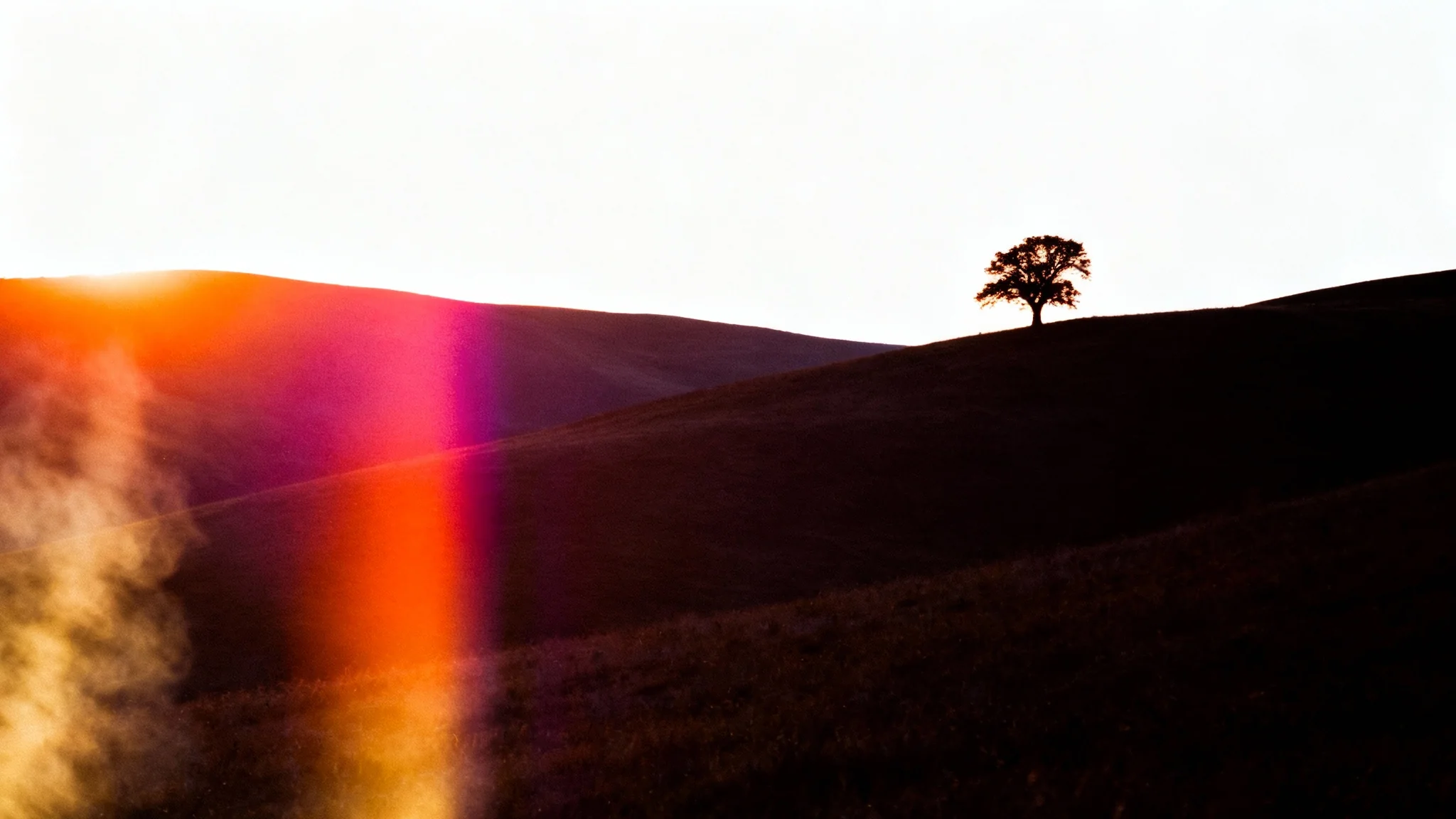
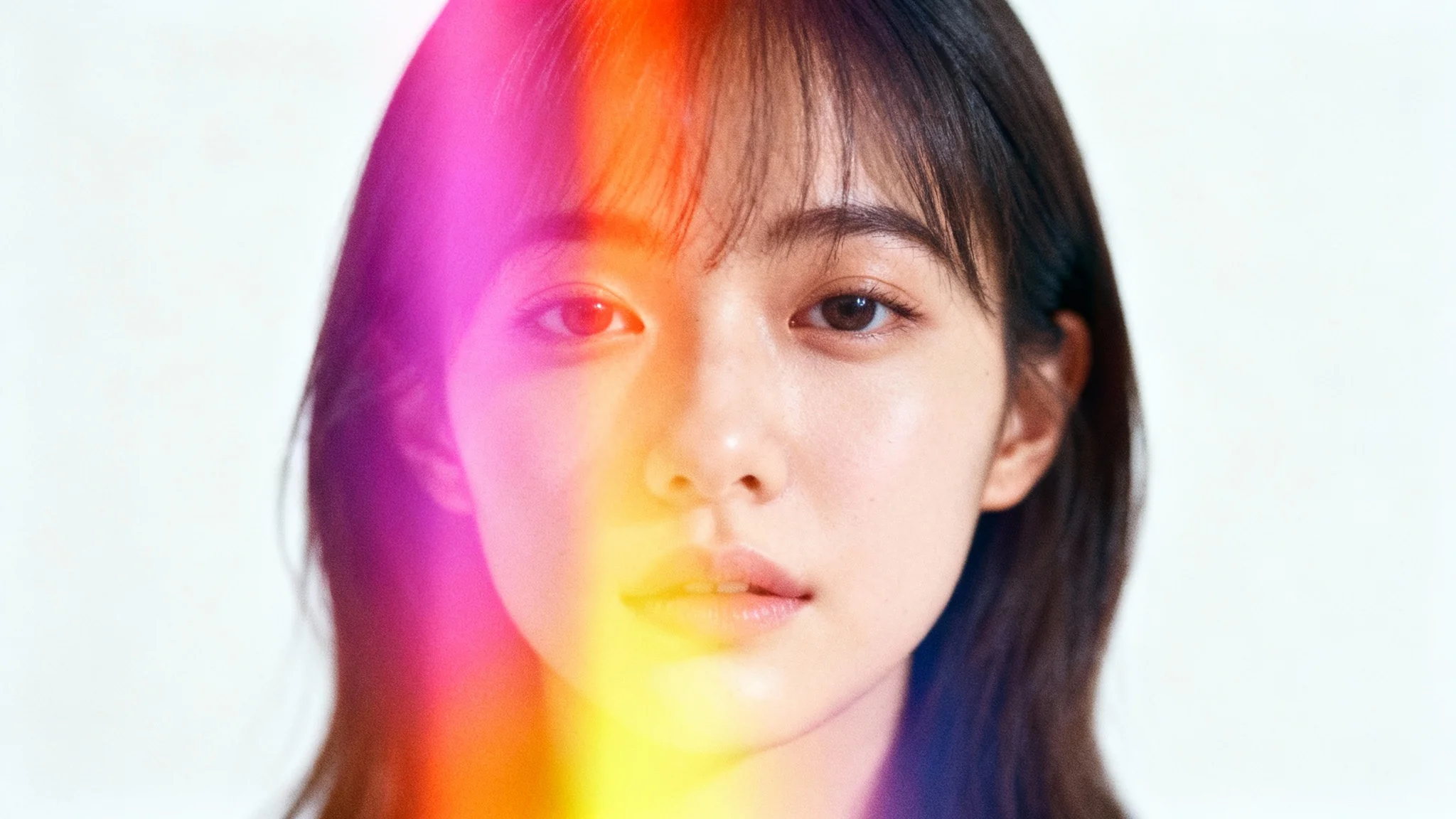
A light leak effect mimics a flaw from old film cameras where unwanted light would 'leak' into the camera body and expose the film, creating streaks or patches of bright color. Today, it is intentionally used as a creative effect to give photos a nostalgic, dreamy, or vintage aesthetic.
To add a light leak effect, upload the photo you want to edit. Then, in the text prompt box, describe the light effect you want to create. You can specify the colors, like 'warm golden light,' its location, such as 'from the top left,' and the feeling, for example, 'a nostalgic vibe.' The AI will then apply a custom light leak to your image.
Yes, you have creative control over the placement. By using descriptive text prompts, you can instruct the AI to add the light leak to a specific area of your image, such as 'a soft flare on the right edge' or 'a streak of light across the bottom.'
Light leak effects work well on a variety of photos, but they are particularly effective for portraits, outdoor scenes, wedding photos, and any image where you want to add warmth and a nostalgic atmosphere. Photos with natural light often provide a great base for adding these effects.
Yes, the tool is free to try. You can upload your photos and generate images with a light leak effect at no cost. After using your free credits, you will need to purchase more to continue downloading images.
An AI light leak generator uses artificial intelligence to interpret your text descriptions and apply a corresponding visual effect to your uploaded image. Unlike simple overlays, the AI considers the context of your photo to blend the light leak more naturally, creating a more authentic and customized result.
Yes, all images you download are in a high-resolution PNG format. This ensures your final photo with the light leak effect is sharp, clear, and ready for use in digital formats or for printing.
Great app, easy to use. Helps our small business save time and money to create different marketing materials professionally. Thank you.
I need a good background remover for my work and I've been through them all it feels like. This one is the best by far. It's so easy to use and the results always look amazing. Thank you Pixelcut!
It's amazingly easy and gives the perfect results for my bags and accessories. It looks like it was done by a professional photographer.