Pixelcut
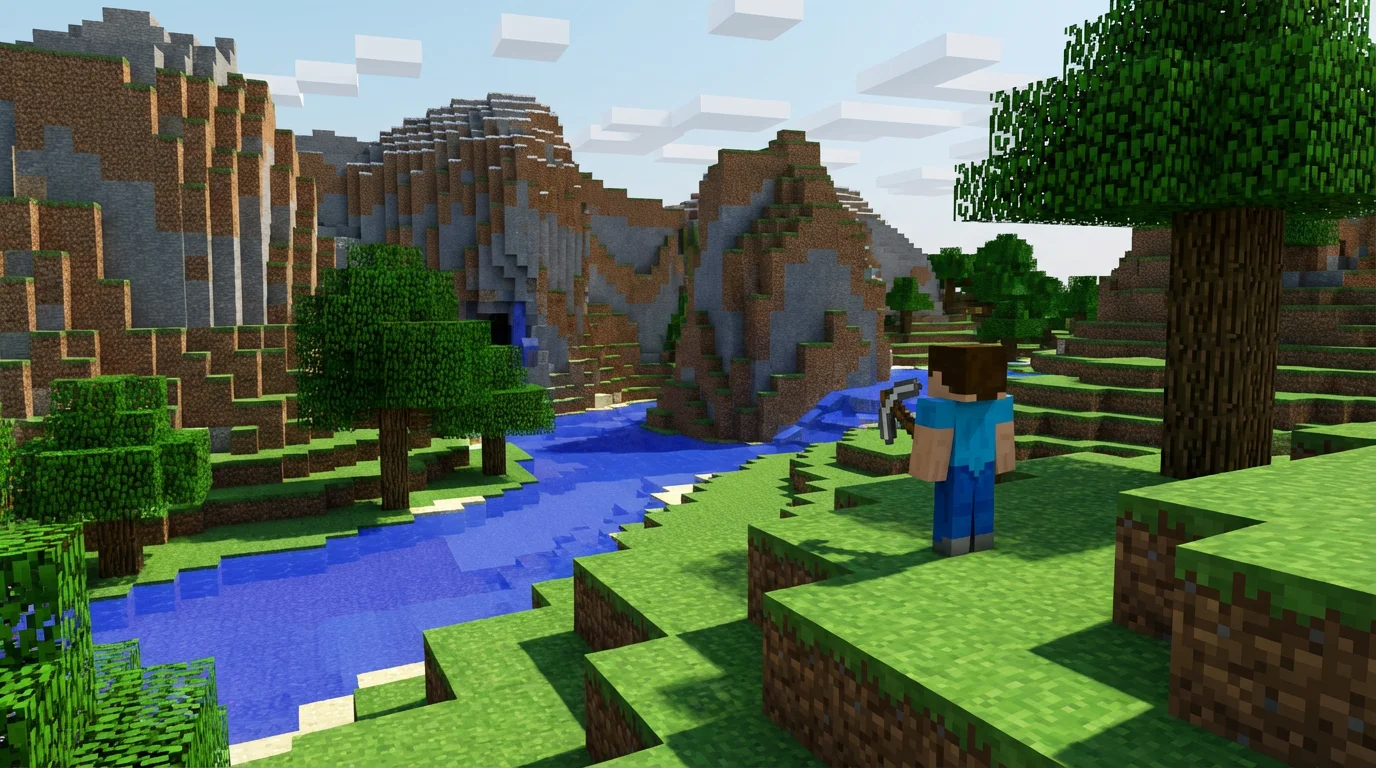
A vibrant, blocky landscape in the style of Minecraft, featuring a character with a pickaxe, trees, a river, and mountains under a sunny sky.

Free AI Minecraft Art Generator

Generate unique, block-style art inspired by Minecraft. Describe any character, scene, or item, and watch as AI creates it for you in seconds.
Easy to use - just write a prompt
Trusted by 70 million people
Powered by Pixelcut AI Agent
171,800 Reviews

How to Create Minecraft Art

  1. 1

    Describe your art

    Start by writing a text prompt. Be descriptive and include details like characters, setting, and style. For example, 'a blocky, pixelated fox in a snowy Minecraft forest'.

  2. 2

    Generate your art

    Click the generate button and let the AI create your unique Minecraft-inspired image. It will interpret your prompt to produce a custom piece of art in seconds.

  3. 3

    Download your image

    Your high-resolution, block-style art is ready to be downloaded. Save it for free and use it for your profile picture, server logo, or any other project.

Build your vision one block at a time, without the manual effort. Our AI Minecraft art generator transforms your ideas into the game's iconic pixelated art style instantly. Describe a sprawling biome, a detailed character, or a legendary item, and the AI will construct it for you. There is no need to spend hours placing individual blocks in-game. You can create detailed, blocky visuals for anything from custom texture ideas to full-blown concept art in just a few moments. It's the perfect way to visualize your next big build or simply create fun, shareable art.

Instantly Generate Blocky Worlds

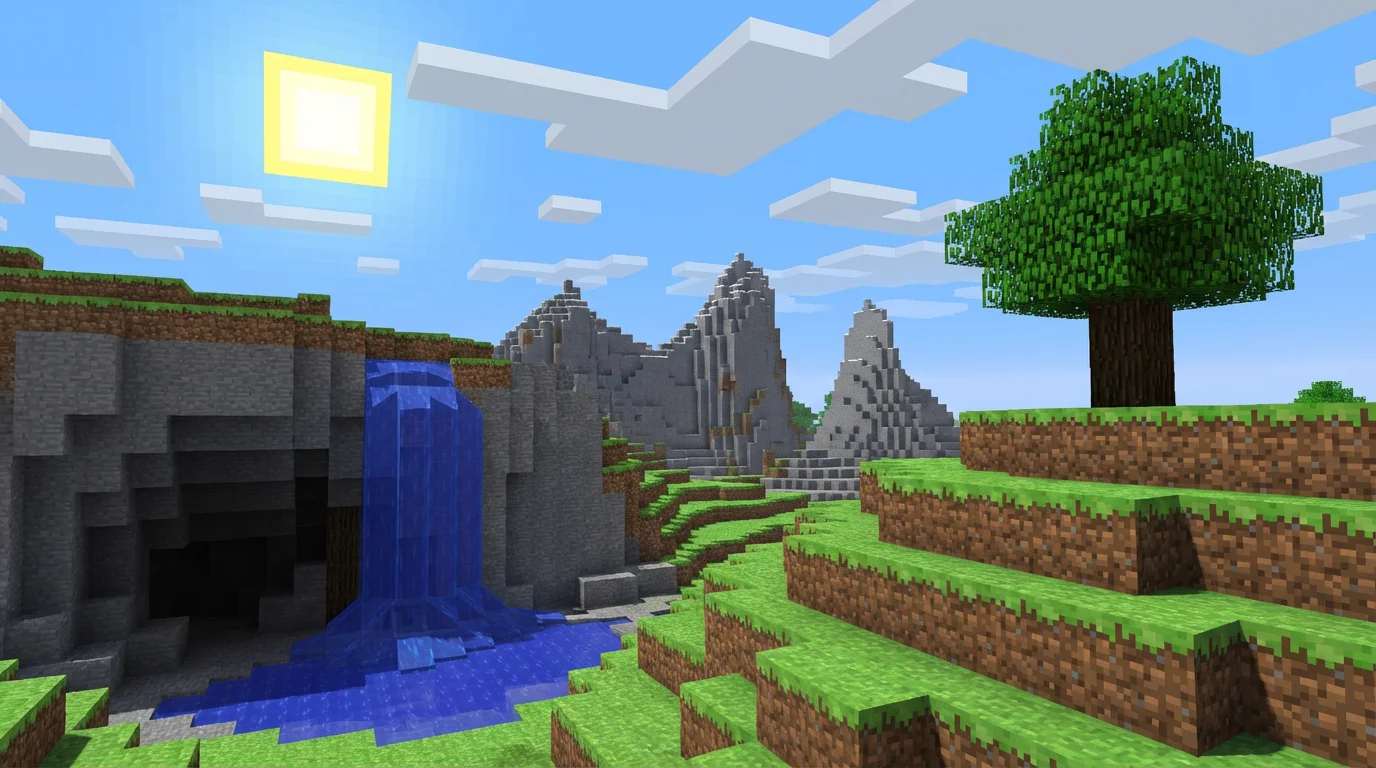
A digital illustration of a landscape in the blocky, pixelated style of Minecraft. The scene includes a grassy hill with a tree, a stone cliff with a waterfall, and distant mountains under a blue sky with a square sun.
Your imagination is the only limit. With our text-to-image tool, you have full creative control to generate any Minecraft-inspired art you can think of. Specify particular biomes like the Nether or a lush forest, include classic creatures such as creepers and villagers, or even design structures like towering castles or modern block houses. By adding descriptive keywords to your prompt, you can guide the AI to produce art that perfectly matches the aesthetic you're looking for, making each creation truly one-of-a-kind.

Pixel-Perfect Customization

A landscape illustration created in the blocky, pixelated art style of Minecraft, showing a grassy field with a tree, a cave entrance, a stream, and a pink pig.
Create high-quality, pixelated graphics for all your Minecraft projects. Whether you're a content creator looking for a unique YouTube thumbnail, a server owner designing a custom logo, or a player who wants a new profile picture, our generator can help. The generated art is perfect for sharing on social media, using in videos, or even as a wallpaper for your devices. Download your creations in high-resolution formats, ready to be used anywhere without watermarks, bringing a piece of the blocky universe into your digital life.

Art for Every Minecraft Fan

A voxel art landscape, in the style of Minecraft, showing a large floating island with a small house and trees on it, against a bright blue sky with blocky clouds.
It’s Fast: Go from a simple text prompt to a complete piece of Minecraft-style art in seconds. It’s Easy to Use: No complex software or design skills are needed. If you can describe it, you can create it. AI-Powered: Our tool understands the specific aesthetic of Minecraft, from its blocky textures to its unique color palette. Fully Customizable: Your descriptions guide the creation process, allowing for endless variations of characters, scenes, and items. Use It Anywhere: Download your creations for free and use them for personal or commercial projects, from server branding to social media content.

Why use Pixelcut's AI Minecraft Art Generator?

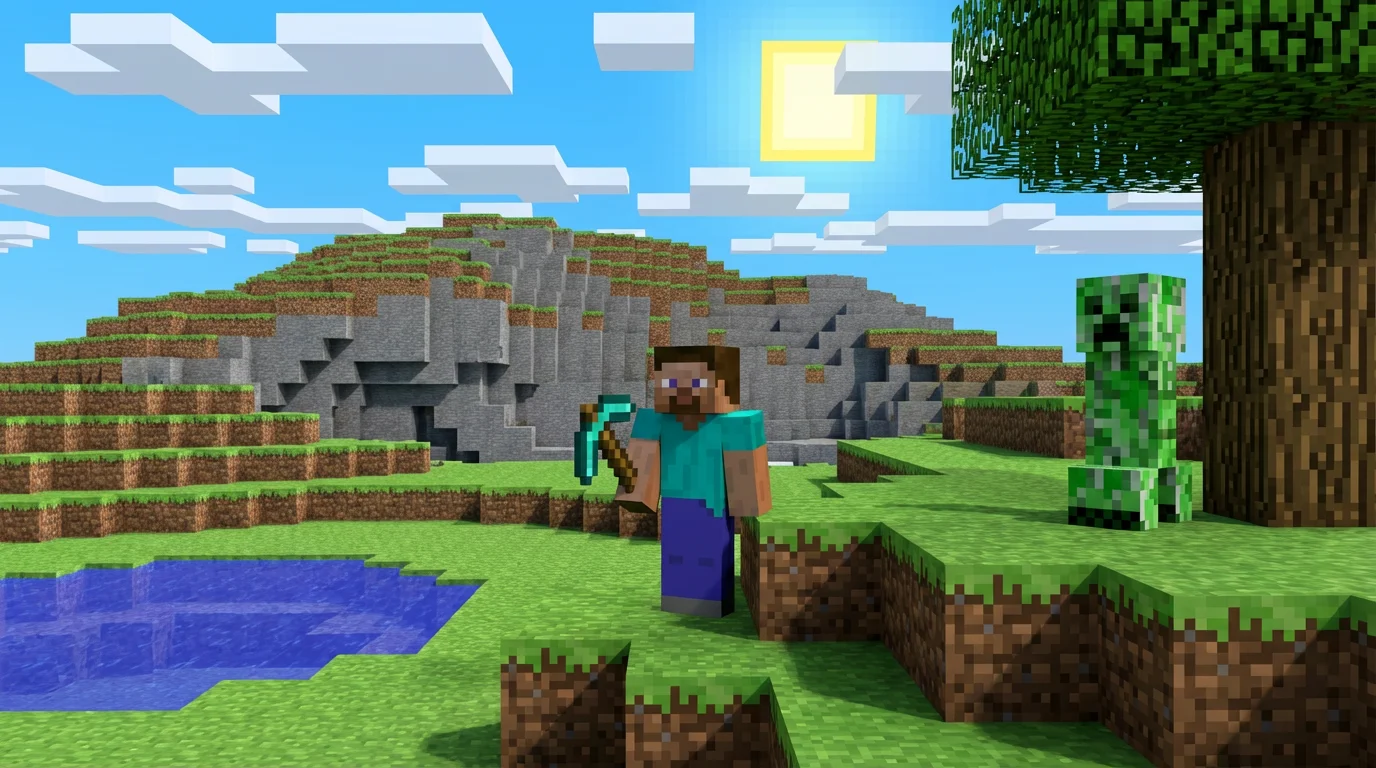
A vibrant scene created in the blocky, pixelated art style of Minecraft, featuring a character with a pickaxe, a Creeper, and a landscape with trees and water.
Custom Avatars: Design a unique, block-style profile picture for your social media or gaming accounts. Content Creation: Generate eye-catching thumbnails and graphics for your YouTube videos or Twitch streams. Server Branding: Create logos, banners, and promotional art for your Minecraft server to attract new players. Inspiration for Builds: Visualize complex structures or landscapes before you start building them in-game. Unique Wallpapers: Produce custom, high-resolution wallpapers for your phone or computer, featuring your favorite Minecraft themes.

Minecraft Art Generator Use Cases

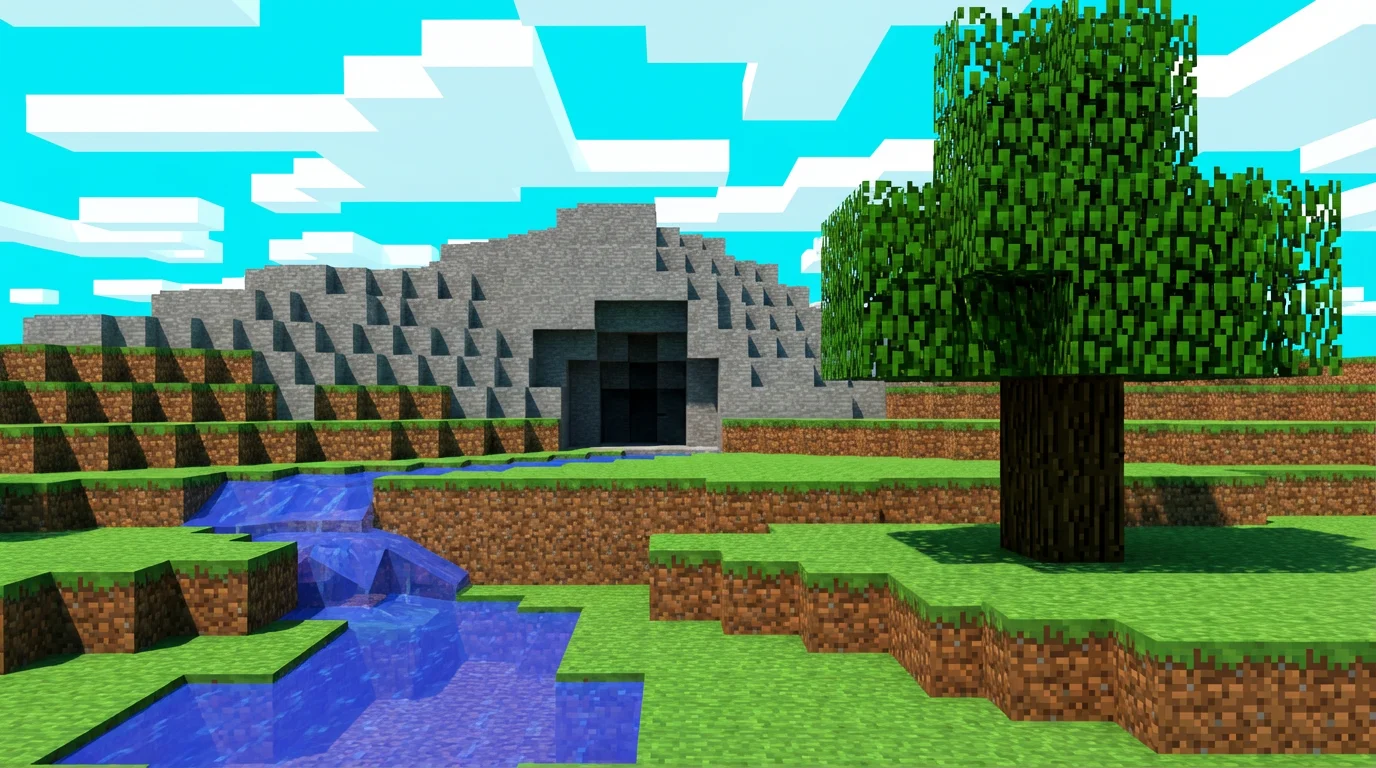
A colorful landscape created in the blocky, pixelated style of Minecraft, showing a grassy field, a tree, a stream, and a mountain with a cave.

Trusted by creatives at

Adidas logo
Airbnb logo
Apple logo
Chanel logo
Google logo
Gucci logo
H&M logo
Nike logo
Sephora logo
Starbucks logo
Toyota logo

Frequently Asked Questions

Pixelcut is loved by over 2 million people

  • My favorite app

    Great app, easy to use. Helps our small business save time and money to create different marketing materials professionally. Thank you.
    Shaelyn D.
  • Best background remover

    I need a good background remover for my work and I've been through them all it feels like. This one is the best by far. It's so easy to use and the results always look amazing. Thank you Pixelcut!
    Kira H.
  • Love it

    It's amazingly easy and gives the perfect results for my bags and accessories. It looks like it was done by a professional photographer.
    Mary J.