Pixelcut

AI Portrait Generator

7000万人に信頼されています
171,800件のレビュー
開発者API
iPhoneAndroid で利用可能

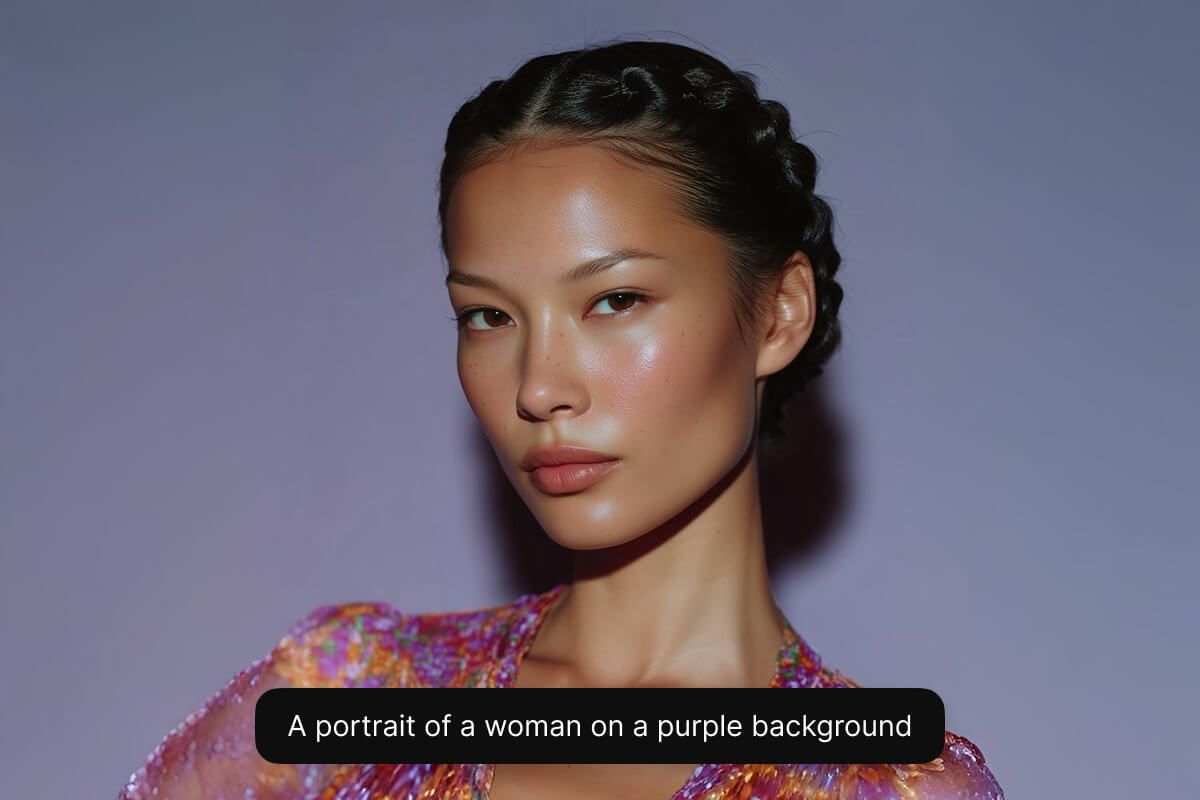
Pixelcut’s AI portrait generator lets you create beautiful and realistic portraits from text on any device. Whether you’re designing marketing collateral on your desktop or creating a post for social media on your phone, you can create stunning portraits just by typing what you imagine. Our AI portrait generator works seamlessly on desktop, tablet, and mobile, so you can bring ideas to life wherever inspiration strikes. No advanced software is required, just your creativity and your device of choice.

Beautiful AI-generated portraits from text on any device

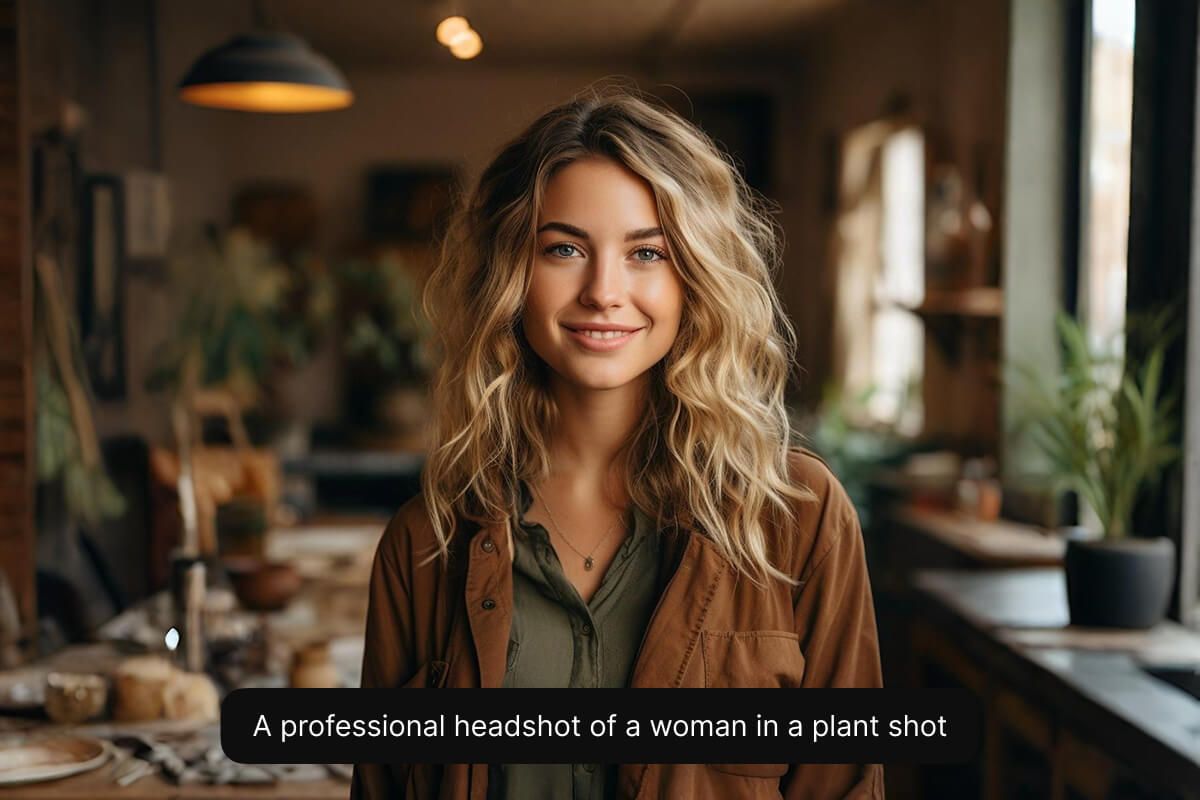
Instantly create AI portraits from your own photos and transform ordinary selfies into stunning, professional-quality images. Simply upload your favorite photo, and our advanced AI technology will produce captivating portraits ideal for social profiles, professional portfolios, or creative projects. Whether you’re an influencer aiming to elevate your online presence or an entrepreneur refining your digital identity, personalized portraits have never been easier. Experience the simplicity and power of portrait generation at your fingertips.

Instantly create AI portraits from your own photos

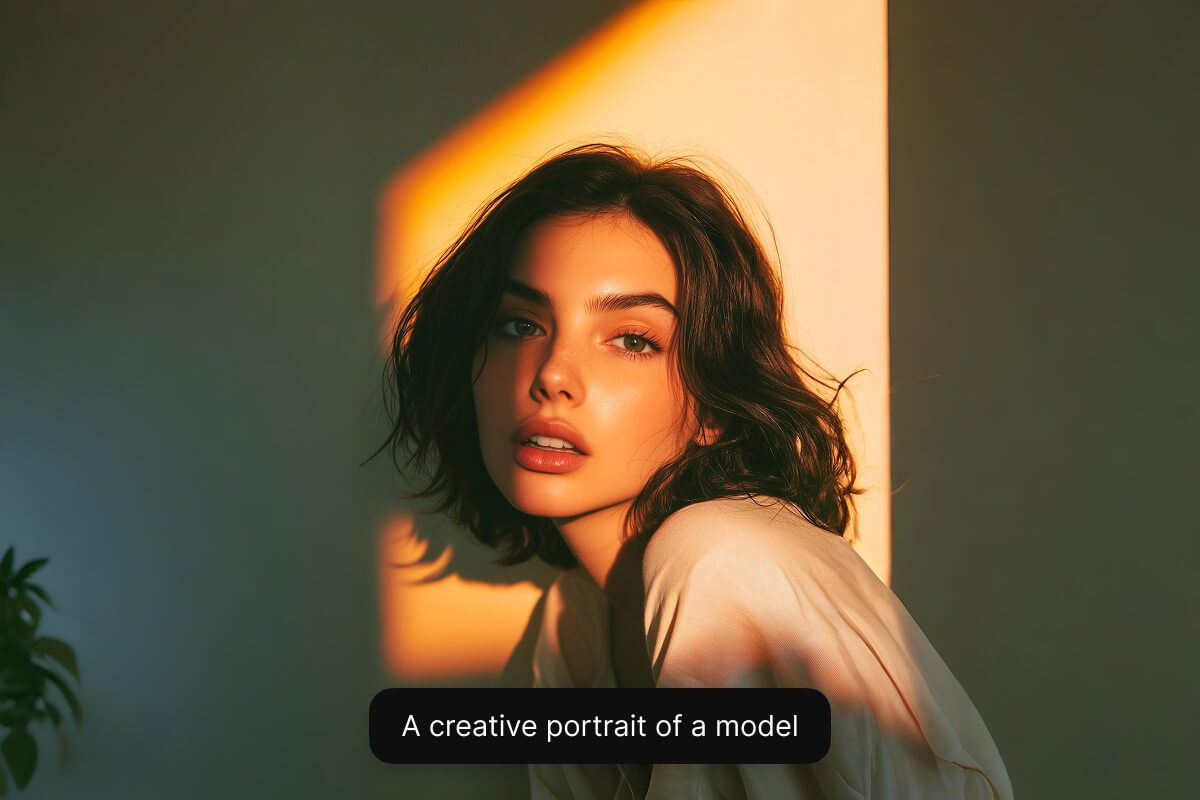
Choose from multiple AI models to get the perfect style for your project. If you need a polished corporate headshot or a photorealistic look, Flux Kontext Max can bring your vision to life. Marketers can maintain brand consistency by selecting a model that matches their aesthetic, while designers experiment with different looks for each campaign. This flexibility ensures every user finds the ideal portrait style for their needs. Experiment with all of Pixelcut’s supported models to find the one that best fits your needs.

Choose from multiple AI models for different styles

How to create a portrait

  1. 1

    Describe portrait or upload image

    To create a portrait from scratch, simply enter a text description of what you’d like to see. If you want to create a portrait from an existing image, upload your image and describe how you'd like your portrait to look.

  2. 2

    Choose the right model

    Portrait creation works best with the Flux Kontext Max. We recommend selecting this models for photorealistic portrait creation, but feel free to experiment with other models to find a style you like.

  3. 3

    Generate your portrait

    In seconds, our AI will create a realistic portrait based on your description. The AI interprets your prompt and instantly creates your portrait for you.

  4. 4

    Download your image

    Once you’re happy with the result, download your portrait to your device. It’s ready to use as a on your website, profile picture, or anywhere you’d like.

クリエイティブな人々に信頼されています

Adidas logo
Airbnb logo
Apple logo
H&M logo
Google logo
Gucci logo
Nike logo
Sephora logo

よくある質問

Pixelcutは200万人以上に愛されています

  • 私のお気に入りのアプリ

    素晴らしいアプリ、使いやすい。中小企業がさまざまなマーケティング資料を専門的に作成するための時間と費用を節約できるようになります。ありがとう。
    シェイリン D.
  • 最高の背景除去剤

    私は仕事のために良い背景除去ツールが必要で、すべて試したように感じます。これが今までで一番です。使いやすく、結果はいつも素晴らしいです。ありがとうPixelcut!
    キラ・H
  • 大好きです

    驚くほど簡単で、バッグやアクセサリーに完璧な結果が得られます。プロのカメラマンが撮影したようです。
    メアリー J.