Pixelcut
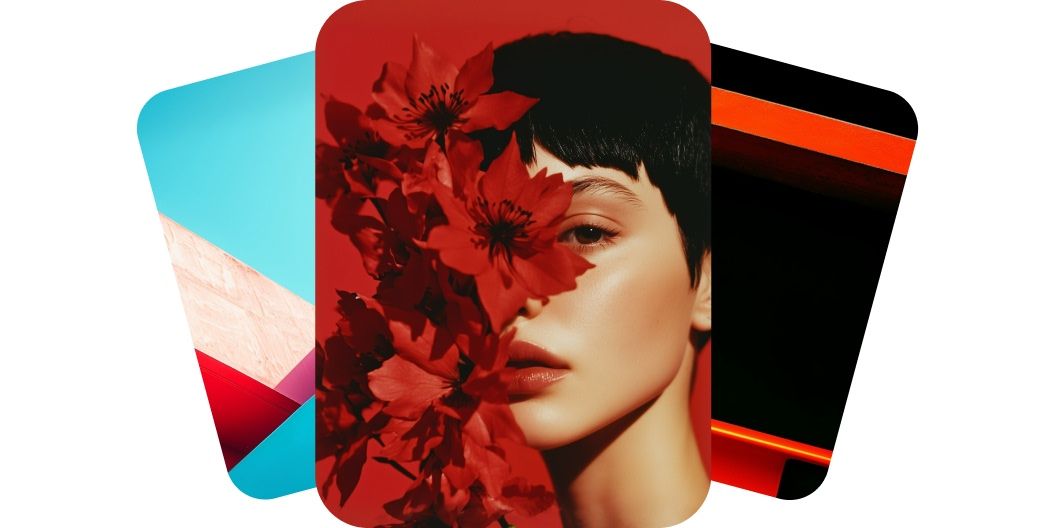
AI-generated video stills of a woman's face framed by red flowers in dramatic crimson lighting

Text-to-Video

7천만 명이 신뢰하는
리뷰 171,800개
개발자 API
iPhoneAndroid에서 사용 가능

Pixelcut’s intuitive text-to-video generator is built for everyone, from beginners to experienced creators. With a clean and simple interface, all you need is a simple text description to create professional quality videos. No technical skills or past video editing experience needed. Entrepreneurs, marketers, and even gamers can jump in and create engaging videos in minutes. Describe the scene you want to see and watch your imagination come to life right before your eyes.

Easy-to-use text-to-video generator for everyone

Create high-resolution, cinematic videos that deliver a fully immersive experience with text-to-video generation on Pixelcut. Powered by cutting-edge models, it ensures every frame looks sharp and every movement is smooth. Harness the power of AI models like Hailuo’s MiniMax and Google’s Veo 3 to produce videos in crisp 4K resolution. Perfect for marketers, creators, and anyone who demands professional quality. Enter a description to get started.

High-fidelity AI video generator for stunning results

Our text-to-video generator delivers finished videos faster than traditional methods. Marketers and content creators can go from idea to polished video in a fraction of the time it takes with traditional software. No waiting on lengthy productions, just enter your concept and get a video ready to use in minutes. With Pixelcut’s text-to-video generator, you have the freedom to seize creative moments and generate high-quality videos on demand.

Text-to-video generation in minutes

With Pixelcut, you can access multiple advanced AI video models all in one place for endless creative possibilities. Harness the strengths of industry-leading models like Veo 3, Kling, Hailuo, Luma, Hunyuan, and Runway. Enjoy the flexibility to experiment with different styles and outputs without having to go look for other models online. As newer models hit the scene, you’ll be able to find them here too. Start creating with Pixelcut and unlock unmatched creative freedom and flexibility.

Multi-model text-to-video converter for limitless creativity

How to create a video with text

  1. 1

    Enter your prompt

    Type or paste a short text description of the video you want to create. The more detailed the description, the better the results.

  2. 2

    Generate the video

    Once your prompt is ready, click the send button. In just minutes, you’ll have a high-quality video from text with smooth, realistic motion, frame by frame.

  3. 3

    Refine and reiterate

    Review the preview and fine-tune your prompt to enhance the video. Experiment with new ideas and regenerate until it feels perfect.

  4. 4

    Download video

    Save your new video to your device. It’s ready to post on social media, embed in a presentation, or share with your team!

창작자들이 신뢰하는

Adidas logo
Airbnb logo
Apple logo
H&M logo
Google logo
Gucci logo
Nike logo
Sephora logo

자주 묻는 질문

Pixelcut은 2백만 명이 넘는 사람들에게 사랑받고 있습니다.

  • 내가 가장 좋아하는 앱

    훌륭한 앱, 사용하기 쉽습니다. 소규모 기업이 시간과 비용을 절약하여 다양한 마케팅 자료를 전문적으로 만들 수 있도록 도와줍니다. 감사합니다.
    셰린 D.
  • 최고의 배경 제거기

    저는 제 작업을 위해 좋은 배경 제거기가 필요하고, 모든 것을 사용해본 것 같습니다. 이 제품이 지금까지 사용해본 것 중 가장 좋습니다. 사용하기 너무 쉽고 결과는 항상 놀랍습니다. 감사합니다 Pixelcut!
    키라 H.
  • 그것을 좋아한다

    놀랍도록 쉬우며 가방과 액세서리에 완벽한 결과를 제공합니다. 전문 사진작가가 찍은 것 같네요.
    메리 J.










