Pixelcut
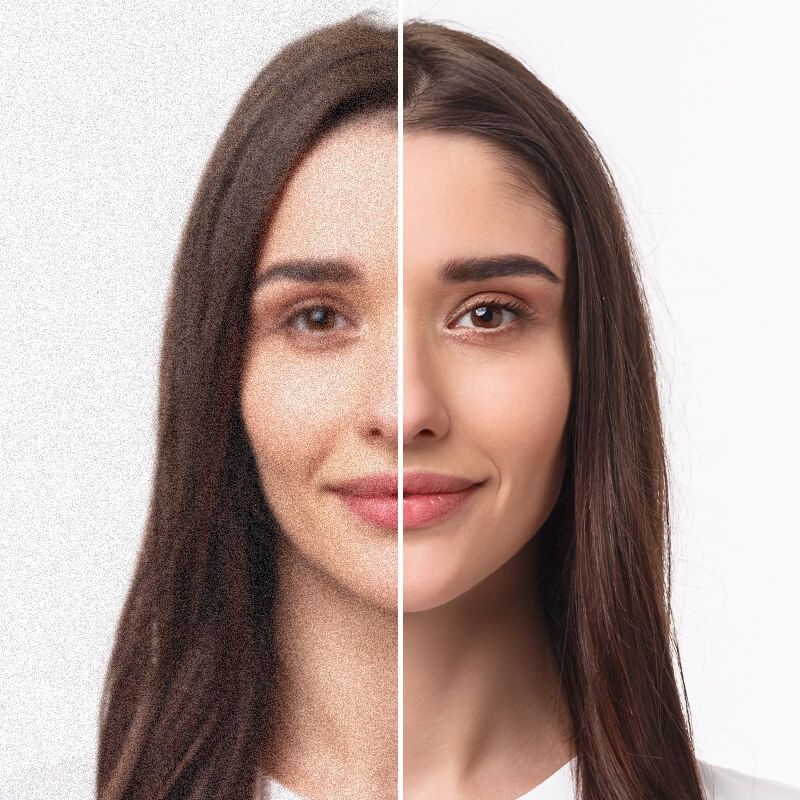
Woman's portrait split to show grainy noisy skin on the left and smooth clear skin after denoising

Free AI Image Denoiser

Pixelcut’s AI image denoiser transforms grainy images into clear photos in seconds. Upload your photo and try it free online!

무료 HD 다운로드
워터마크 없음
사진이 없나요?다음 중 하나를 시도해 보세요.
7천만 명이 신뢰하는
리뷰 171,800개
개발자 API
iPhoneAndroid에서 사용 가능

How to denoise a photo

  1. 1

    Upload your image

    Click Upload image and select a JPG or PNG file to get started. On desktop, you can also drag and drop your photo into the browser.

  2. 2

    Denoise automatically

    Our AI denoiser will automatically reduce the noise and grain from your photo for free. Alternatively, upscale up to 4x with Pixelcut Pro.

  3. 3

    Download your image

    Once you’re happy with the result, save and download your denoised image. Your new photo is ready to use on your next project!

Pixelcut lets you denoise images in seconds while preserving details. Whether you have high-ISO shots or low-light photos, our AI image denoiser reduces the grain naturally. Photographers and marketers love how it enhances grainy images, turning them into clean visuals quickly. The AI focuses on removing distracting speckles and static, making your photo clearer instantly. No need for manual editing or complex software—the AI does all the hard work for you. Try it free and denoise your image instantly!

Denoise image in seconds with AI

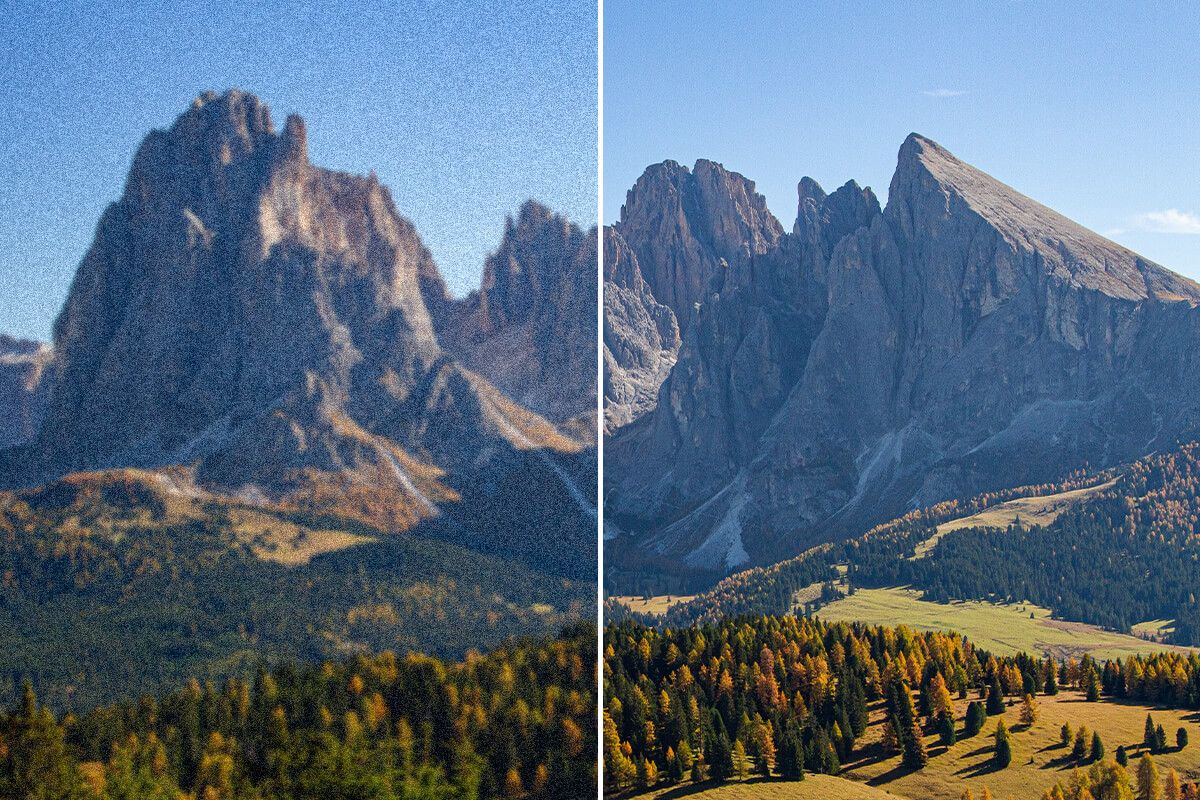
Mountain landscape split showing heavy grain on the left and a clean sharp view of the peaks on the right

With Pixelcut you can remove noise from images completely free. This means anyone on a budget or trying our new tools can easily take a noisy photo and make it clear. Students and small business owners looking for a free and quick solution can quickly clean up images for projects or product listings instantly. Plus, enjoy truly free downloads with no watermark Upload your image to try it now for free.

100% free image noise reduction

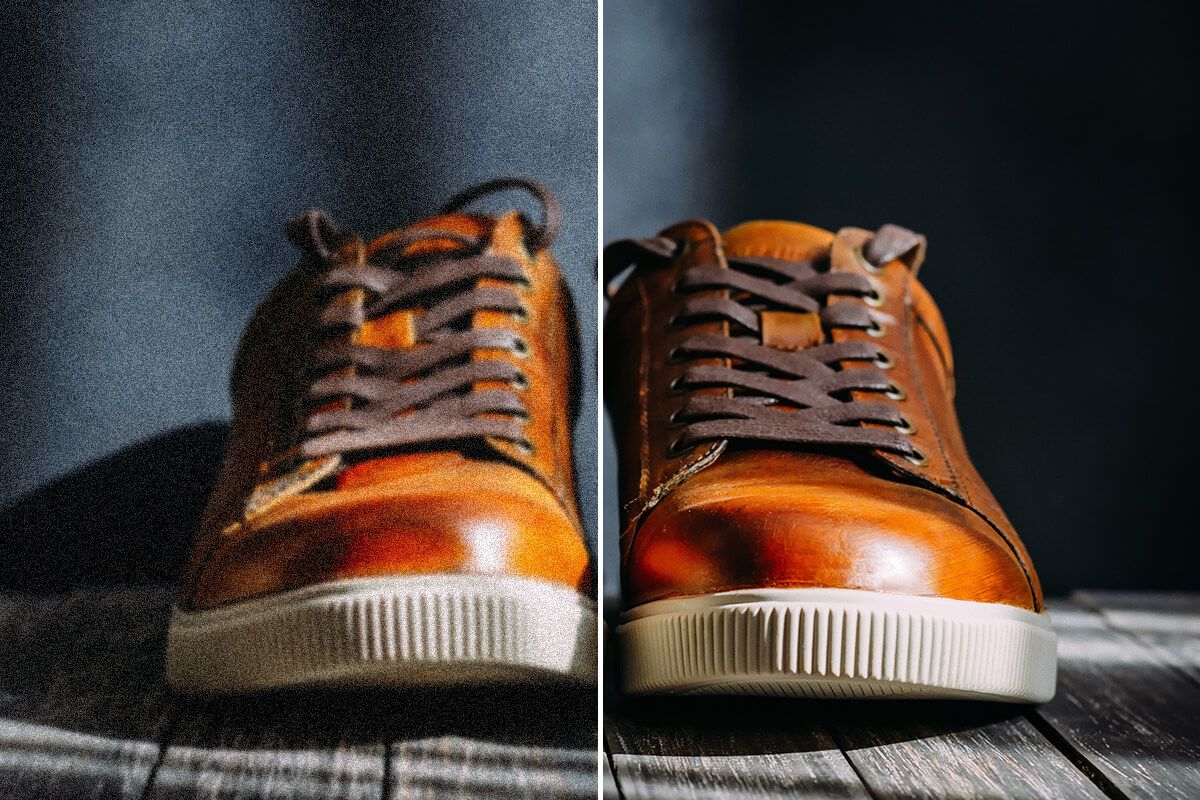
Tan leather sneaker split showing dark noisy version beside a clean detailed denoised version

Pixelcut offers powerful image noise reduction and AI upscaling, accessible on any device you have. The tool works seamlessly on desktop, tablet, or mobile, so you can improve your images whether you’re at the office or on the go. Perfect for graphic designers and eCommerce sellers who want the freedom to denoise photos anywhere – in the studio or right from a phone at a photoshoot. No software installs are needed to get professional-quality results. Try Pixelcut’s AI noise reduction on any device!

Remove grain from photos anywhere

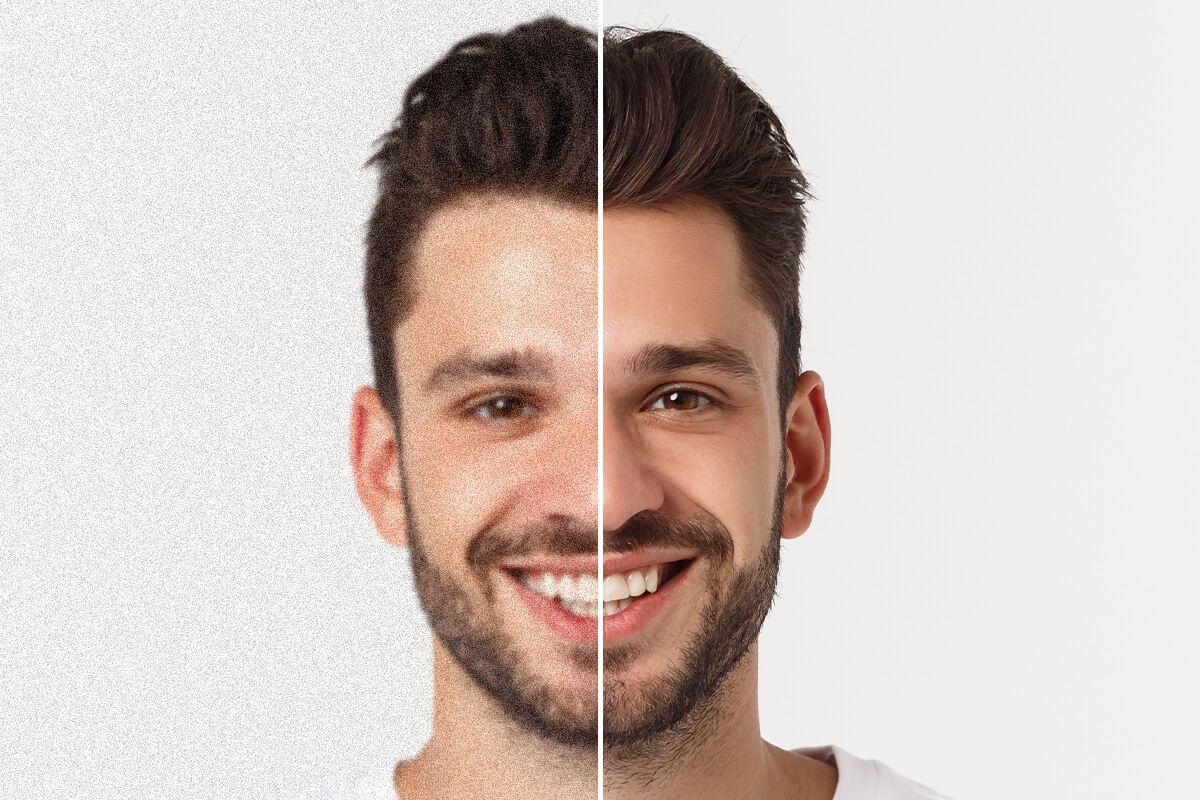
Man's smiling portrait split to compare grainy noisy skin with smooth denoised skin

창작자들이 신뢰하는

Adidas logo
Airbnb logo
Apple logo
H&M logo
Google logo
Gucci logo
Nike logo
Sephora logo

자주 묻는 질문

Pixelcut은 2백만 명이 넘는 사람들에게 사랑받고 있습니다.

  • 내가 가장 좋아하는 앱

    훌륭한 앱, 사용하기 쉽습니다. 소규모 기업이 시간과 비용을 절약하여 다양한 마케팅 자료를 전문적으로 만들 수 있도록 도와줍니다. 감사합니다.
    셰린 D.
  • 최고의 배경 제거기

    저는 제 작업을 위해 좋은 배경 제거기가 필요하고, 모든 것을 사용해본 것 같습니다. 이 제품이 지금까지 사용해본 것 중 가장 좋습니다. 사용하기 너무 쉽고 결과는 항상 놀랍습니다. 감사합니다 Pixelcut!
    키라 H.
  • 그것을 좋아한다

    놀랍도록 쉬우며 가방과 액세서리에 완벽한 결과를 제공합니다. 전문 사진작가가 찍은 것 같네요.
    메리 J.