Ứng dụng yêu thích của tôi
Ứng dụng tuyệt vời, dễ sử dụng. Giúp doanh nghiệp nhỏ của chúng tôi tiết kiệm thời gian và tiền bạc để tạo ra các tài liệu tiếp thị chuyên nghiệp. Cảm ơn bạn.
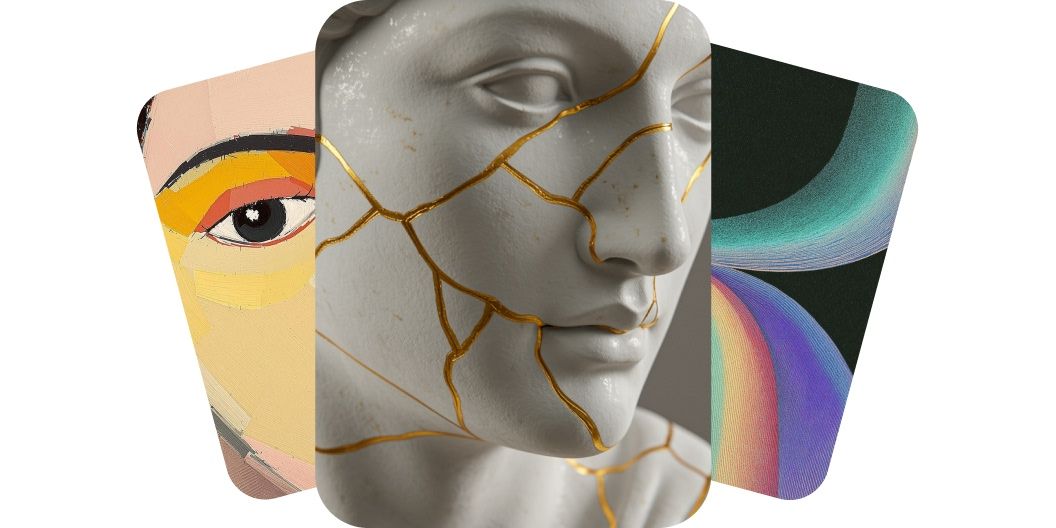
Vẽ tranh bằng AI chỉ từ văn bản và nhận về tác phẩm chất lượng cao. Tạo ngay những hình ảnh nguyên bản, dùng được cho mục đích thương mại, với nhiều mô hình AI khác nhau.
Công cụ vẽ tranh AI của chúng tôi biến câu chữ thành hình ảnh đẹp. Tạo ngay tác phẩm chất lượng cao cho mọi dự án chỉ bằng những prompt văn bản đơn giản. Dù bạn là người làm nghệ thuật đang tìm cảm hứng hay dân marketing cần đồ họa bắt mắt, công cụ vẽ tranh AI miễn phí của chúng tôi đều lo được. Chỉ cần gõ ra ý tưởng của bạn và để AI làm phần thiết kế. Tiết kiệm thời gian và bắt đầu tạo tranh từ chính câu chữ của mình ngay lập tức. Thử ngay và xem câu chữ của bạn vẽ nên một bức tranh!
Tạo tranh AI độ phân giải cao ngay trên điện thoại, máy tính bảng hay máy tính của bạn. Bạn có thể vào công cụ tạo tranh AI của chúng tôi qua app Pixelcut hoặc thẳng từ bất kỳ trình duyệt nào trên máy tính lẫn di động. Tạo ảnh chất lượng cao chỉ trong vài giây, không cần tải về những phần mềm thiết kế đồ họa đắt tiền. Công cụ vẽ tranh AI của chúng tôi cho ra tác phẩm sắc nét, giàu chi tiết mà bạn tải xuống và dùng được ngay, ở bất cứ đâu cảm hứng ập đến. Bắt đầu bằng cách mô tả ý tưởng của bạn trong ô prompt!
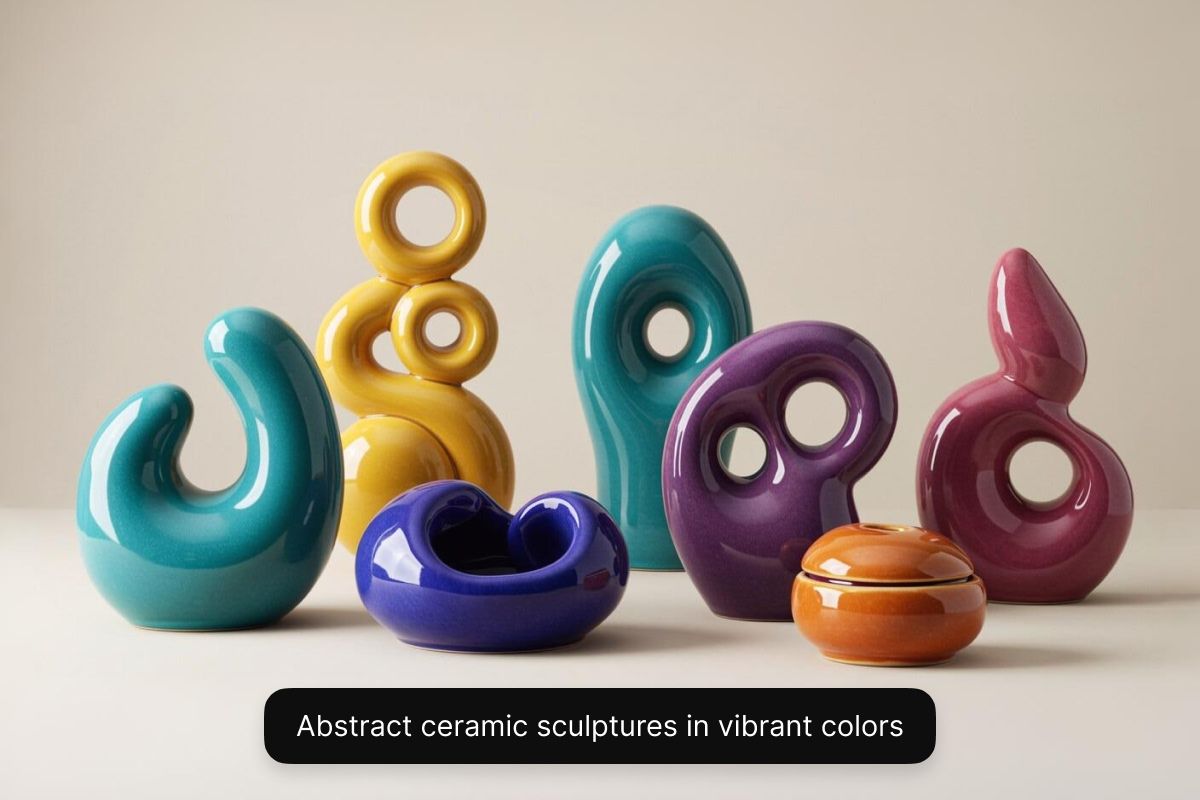
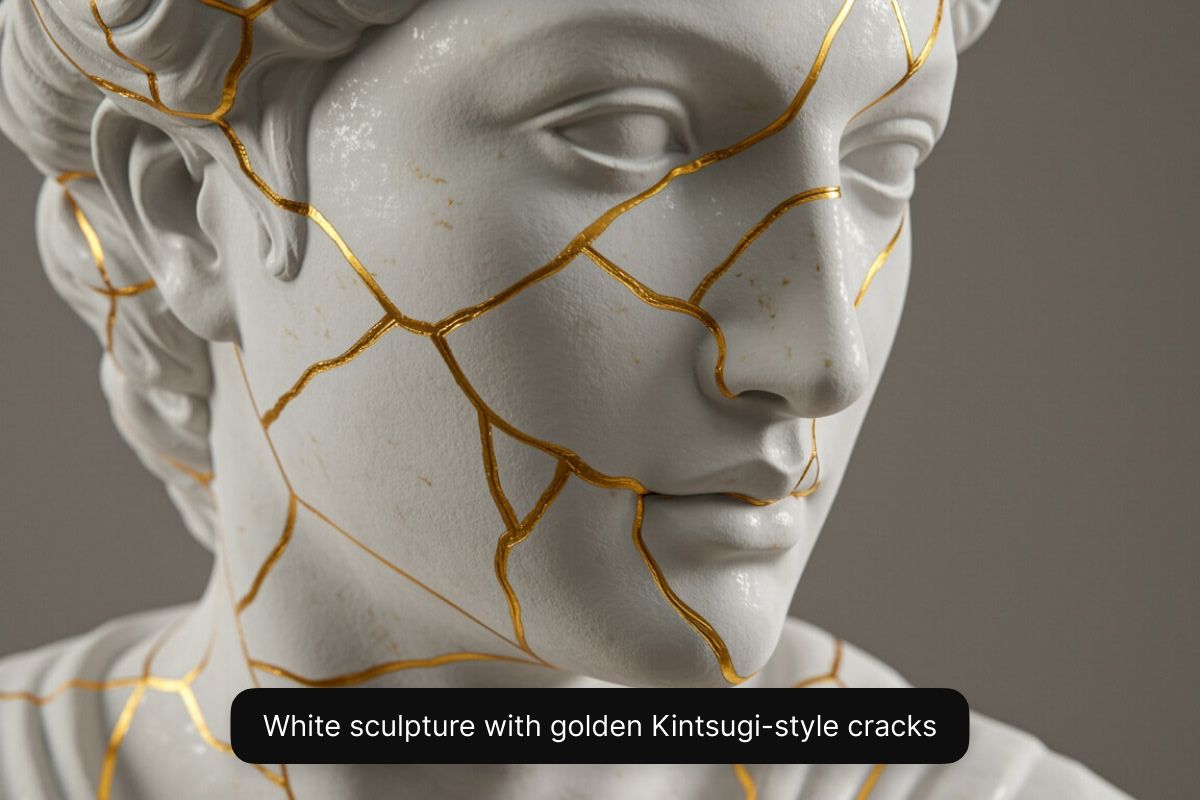
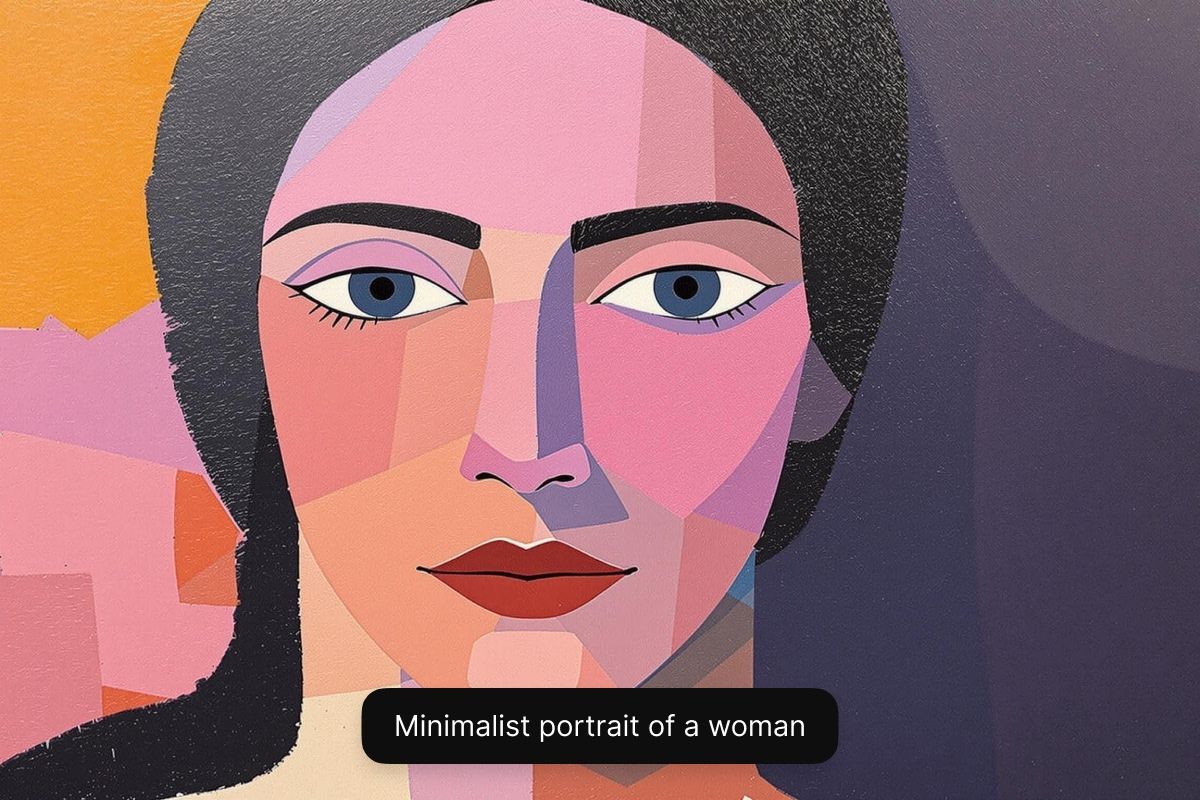
Mỗi người có một hình dung nghệ thuật riêng. Với Pixelcut, bạn có thể thử nhiều phong cách khác nhau qua nhiều mô hình AI. Khi dùng gói Pixelcut Pro, bạn sẽ chọn được trong cả một dàn mô hình AI, gồm Flux của Black Forest Labs, Imagen 3 của Google, GPT Image của OpenAI, Ideogram và nhiều mô hình khác. Mỗi mô hình mang một vẻ riêng, cho bạn sự thoải mái để thử nghiệm nhiều phong cách ở cùng một chỗ. Bạn muốn một bức sơn dầu, một tác phẩm trừu tượng siêu thực, hay một bản dựng 3D chân thực cho game? Bạn nắm toàn quyền thử nghiệm và chọn ra phong cách mình muốn. Kết quả là tác phẩm đúng theo nhu cầu của bạn. Nếu muốn tạo ảnh miễn phí, hãy chọn mô hình Flux Dev.
Với công cụ vẽ tranh AI của Pixelcut, bạn có thể dùng những hình ảnh mình tạo ra cho mục đích thương mại. Mỗi tác phẩm bạn làm ra đều không có watermark và đi kèm giấy phép miễn bản quyền, cho phép bạn tự tin dùng chúng trong mọi bối cảnh kinh doanh, từ chiến dịch marketing cho tới tranh minh họa truyện tranh. Nhờ vậy ảnh của bạn không chỉ có chất lượng cao mà còn đúng luật, để bạn yên tâm khi xây dựng thương hiệu hay phát triển dự án của mình. Bắt đầu cùng Pixelcut và cứ thoải mái sáng tạo.
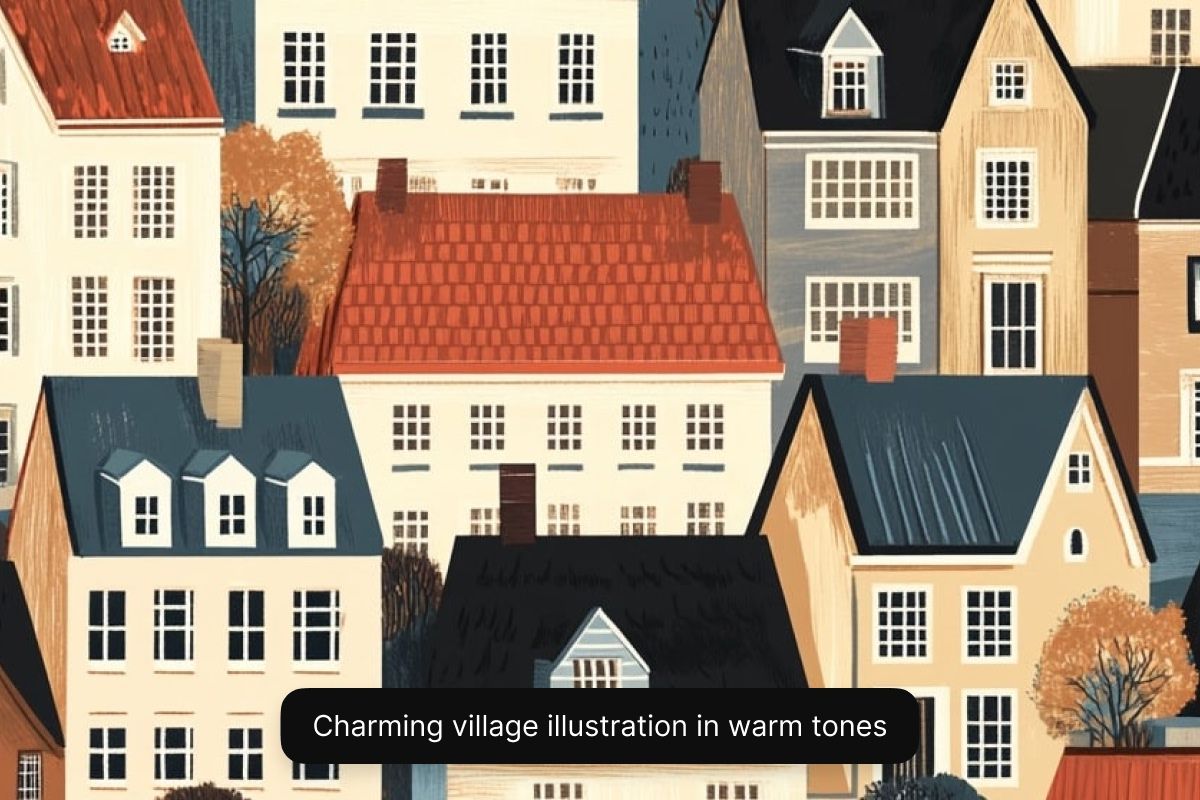
Người làm game và họa sĩ minh họa: Tạo nhanh tranh ý tưởng, nhân vật, bối cảnh và thiết kế bìa. Pixelcut giúp họa sĩ và lập trình viên đưa ý tưởng thành hình chỉ trong vài giây. Rất hợp để phác thảo thế giới game, truyện tranh hay tranh minh họa sách thiếu nhi.
Chủ doanh nghiệp bận rộn: Tạo ảnh bìa riêng, lịch, hay tranh cho các sản phẩm in theo yêu cầu chỉ trong vài phút. Công cụ vẽ tranh AI của Pixelcut giúp người kinh doanh biến ý tưởng thành tài nguyên chuyên nghiệp trong vài phút.
Người làm nội dung số: Làm thumbnail YouTube bắt mắt, bài đăng Instagram, ảnh bìa cho podcast, hay nền cho video. Pixelcut giữ cho mạch sáng tạo của bạn chạy đều bằng những hình ảnh nhanh, làm bằng AI, hợp với mọi nền tảng mạng xã hội.
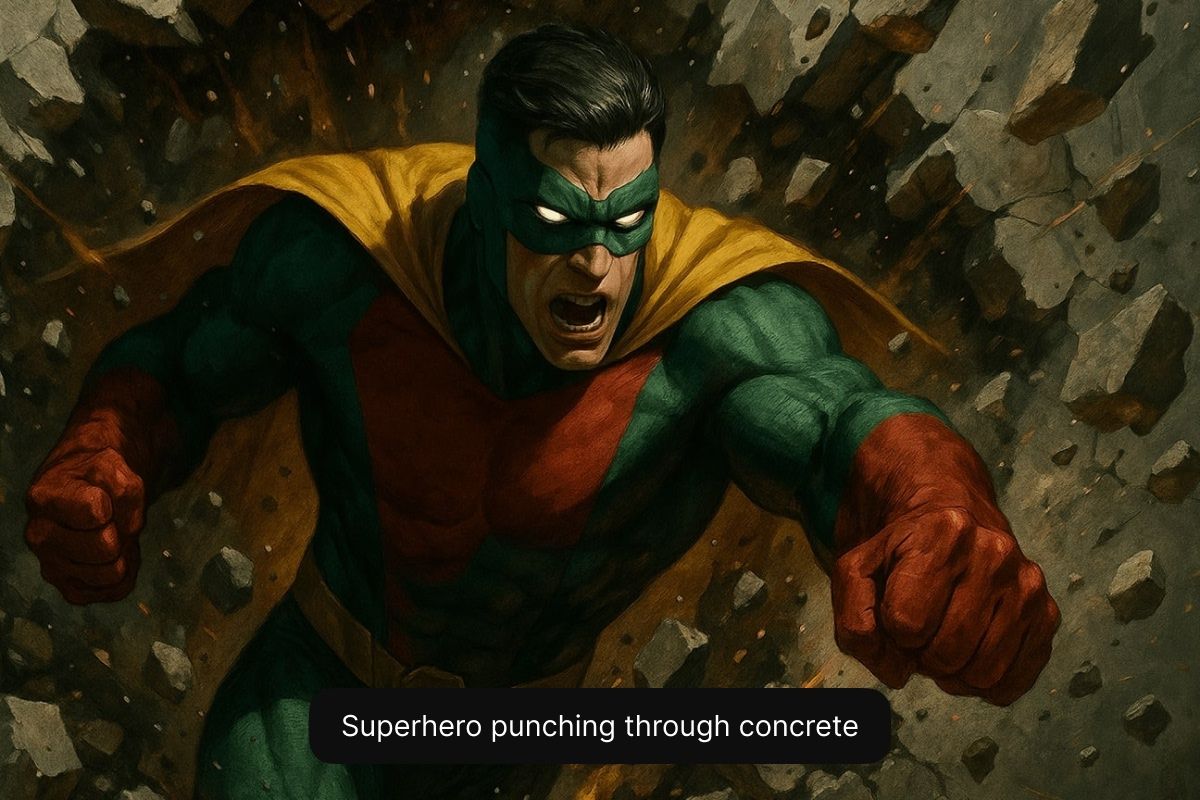
Làm theo những mẹo này, bạn sẽ giúp AI hiểu đúng hình dung của mình và cho ra tác phẩm khớp với những gì bạn đã tưởng tượng.
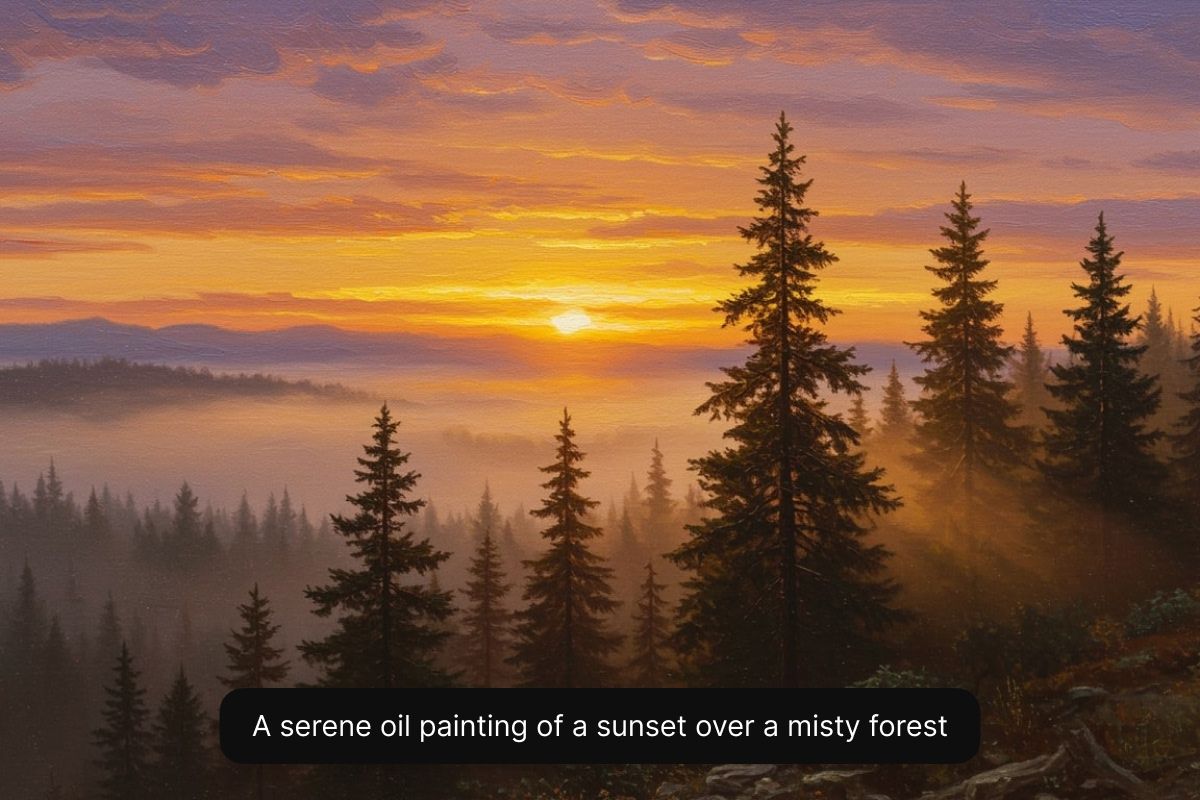
Bắt đầu bằng cách gõ ra một mô tả thật chi tiết về bức tranh bạn muốn tạo. Nêu rõ chủ thể, phong cách và mọi chi tiết khác mà bạn hình dung. Bạn càng nói cụ thể thì kết quả càng tốt.
Chọn một mô hình AI trong danh sách thả xuống. Nếu muốn vẽ tranh AI miễn phí, hãy chọn Flux Dev. Người dùng Pixelcut Pro có thể thử bất kỳ mô hình nào mình thích.
AI của chúng tôi sẽ lập tức tạo ra nhiều phiên bản tác phẩm khác nhau ở độ phân giải cao từ chính mô tả của bạn. Chọn một mô hình khác hoặc viết lại prompt nếu bạn muốn thử thêm những hướng khác.
Tác phẩm của bạn đã sẵn sàng để tải về! Chia sẻ nó lên mạng xã hội, dùng cho chiến dịch marketing, hoặc đưa vào một storyboard. Tranh AI của bạn dùng được cho thương mại!
Bắt đầu sáng tạo miễn phí. Nâng cấp để nhận thêm tín dụng và tính năng.



Được tin cậy bởi những người sáng tạo tại











Ứng dụng tuyệt vời, dễ sử dụng. Giúp doanh nghiệp nhỏ của chúng tôi tiết kiệm thời gian và tiền bạc để tạo ra các tài liệu tiếp thị chuyên nghiệp. Cảm ơn bạn.
Tôi cần một công cụ xóa nền tốt cho công việc của mình và tôi đã thử qua tất cả. Cái này là tốt nhất cho đến nay. Nó rất dễ sử dụng và kết quả luôn tuyệt vời. Cảm ơn Pixelcut!
Nó cực kỳ dễ dàng và mang lại kết quả hoàn hảo cho túi xách và phụ kiện của tôi. Nó trông như thể được thực hiện bởi một nhiếp ảnh gia chuyên nghiệp.