Ứng dụng yêu thích của tôi
Ứng dụng tuyệt vời, dễ sử dụng. Giúp doanh nghiệp nhỏ của chúng tôi tiết kiệm thời gian và tiền bạc để tạo ra các tài liệu tiếp thị chuyên nghiệp. Cảm ơn bạn.
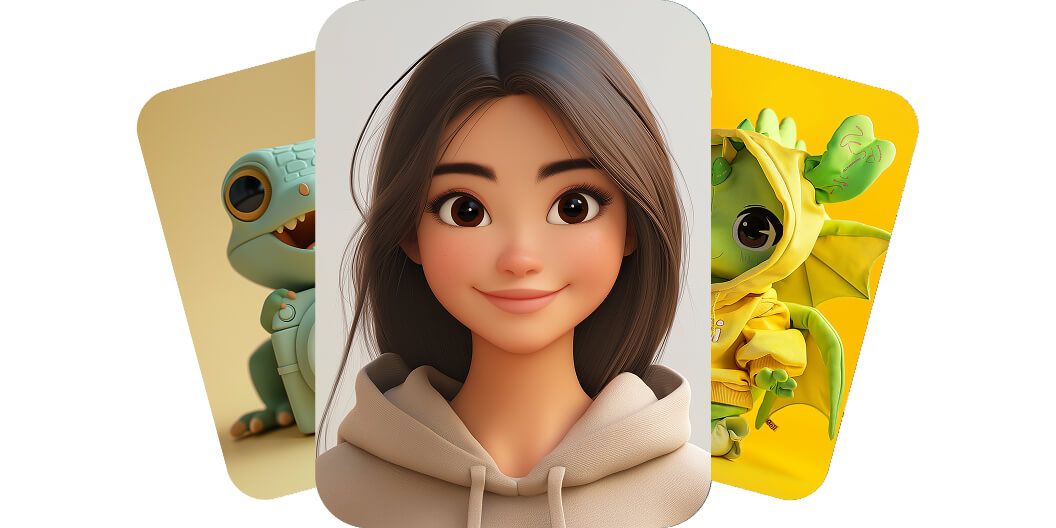
Công cụ tạo nhân vật bằng AI của Pixelcut biến mọi ý tưởng thành ảnh nhân vật ấn tượng trong vài giây, chỉ với một prompt văn bản đơn giản. Thử miễn phí!
Công cụ tạo nhân vật AI của Pixelcut cho phép mọi người dựng một nhân vật riêng chỉ trong vài giây, không cần kỹ năng thiết kế. Công cụ này biến mô tả bạn viết ra thành tác phẩm rất nhanh, nên bạn không phải thuê họa sĩ minh họa tốn kém hay ngồi lâu với phần mềm thiết kế. Ngay cả một người làm marketing bận rộn hay một cây viết không có nền tảng hội họa cũng lập tức hình dung được nhân vật mới cho dự án của mình, chỉ bằng cách gõ ý tưởng ra. Thỏa sức sáng tạo và xem nhân vật hiện ra từ hư không. Thử miễn phí và tự mình cảm nhận điều kỳ diệu đó!
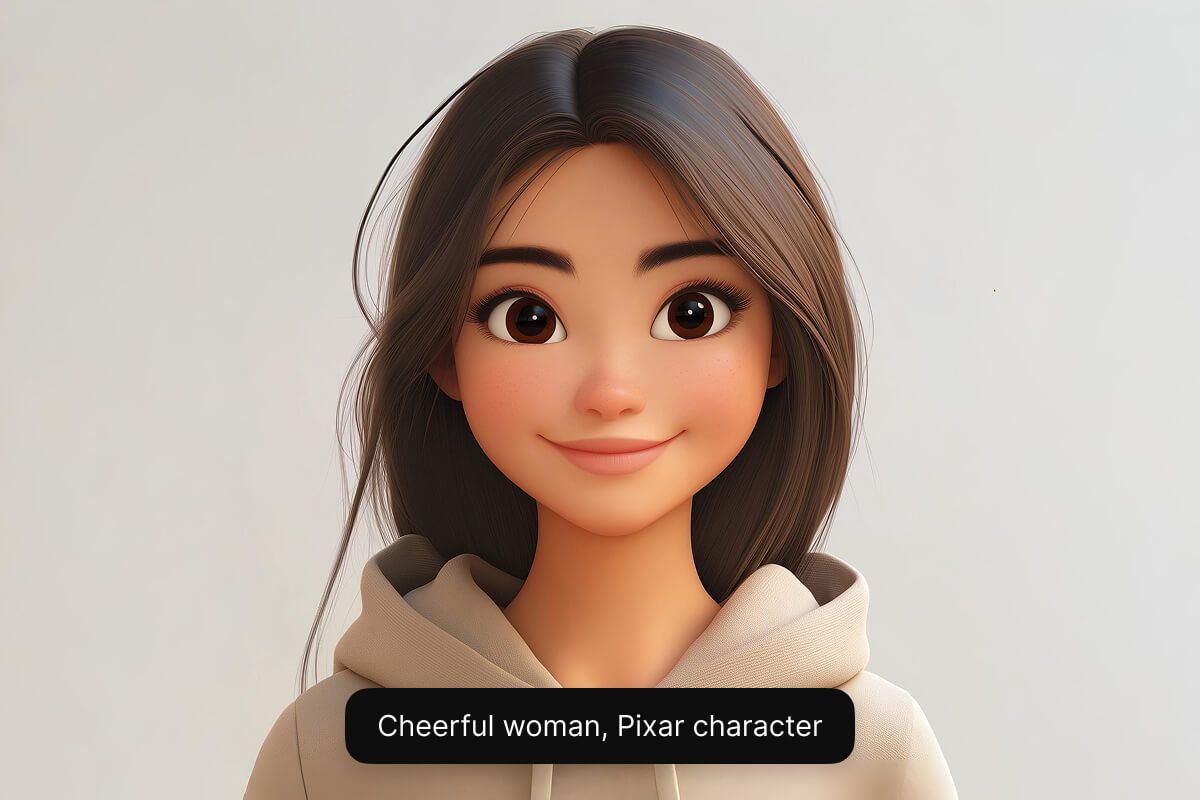
Tạo nhân vật theo bất kỳ phong cách nào bạn muốn bằng các mô hình AI của Pixelcut. Từ một linh vật hoạt hình dễ thương cho tới một anh hùng giả tưởng trông như thật, AI đều dựng được. Công cụ có sẵn nhiều mô hình AI khác nhau (gồm cả Google Imagen 3 và Flux) để bạn có đúng vẻ ngoài và chất lượng mà mình cần. Sự linh hoạt đó giúp họa sĩ minh họa thử nghiệm nhiều phong cách khác nhau và giúp người thiết kế game đưa các nhân vật độc nhất thành hình. Thử miễn phí và thỏa sức sáng tạo qua mọi phong cách.
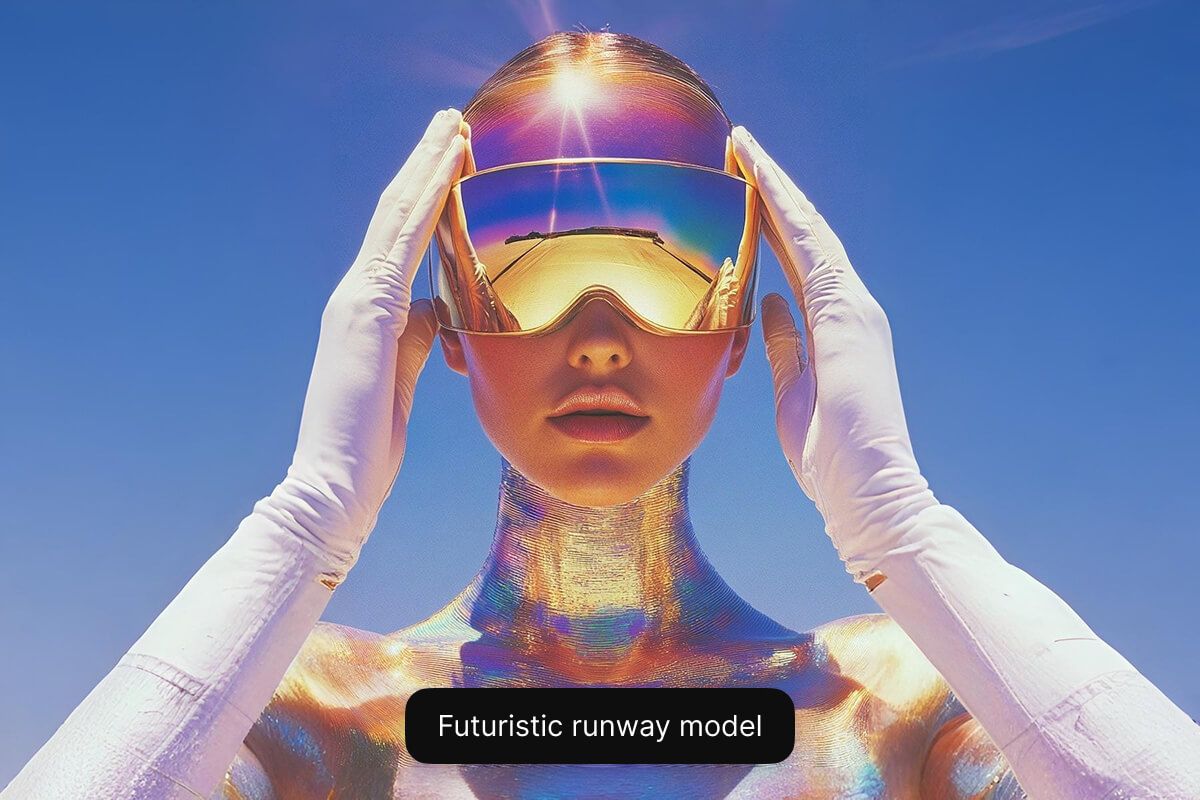
Công cụ tạo nhân vật hoạt hình AI miễn phí của chúng tôi chạy ngay trên trình duyệt web, nên bạn không phải tải hay cài đặt gì cả. Ai cũng có thể dựng nhân vật hoạt hình hoặc phong cách anime chỉ trong vài giây bằng một prompt văn bản đơn giản. Game thủ đưa được nhân vật giả tưởng thành hình, còn các doanh nghiệp nhỏ thì tạo được linh vật hay avatar, tất cả đều miễn phí. Bắt đầu ngay miễn phí và cho nhân vật của bạn thành hình!
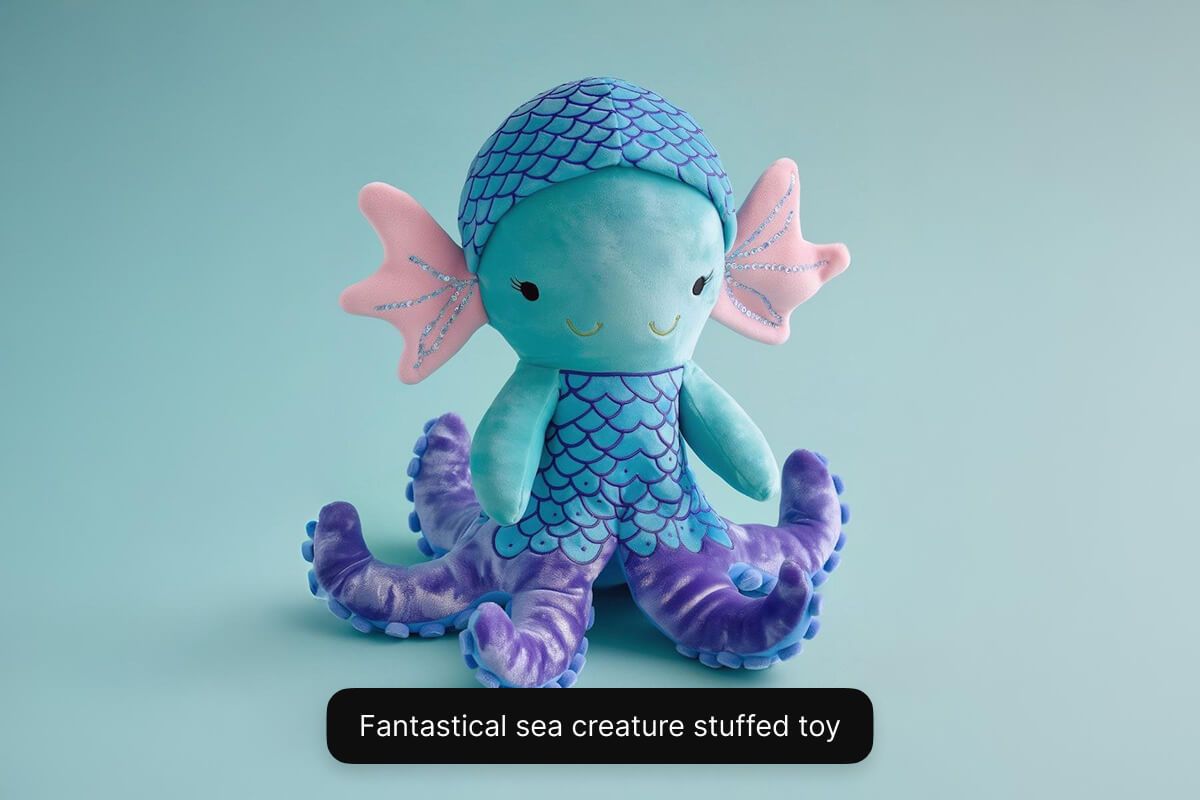
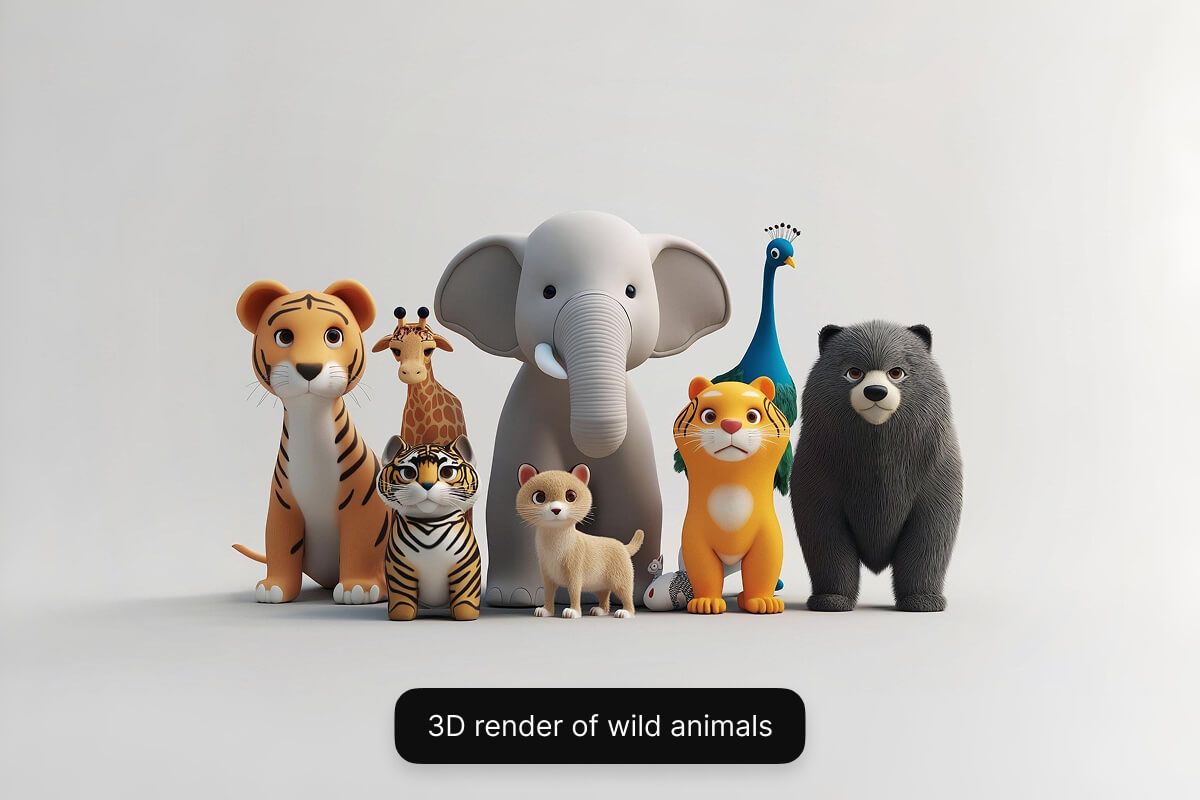
Nhập một mô tả ngắn bằng chữ về nhân vật mà bạn muốn tạo. Nêu rõ những chi tiết chính về ngoại hình, tính cách, trang phục và khung cảnh xung quanh.
Chọn một trong các mô hình mà chúng tôi hỗ trợ, gồm Flux Dev, Flux Pro, Flux Ultra và Ideogram. Nhờ vậy bạn có thể thử nghiệm và xem mô hình nào hợp với nhu cầu của mình nhất.
Chỉ trong vài giây, AI của Pixelcut sẽ dựng ra một ảnh nhân vật độc nhất dựa trên mô tả của bạn. AI đọc hiểu prompt và lập tức hình dung ra nhân vật đó cho bạn.
Khi đã ưng ý với kết quả, hãy tải ảnh nhân vật về máy. Ảnh sẵn sàng để dùng trong game, truyện, chiến dịch marketing hay bất kỳ dự án nào khác.
Bắt đầu sáng tạo miễn phí. Nâng cấp để nhận thêm tín dụng và tính năng.














Ứng dụng tuyệt vời, dễ sử dụng. Giúp doanh nghiệp nhỏ của chúng tôi tiết kiệm thời gian và tiền bạc để tạo ra các tài liệu tiếp thị chuyên nghiệp. Cảm ơn bạn.
Tôi cần một công cụ xóa nền tốt cho công việc của mình và tôi đã thử qua tất cả. Cái này là tốt nhất cho đến nay. Nó rất dễ sử dụng và kết quả luôn tuyệt vời. Cảm ơn Pixelcut!
Nó cực kỳ dễ dàng và mang lại kết quả hoàn hảo cho túi xách và phụ kiện của tôi. Nó trông như thể được thực hiện bởi một nhiếp ảnh gia chuyên nghiệp.