Ứng dụng yêu thích của tôi
Ứng dụng tuyệt vời, dễ sử dụng. Giúp doanh nghiệp nhỏ của chúng tôi tiết kiệm thời gian và tiền bạc để tạo ra các tài liệu tiếp thị chuyên nghiệp. Cảm ơn bạn.

Công cụ xóa nền PNG miễn phí của chúng tôi giúp bất kỳ ai cũng có thể xóa hoặc đổi nền của một tấm ảnh ngay online. Tải một file PNG lên và nền sẽ tự động biến mất chỉ trong vài giây!
Nhấn Xóa nền để tải một file PNG lên. Trên máy tính, bạn còn có thể kéo và thả file vào bất kỳ chỗ nào trên màn hình. Hãy chọn tấm ảnh mà chủ thể có đường viền thật rõ ràng.
Pixelcut sẽ tự động xóa phần nền ra khỏi tấm ảnh của bạn. Khi nền đã biến mất, bạn có thể tinh chỉnh lại ảnh tách nền hoặc thêm vào một nền hoàn toàn mới!
Tải tấm ảnh mới của bạn về dưới dạng file PNG với nền trong suốt. Bạn có thể chỉnh sửa tiếp trong Pixelcut cho tới khi sẵn sàng chia sẻ tác phẩm của mình lên mạng!
Với công cụ xóa nền PNG chạy bằng AI của Pixelcut, việc chỉnh ảnh trở nên rất nhẹ nhàng. Công cụ được thiết kế để tự động gỡ nền khỏi ảnh PNG, cho ra kết quả sạch sẽ và chính xác trong mọi lần chạy mà không làm giảm chất lượng. Và hơn hết, nó hoàn toàn miễn phí, tức là bạn nhận về kết quả ở mức chuyên nghiệp mà không tốn đồng nào, cũng không có watermark. Rất hợp cho thương mại điện tử, marketing số và làm nội dung mạng xã hội, công cụ tách nền của chúng tôi tiết kiệm thời gian và làm cho quy trình sáng tạo của bạn đơn giản hơn hẳn. Cứ thử một lần và xem còn bao nhiêu thứ có thể làm với công cụ tách nền ảnh PNG miễn phí, dễ dùng của Pixelcut.

Xóa nền trắng khỏi ảnh PNG rất nhẹ nhàng với công cụ chạy bằng AI của Pixelcut, được thiết kế để giải quyết thẳng các bài toán thiết kế. Công cụ của chúng tôi không chỉ gỡ nền trắng mà còn loại bỏ được cả nền đen, để hình ảnh của bạn hòa vào bất kỳ dự án nào một cách tự nhiên. Rất hợp khi bạn muốn dùng lại logo, ghép các thiết kế chồng lớp, hay đưa ảnh sản phẩm vào một bố cục mới hoặc đặt trên một nền mới. Pixelcut giúp nhà thiết kế và người làm marketing kể câu chuyện bằng hình ảnh rõ ràng hơn và mang lại trải nghiệm tốt hơn trên khắp các nền tảng số. Còn nếu bạn muốn làm việc nhanh hơn nữa, bạn có thể xóa nền cho cả loạt ảnh bằng tính năng xử lý hàng loạt của công cụ xóa nền khi đăng ký Pixelcut Pro!
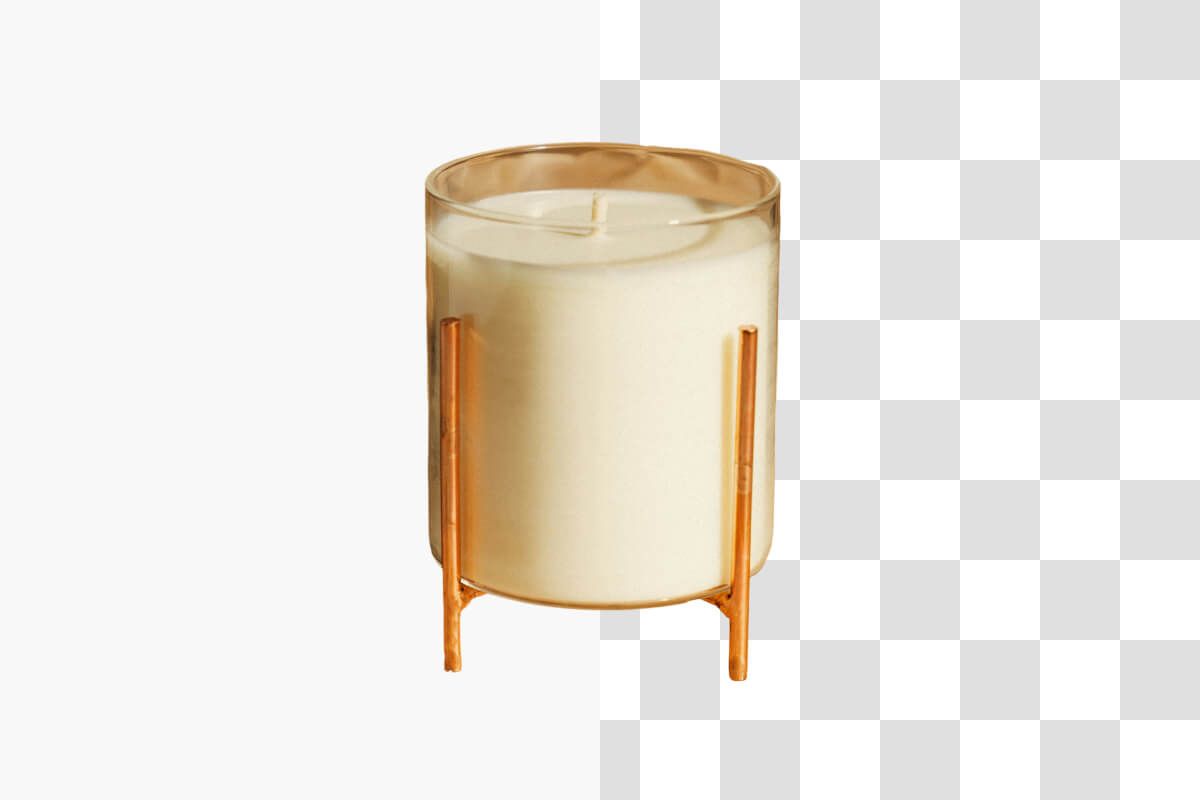
Chuyển ảnh sang PNG không nền rất nhẹ nhàng với công cụ miễn phí của Pixelcut, giúp bạn tách nền ngay online mà vẫn giữ đồ họa chất lượng cao, không hao hụt dữ liệu. Công cụ của chúng tôi cho ra độ trong suốt sạch sẽ và cho phép chồng lớp gọn gàng với những thiết kế đòi hỏi từng chi tiết nhỏ, nên rất hợp với logo chuyên nghiệp, tranh kỹ thuật số và hình ảnh thương mại điện tử. Không để lại vết thừa nào, mỗi lần tải xuống đều giữ được độ nét và độ chính xác mà quy trình sáng tạo của bạn cần. Khi nền đã được gỡ đi, bạn còn có thể chỉnh ảnh tách nền về đúng kích thước mình cần. Cứ thoải mái tải về những tấm ảnh PNG sạch sẽ và nâng chất lượng dự án của bạn bằng một công cụ dành cho những người thiết kế khó tính.
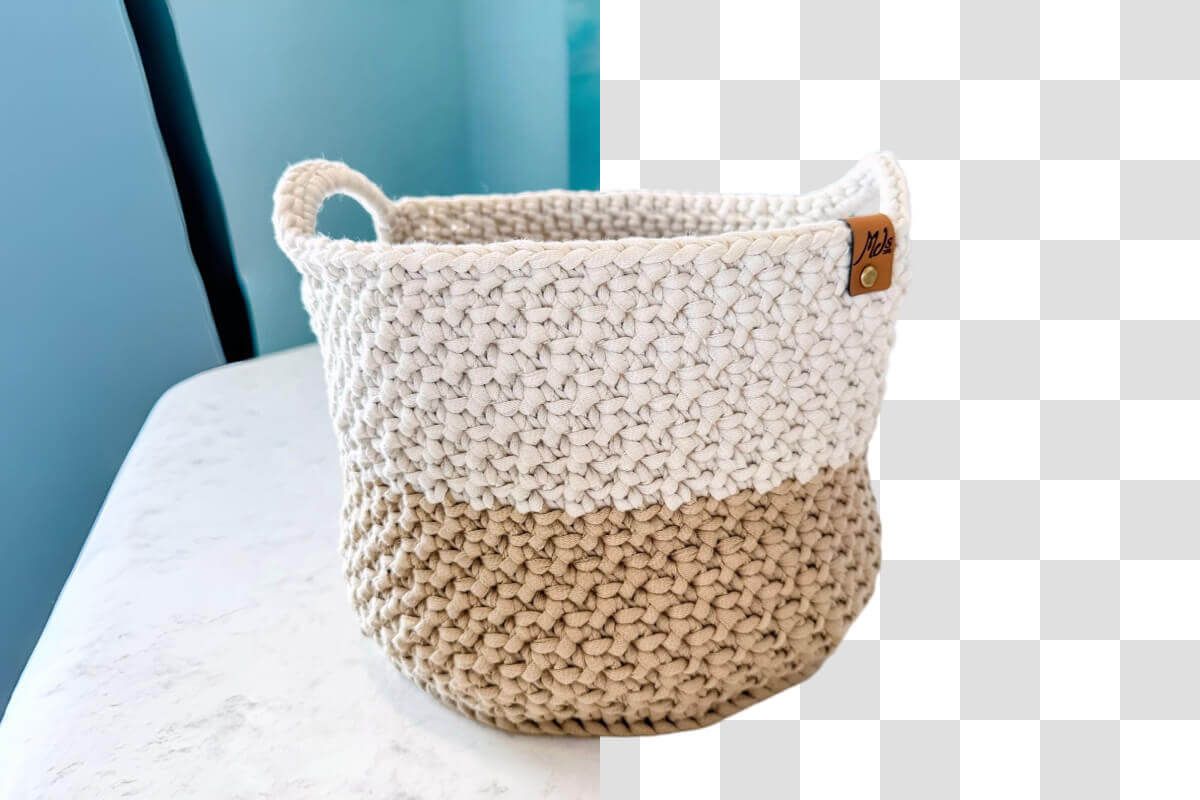
Đổi màu nền của một ảnh PNG rất nhẹ nhàng và nhanh chóng với Pixelcut. Khi đã gỡ nền của file PNG, công cụ online của chúng tôi cho phép bạn nhanh chóng đổi nền sang một màu trơn hoặc phủ lên một tấm ảnh riêng cho có chút sáng tạo. Nền tảng online miễn phí của chúng tôi được thiết kế cho việc chỉnh sửa thật gọn, giúp nhà thiết kế đổi nền của ảnh PNG chỉ trong vài giây, cho ra đồ họa nhiều lớp rực rỡ và chất lượng cao, rất hợp cho làm thương hiệu, tranh kỹ thuật số và hình ảnh thương mại điện tử. Bạn sẽ thấy việc tùy biến nhẹ nhàng ra sao và kết quả chuyên nghiệp thế nào với công cụ tách nền ảnh PNG của chúng tôi, không một vết thừa và bạn nắm toàn quyền sáng tạo.
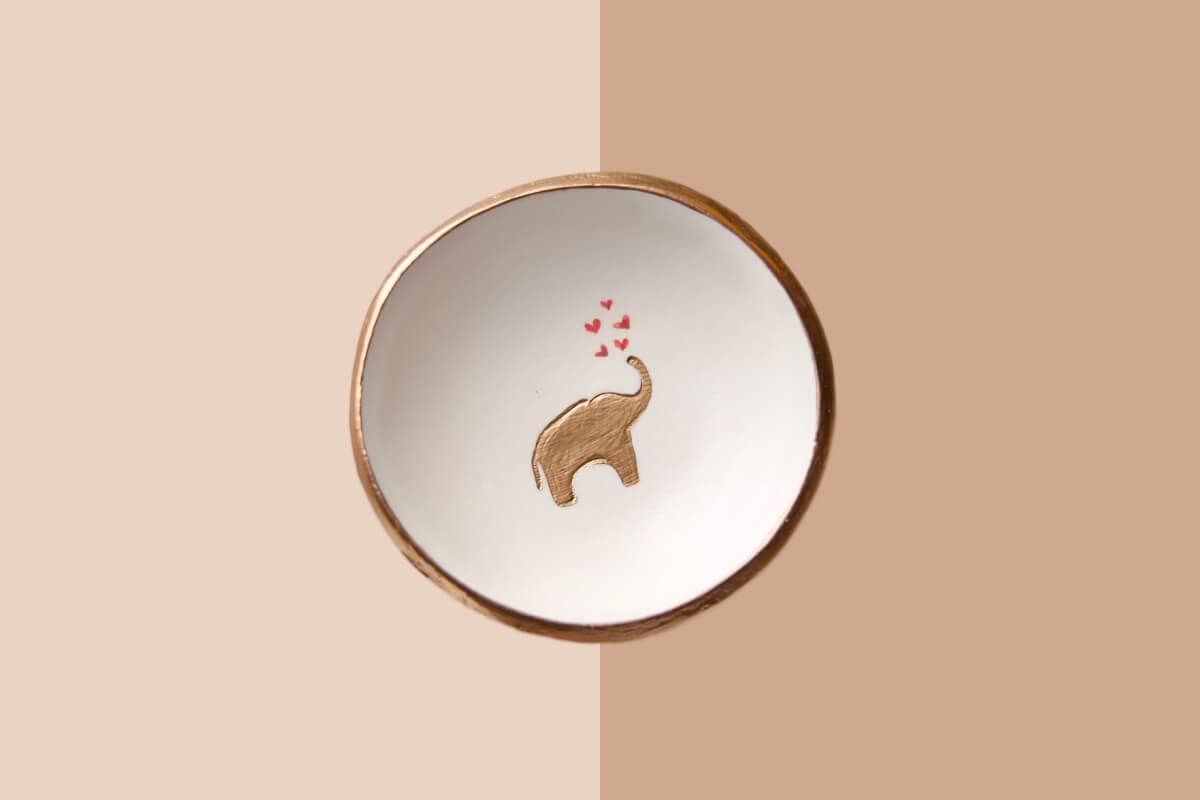











Ứng dụng tuyệt vời, dễ sử dụng. Giúp doanh nghiệp nhỏ của chúng tôi tiết kiệm thời gian và tiền bạc để tạo ra các tài liệu tiếp thị chuyên nghiệp. Cảm ơn bạn.
Tôi cần một công cụ xóa nền tốt cho công việc của mình và tôi đã thử qua tất cả. Cái này là tốt nhất cho đến nay. Nó rất dễ sử dụng và kết quả luôn tuyệt vời. Cảm ơn Pixelcut!
Nó cực kỳ dễ dàng và mang lại kết quả hoàn hảo cho túi xách và phụ kiện của tôi. Nó trông như thể được thực hiện bởi một nhiếp ảnh gia chuyên nghiệp.