Pixelcut
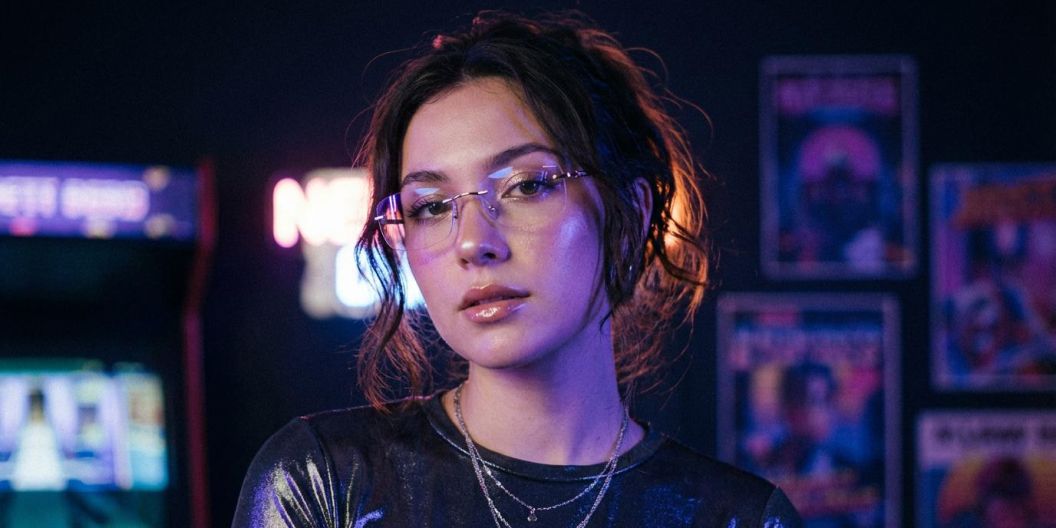
Woman in rimless glasses and a metallic top in a neon-lit arcade with vintage posters behind her

FLUX.2 AI Image Generator

7천만 명이 신뢰하는
리뷰 171,800개
개발자 API
iPhoneAndroid에서 사용 가능

FLUX.2 brings powerful image generation and editing into a simple, creator-friendly workflow. Start with a prompt or upload your own photos, then shape your vision with natural language. Generate brand-ready scenes, transform product shots, restyle portraits, adjust colors, add objects, or blend multiple images into something completely new. Whether you’re designing social content, exploring concepts, or building visuals for your brand, FLUX.2 makes it easy to create polished images that feel intentional, modern, and uniquely yours.

Endless Creative Control With FLUX.2

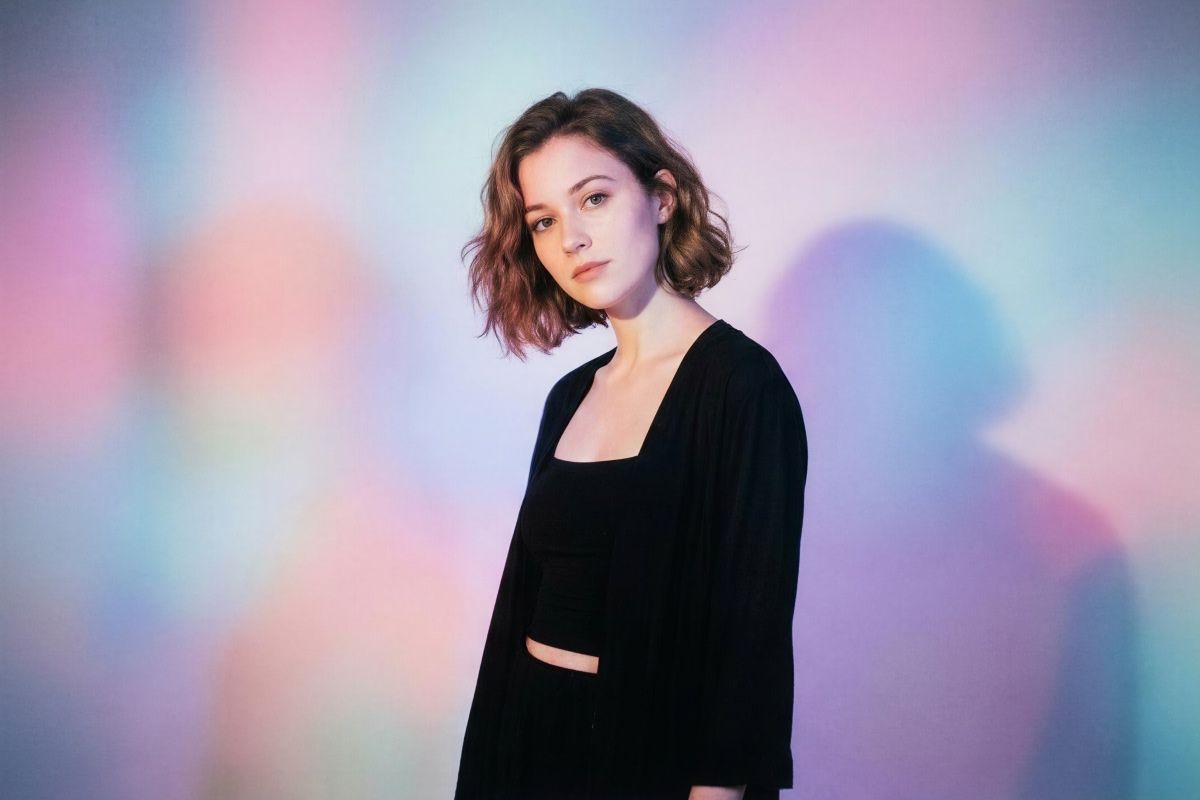
Young woman with wavy bob in a black cardigan against a soft pastel-lit wall

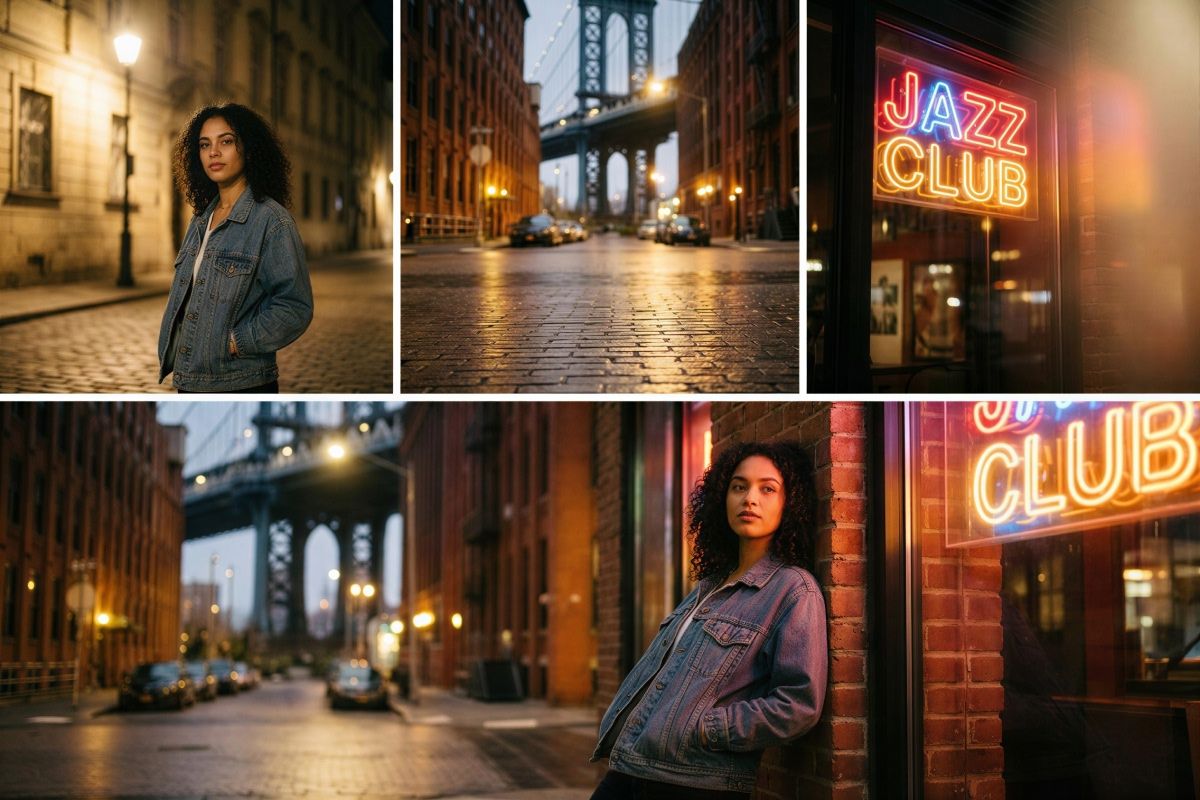
FLUX.2 turns multi-image editing into a simple conversation instead of a timeline full of layers. Upload up to six images, then describe what you want to keep, move, or merge. Take the portrait from one photo, the street setting from another, and the neon lighting from a third, and FLUX.2 blends them into a single, coherent image. Adjust poses, angles, and layout while keeping details consistent for product photos, lifestyle edits, and quick creative experiments.

Create Custom Multi-Layered Visuals With Multi-Image Editing

AI-generated collage of a woman in a denim jacket on cobblestone streets near a jazz club

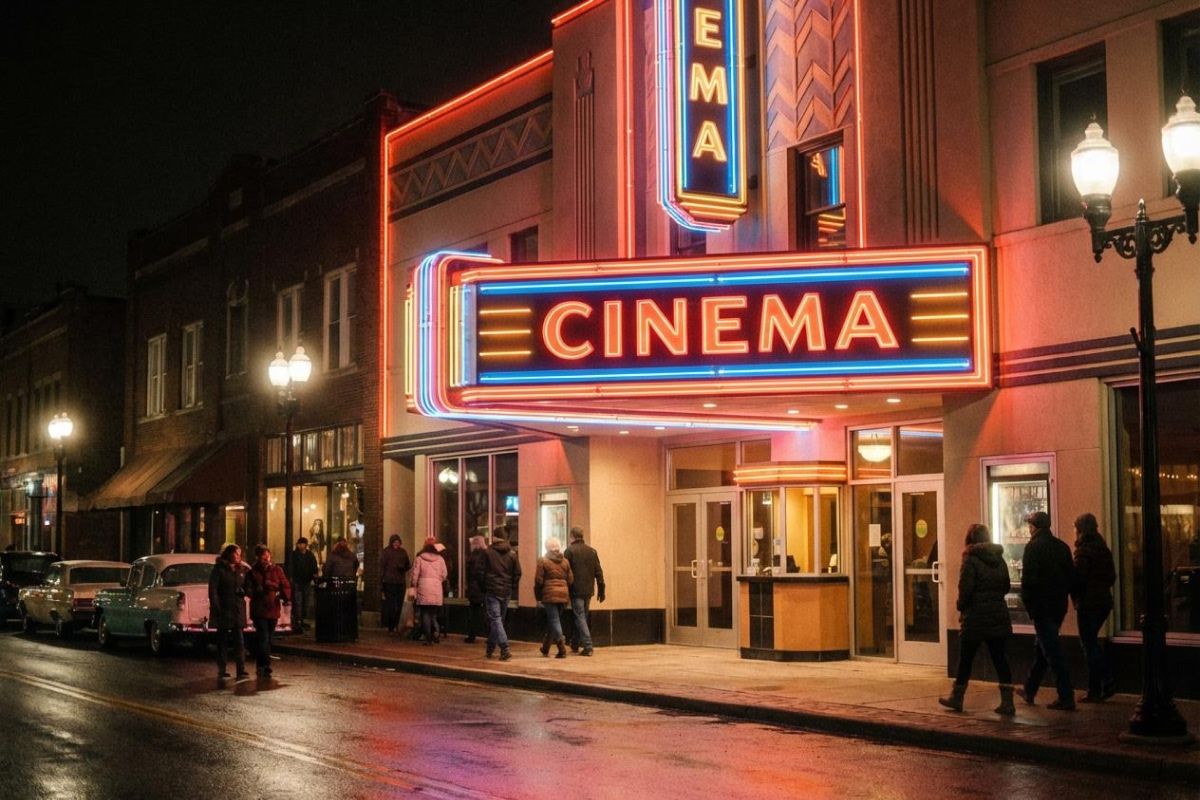
FLUX.2 puts text and style control at the center of your workflow. Put the words you want in “quotes,” describe the font style, weight, and placement in your prompt for crisp, readable typography that looks like it belongs on the final image. Whether you’re creating storefront signage, bold marquee lettering, or infographics, you can shape every detail of the text and overall aesthetic. You also have control over camera or art style. Add stylistic cues such as “35mm” or “neon signage” so every visual matches your vision.

Text and Style Control in Every Image

Vintage cinema with glowing neon marquee as people walk past on a wet evening street

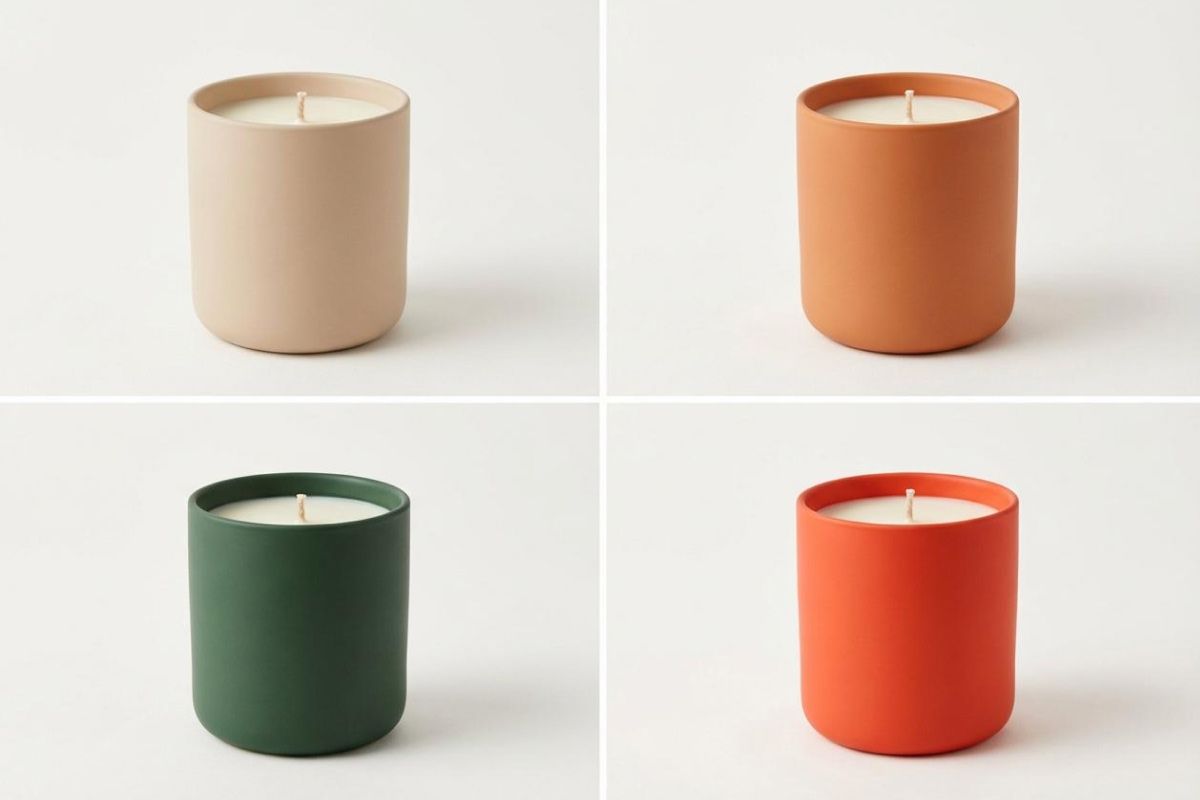
Color control in FLUX.2 is precise yet friendly for non-designers. Change a single object from blue to orange just by saying it, or paste in an exact hex code when brand colors matter. You can even upload a reference image and ask the model to match that palette across new shots. Tweak backgrounds, clothing, product surfaces, and lighting tones so every visual aligns with your design system and looks consistent across social posts, mockups, and presentations.

Color Control Through Reference Images and Hex Matching

Four ceramic candles in beige, terracotta, green and orange on a plain backdrop

Infographics: Create clean charts, labels, icons, and layouts with accurate text placed exactly where you describe it. Ideal for social posts, reports, and presentations.

Product mockups: Generate packaging shots, e-commerce images, or ad ready visuals by combining your product photo with new backgrounds, lighting, and angles.

App mockups: Produce app screens, dashboard concepts, and UI previews using natural language prompts for layout, text placement, and style.

Website mockups: Build hero sections, landing page concepts, and layout variations for fast prototyping or pitch decks.

Concept art: Blend reference images, palettes, and objects into a single visual to explore creative directions quickly.

FLUX.2 Use Cases

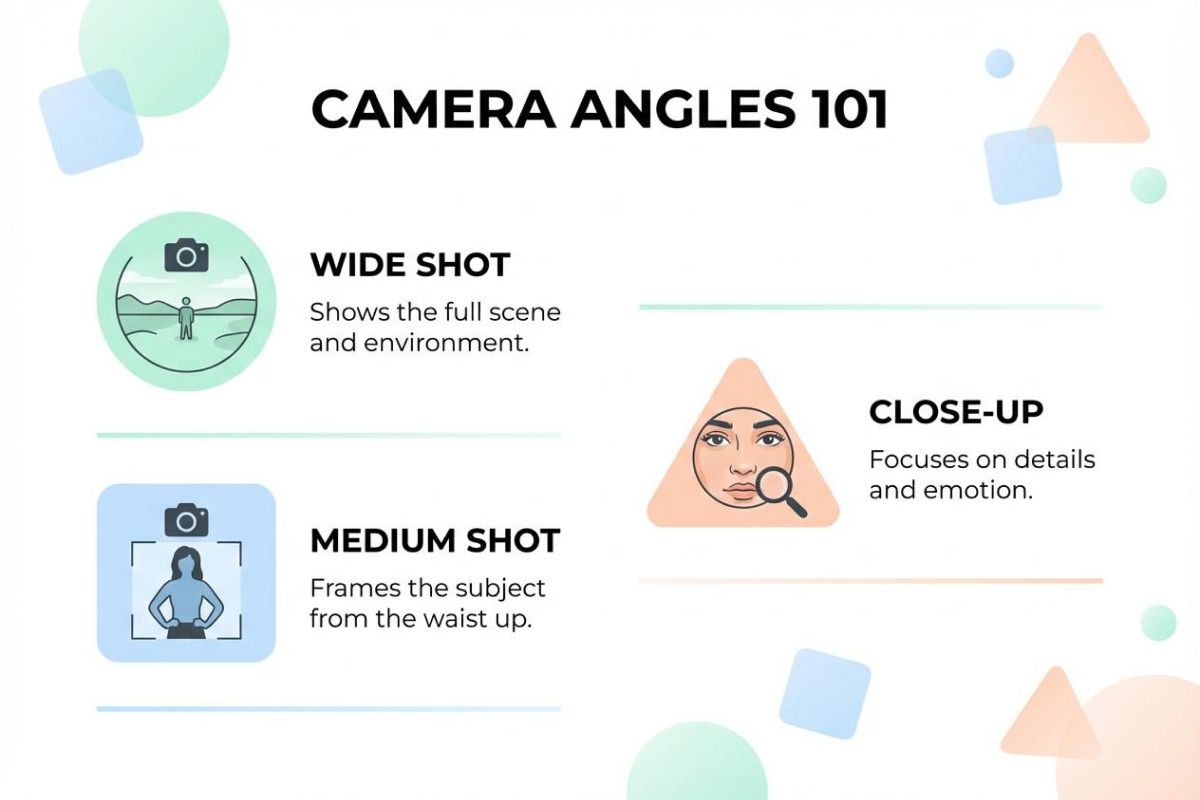
Camera Angles 101 infographic explaining wide, medium and close-up shots

How to use FLUX.2

  1. 1

    Upload images or start fresh

    Upload up to six reference images, or start with a blank canvas to generate new visuals.

  2. 2

    Write a descriptive prompt

    Describe the scene, edits, and style in natural language. Put any text in quotes and explain where it should go, and tell the model which elements to use from each image.

  3. 3

    Generate and refine

    Create your image, review the output, then adjust your prompt to refine colors, layout, or style. Save or continue editing inside Pixelcut.

창작자들이 신뢰하는

Adidas logo
Airbnb logo
Apple logo
H&M logo
Google logo
Gucci logo
Nike logo
Sephora logo

자주 묻는 질문

Pixelcut은 2백만 명이 넘는 사람들에게 사랑받고 있습니다.

  • 내가 가장 좋아하는 앱

    훌륭한 앱, 사용하기 쉽습니다. 소규모 기업이 시간과 비용을 절약하여 다양한 마케팅 자료를 전문적으로 만들 수 있도록 도와줍니다. 감사합니다.
    셰린 D.
  • 최고의 배경 제거기

    저는 제 작업을 위해 좋은 배경 제거기가 필요하고, 모든 것을 사용해본 것 같습니다. 이 제품이 지금까지 사용해본 것 중 가장 좋습니다. 사용하기 너무 쉽고 결과는 항상 놀랍습니다. 감사합니다 Pixelcut!
    키라 H.
  • 그것을 좋아한다

    놀랍도록 쉬우며 가방과 액세서리에 완벽한 결과를 제공합니다. 전문 사진작가가 찍은 것 같네요.
    메리 J.