Pixelcut
Three AI portraits of women, centered on a model in a colorful dress on purple

AI Portrait Generator

7천만 명이 신뢰하는
리뷰 171,800개
개발자 API
iPhoneAndroid에서 사용 가능

Pixelcut’s AI portrait generator lets you create beautiful and realistic portraits from text on any device. Whether you’re designing marketing collateral on your desktop or creating a post for social media on your phone, you can create stunning portraits just by typing what you imagine. Our AI portrait generator works seamlessly on desktop, tablet, and mobile, so you can bring ideas to life wherever inspiration strikes. No advanced software is required, just your creativity and your device of choice.

Beautiful AI-generated portraits from text on any device

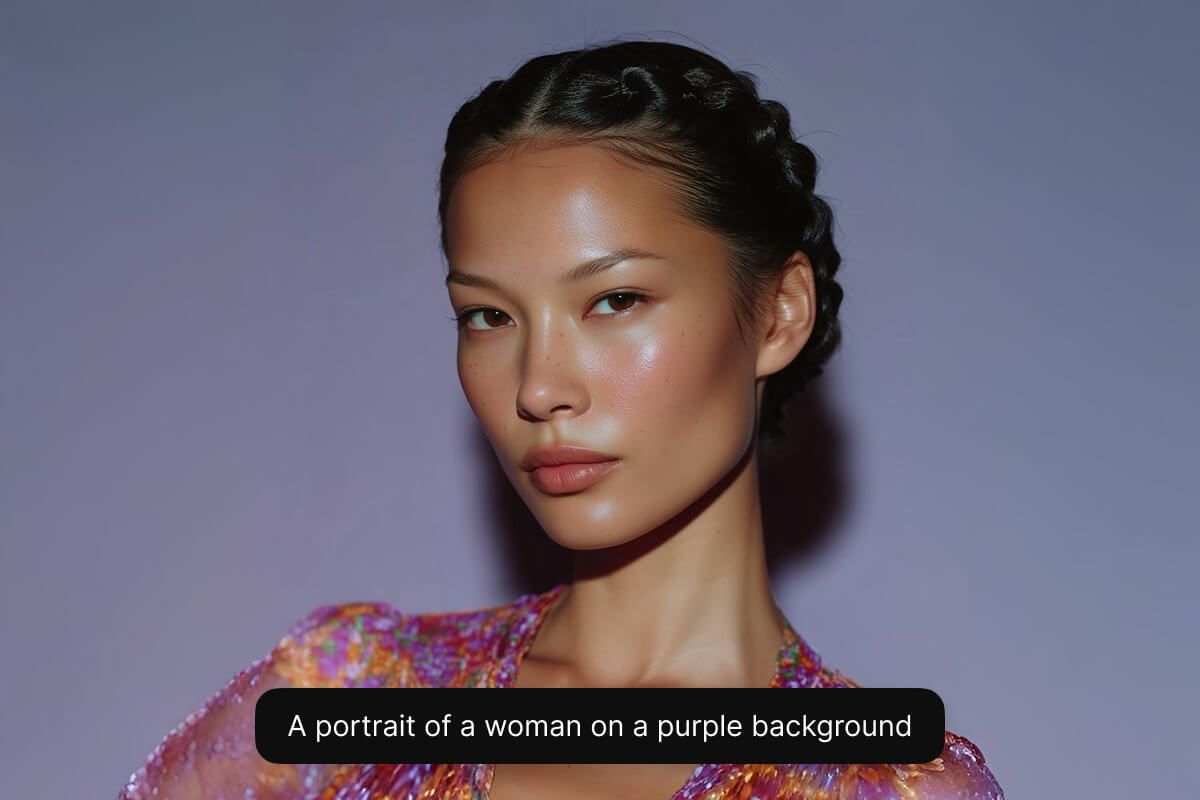
Portrait of a woman with braided hair in a shimmering dress against a purple backdrop

Instantly create AI portraits from your own photos and transform ordinary selfies into stunning, professional-quality images. Simply upload your favorite photo, and our advanced AI technology will produce captivating portraits ideal for social profiles, professional portfolios, or creative projects. Whether you’re an influencer aiming to elevate your online presence or an entrepreneur refining your digital identity, personalized portraits have never been easier. Experience the simplicity and power of portrait generation at your fingertips.

Instantly create AI portraits from your own photos

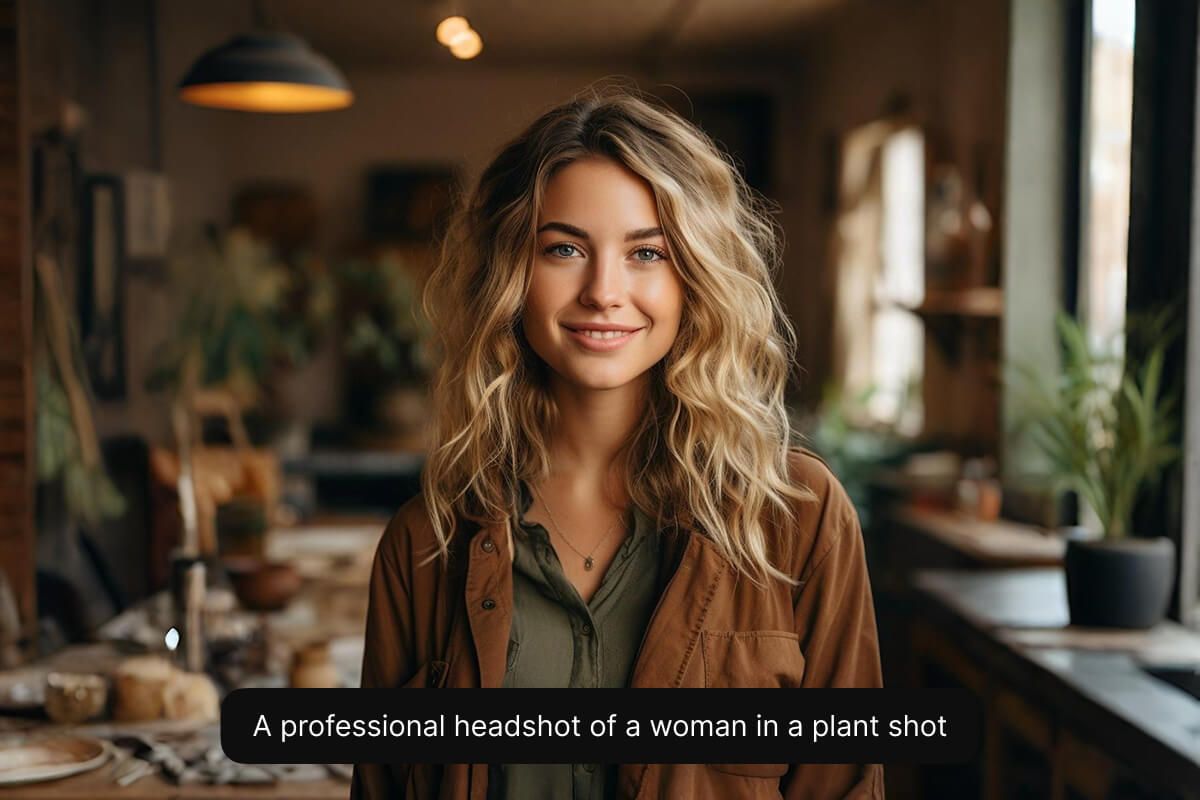
Smiling woman with wavy blonde hair in a cozy plant-filled studio

Choose from multiple AI models to get the perfect style for your project. If you need a polished corporate headshot or a photorealistic look, Flux Kontext Max can bring your vision to life. Marketers can maintain brand consistency by selecting a model that matches their aesthetic, while designers experiment with different looks for each campaign. This flexibility ensures every user finds the ideal portrait style for their needs. Experiment with all of Pixelcut’s supported models to find the one that best fits your needs.

Choose from multiple AI models for different styles

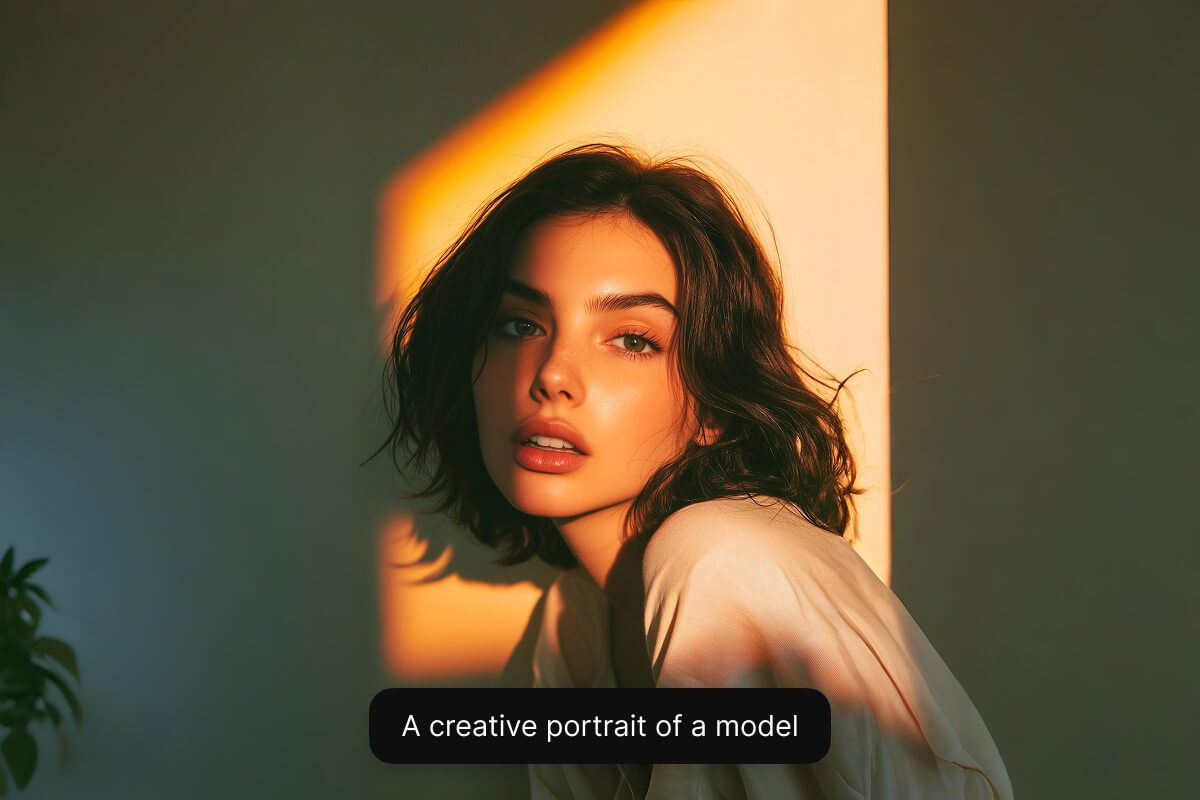
Moody portrait of a woman lit by warm window light against a soft gray wall

How to create a portrait

  1. 1

    Describe portrait or upload image

    To create a portrait from scratch, simply enter a text description of what you’d like to see. If you want to create a portrait from an existing image, upload your image and describe how you'd like your portrait to look.

  2. 2

    Choose the right model

    Portrait creation works best with the Flux Kontext Max. We recommend selecting this models for photorealistic portrait creation, but feel free to experiment with other models to find a style you like.

  3. 3

    Generate your portrait

    In seconds, our AI will create a realistic portrait based on your description. The AI interprets your prompt and instantly creates your portrait for you.

  4. 4

    Download your image

    Once you’re happy with the result, download your portrait to your device. It’s ready to use as a on your website, profile picture, or anywhere you’d like.

창작자들이 신뢰하는

Adidas logo
Airbnb logo
Apple logo
H&M logo
Google logo
Gucci logo
Nike logo
Sephora logo

자주 묻는 질문

Pixelcut은 2백만 명이 넘는 사람들에게 사랑받고 있습니다.

  • 내가 가장 좋아하는 앱

    훌륭한 앱, 사용하기 쉽습니다. 소규모 기업이 시간과 비용을 절약하여 다양한 마케팅 자료를 전문적으로 만들 수 있도록 도와줍니다. 감사합니다.
    셰린 D.
  • 최고의 배경 제거기

    저는 제 작업을 위해 좋은 배경 제거기가 필요하고, 모든 것을 사용해본 것 같습니다. 이 제품이 지금까지 사용해본 것 중 가장 좋습니다. 사용하기 너무 쉽고 결과는 항상 놀랍습니다. 감사합니다 Pixelcut!
    키라 H.
  • 그것을 좋아한다

    놀랍도록 쉬우며 가방과 액세서리에 완벽한 결과를 제공합니다. 전문 사진작가가 찍은 것 같네요.
    메리 J.